Week 8 - Challenge 3 - Coin Holder Design
Aim: Create the Switch Bezel Plastic component through the given Class-A surface.
Objectives:
- To create class B & C surface for the given component.
- To form the tooling axis and capture the surface properly.
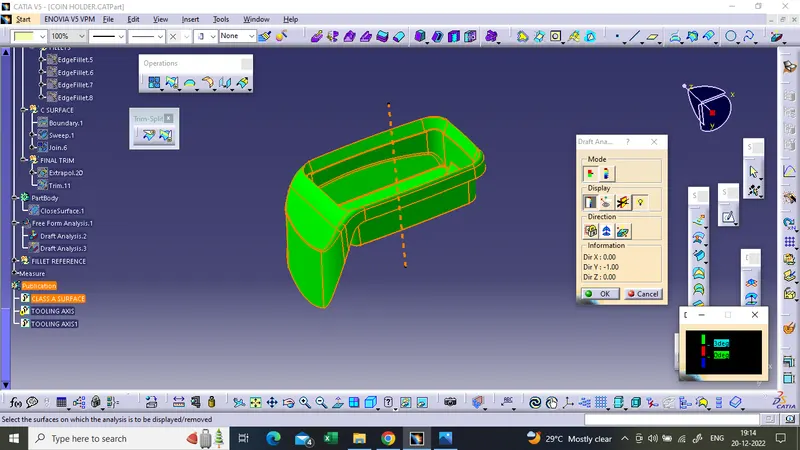
- To check the feasibility of the component with a draft of 2 degrees.
Method:
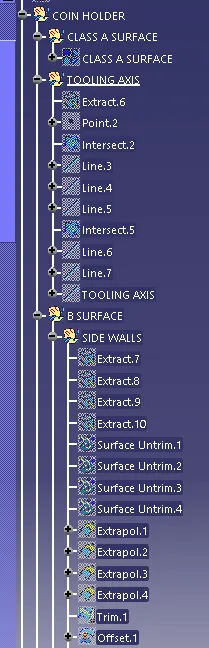
In order to obtain the proper draft analysis tooling axis is required and the following steps show how it is done.
- Ectract the base from the Class A surface
- Create a point on the surface center
- Create a Axis system in the surface center using the point
- Now Create an intersetion of the class A in YZ or XY plane
- I have taken the XY plane
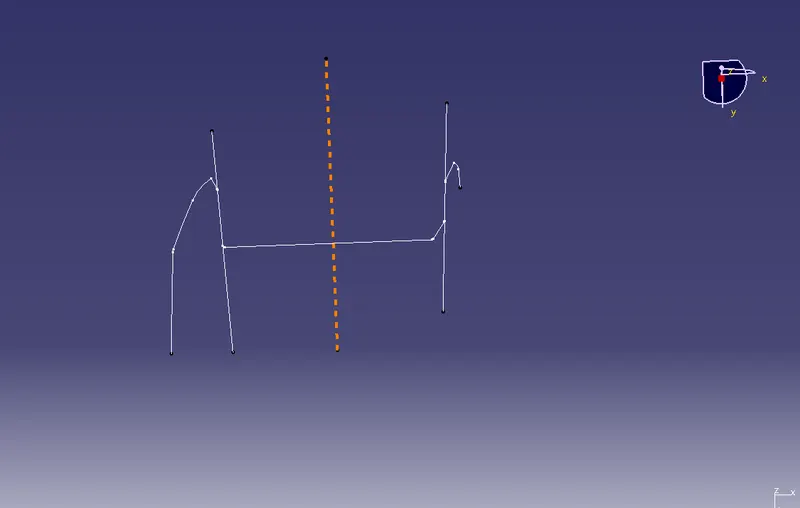
- Then create two lines on both side using the points as shown
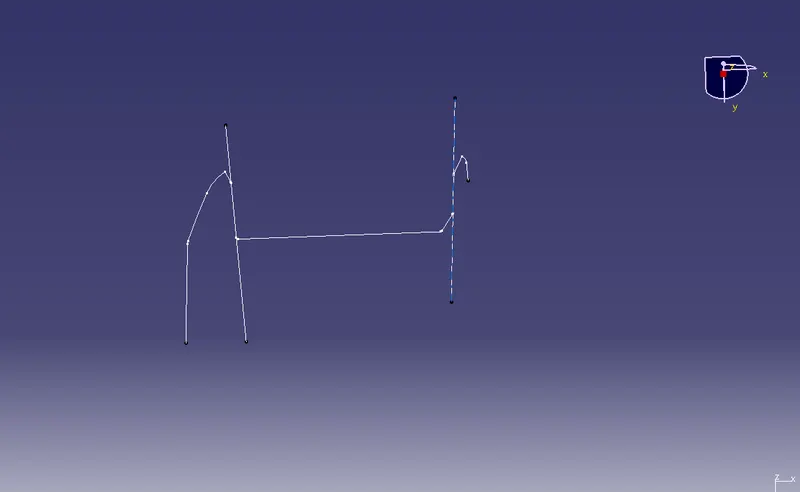
- Now using these 2 lines create a bisecting line that will the tooling axis
DRAFT ANALYSIS OF CLASS A SURFACE
CONSTRUCTION OF CLASS B & C SURFACE
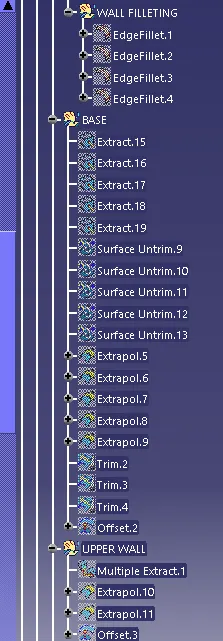
- At first extract the side walls untrim and extrapolate them now every side wall is intersecting
- Now trim them using the trim command
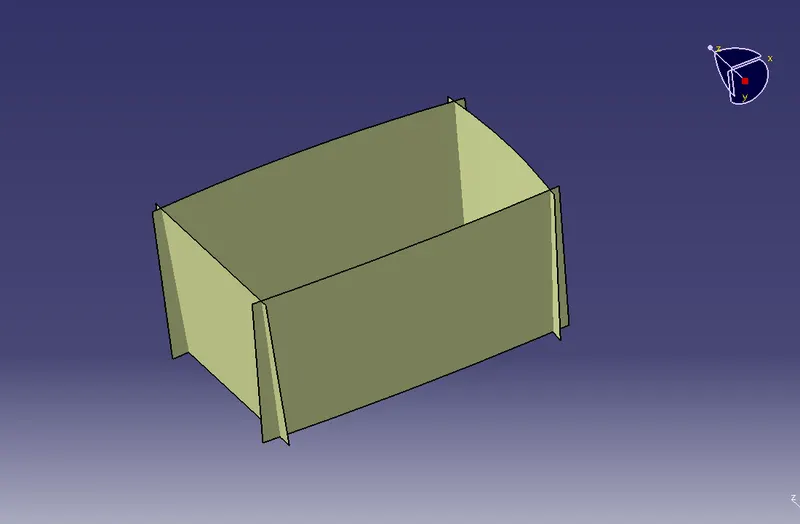
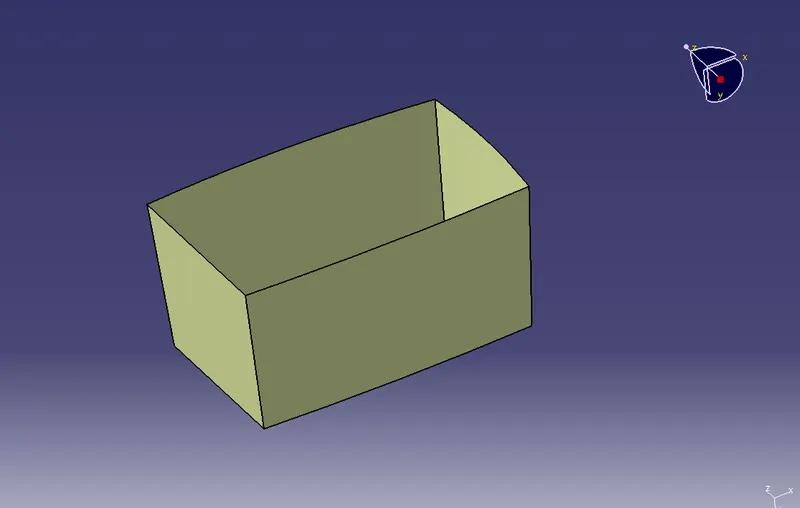
- Give the edge fillet to the side wall
- Fillets are taken class A and added with the thickness value
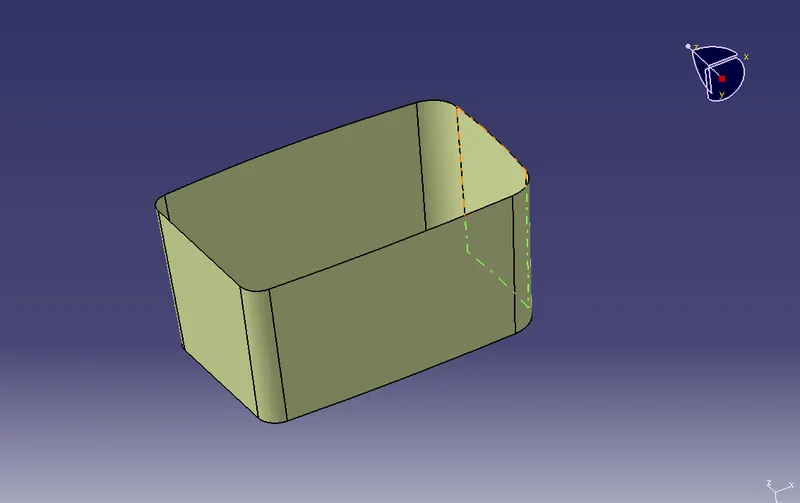
- Then extract the base untrim and extrapolate them and the trim them in such a way that it matches the class A surface
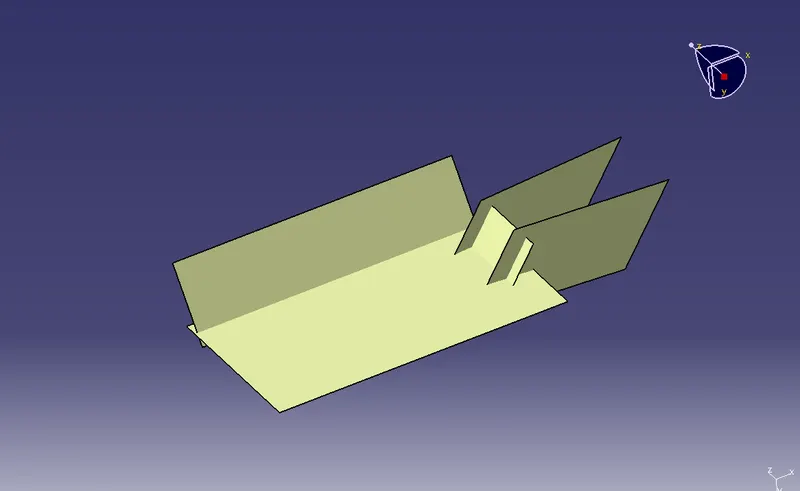
- The next step is to extract the top wall and extrapolate it
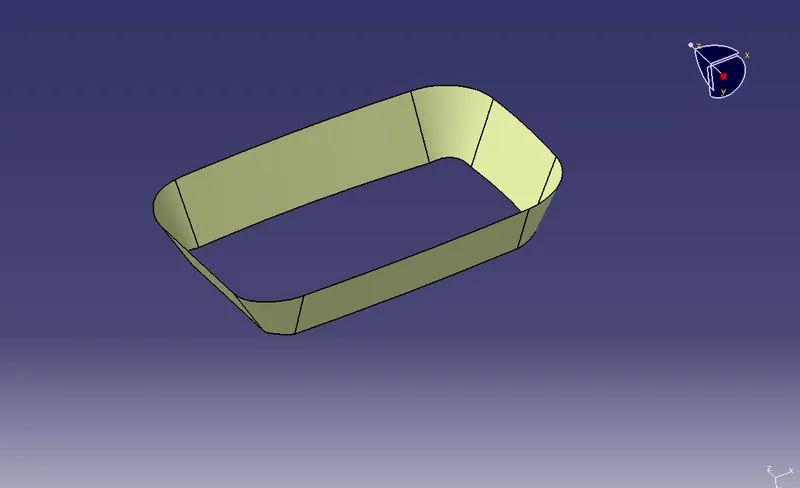
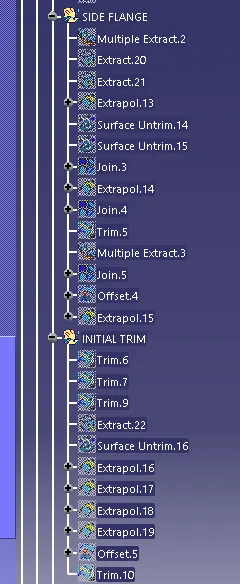
- Extract the side flanges and extrapolate them to the certain distance
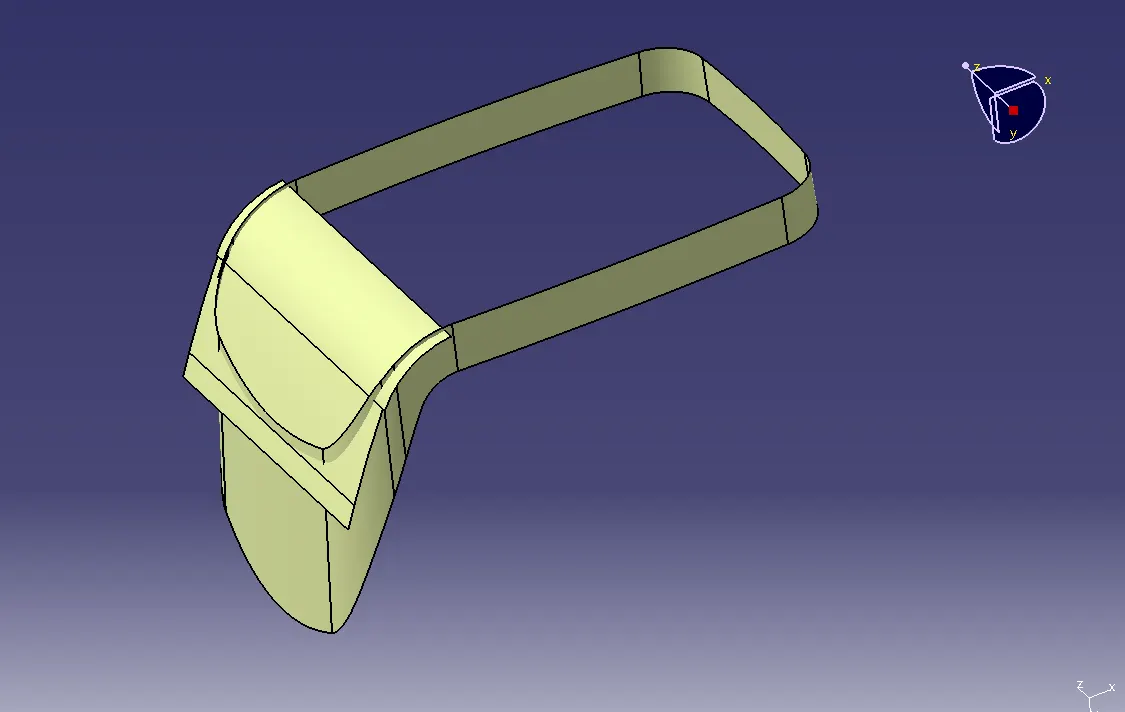
- Now trim them both
- Offset this inward to a distance of 2.5mm
- Now trim all the created surface one by one expect the side flange
- Offset the trimmed surface outward to a distance of 2.5mm
- Now trim the side flange with the surface which we got
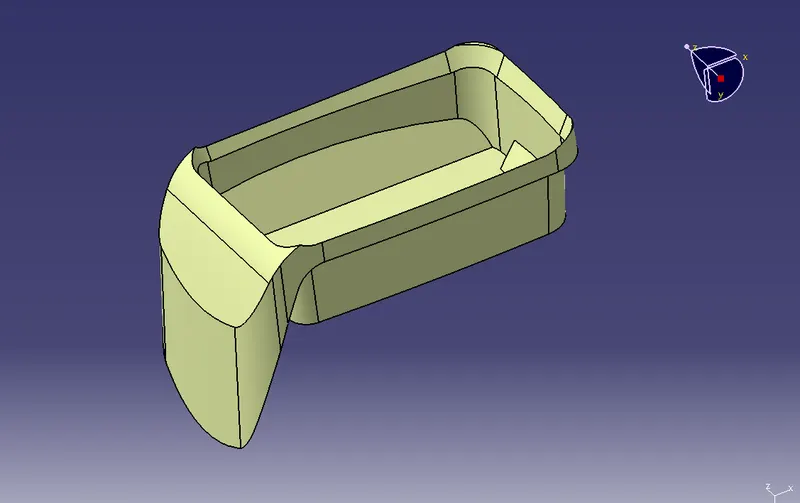
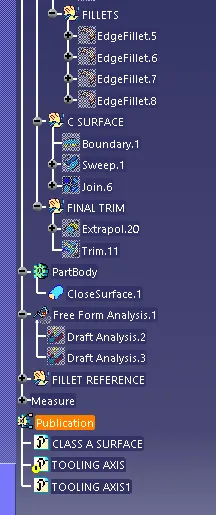
- Give fillets to the sharp edges
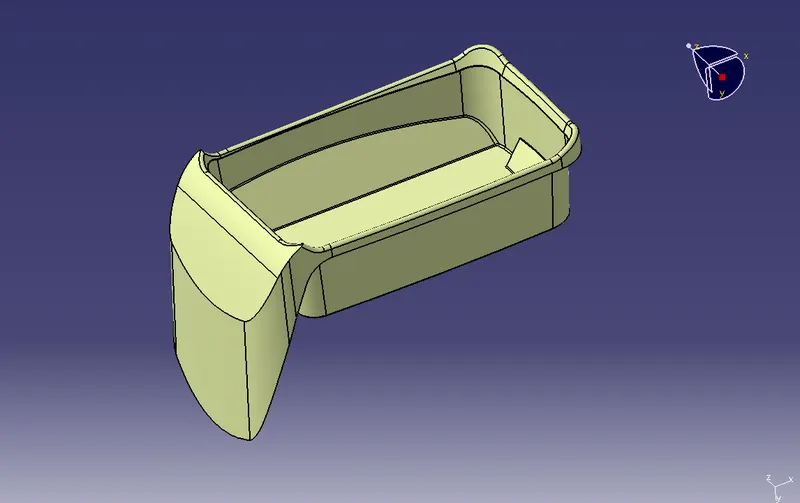
- Now the C surface
- Create the boundary on the class A surface
- Then using the sweep command create a 90deg sweep inward with respect to the surface
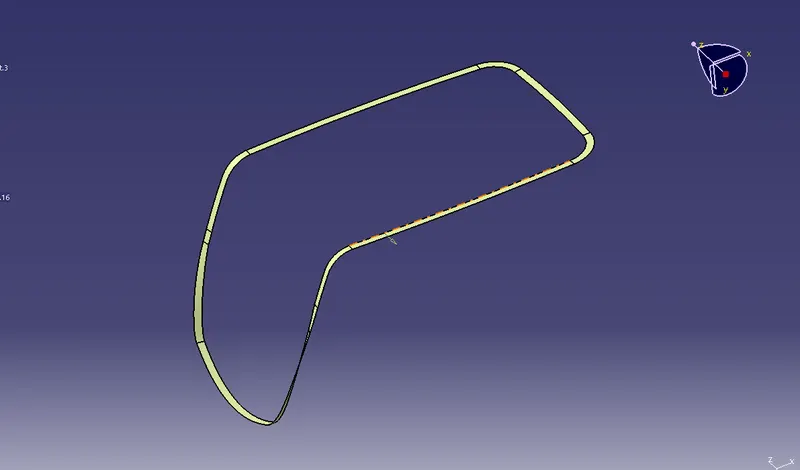
- Now join the Class A with the sweep
- Now trim the class B surface with the join
- We got the surface required
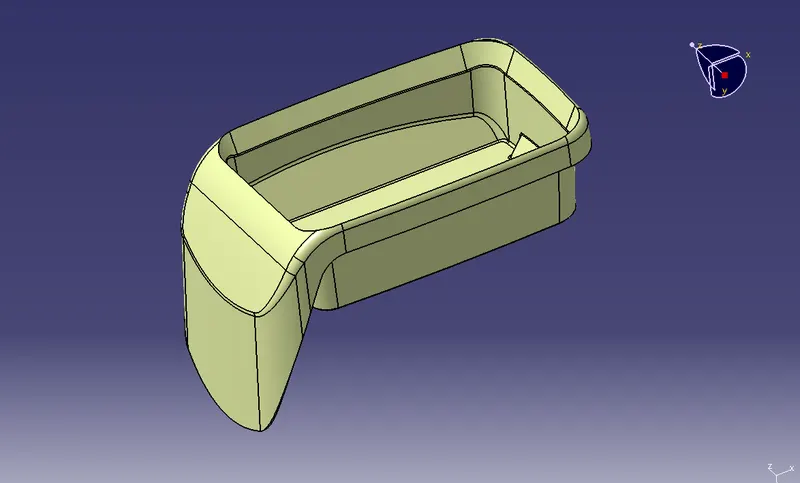
ISOMETRIC VIEW
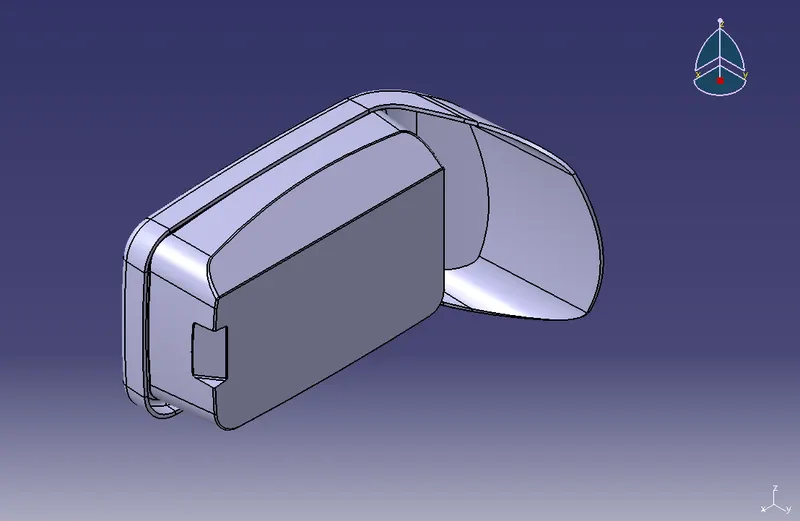
FRONT VIEW
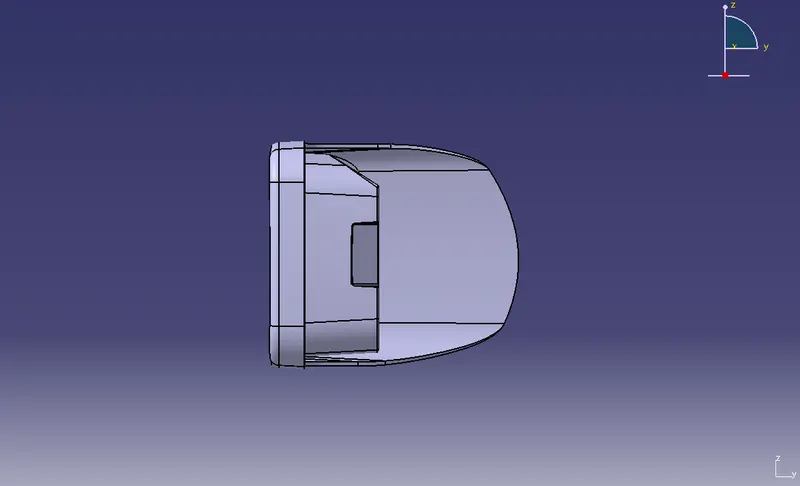
TOP VIEW
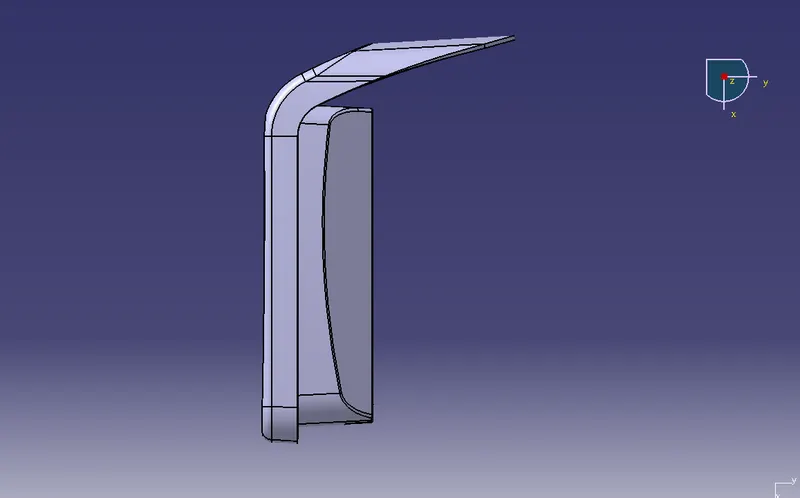
GEOMETRICAL CONSTRUCTION SET