Week 8 - Challenge 3 - Coin Holder Design
TASK: To create Coin Holder Plastic component through the given Class-A surface
Steps:
- from the class A surface given, check for surface clarity.
- create a tooling axis
- check the draft analysis
- extract class A surfaces, untrim, extrapolate and offset to create class B surface
- create a boundary around class A to create class C surface
- join all the surfaces
- create a solid body
class A surface
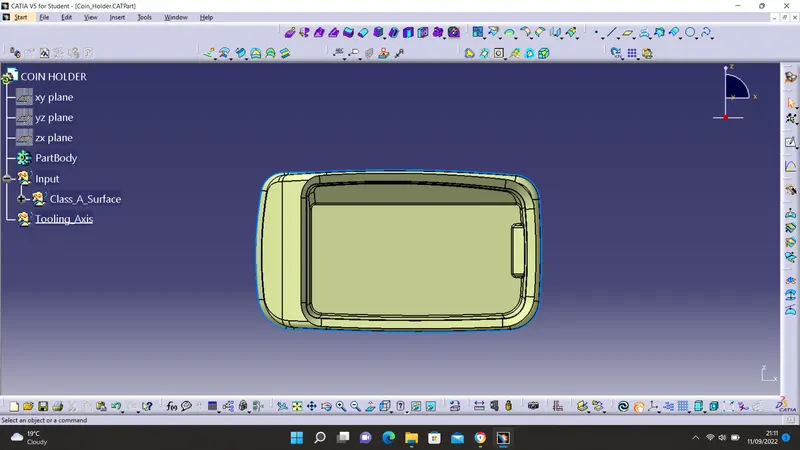
checking boundary and surface clarity
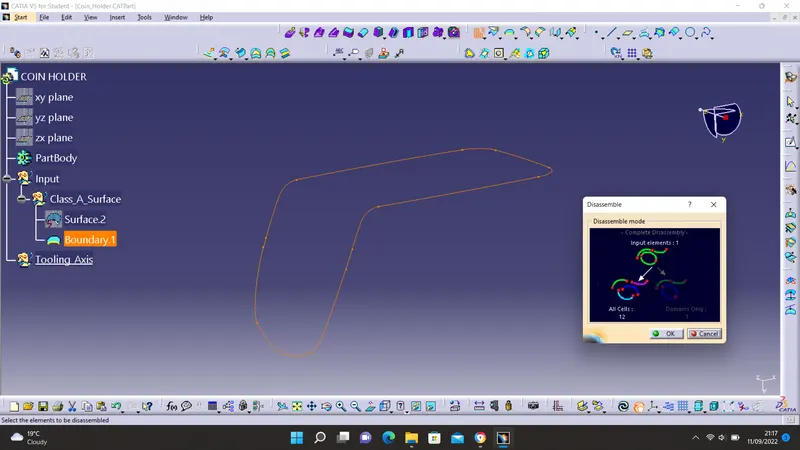
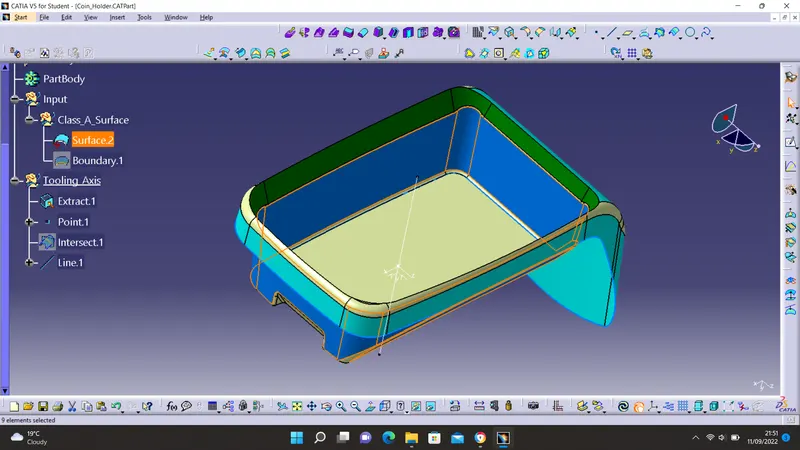
Creating a Tooling Axis: tooling axis defines the direction of opening and closing of the core and cavity. This is important to create a product that can be manufactured. To create a tooling axis, an intersection line is drawn between the two axis with which the part cannot be created.
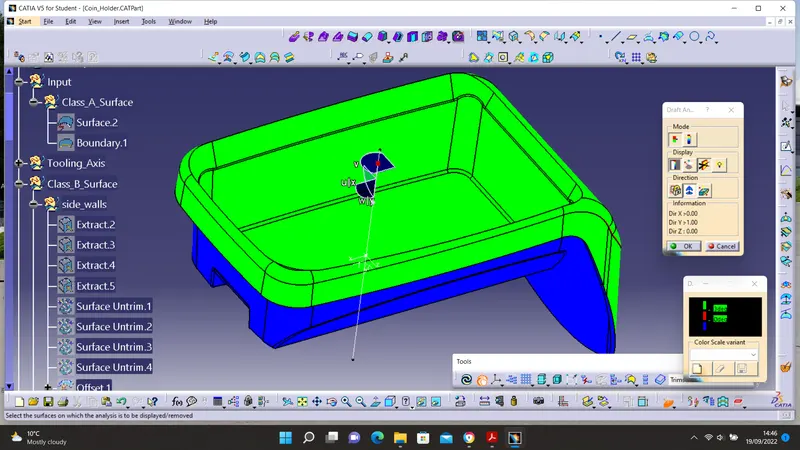
Checking Draft Analysis: to perform a draft analysis, it is necessary that the material is customized in the view parameter tool. The minimum draft angle should be set to 3 degrees.
CREATING CLASS B SURFACE
Surfaces of class A are extracted, untrimmed, extrapolated, and then offset to a distance of 2.5mm. After offset, the surfaces are trimmed to create a single shape.
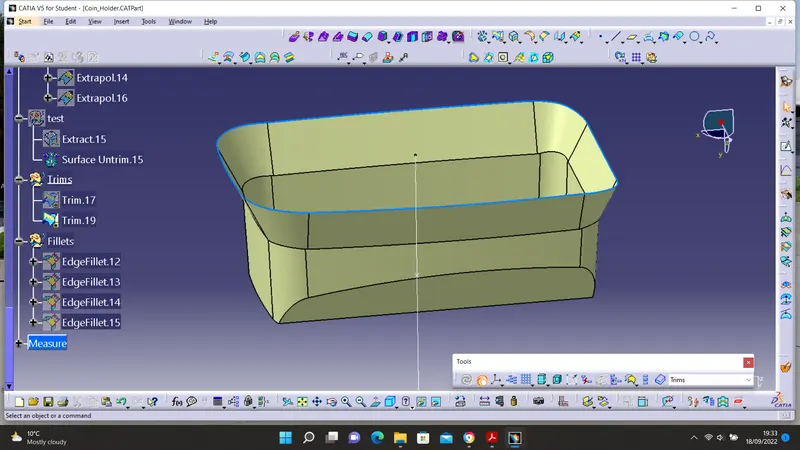
Extraction, extrapolation, and offsetting of outer walls of the class A surfaces.
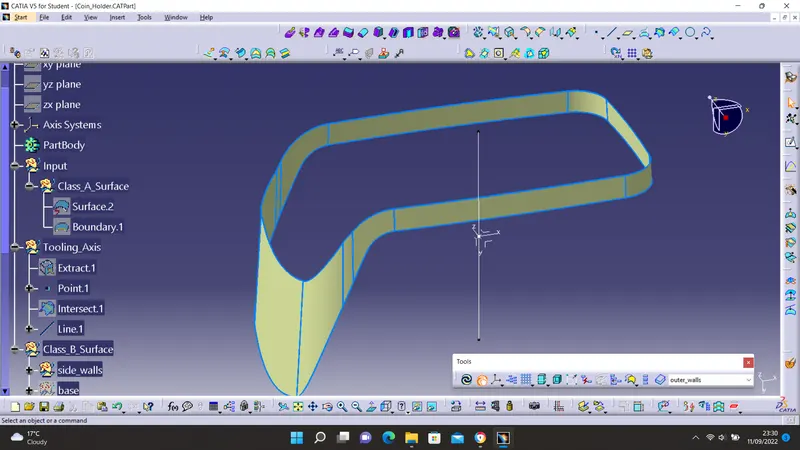
Intersection lines of surfaces A and B are created. To create a class C surface from these, the class A boundary and surfaces near the boundary are extracted.
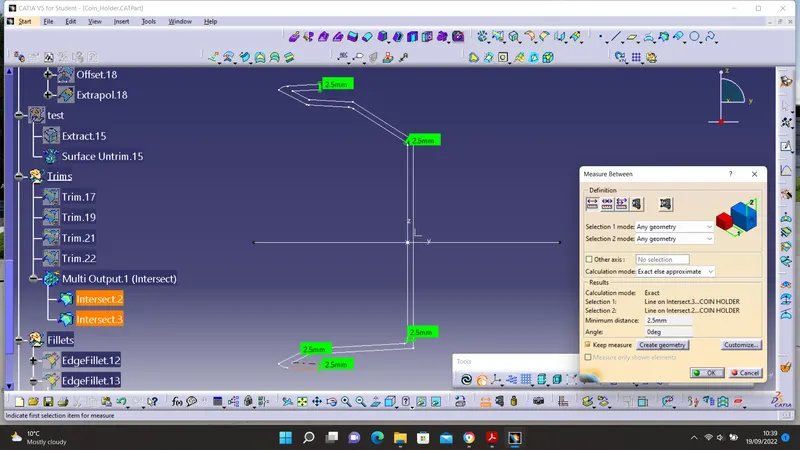
CREATING CLASS C SURFACE
The boundary of the class A surface is swept toward class B. A trim tool is then used to trim both class C and the class A boundary.
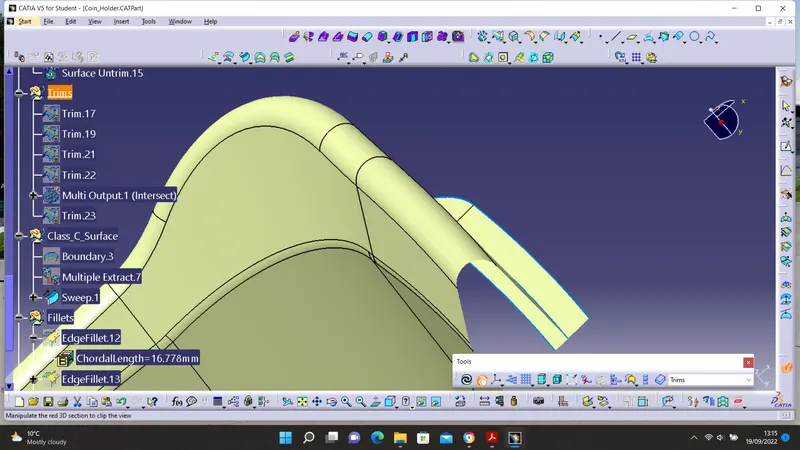
Trimmed surface.
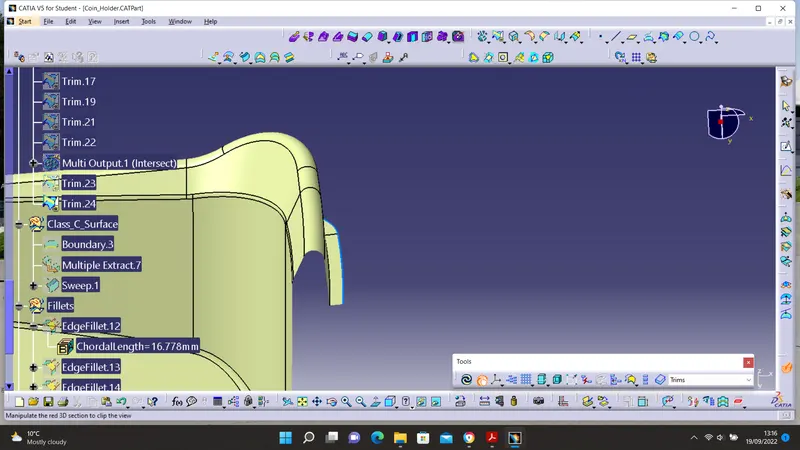
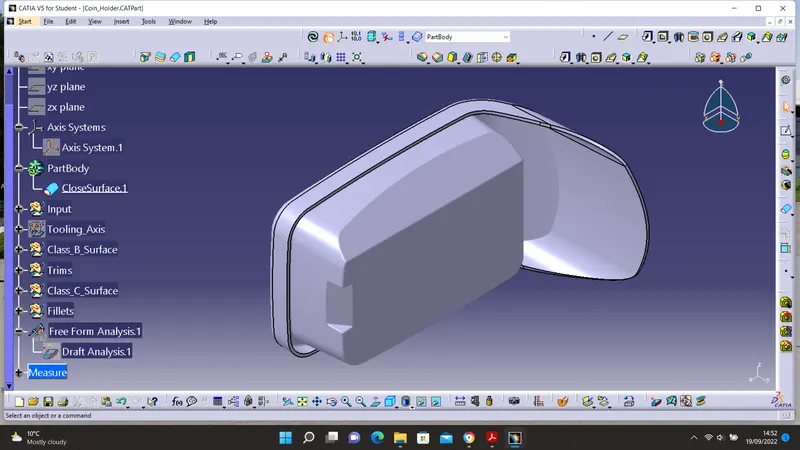
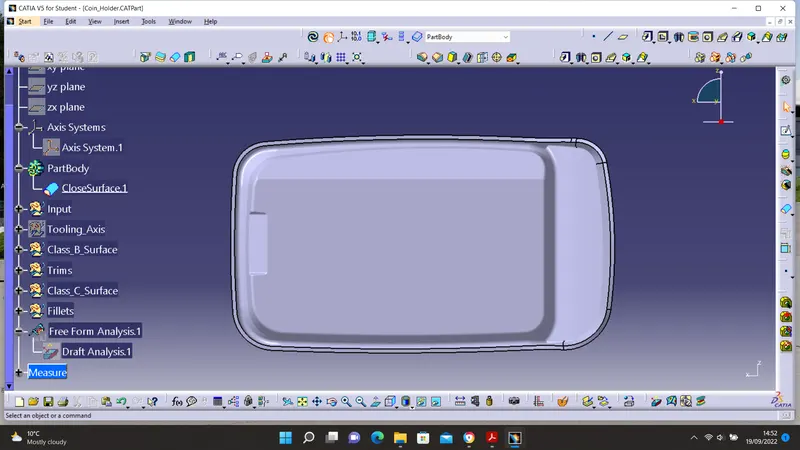
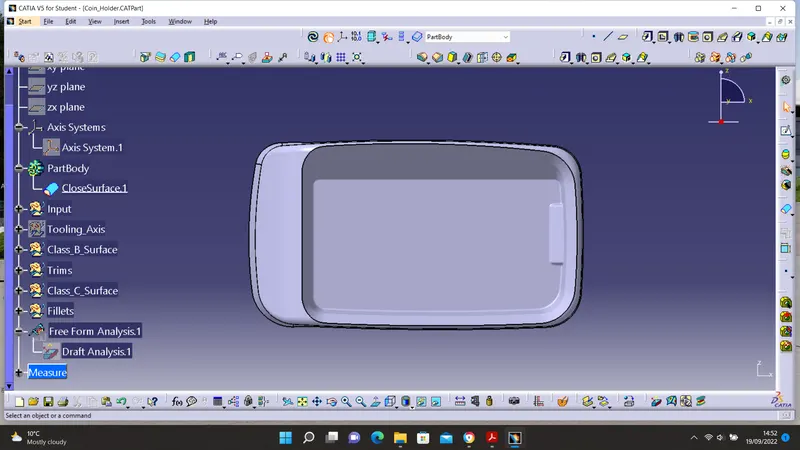
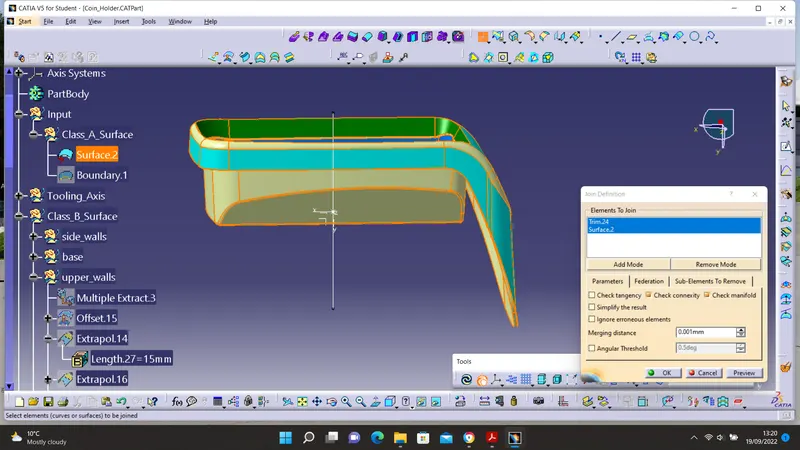
Joining: the trimmed surfaces and class A are joined.
CREATING A SOLID BODY
The workbench is switched to a part design workbench. Close Surface command is then used to create a closed body.