Week 8 Challenge
AIM – The aim of our is that, to Calculate the Centrifugal load for the bridges and Create the model in Staad Pro and
analysis the Structure.
INTRODUCTION – The Detail of Project for the bridge Given below
The Span of the Bridge is 12m
Width of carriage way is 7m
The bridge is subjected to a live load of class 70R tracked vehicle.
The design speed of vehicle is 75km/hr
The Radius of curvature in the bridge 3m
PROCEDUCE IN DETAIL:-
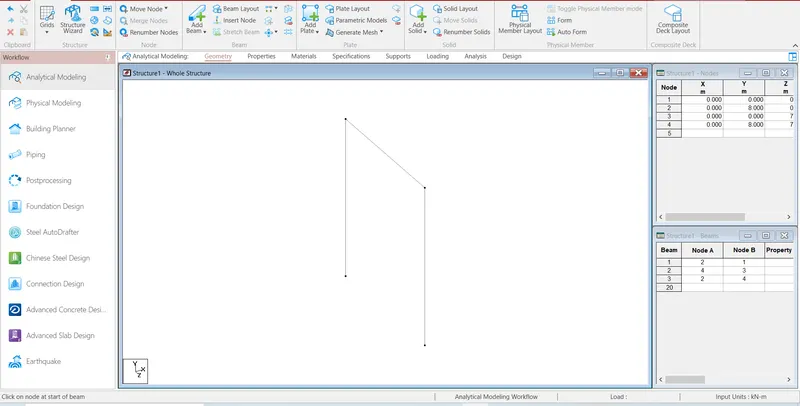
STEP1:- First create the node and select the add beam Command and create the beam.
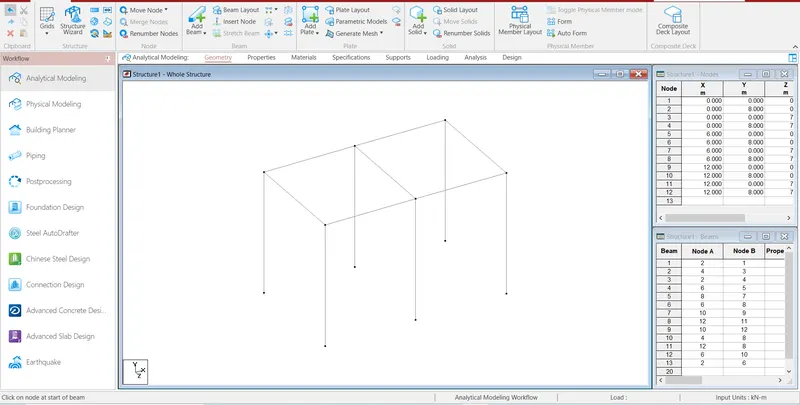
STEP2:- Then, Select the beam then go to the translation repeat Command and create the beam .
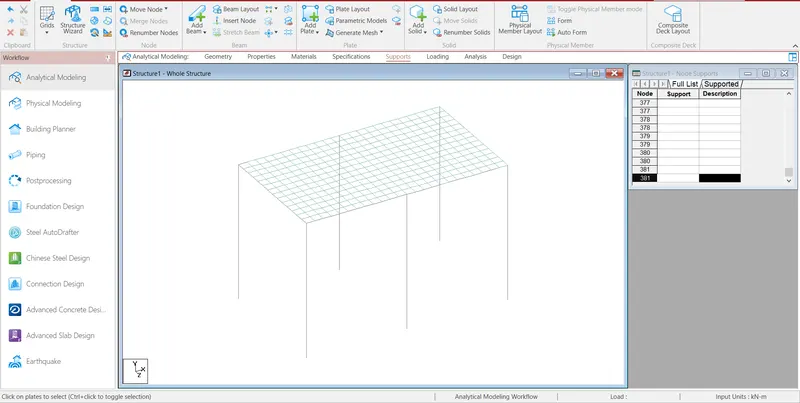
Step3:- After Create the model then go the support command create the fixed supports and assign the supports.
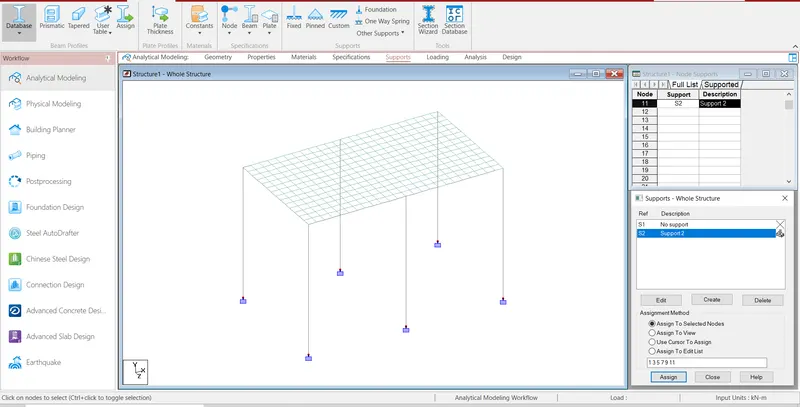
Step4:- After Create the support then go to the properties command and select geometry and assign the properties.
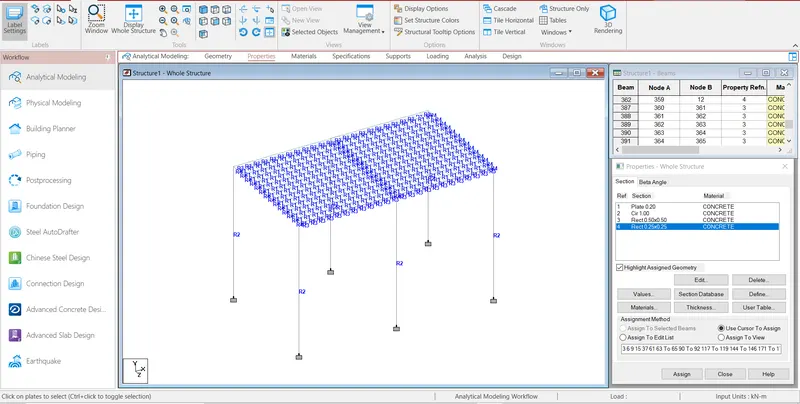
Step5:- Then Calculate the Centrifugal load as per IRC
C= W*V2/127*R
Where C is Centrifugal load
W is Live load
V is Design Speed of Vehicle
R is Radius of curvature
Value of W is 70 kN for Class 70R tracked vehicle as per IRC
C=70*75*75/127*3
=1033.46457 kN
Step6:- After go to the Load definitions and defined the vehicle Load.
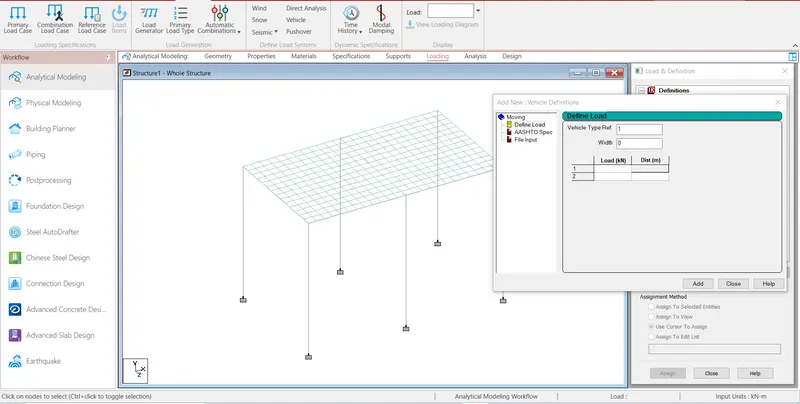
Step7:-Then go to the Load cases details and Generate load.
NO of Generate load= Span of bridge/Node to Node distance
=12/0.5
=24
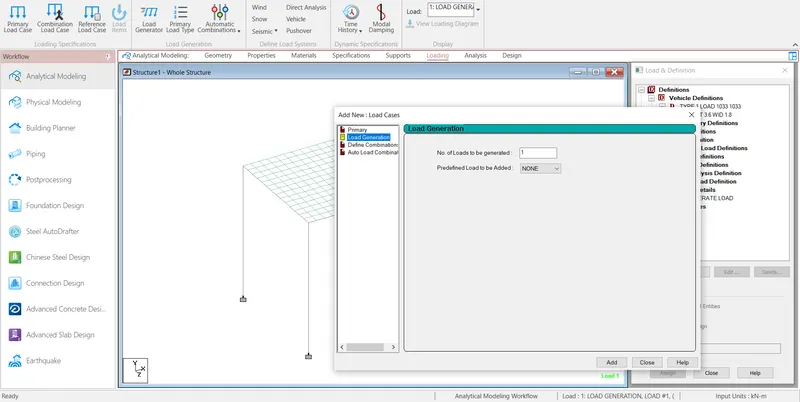
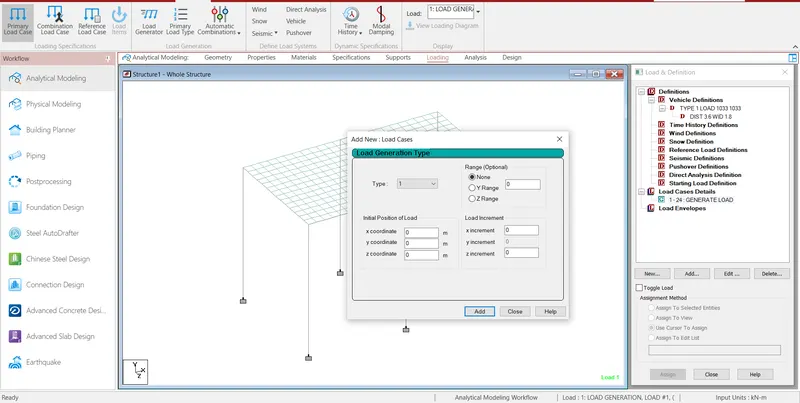
Step8:- Then slave the file and assign run analysis
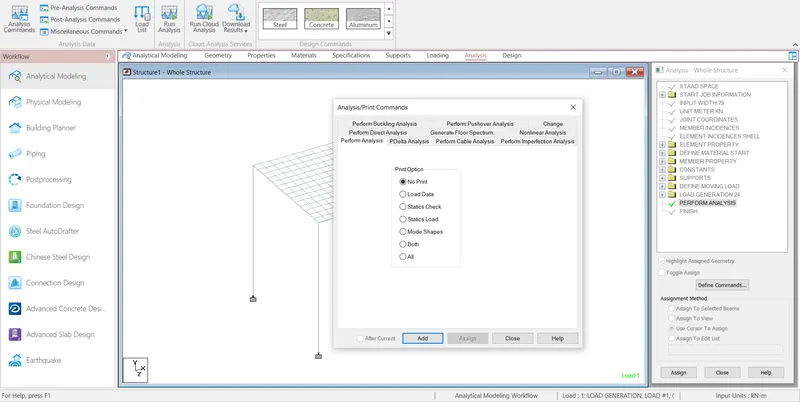
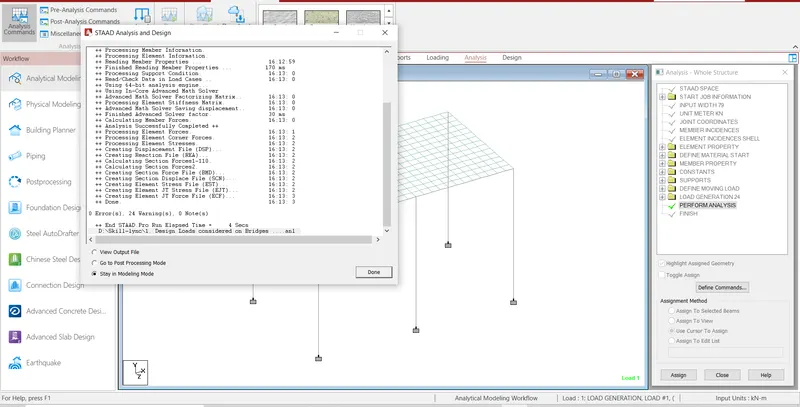
Step9:- Then Check the Deflection, displacement and all deformation on the structural element .
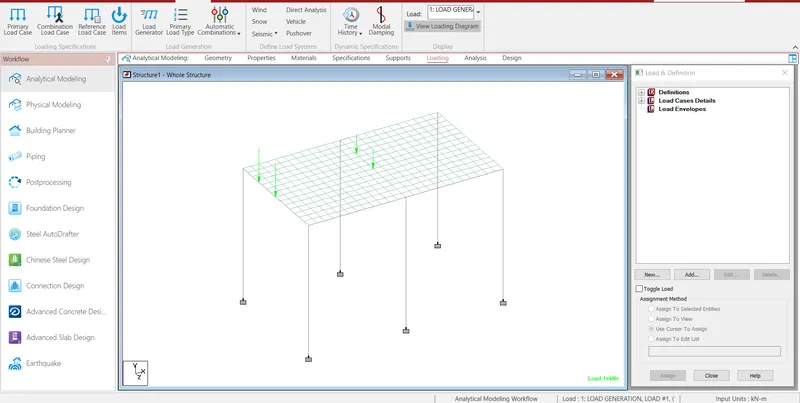
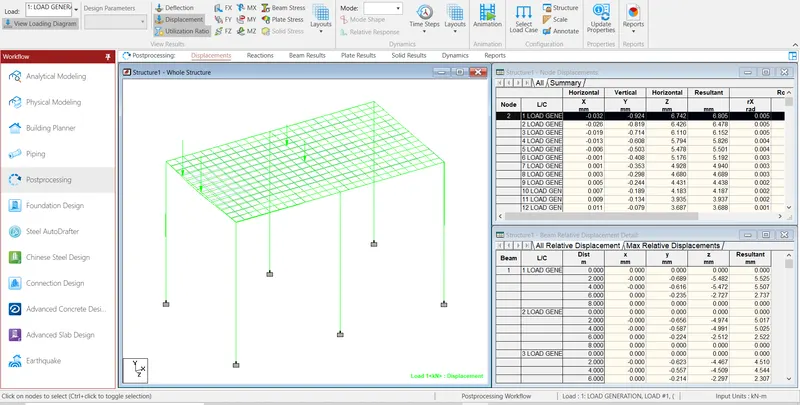
RESULT:- 1033.46457kN the Centrifugal load is acting in the bridge.
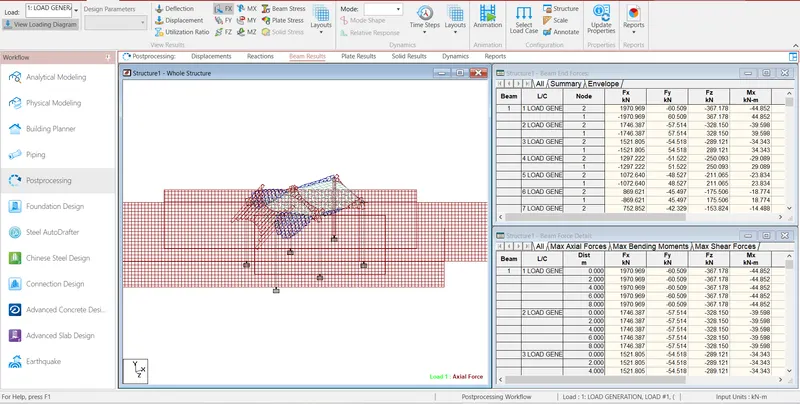
Axial force of model
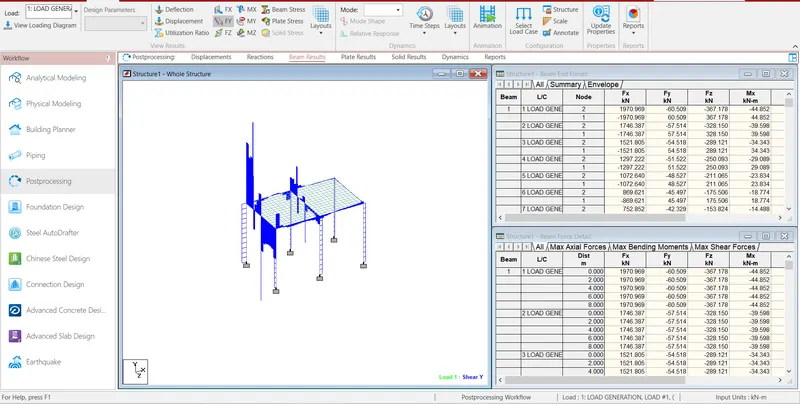
Shear force Y of model
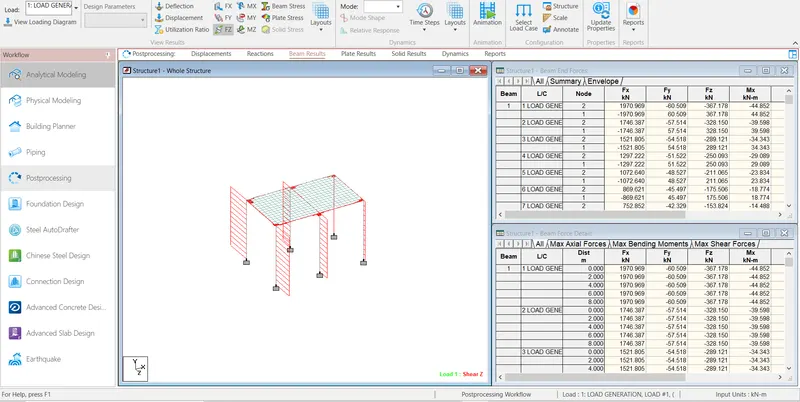
Shear force Z of model
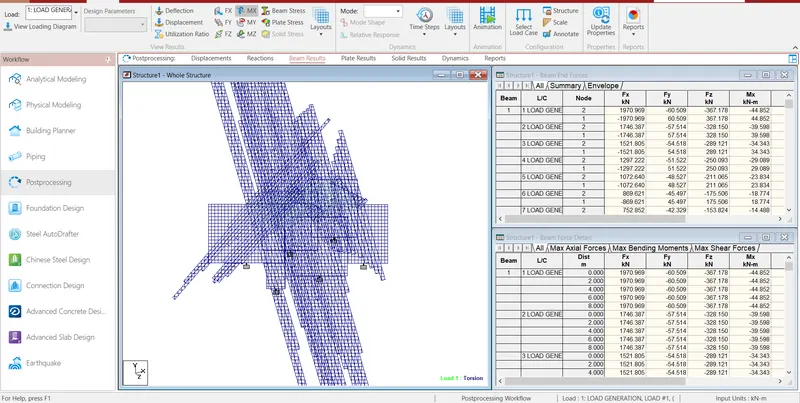
Torsion of model
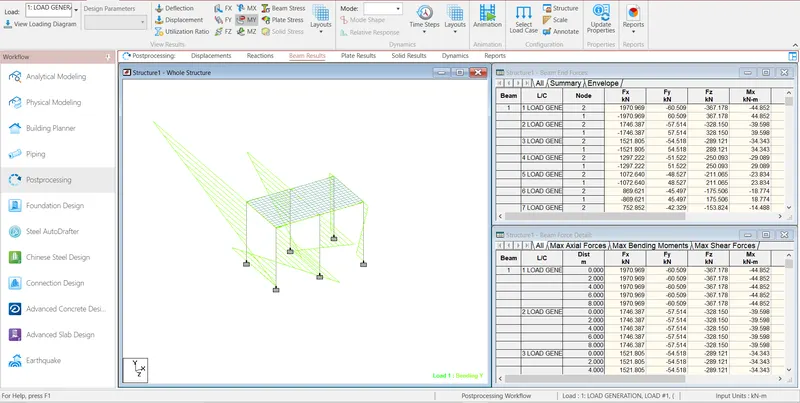
Bending Y of model
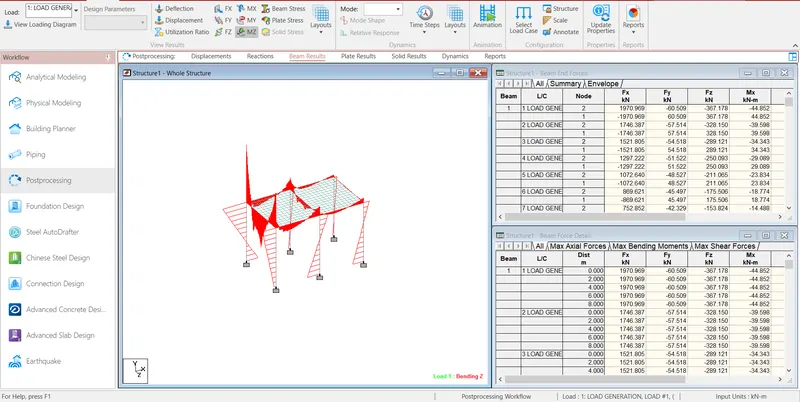
Bending Z of model
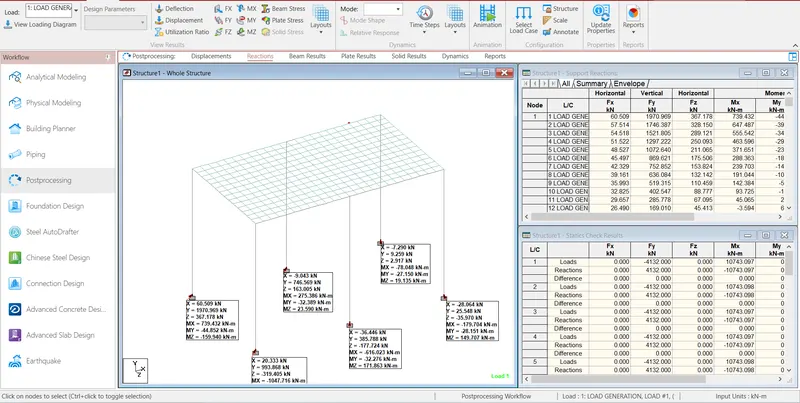
Reactions of model