Week 8 - Challenge 2 - Switch Bezel Design
Aim : To create switch bezel plastic component through given class A surface
Objectives :
- Create Tooling axis considering a required draft angle of a component
- Performing a draft analysis on given class A surface and final component
- Create class B and class C surfaces
Creation of tooling axis :
Check visually which is the possible Tooling axis. On a base surface it is possible for the creation of Tooling axis.
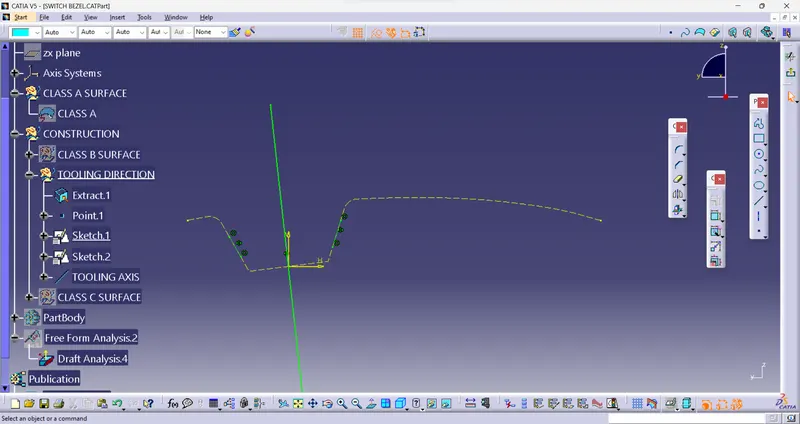
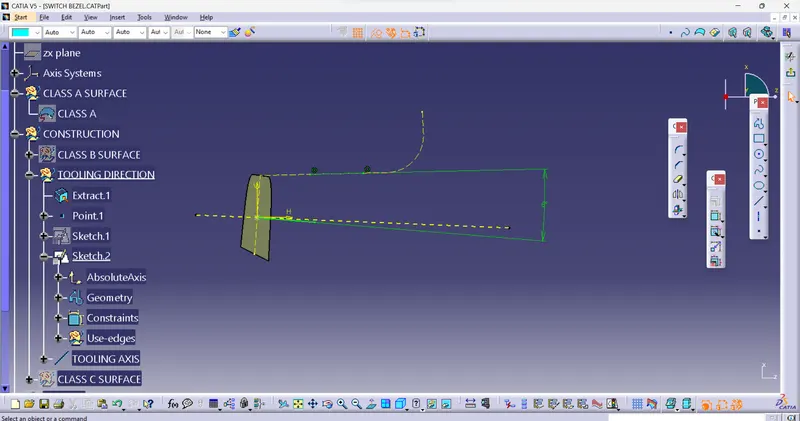
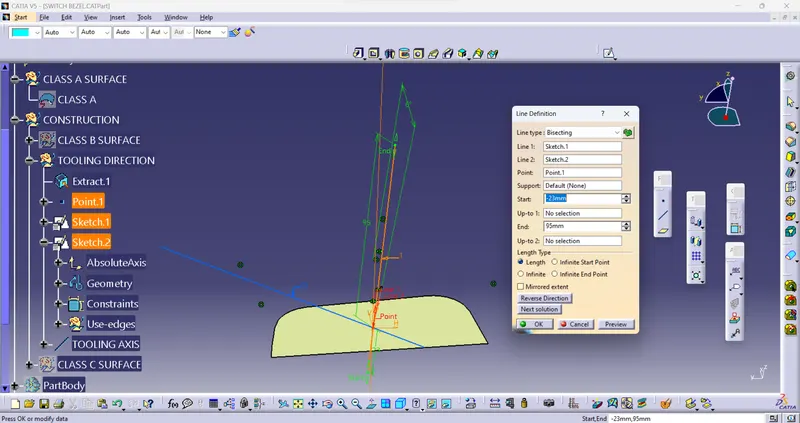
Creating a Tooling axis on base. extract the base component create a point on the surface and create a
axis system on it create a line on point on YZ plane using sketcher workbench. Create draft line on
ZX plane with drafting angle of 6 degree. Now create a bisecting line using those lines. Hence the bisecting line is a Tooling axis.
Draft analysis of Class A surface:
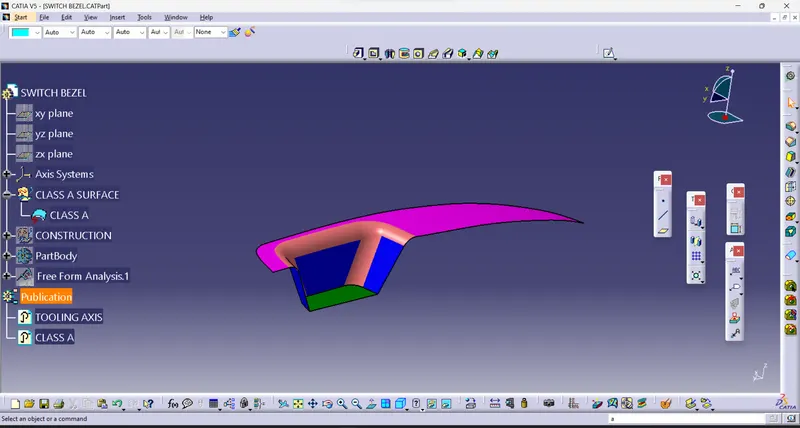
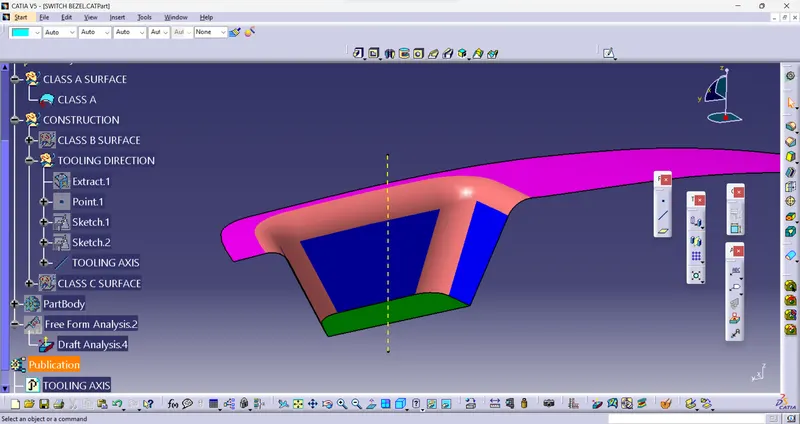
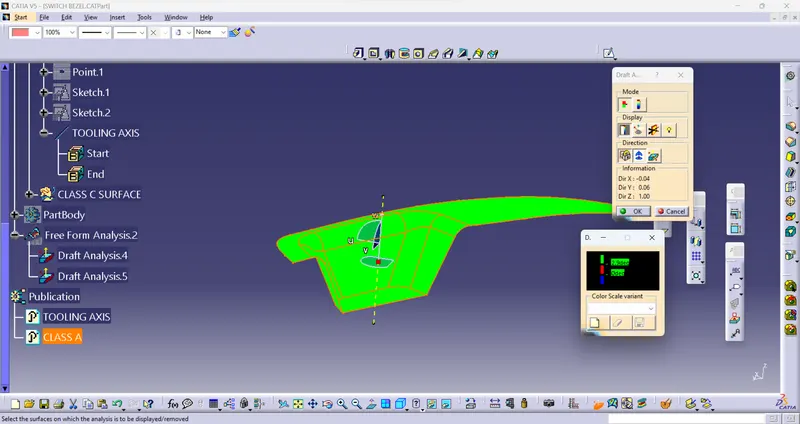
Using feature draft analysis tool check the feasibility of the Class A surface
Creation of class B surface:
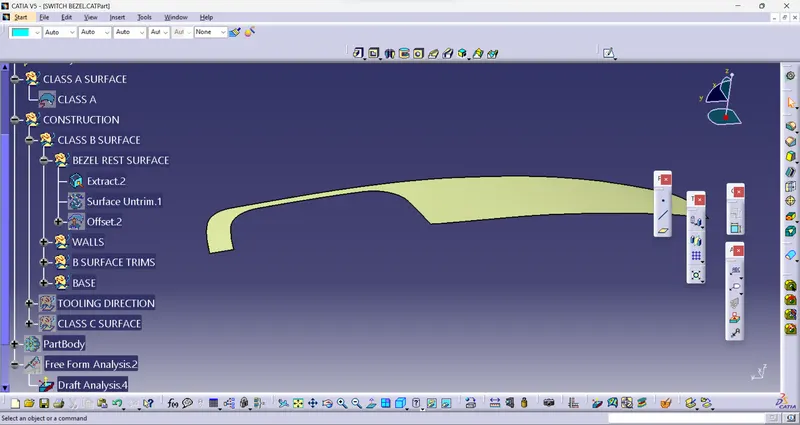
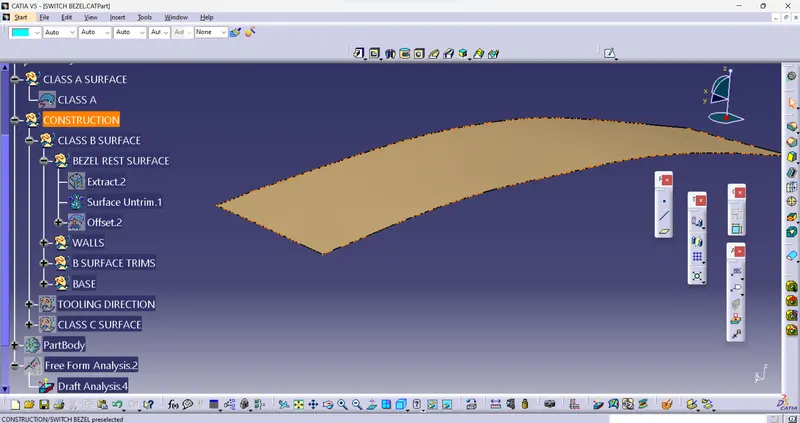
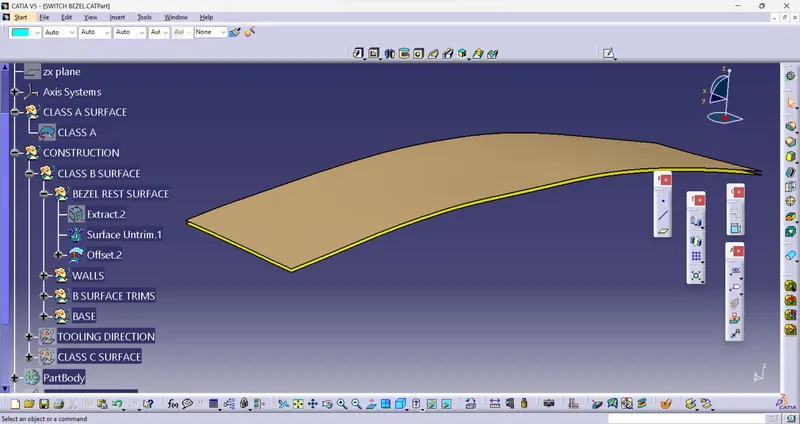
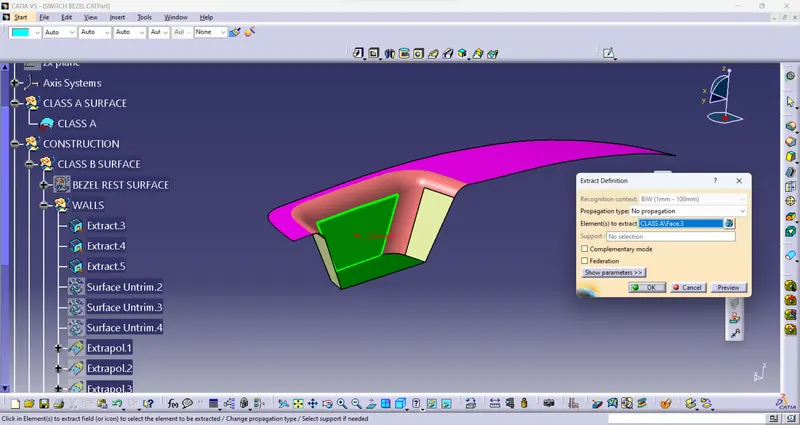
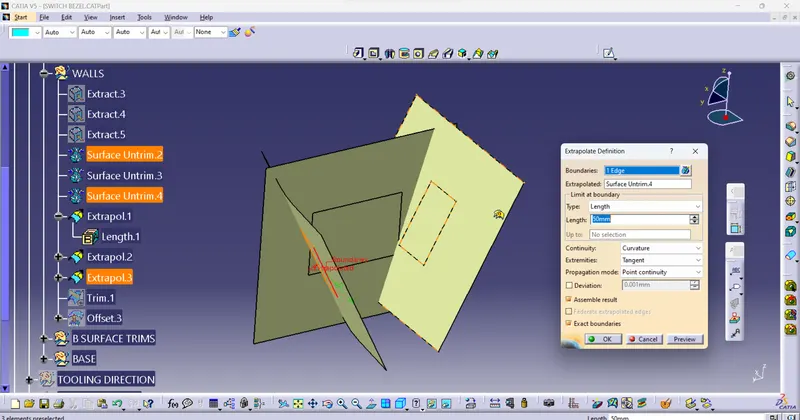
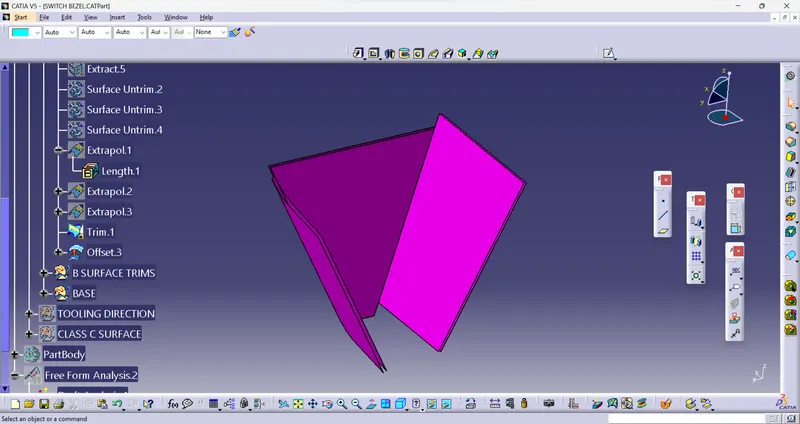
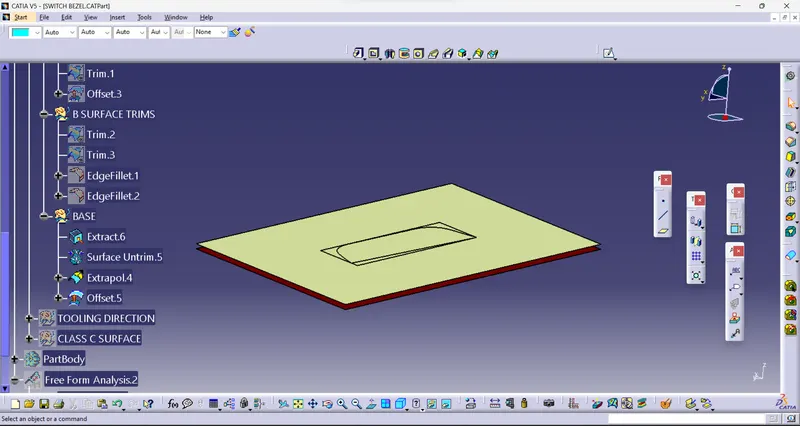
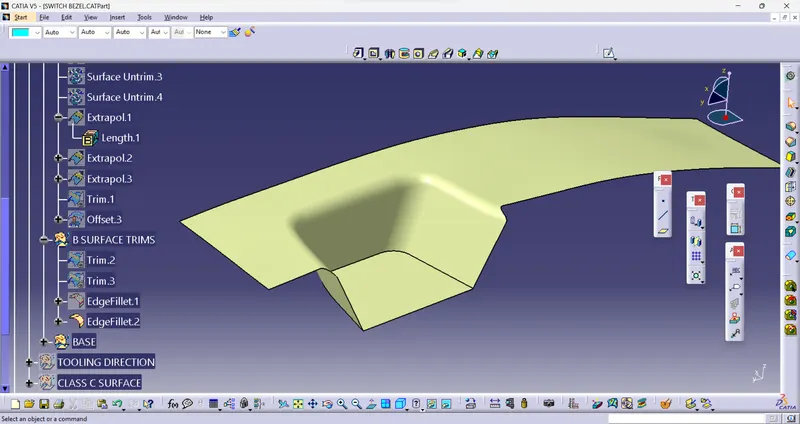
Take the bezel rest surface from class A surface extract and untrim it now offset it for 3mm similarly for walls
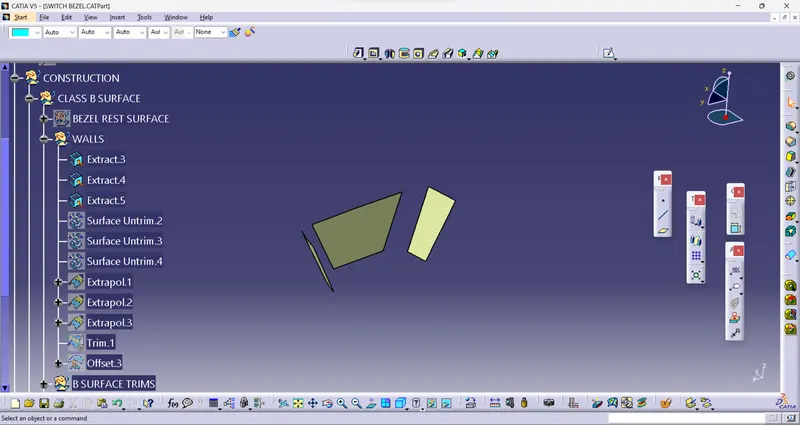
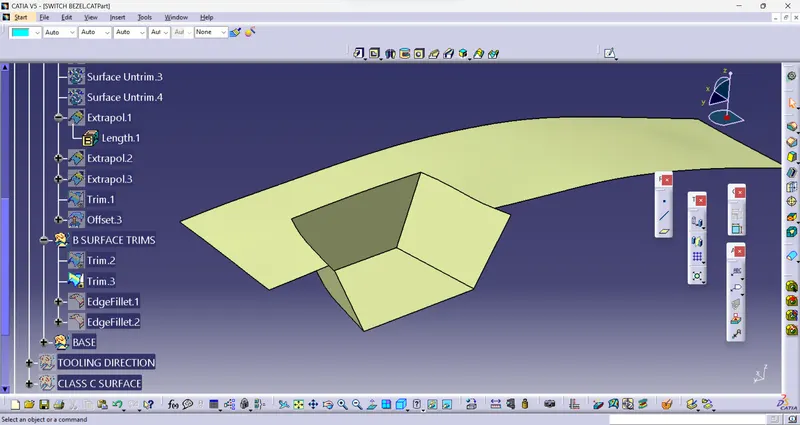
extract those 3 walls untrim and extrapolate them trim the unnecessary part now offset it for 3 mm similarly
for base also. Use trim tool to trim the 3 offset parts and add fillets to them.
Creation of class C surface:
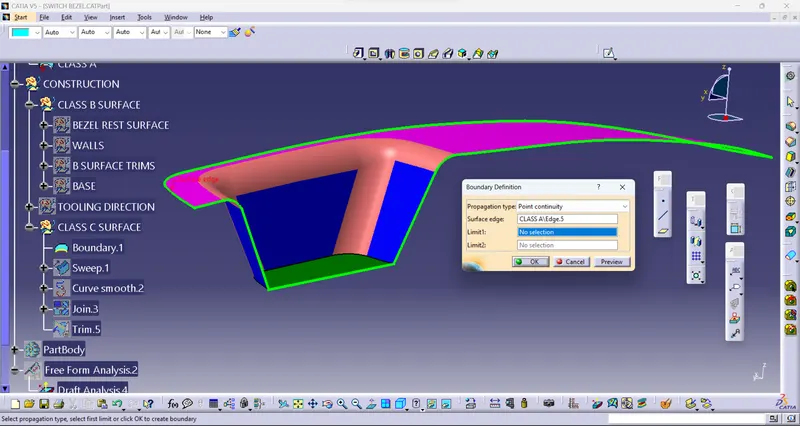
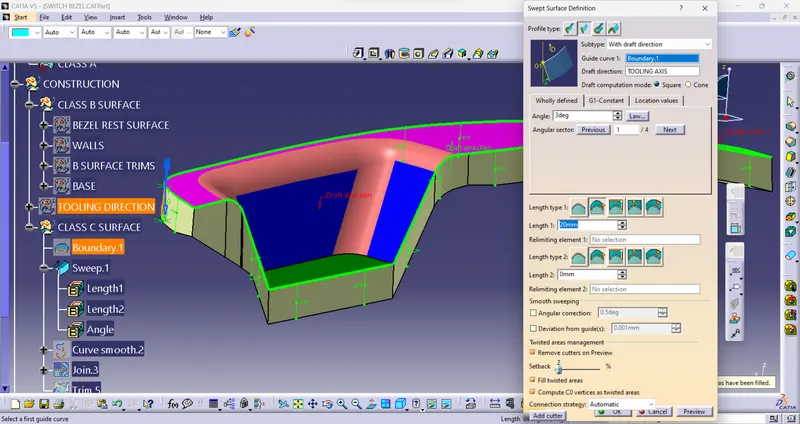
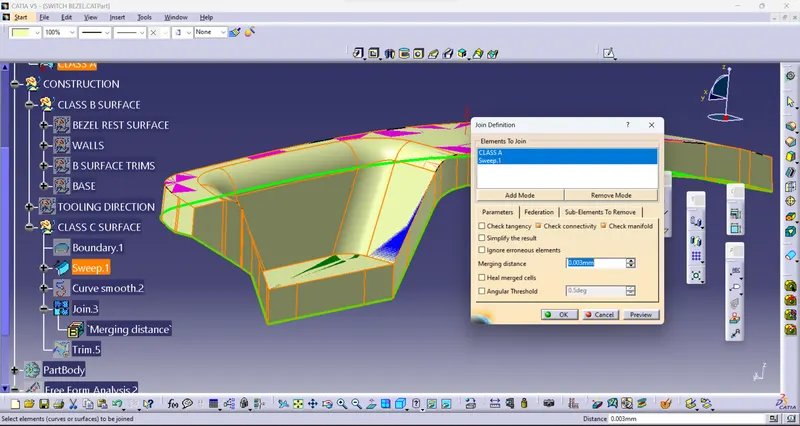
Take the class A surface create a boundary curve and hide a surface A sweep that curve for at ana angle of 3 degree with some extra length unhide Class A surface join both sweep surface and Class A surface trim unnecessary part.
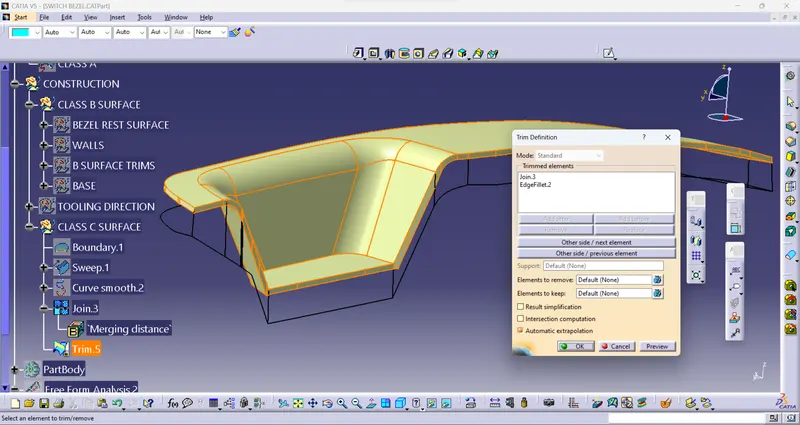
Create closed component using Close surface tool in Part design
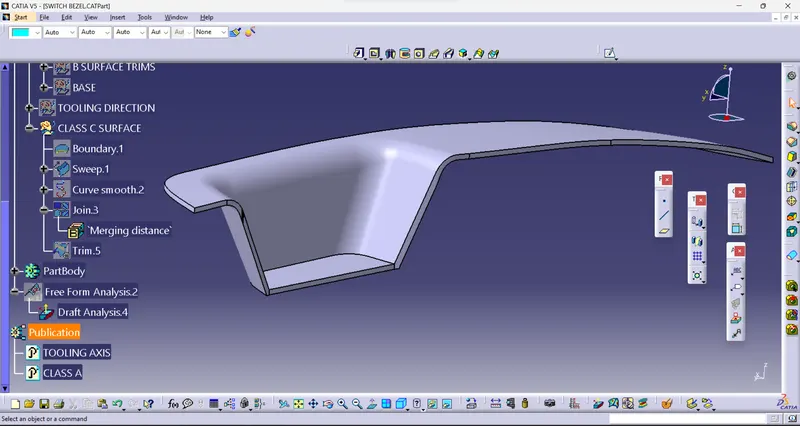
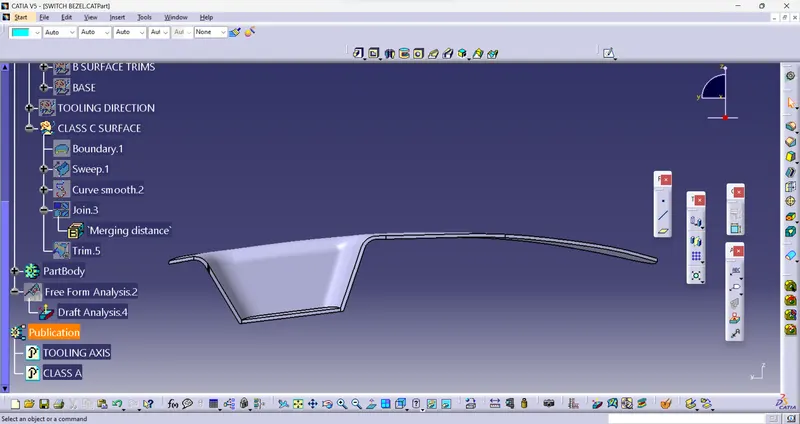
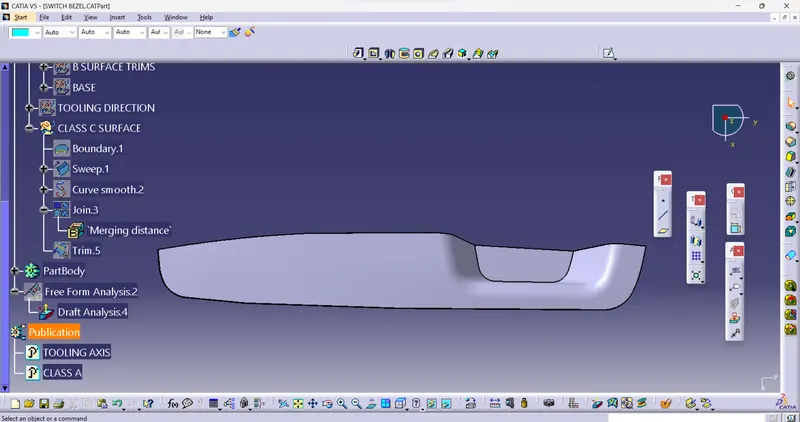
Draft analysis of a final component
Check the feasibility of final component using feature draft analysis tool.
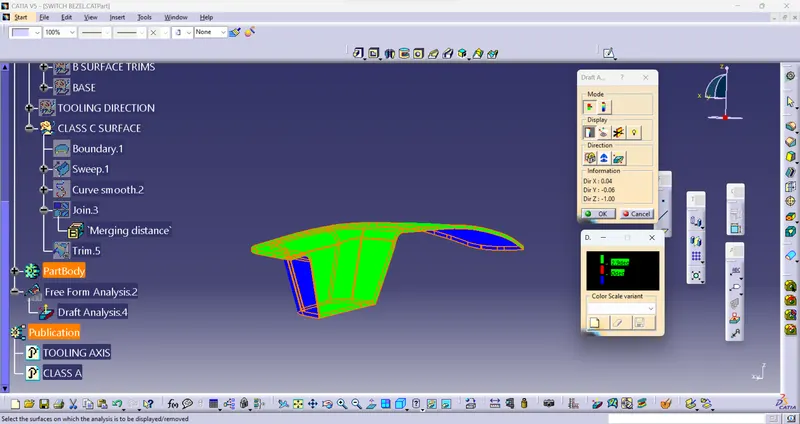
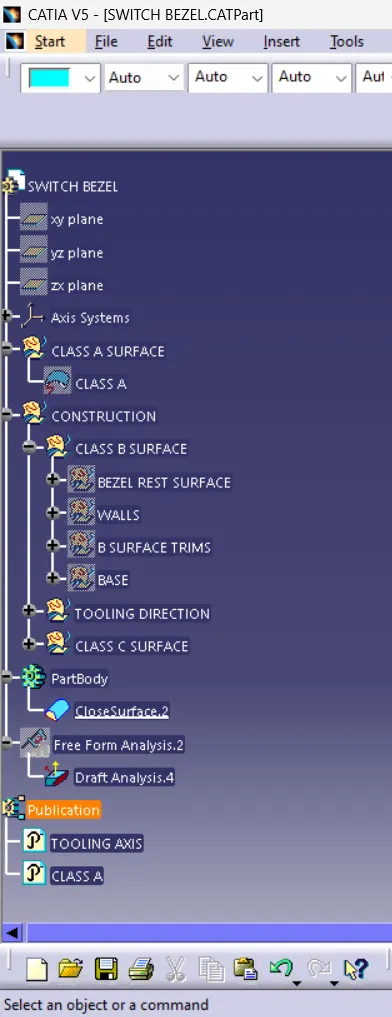
Tree strcture