Week 8 - Challenge 2 - Switch Bezel Design
The draft analysis and the tooling axis creation:
Tooling Axis Creation:
- first look for the difficult walls while molding the component.
- here I took the base surface and a point has been taken using poin command on surface.
- later axis system taken and sketch created using intersection and bisected them from both the walls. this is the tooling direction in y axis.
- another sketch taken and with the reference of x direction and intersection line taken to these due to second support not available we draw a line with 3 degree draft and bisectin these two lines will create tooling direction in x axis.
- now from both tooling direction in x axis and tooling direction in y axis, we will bisect them using line command and form a tooling direction.
- using the tooling axis the draft analysis done as show below.
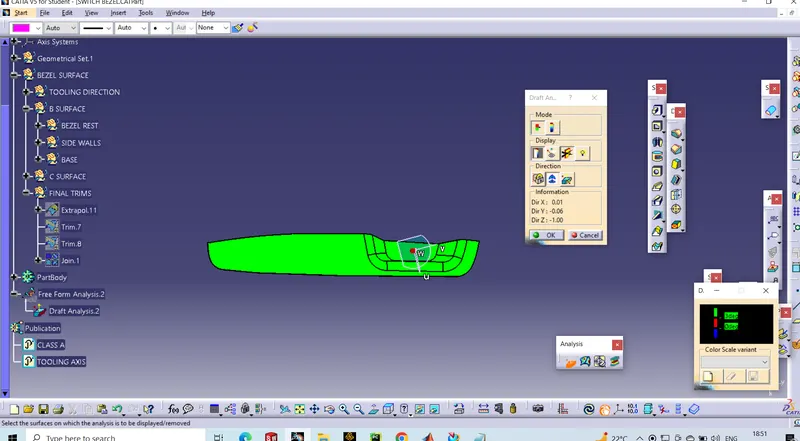
close pare shown in below figure
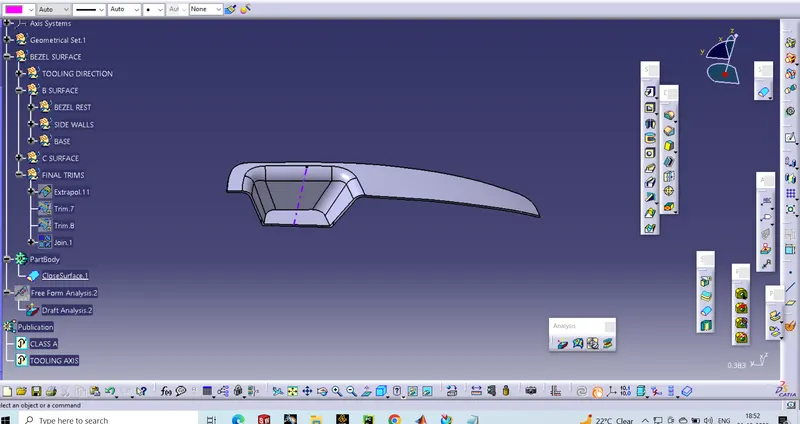
final joining of switch bezel shown below.
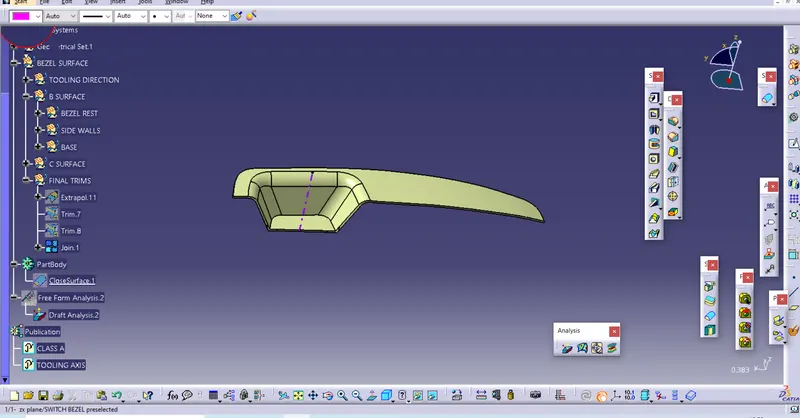
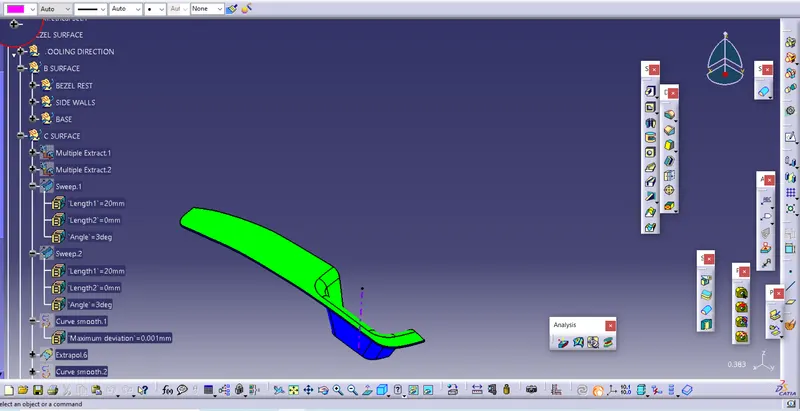
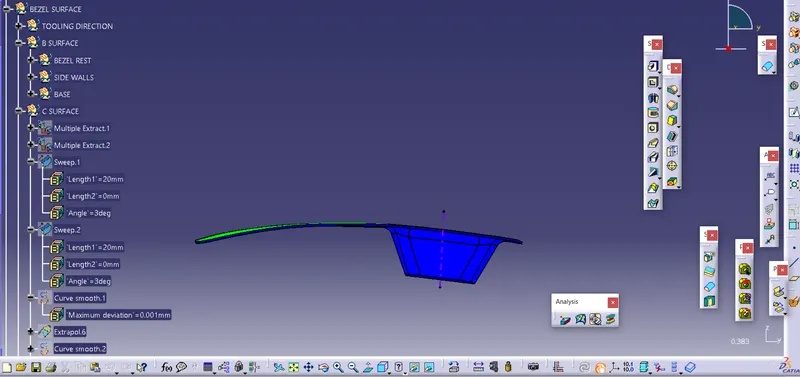
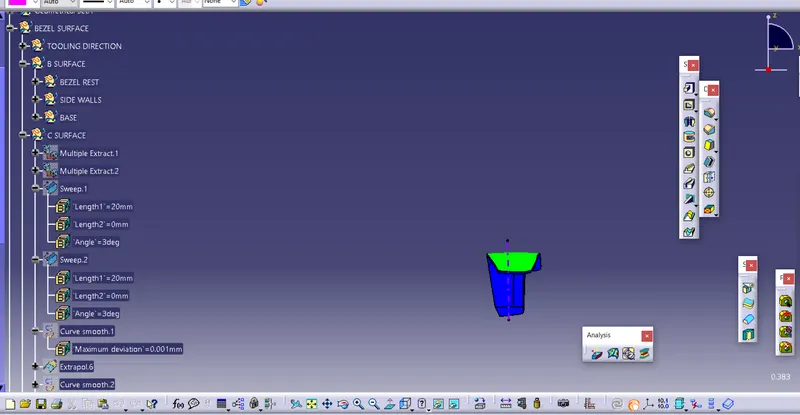
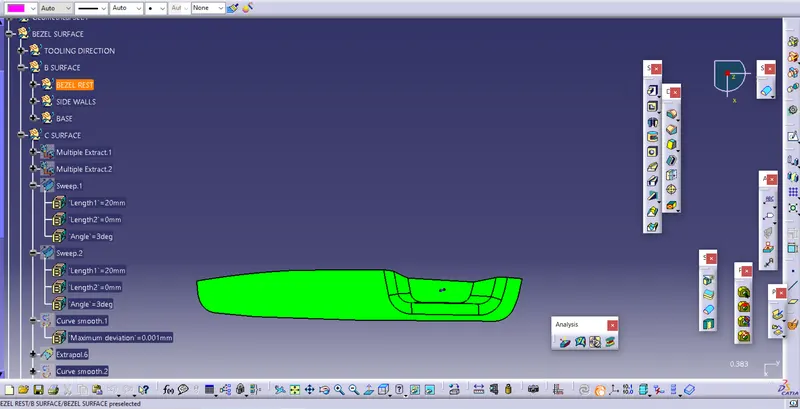
- Screenshots of the solid model with the proper color code of the draft angle in various orientations (Isometric, Front, Side, and Top View)