Week 8 - Challenge 2 - Switch Bezel Design
Aim: Create the Switch Bezel Plastic component through the given Class-A surface.
Objectives:
- To create class B & C surface for the given component.
- To form the tooling axis and capture the surface properly.
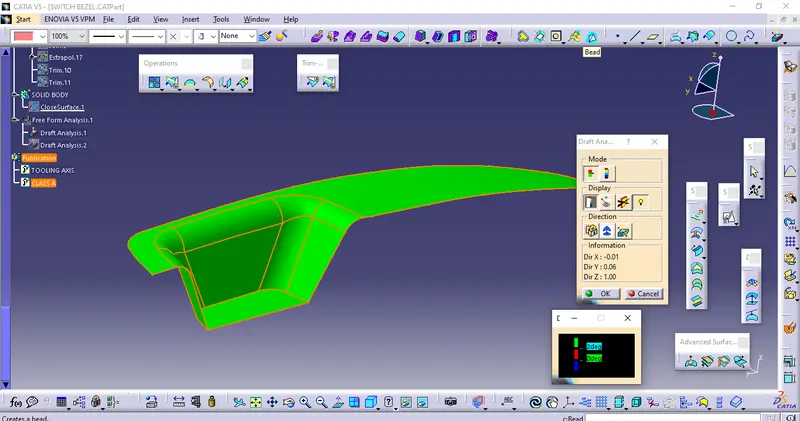
- To check the feasibility of the component with a draft of 2 degrees.
Method:
In order to obtain the proper draft analysis tooling axis is required and the following steps show how it is done.
- Ectract the base from the Class A surface
- Create a point on the surface center
- Create the tooling axis on the center using the point
- Then create a sketch with respect to the yz plane
- Create an intesection and draw line on both side with the intersection as the reference
- Using the line drawn create a bisecting line
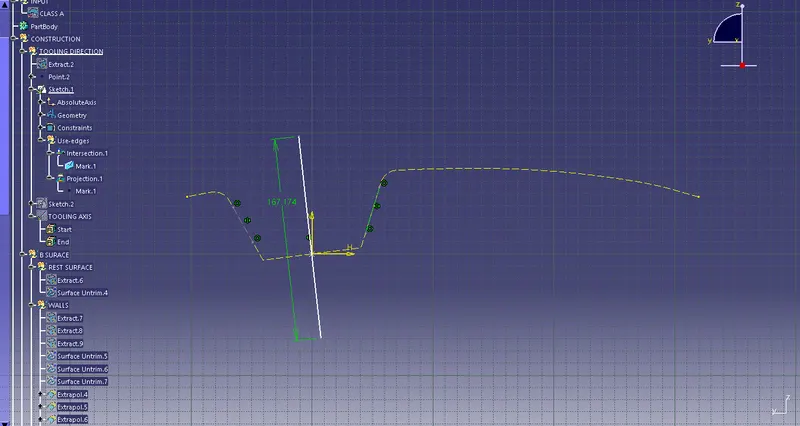
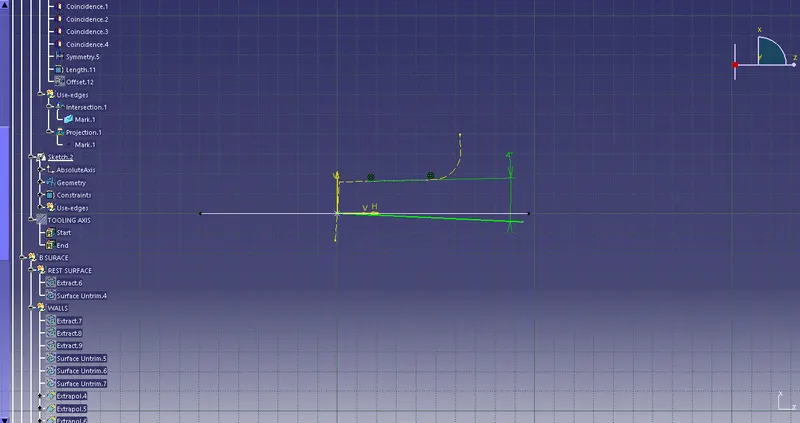
- Now create another sketch with respect to the zx plane
- Follow the same procedure create an intersection line and then create an line on the center point with an appropriate angle
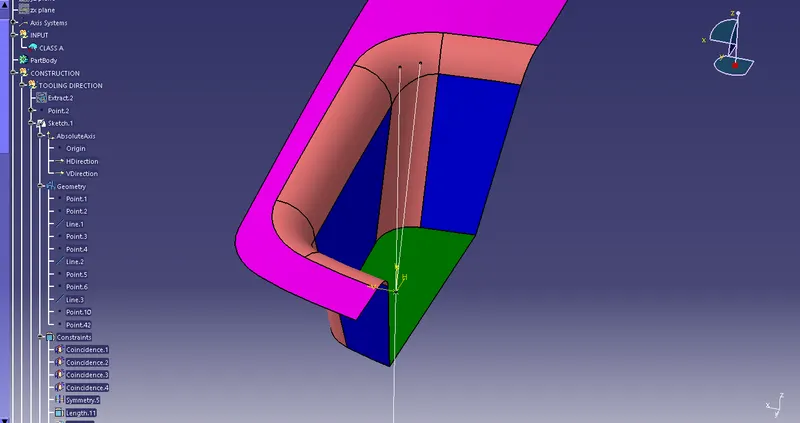
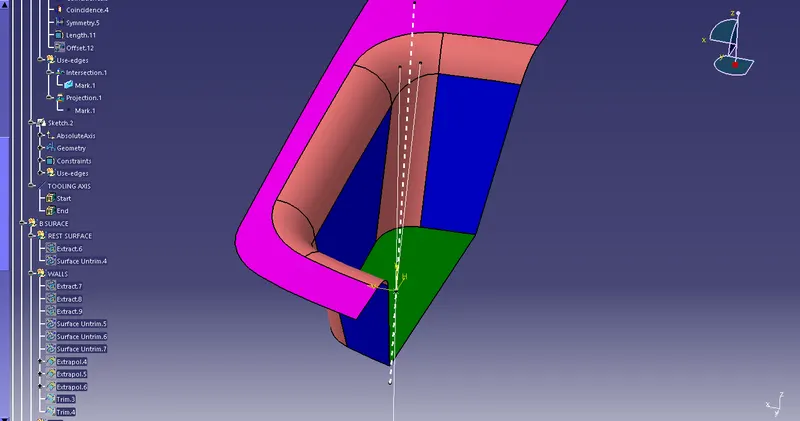
- Now we got 2 lines
- With respect to the two lines create a bisecting line and name it as tooling axis
DRAFT ANALYSIS OF CLASS A SURFACE
CONSTRUCTION OF CLASS B AND C SURFACE
- Firstly extract the top surface followed by that extract the side walls and base as well without the fillets
- Untrim all the extracted surface
- Extrapolate the extracted surface upto a cetrain distance of all the element intersecting each other
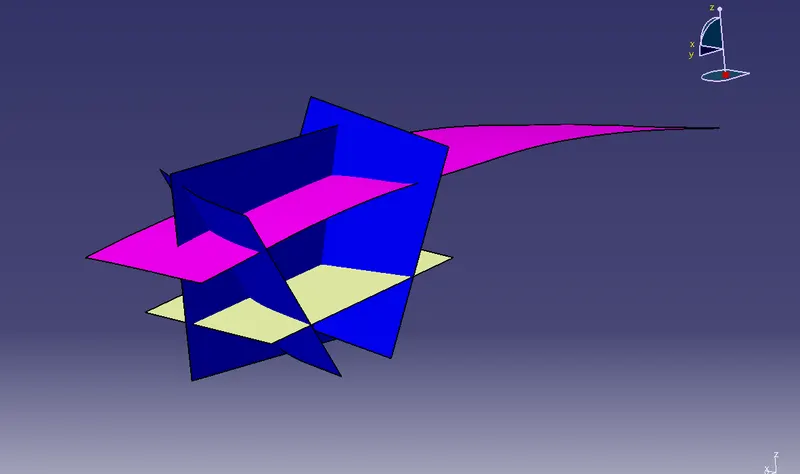
- Trim the extracted surface with respect to the class A surface
- Now offfset the trimmed surface to a certain distance of 3mm according to the thickness
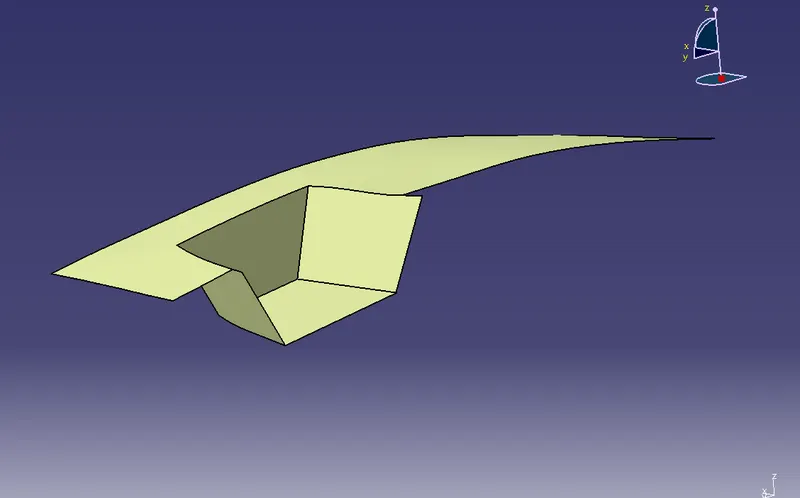
This is how the trimmed surface look like
- Now find the radius of the fillet from the class A surface using the measuring tool
- The fillet value should be given in accordance with the thickness
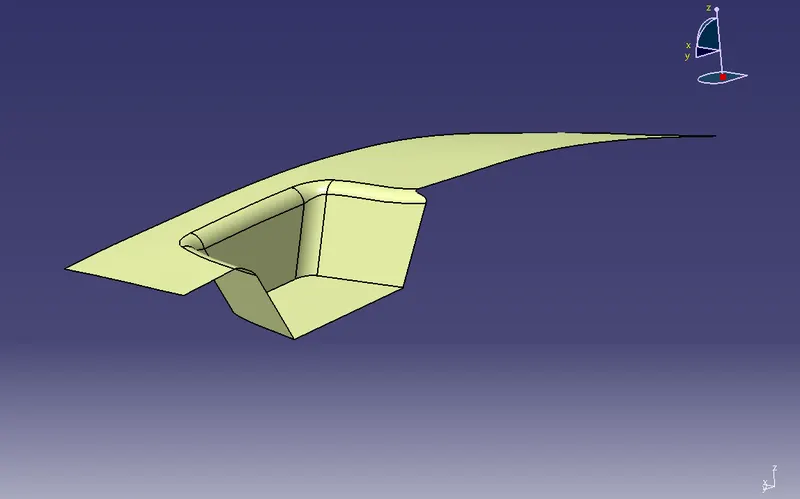
This is how the filleted surface look like
The class B surface is created sucessfully moving on to class C surface
- Create a sweep from the class A surface in accordance with the tooling axis
- Create a sweep with an angle of 3 deg
- The sweep surface should be smooth
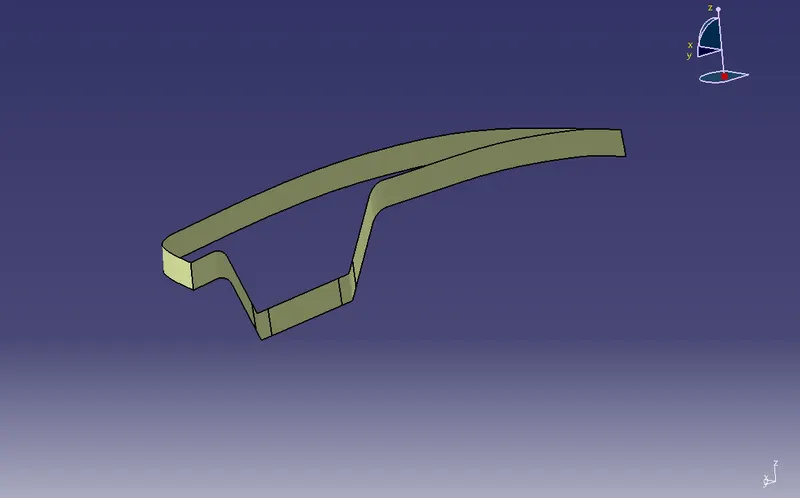
- Now join the class A surface and the sweep
- And then trim the class B surface with the joint surface
- The required product is obtained
- Check the surface for any opening
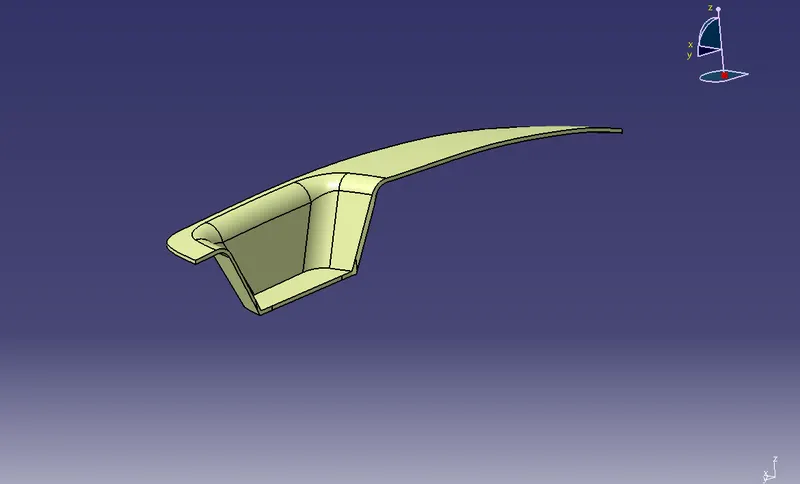
Using the close surface command create the surface as a closed body
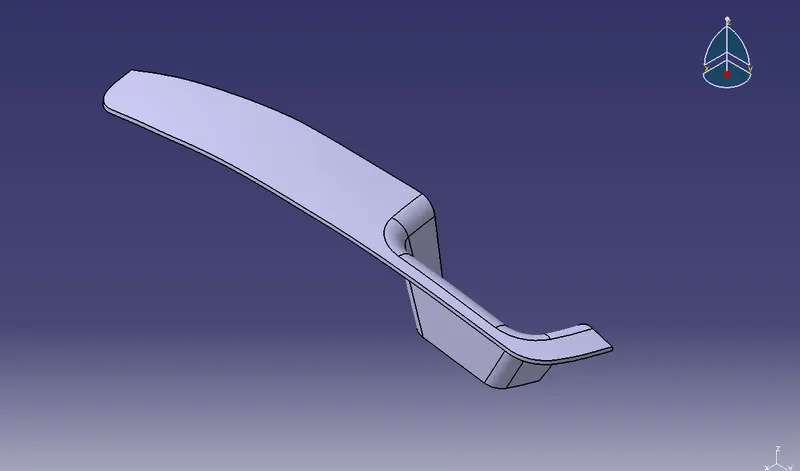
ISOMETRIC VIEW
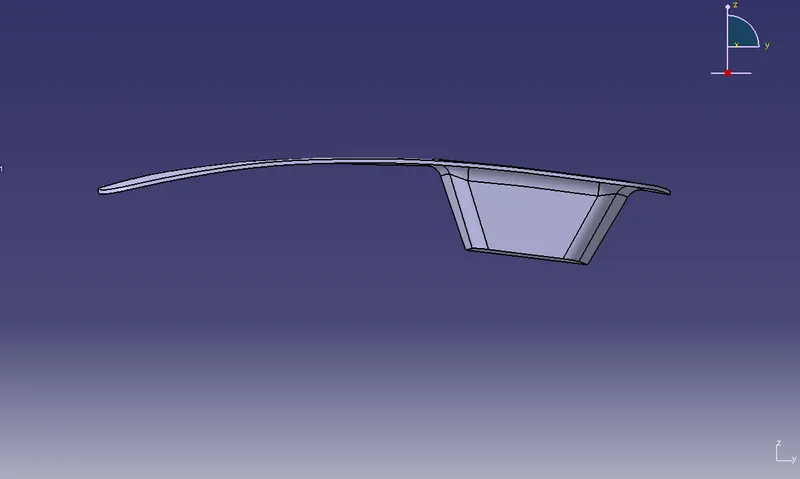
FRONT VIEW
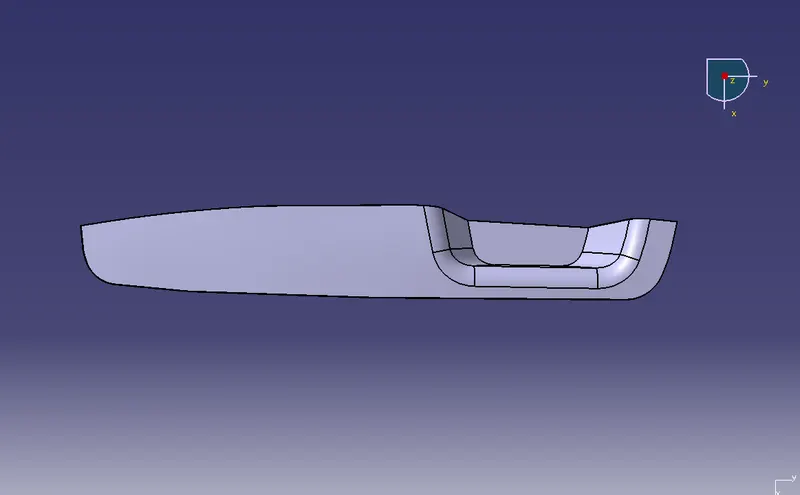
TOP VIEW
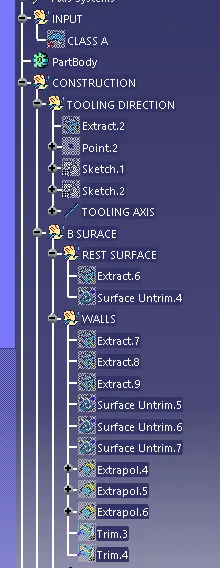
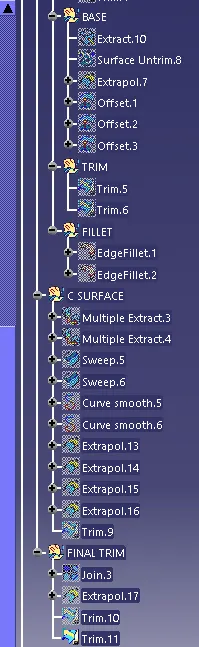
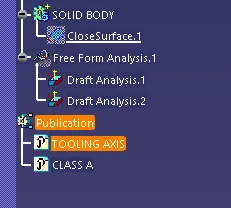
GEOMETRICAL TREE STRUCTURE