Week 8 - Challenge 2 - Switch Bezel Design
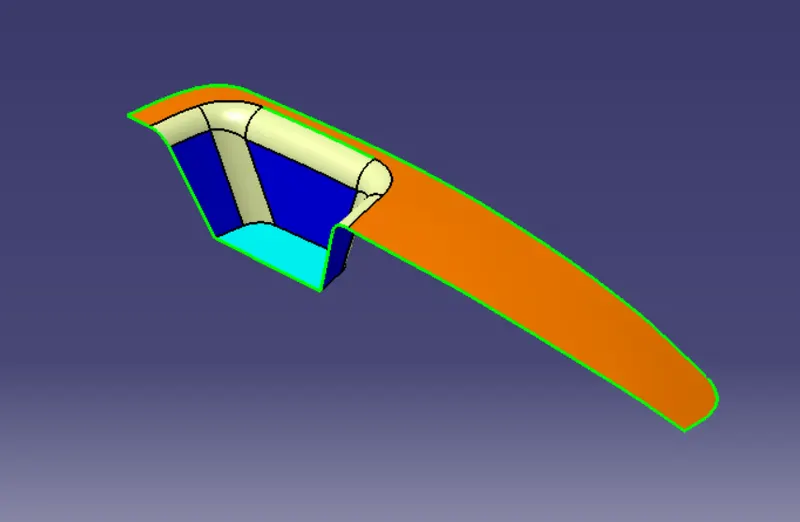
GIVEN CLASS A SURFACE:
By using Bisecting line command to create a Tooling axis:
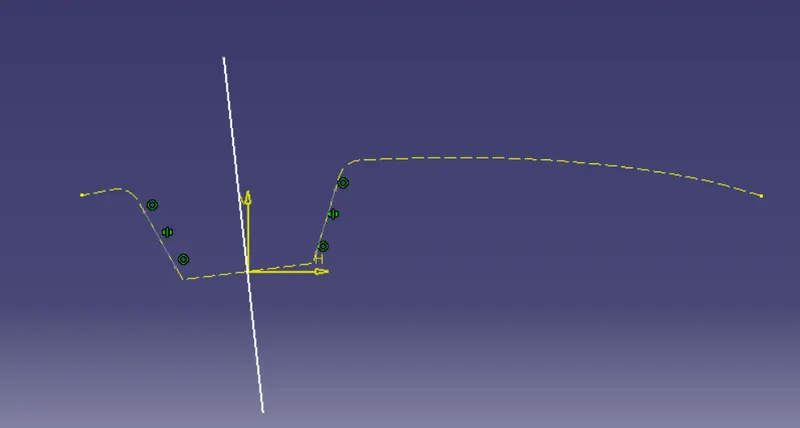
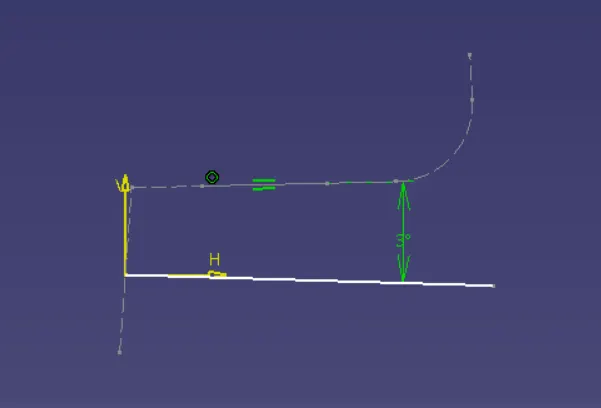
FINAL TOOLING AXIS:
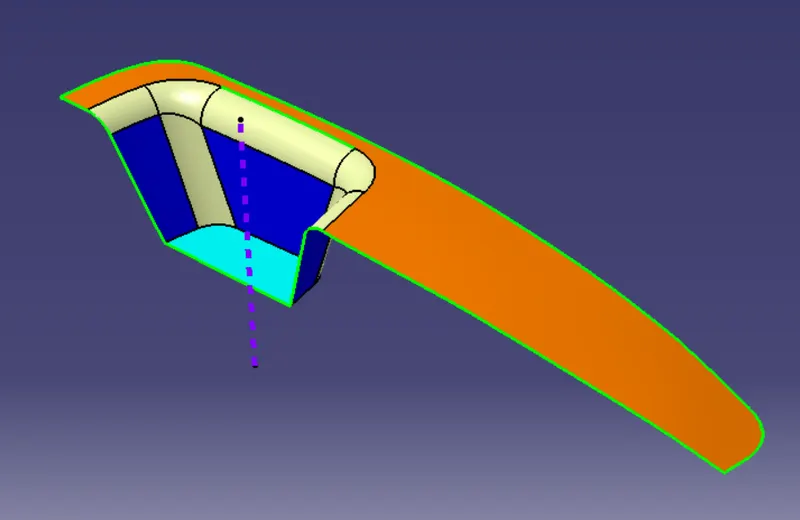
FILLET AND OFFSET:
Since the class-B surface is 15MM AND 11mm downwards to the class-A surface need to add this offset distance(2.5mm) with the filleting radius observed from the class-A surface.
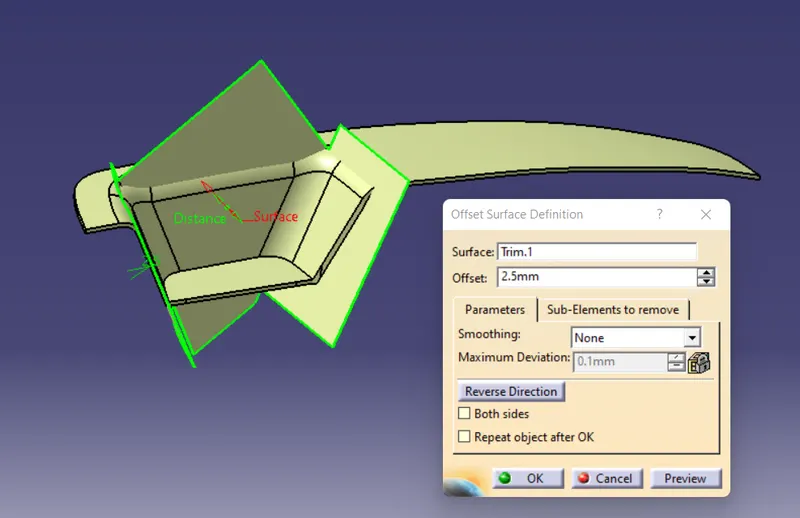
Creating class B surface:
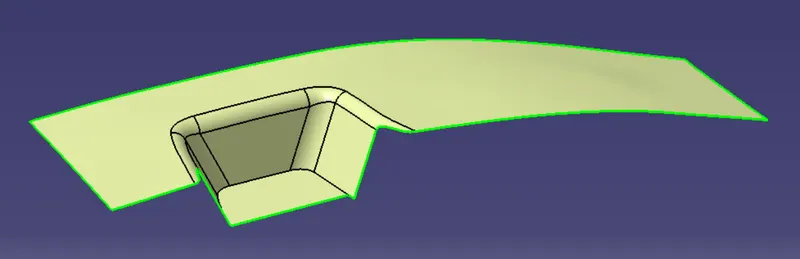
Creating c surface:
CLASS-C SURFACE:
This is the connecting surface of class-A and class-B surfaces.
- Create the boundary of the class-A surface using the boundary command.
- Use sweep command to generate class-C surface along the draft direction with 3 degrees drafting angle concerning the tooling axis.
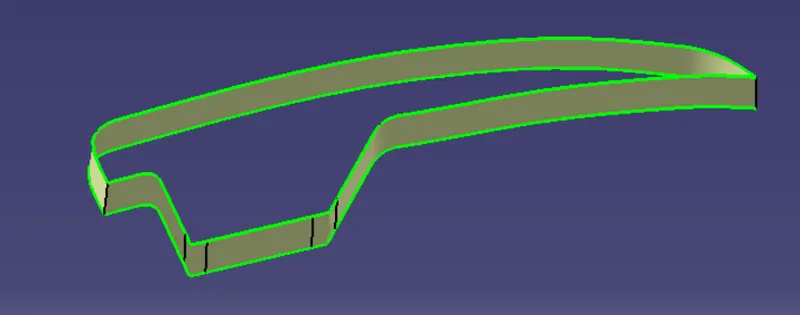
CREATING THE FINAL SURFACE:
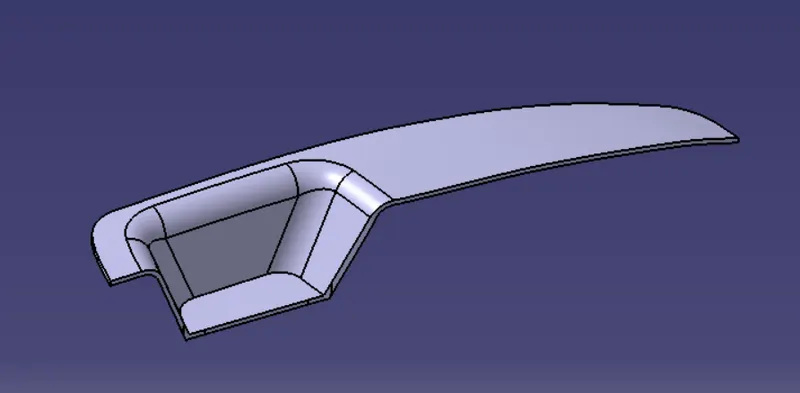
joining the class A, B, and C surface by using the join command. the final join is a closed surface.
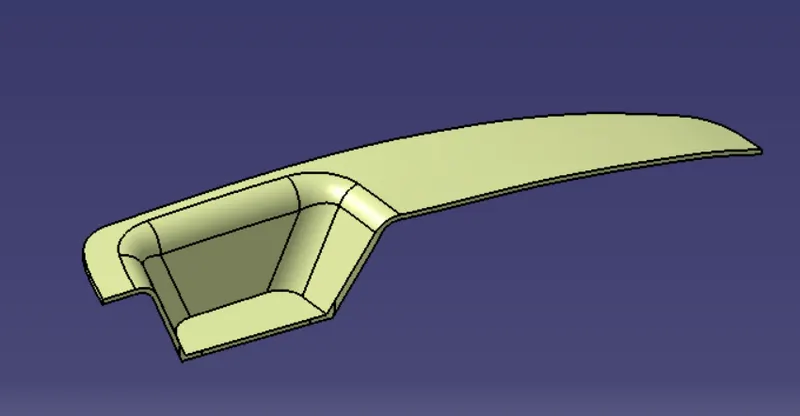
FRONT VIEW:
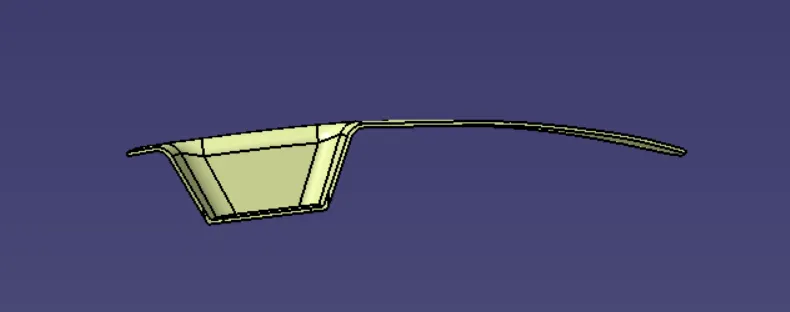
TOP VIEW:
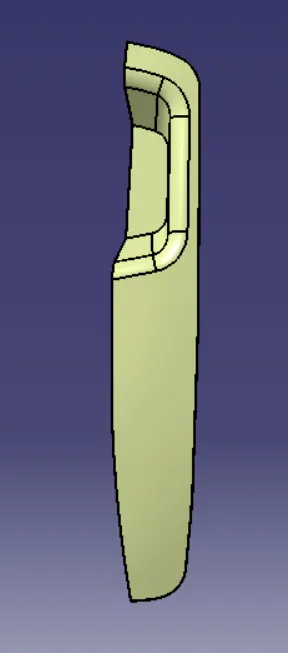
SIDE VIEW:
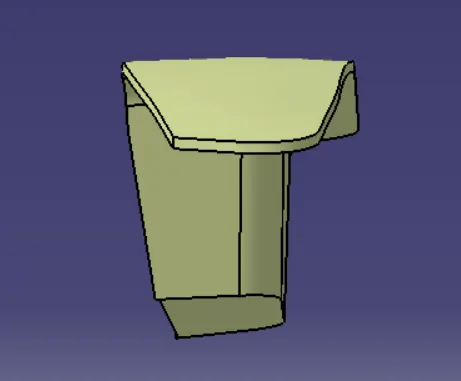
ISOMETRIC VIEW:
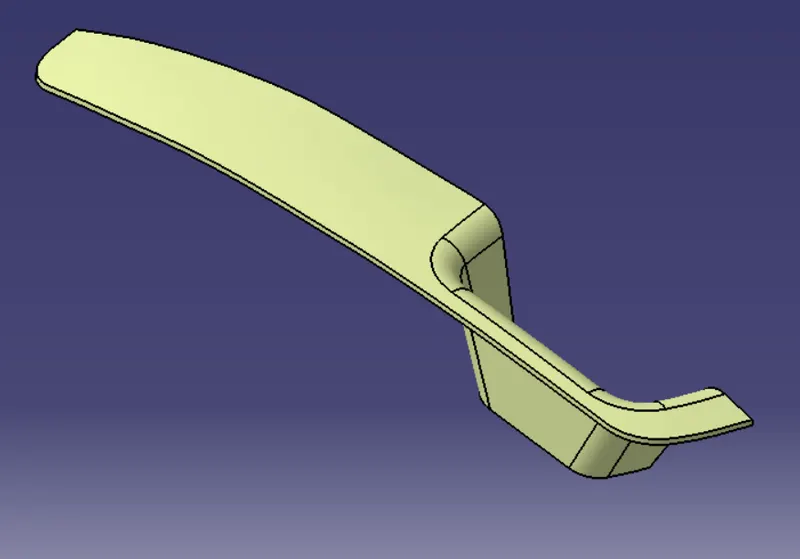
CLOSED SURFACE:
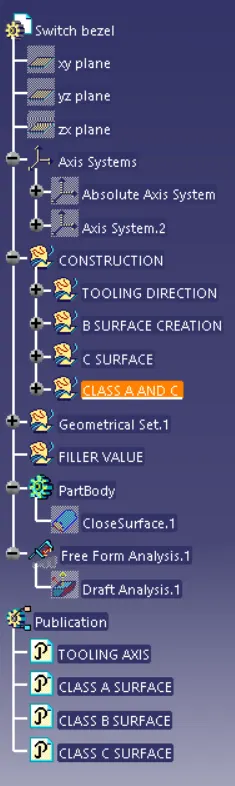
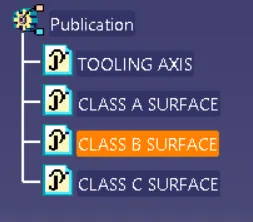
- Publish class-A, class-B, and class-C surfaces and tooling axis.
- Join all the surfaces together.
- Create a closed surface.
PUBLICATION:
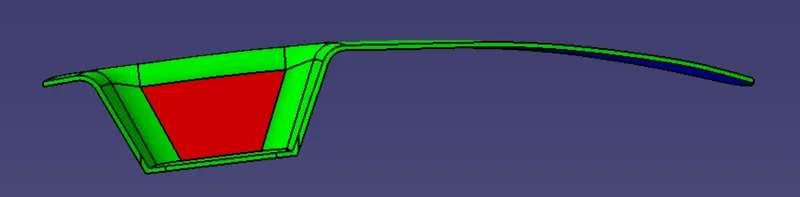
DRAFT ANALYSIS- 2.9 DEGREE
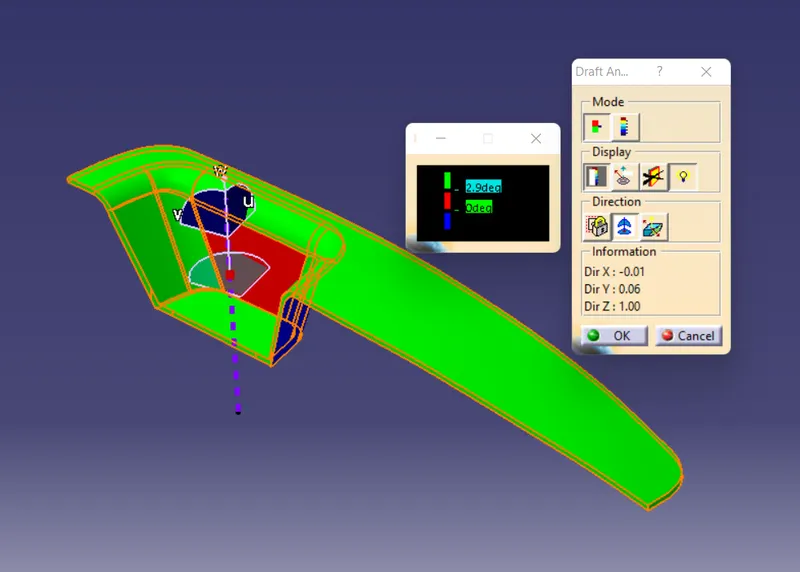
FINAL DRAFT ANALYSIS:
Tree Structure: