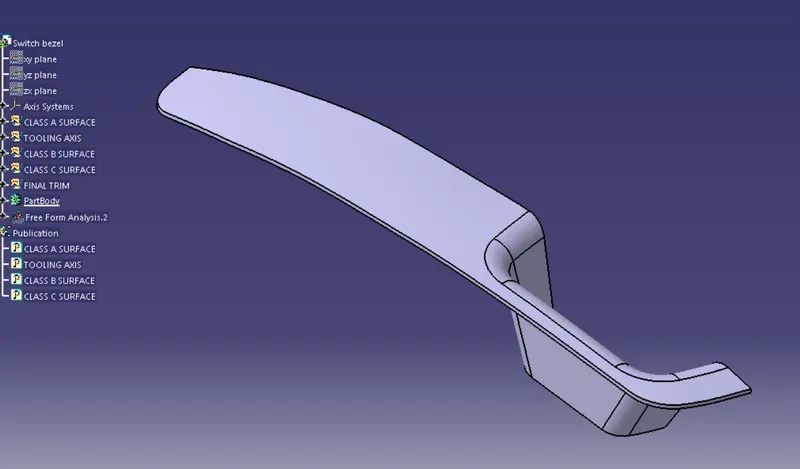
Week 8 - Challenge 2 - Switch Bezel Design
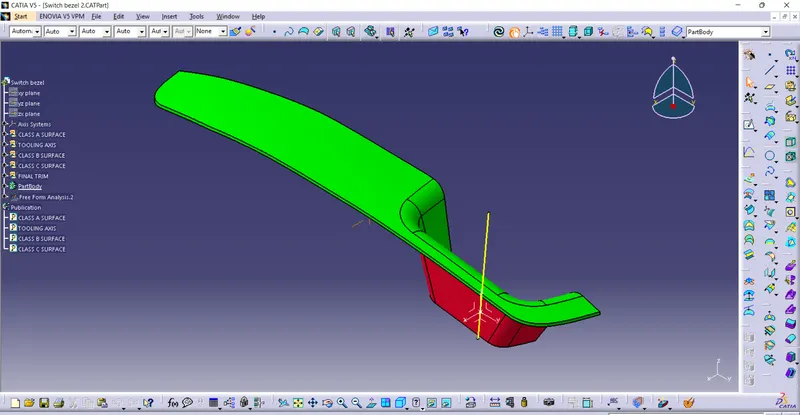
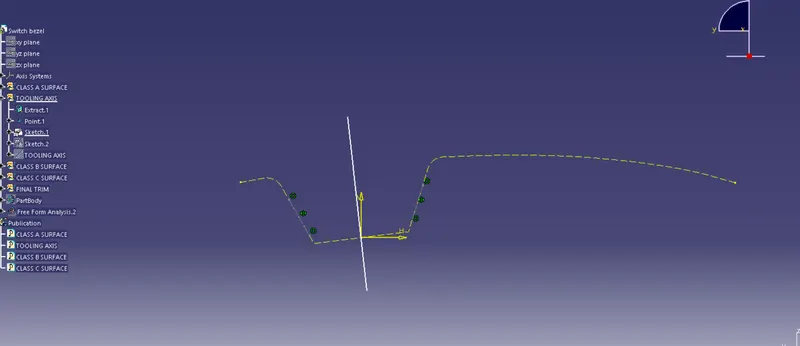
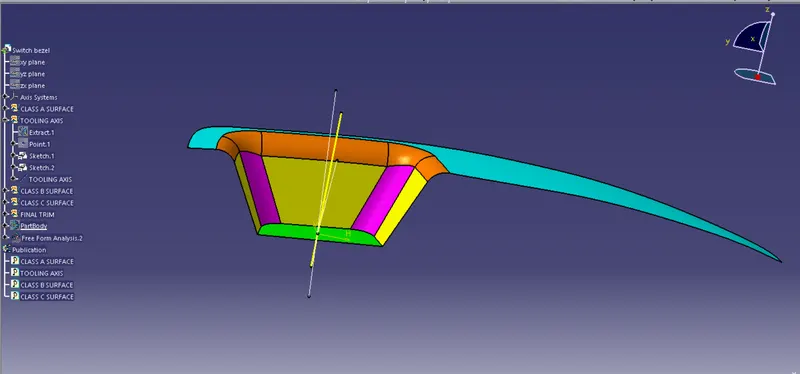
Tooling axis creation: Take a cut section of class A surface and draw two coincidence lines to that cut section. Draw an another line which bisects that two inclined lines. Here we will get first line of tooling axis.
Similarly generate another tooling axis line as shown in figure on another plane.
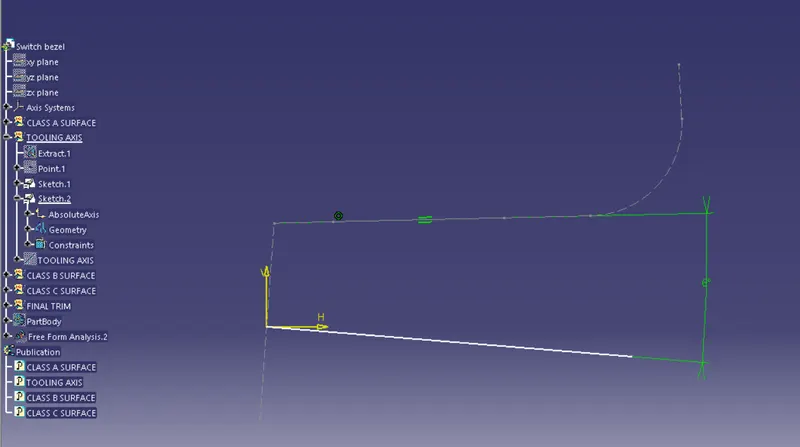
By bisecting first and second tooling line we will get final tooling axis line.
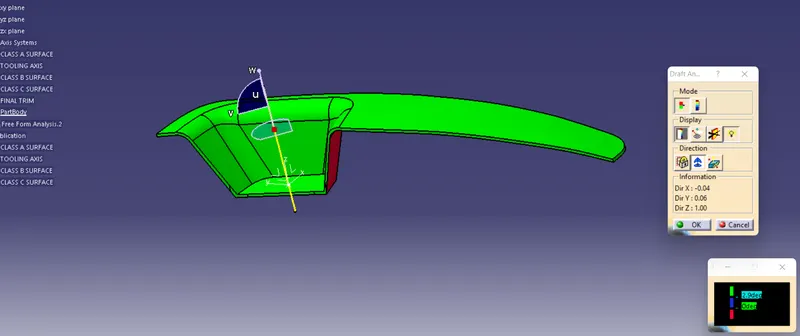
Draft analysis:After completing the solid model go to draft analysis click on use the compass. Drag the compass to the tooling axis line as shown in figure. Then click on lock. Then click on any point of surface.
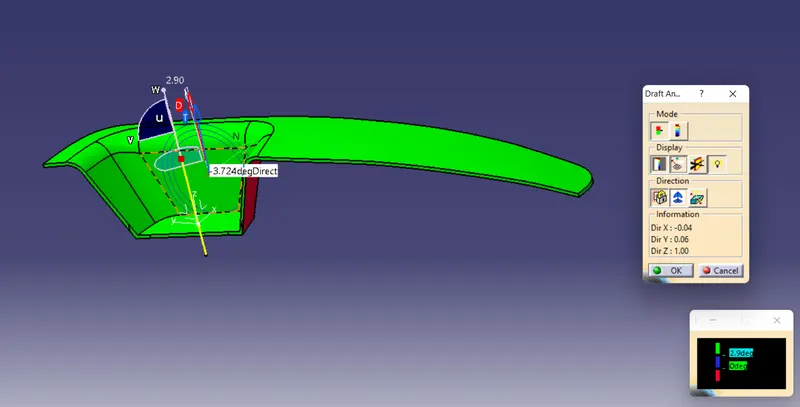
Final Product