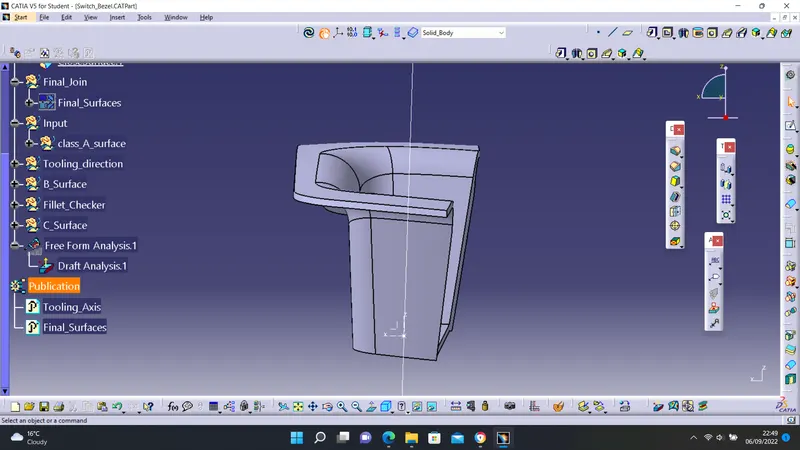
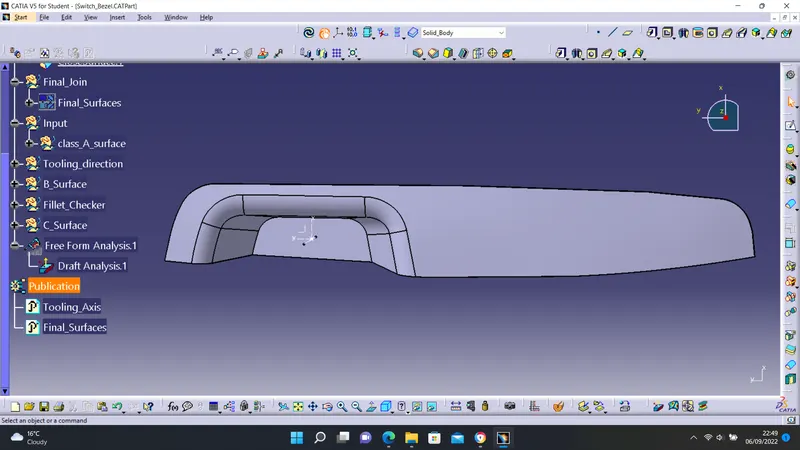
Week 8 - Challenge 2 - Switch Bezel Design
TASK: To create a Switch Bezel Plastic component through the given Class-A surface.
STEPS:
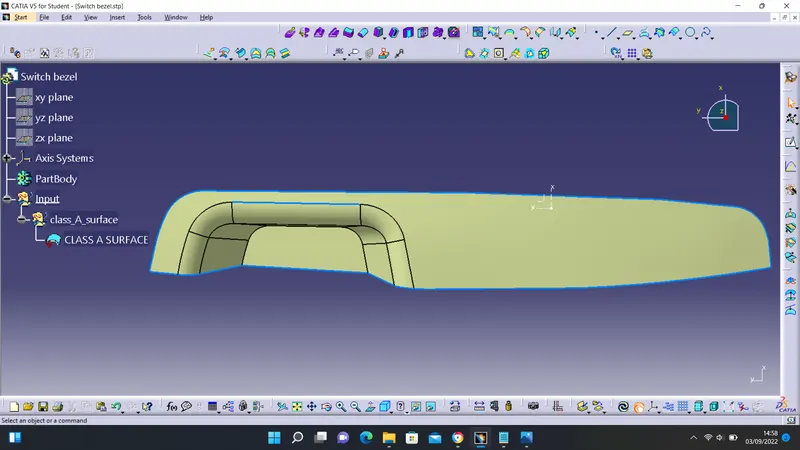
- download and upload the given class A surface
- create a tooling axis
- extract, offset, extrapolate, and join surfaces to create a class B
- extract boundaries from class A and sweep to create class C
- trim and join the surfaces
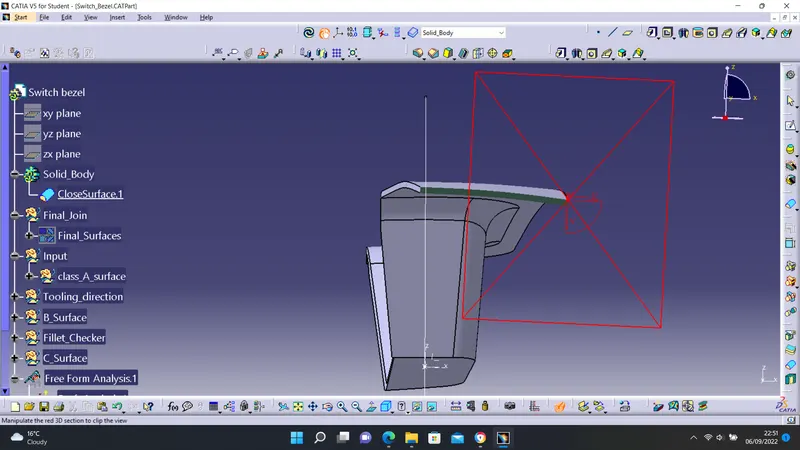
- create a closed body from the surfaces
After the class A surface was uploaded onto the Geometric Shape Design workbench, gaps were checked using the Join feature. The visible gap was corrected by updating the Merging Distance to 0.1mm.
CREATING TOOLING AXIS
To create a tooling axis after visually confirming the z-direction is ideal for the tooling axis, a sketch was drawn along the x and y direction. An intersection was created between the x and y directions.
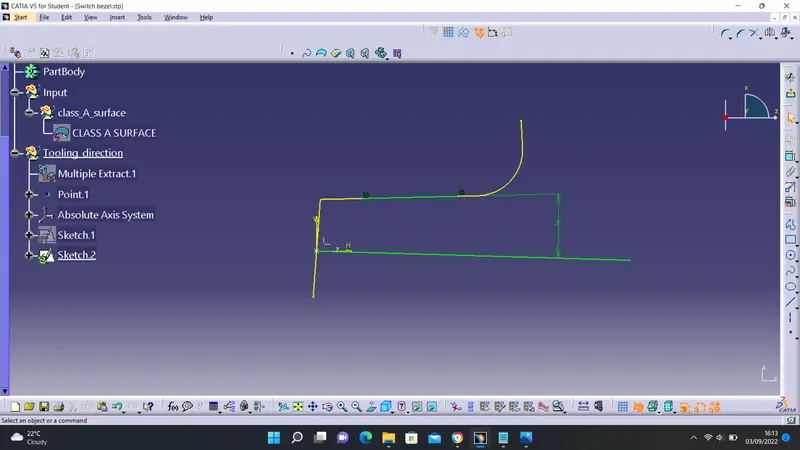
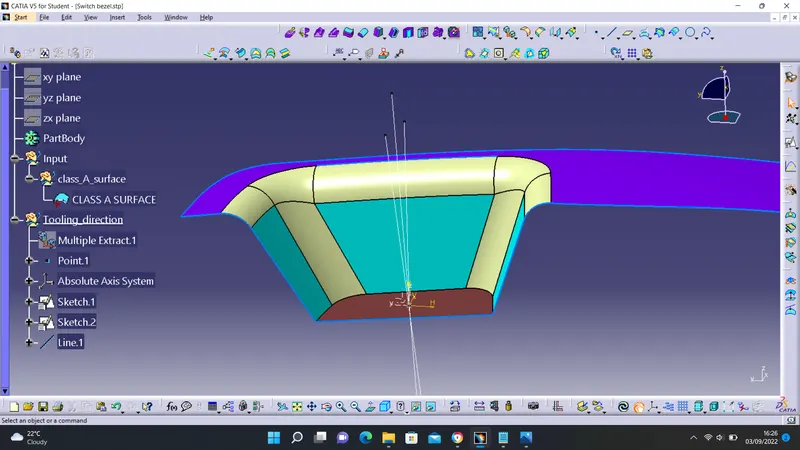
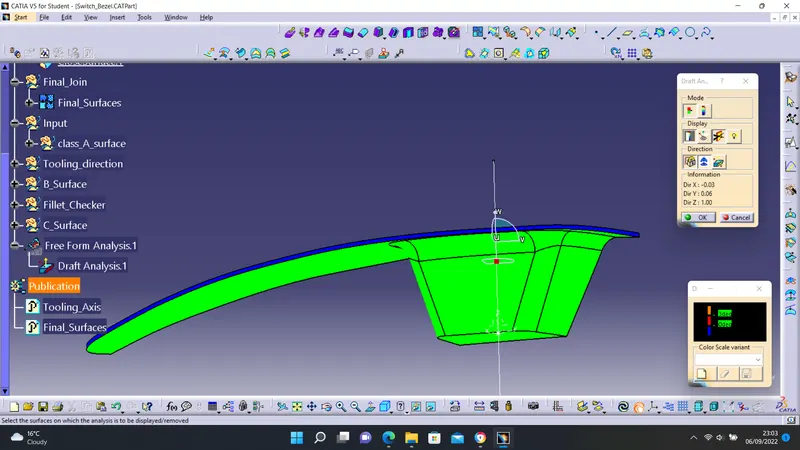
The minimum tooling axis was increased to 5 degrees.
CREATING CLASS B SURFACE
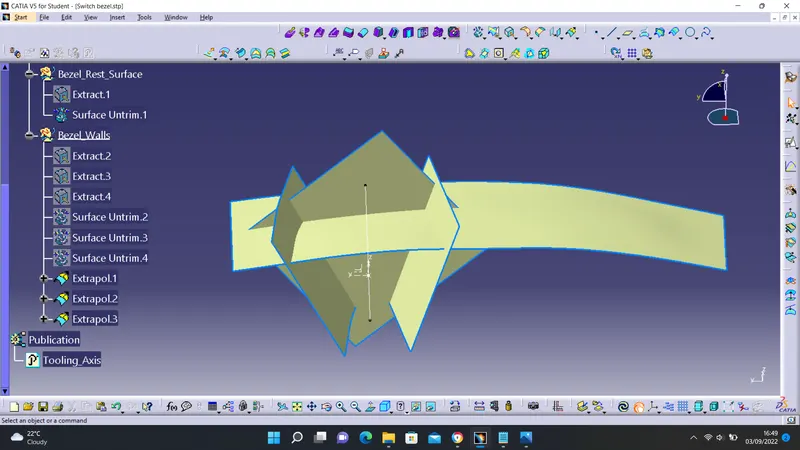
- extract surfaces on the class A surfaces
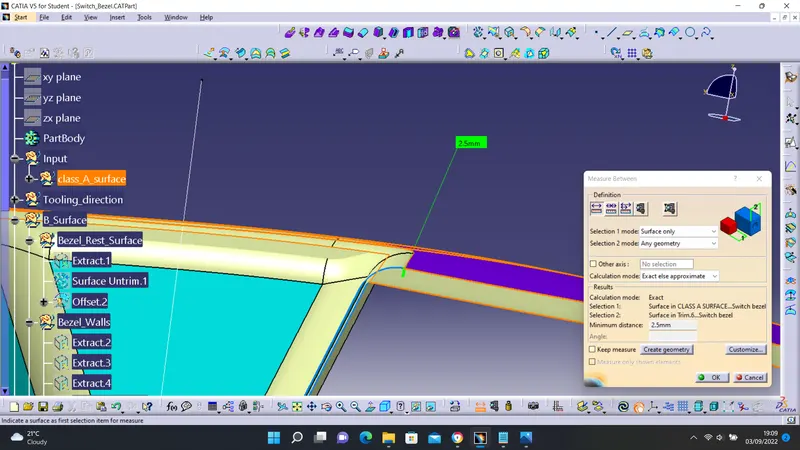
- offset the surfaces to a distance of 2.5mm
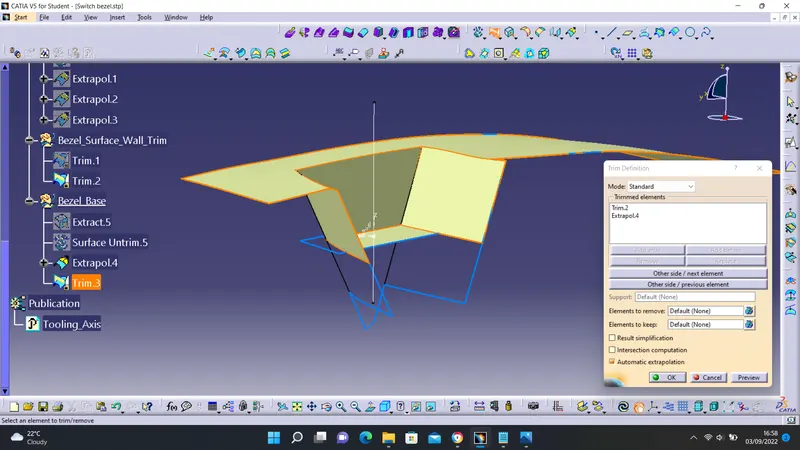
- untrim the surfaces and extrapolate
- trim the surfaces
CREATING CLASS C SURFACE
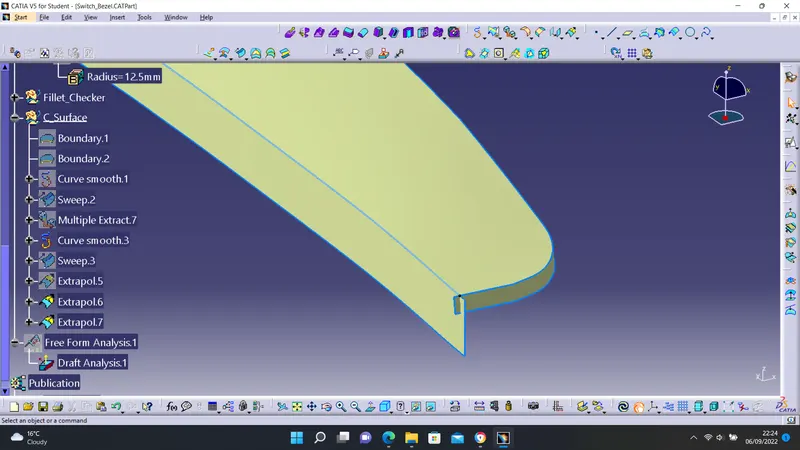
- extract the boundary of class A
- sweep the boundary to a reasonable distance
- extrapolate the boundaries to ensure there is an intersection between class A and class C
- trim off the intersection
- join class A and class C
- join with class B surface
CREATING A SOLID BODY
- switch to part design workbench
- Click on the close surface tool
- select the surface