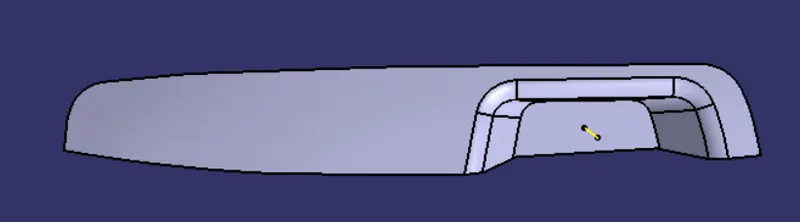
Week 8 - Challenge 2 - Switch Bezel Design
Switch Bezel Design
Switch Bezel Report :
Tooling axis creation :
- In this cat part, we have 3 walls to create the bisecting line from planes x-axis and y-axis .
- Extract the base.
- Create a point on the surface and axis system.
- Create the 3D intersection using the axis system of y-axis and x-axis.
- Extend the lines on both sides.
- Create the bisecting lines for the lines of x and y-axis.
- Create the bisecting ling using both the lines get the tooling axis.
Draft analysis :
- With the help of the tooling, the axis creates the draft analysis.
- Check whether the mode is in the material mode.
- Using the compass fix and lock in the suitable direction.
- Give the draft angle for 3 deg.
- Click on the part make sure that the colour code becomes green.
The screenshots of the creation of Tooling Axis are given below :
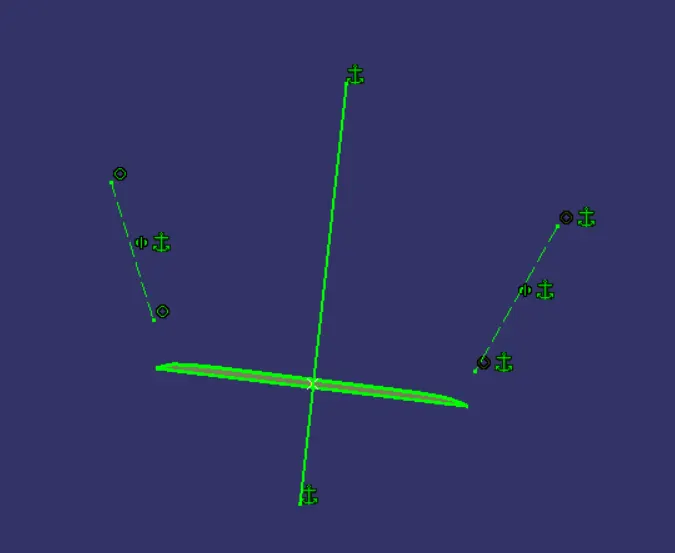
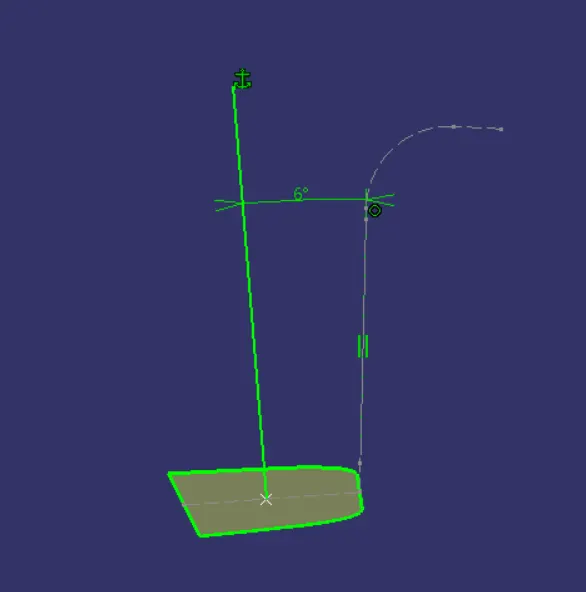
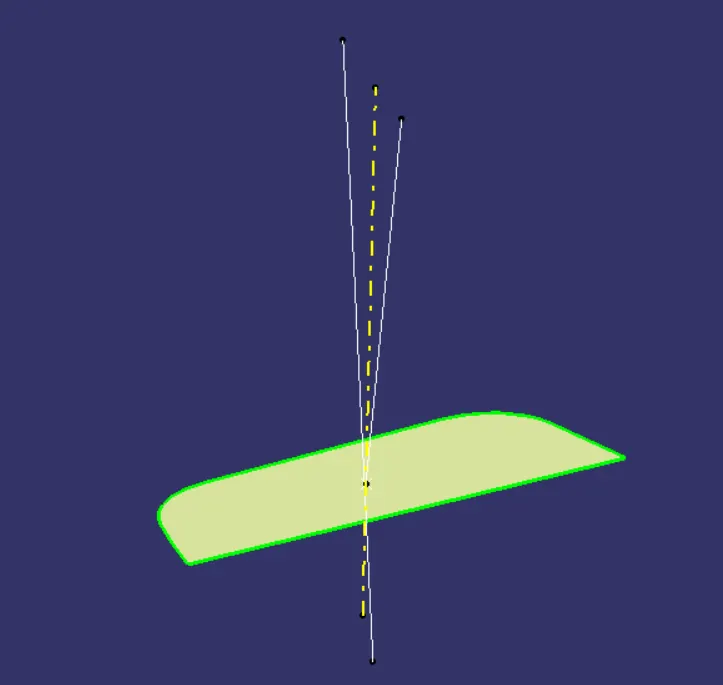
The yellow dotted line obtained in the above image is the final Tooling Axis.
The screenshot of the draft analysis for Class-A surface is given below :
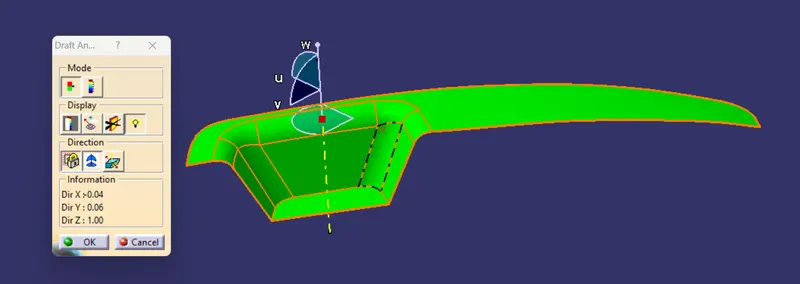
The screenshot of the draft analysis for final plastic component of Switch Bezel is given below :
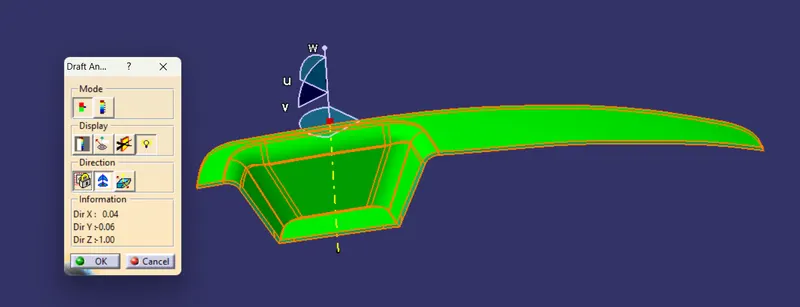
The screenshots of the solid model in various orientations are given below :
Isometric View :
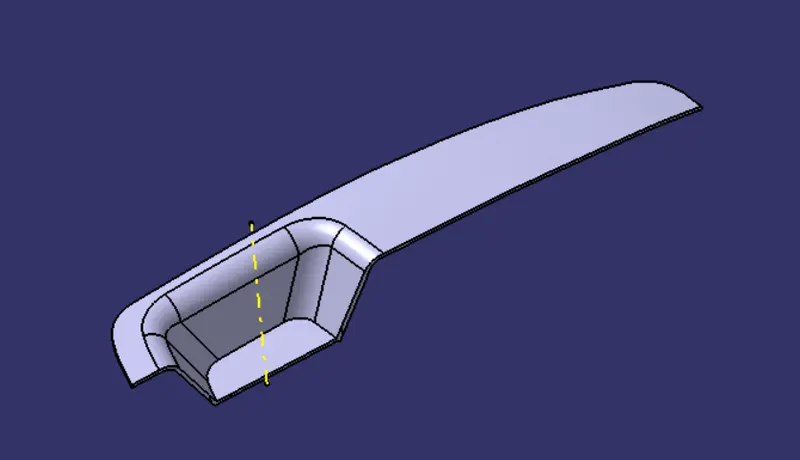
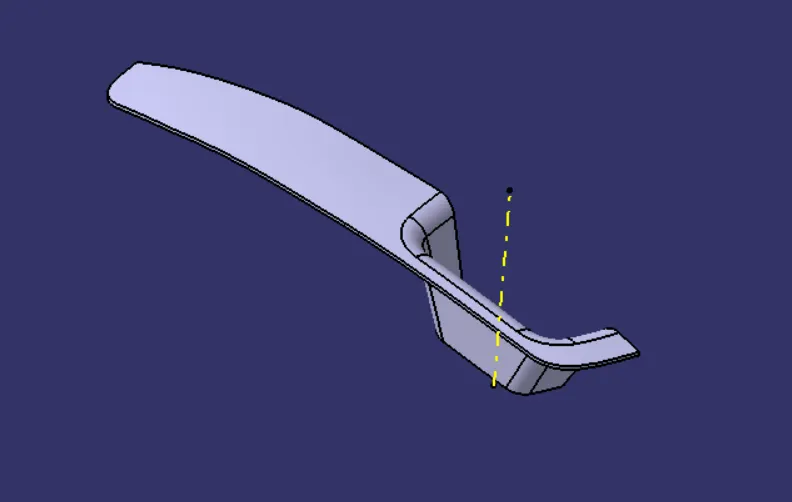
Left View :
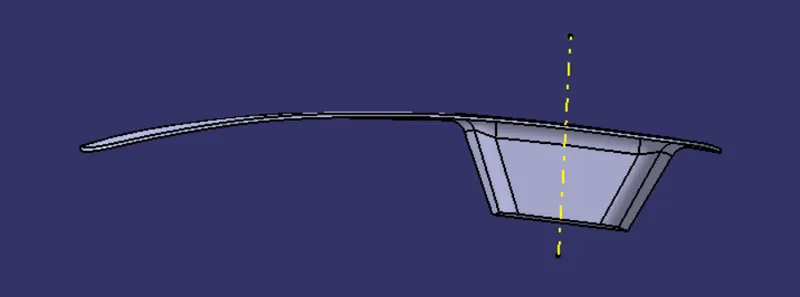
Right View :
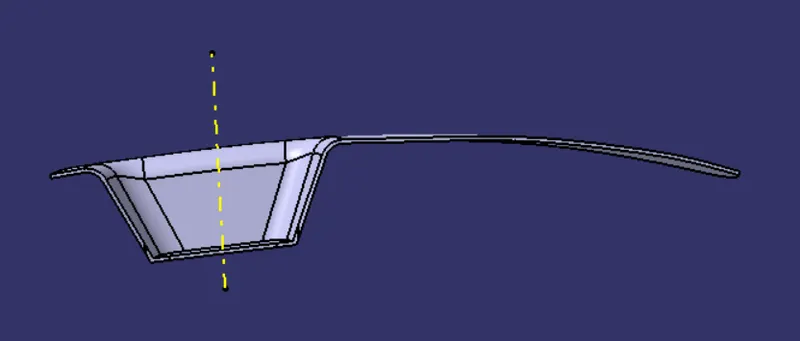
Front View :
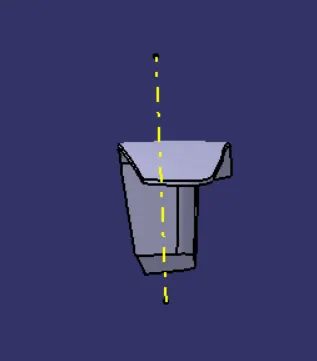
Back View :
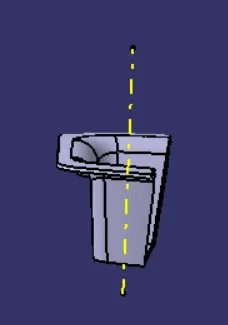
Top View :
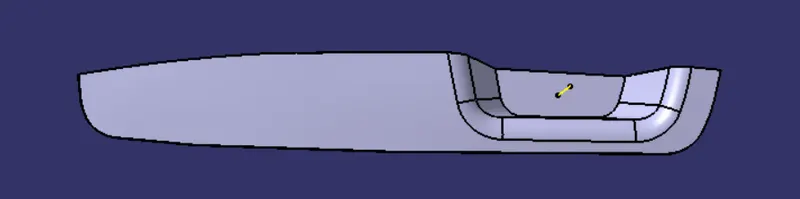
Bottom View :