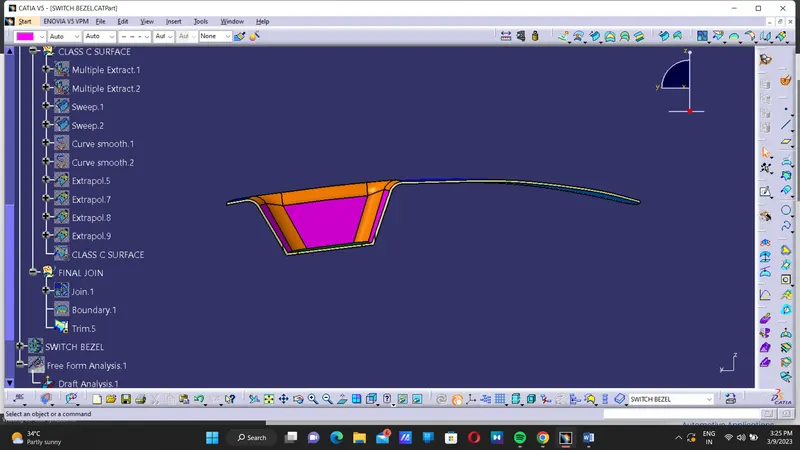
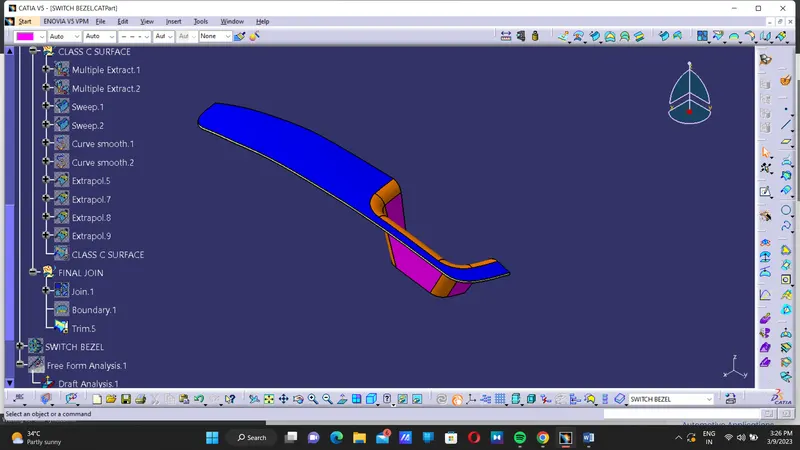
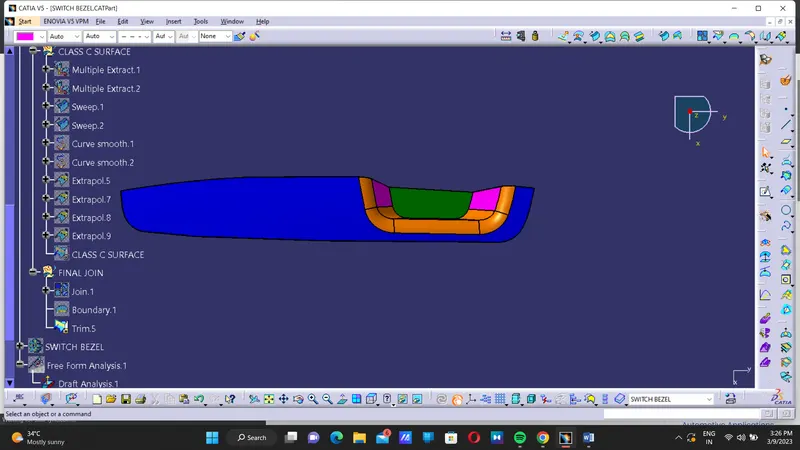
Week 8 - Challenge 2 - Switch Bezel Design
Features used for design A-Class, B-Class, and C-Class
- Line
- Point
- Axis system
- Extrude
- Untrim
- Extrapolate
- Extract
- Boundary
- Join
- Swept
- Fillet
- Close surface
- Intersecting
- Publication
Specifications:
Base Bracket Thickness = 2.5mm
Minimum Draft Angle = 3 Degree
CLASS A SURFACE:
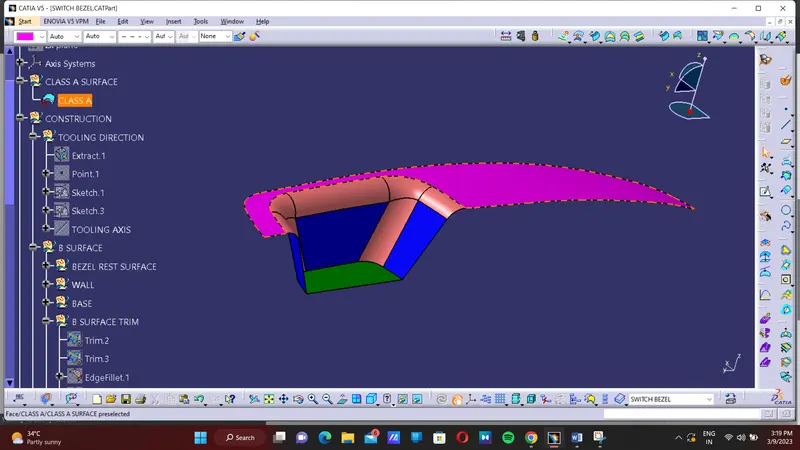
- Check the connectivity of the class A surface Ensure that there is no gap, Between the component using join command.
- we can visually check it or by clicking boundary command.
- It has one outer boundaries ,
- Therefore First check Completed
- Find the tooling axis of the component. The tooling axis is nothing but the mould opens or cavity opens.
- Check visually which is the best possible tooling axis.
- Check all three axis.
- Along x it possible but expensive and y is not possible.
- z is the best possible tooling axis.
TOOLING AXIS CREATION:
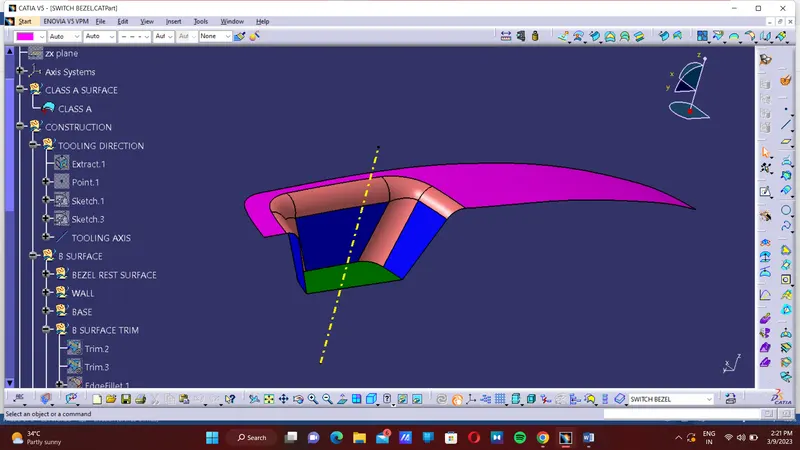
Using the intersection created lines will be created along the inclined walls, these lines are used for creation of tooling axis by bisecting method where are two lines and point will be selected as inputs.
EXPLANATION ON BISECTING METHOD:
Bisecting method is basically use to find the proper tooling axis using the dummy tooling axis. In Bisecting method, bisecting line is used which either bisect the two line or it will show error which means the two lines are parallel to each other. In order to know whether the particular surface is tool able or not we intersect the surface with the respective plane and get a sketch which consist of two lines and with the help of bisecting line option we bisect the line which creates a line at the midpoint of the two lines. Likewise we create tooling clearing axis for x and y which will be used to create the main tooling axis using the bisecting line option in in the line command.
Publication:
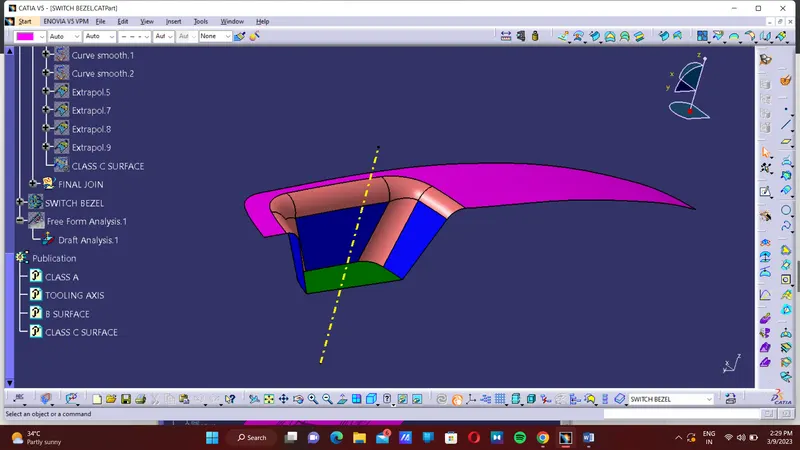
Publication is used to make easily accessible of the published components.
CLASS B SURFACE:
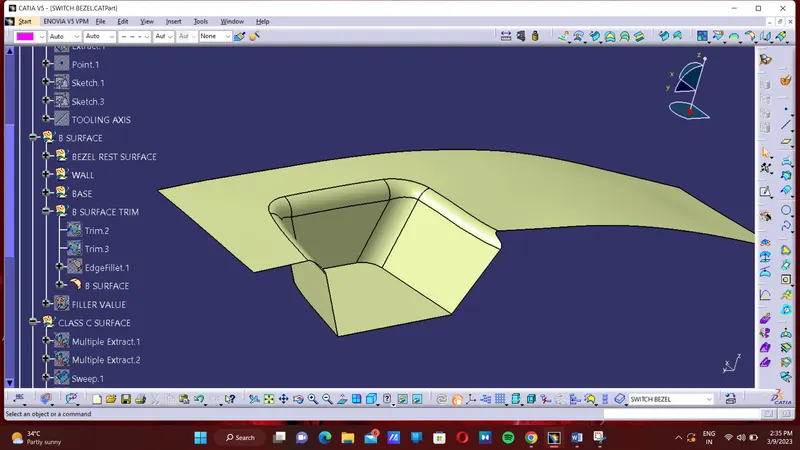
To create the class B surface, I considered the entire surface has 3 parts Bezel rest surface, Wall, Base. If we directly offset the class A surface, fillets may lead to cause an error, to avoid the errors we need to extract the surfaces and untrim the extracted surfaces and extrapolate those untrimmed surfaces with point continuity. Now trim those extrapolated surfaces to the required shape. And finally, fillets were given to the final trim.
CLASS C SURFACE:
DRAFT ANALYSIS:
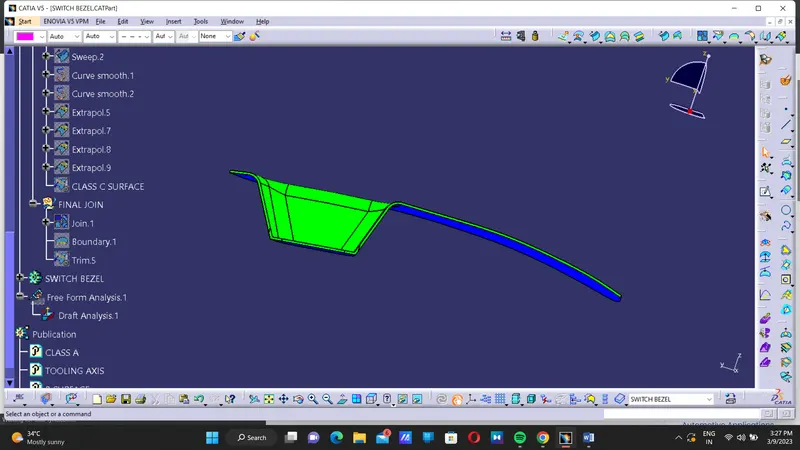
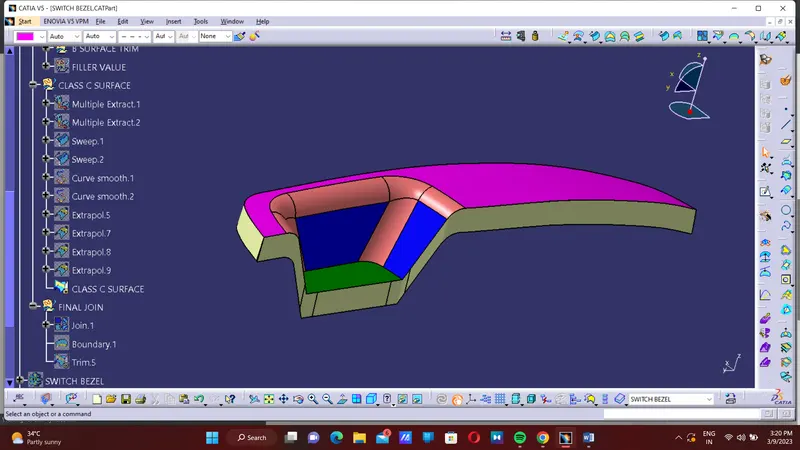
To check the draft angle with help of draft analysis tool. If the angle are same the component are in same color.