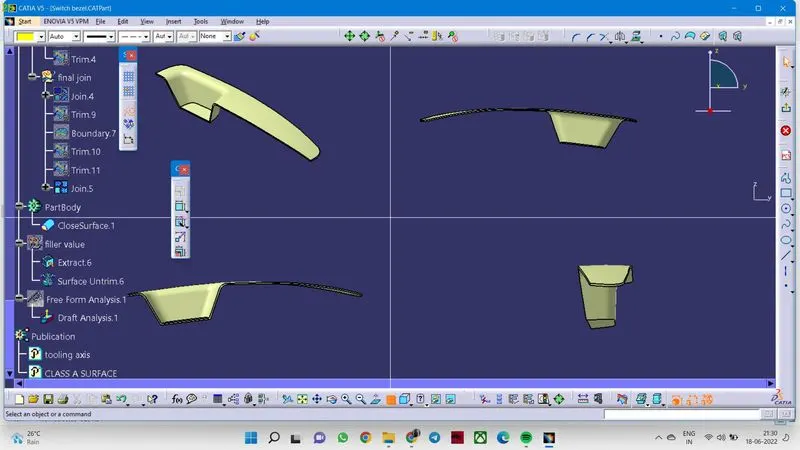
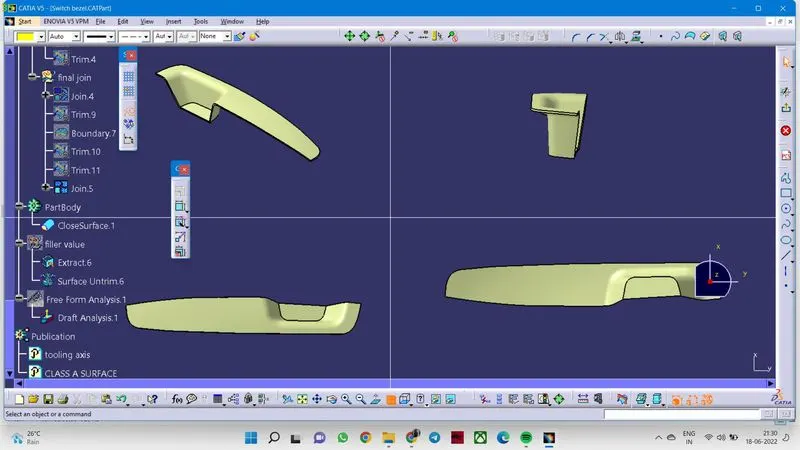
Week 8 - Challenge 2 - Switch Bezel Design
Report
First downloaded the switch bezel class A surface. After that. I created a geometrical set in a name as constructions. The first step in that was the creation of the tooling axis. By using multiple extracts, extracted the lines and create the sketch and find the tooling axis by bisecting them.
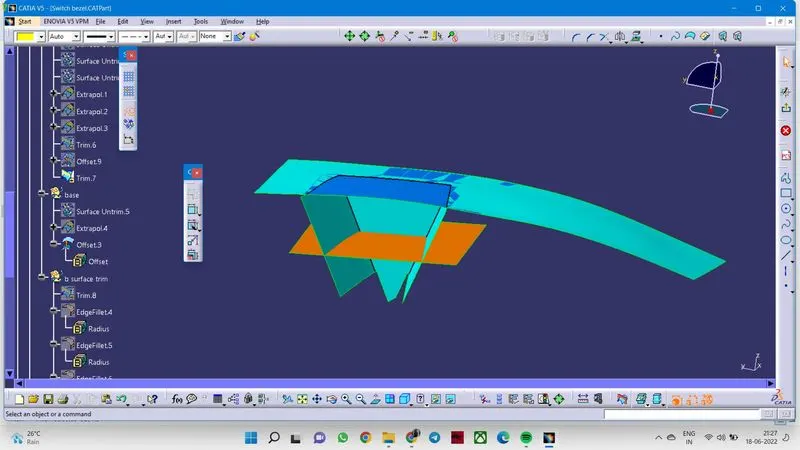
Then I created another geometrical set for the class B surface. After that, extracted the bezel surface, walls, and base. Used untrim and offset the surfaces. and finished the creation of the class B surface with a final trim. Then I moved on to the creation of the class C surface. By using multiple extracts, extract the outer edges and smooth surface by using smooth curves.
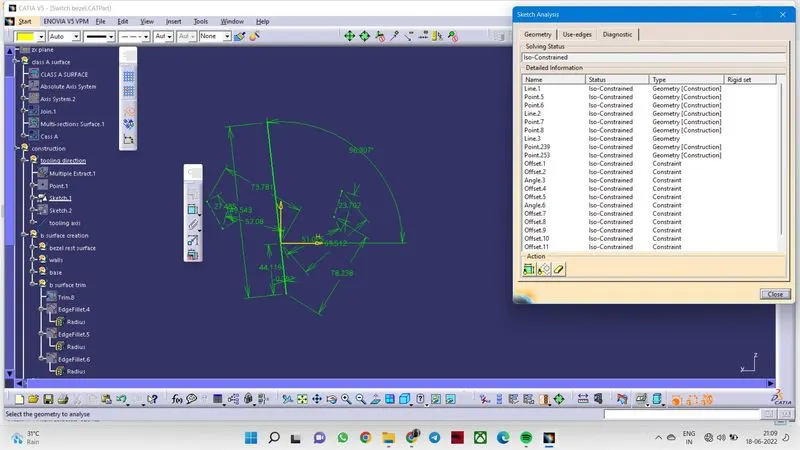
Tooling Axis
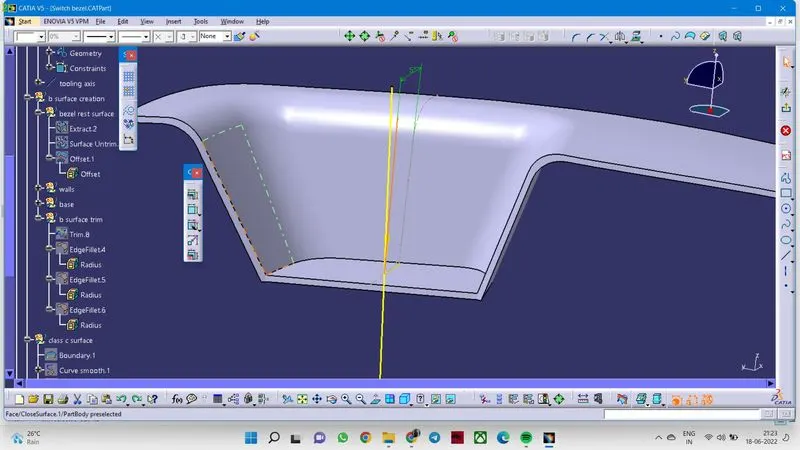
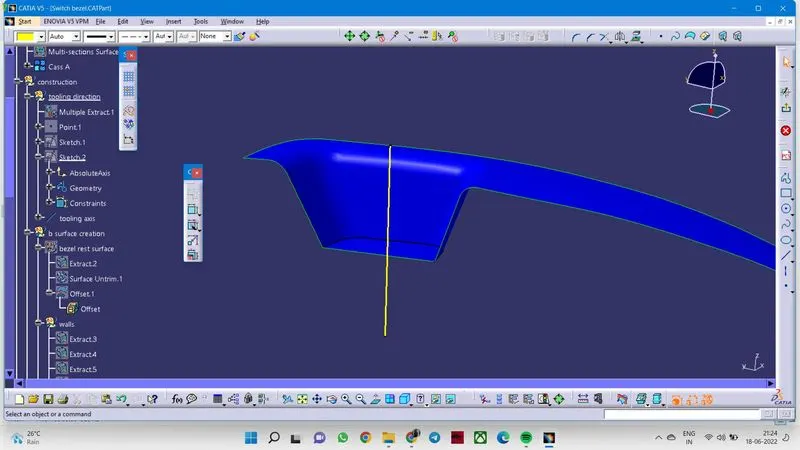
Creation of B surface started
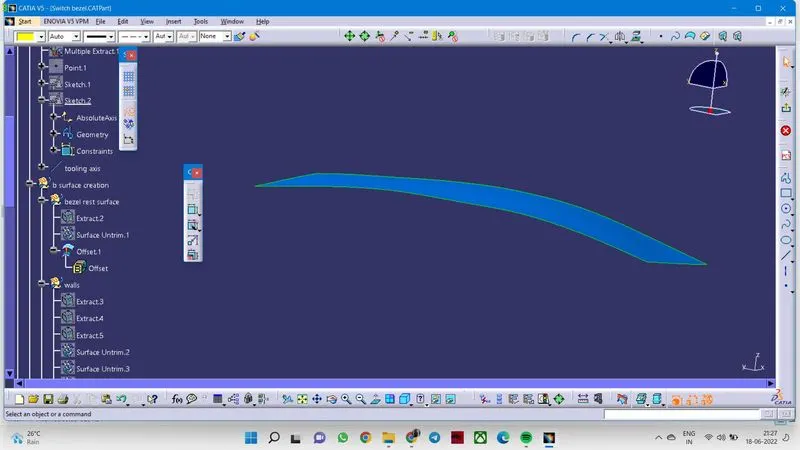
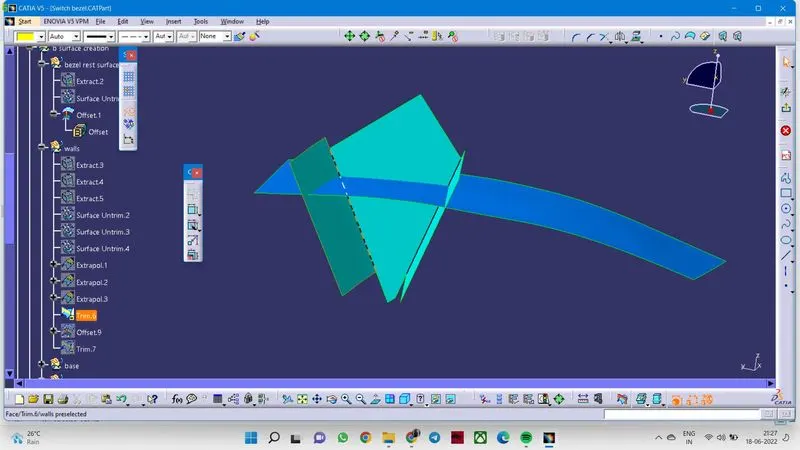
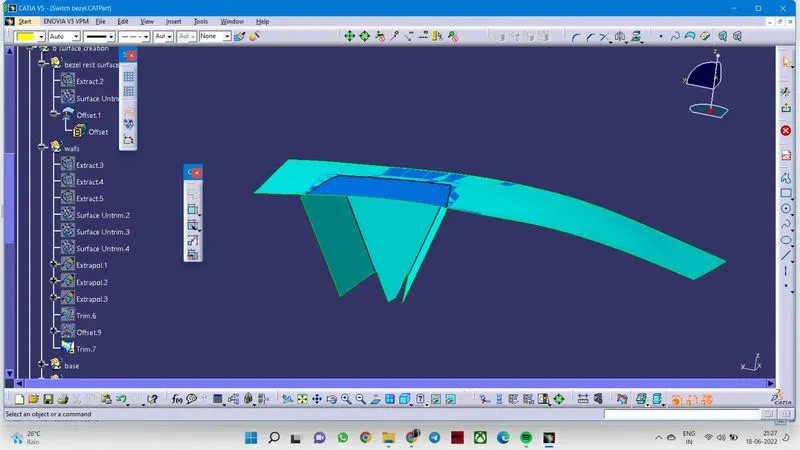
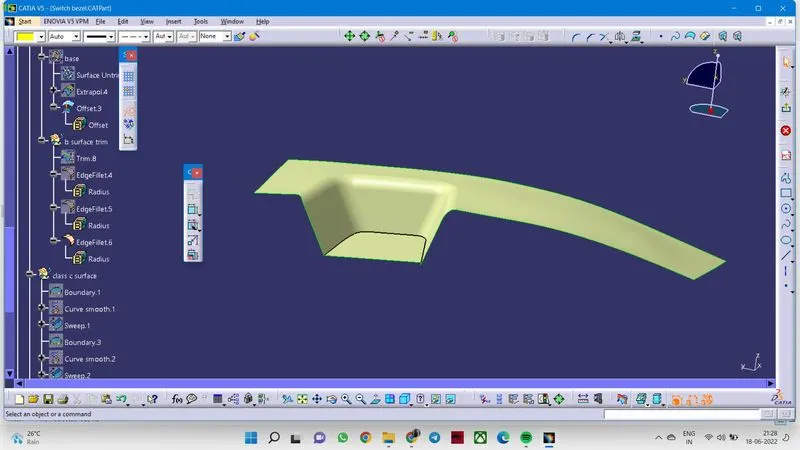
Creation of c surface
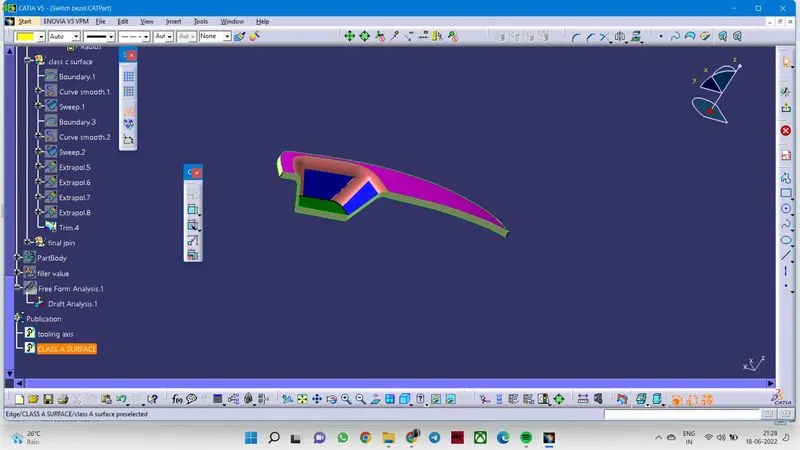
final join
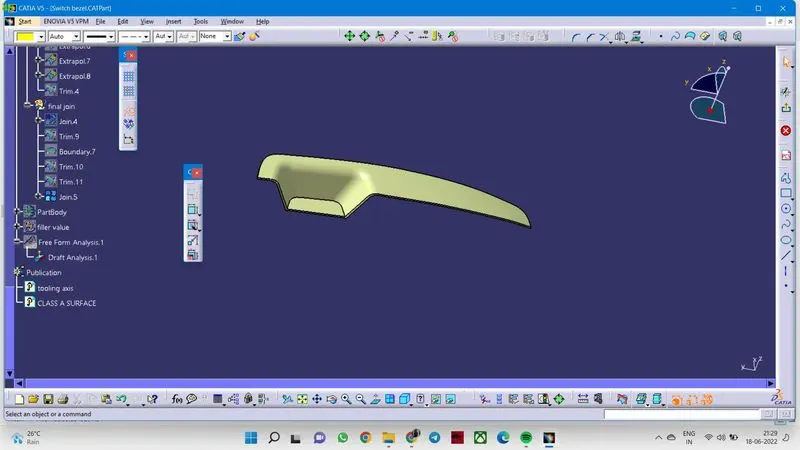
close surface creation
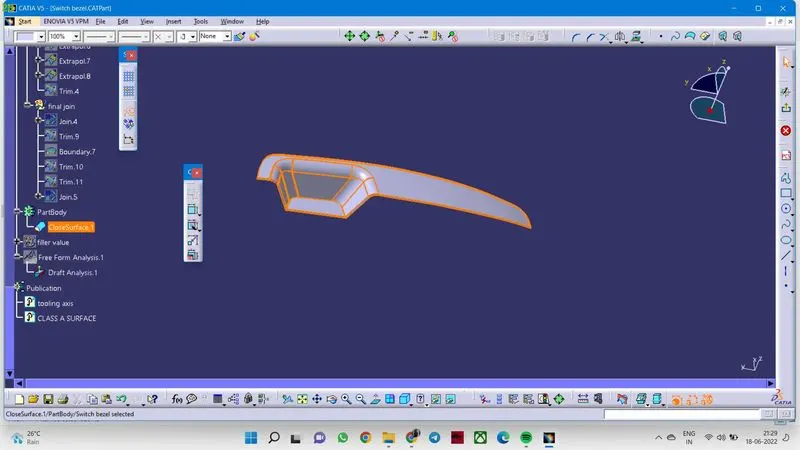
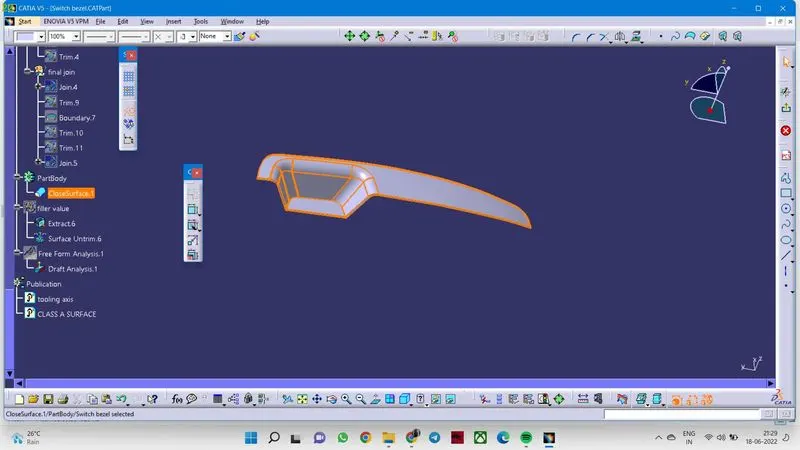
different views