Week 8 - Challenge 2 - Base Bracket Design
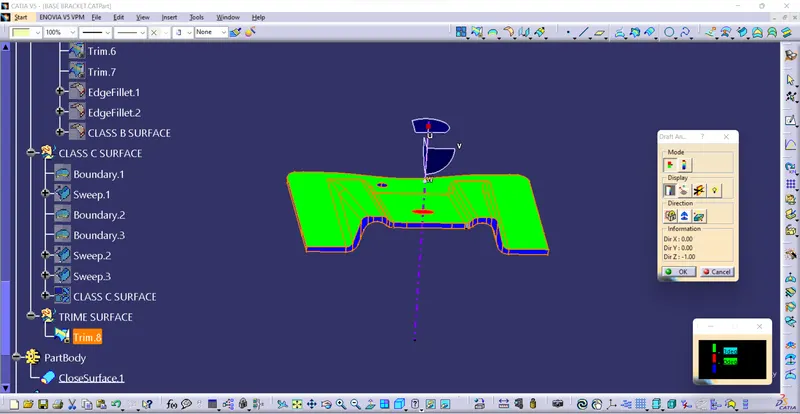
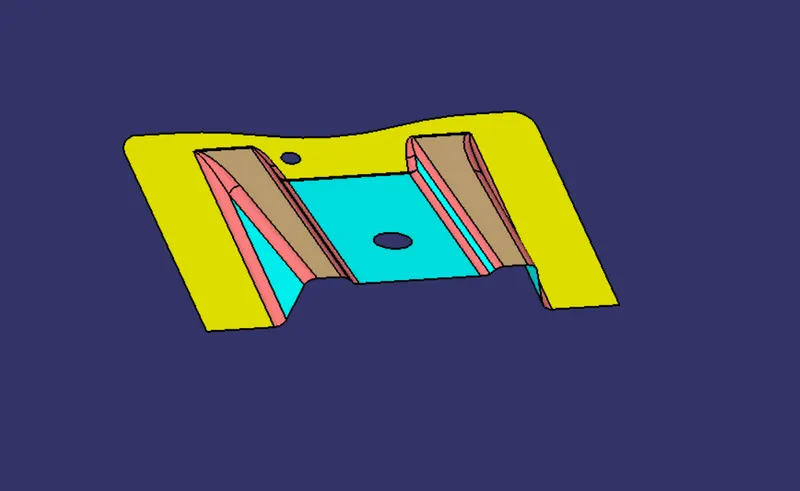
DRAFT ANALYSIS:
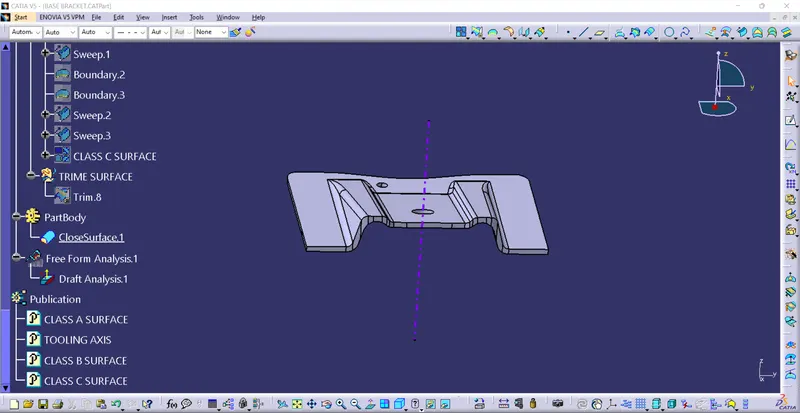
* Enter the part diagram of the catia.
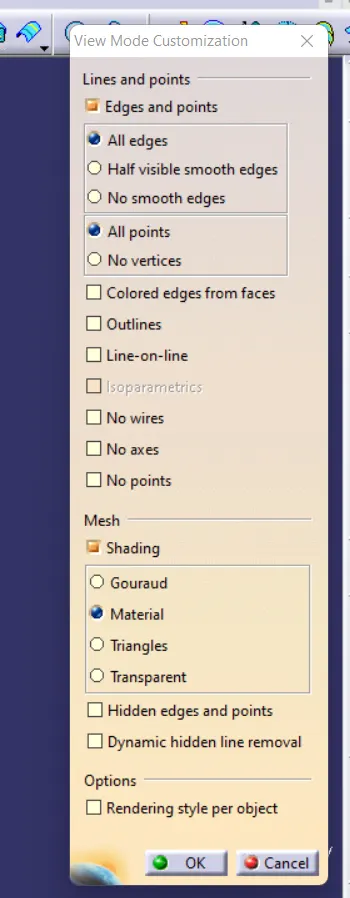
* customize view parameter go to to the material mode.
* go for the draft analysis
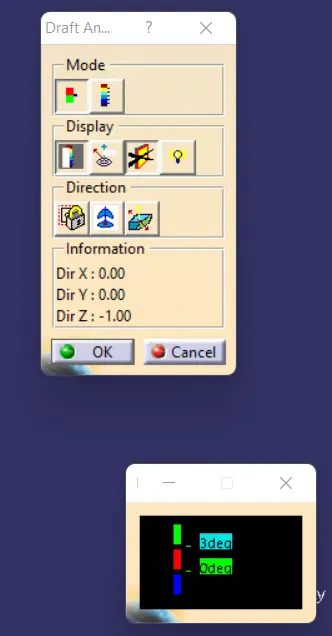
*drag axis bar to the tooling direction of part.
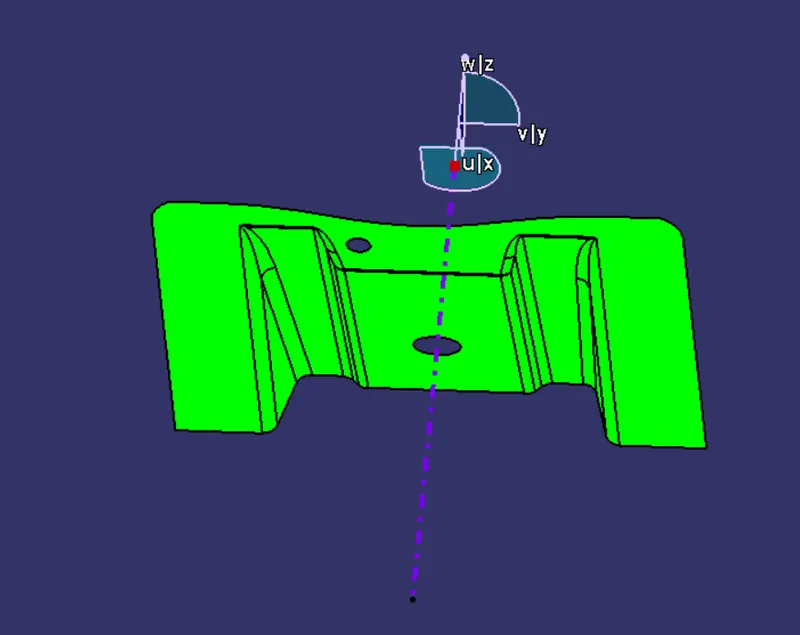
* check for draft and make parting line as per analysis.
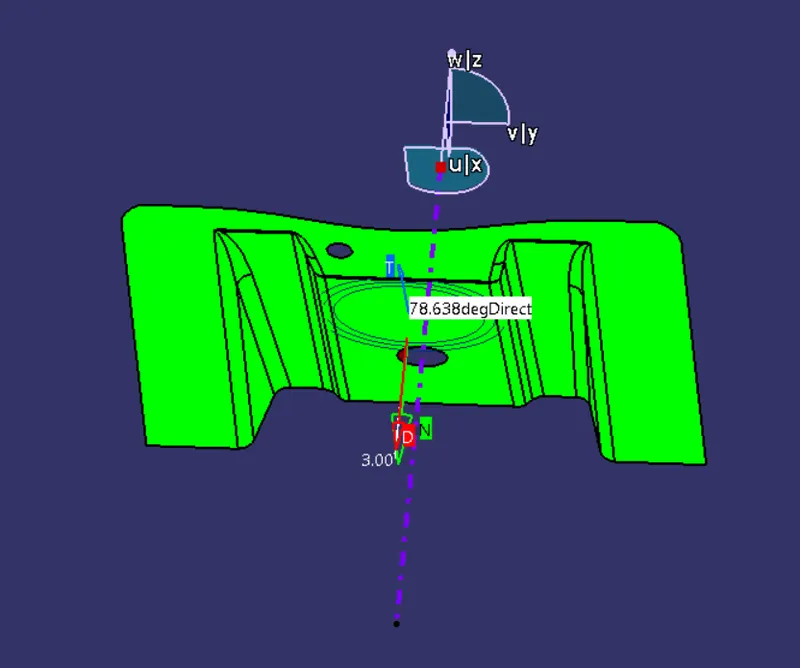
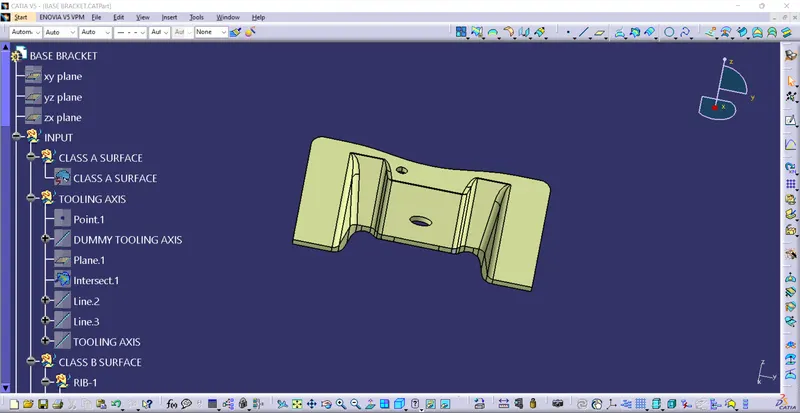
TOOLING AXIS:
*The Direction in which the mold or core and cavity opens is the tooling axis.
1) connectivity of class A surface:
cheking the connectivity of the surface,this can be done by creating boundariesor by simply using such as that any opening can be easily visualized.
2) Analysis visually for the best possiable tooling axis.
A Dummy tooling axis will be directly created using point dirction command.
checking possiabilities (clearance) in all the direction of axis and find what are the problem creation parts of the component or model.
The clearanace checking along all the axis direction will be done by creating an intersection along an axis on a plan with the model and constructing two lines contact with the walls,the line bisecting the two lines and passing through the point will be the tooling axis.
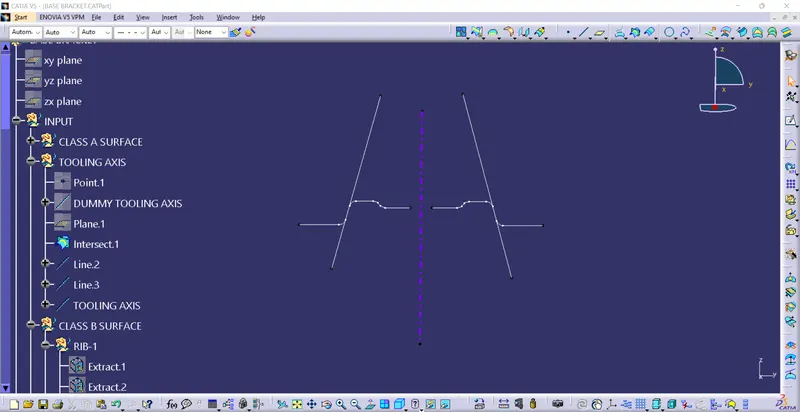
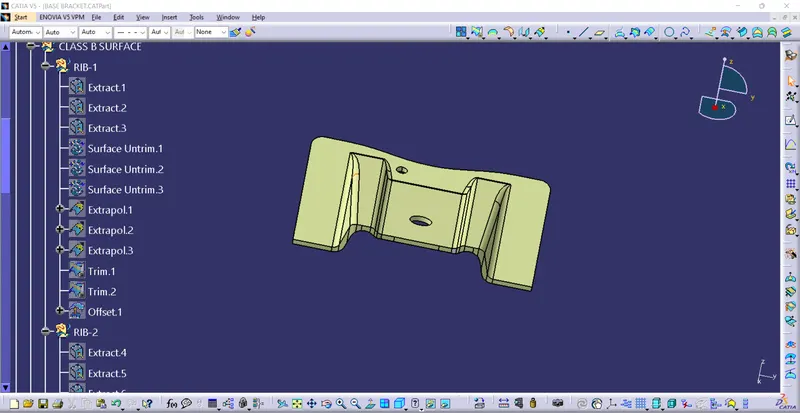
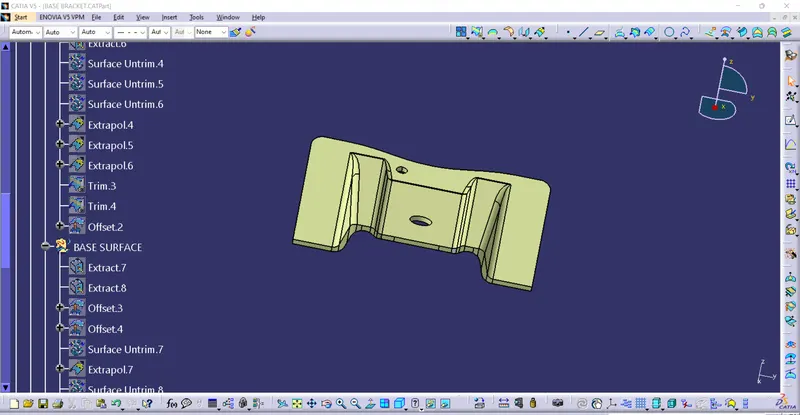
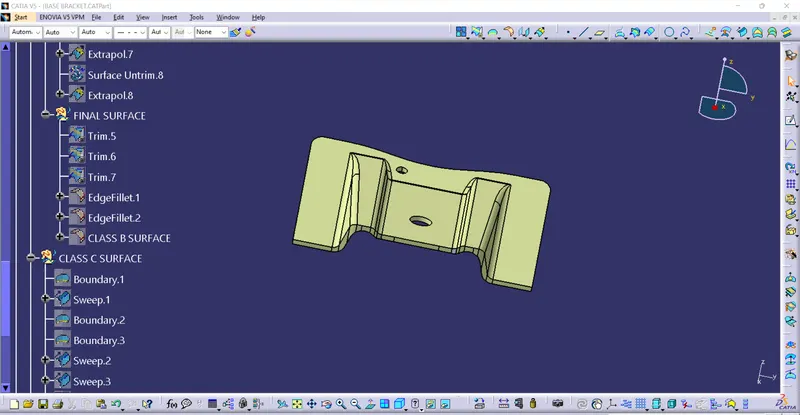
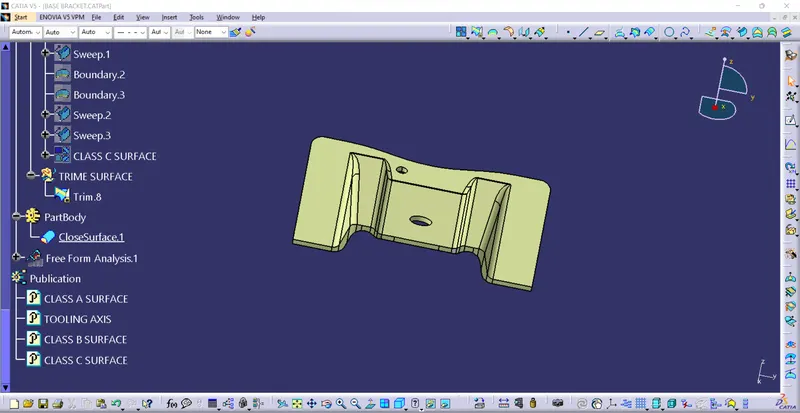
TREE DIAGRAM:
DRAFT ANALYSIS: