Week 8 - Challenge 2 - Base Bracket Design
AIM:
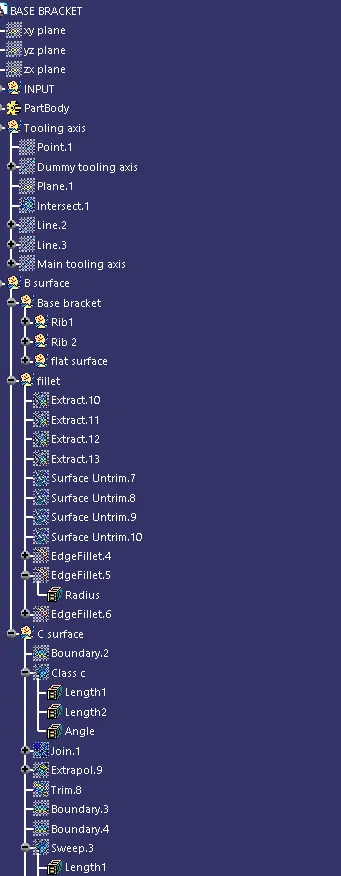
To Create the Base Bracket Plastic component tooling axis.
PROCEDURE FOR TOOLING AXIS :
*first step is to create a tooling axis , to create it we create a dummy tooling axis
*second step is to get a bisecting line then that line will be the tooling axis
*here in this case viewing from z direction we can clear the face in tooling
*since in y direction there is no wall to bisect line we finalize the tooling axis in X direction as main tooling axis
AIM:
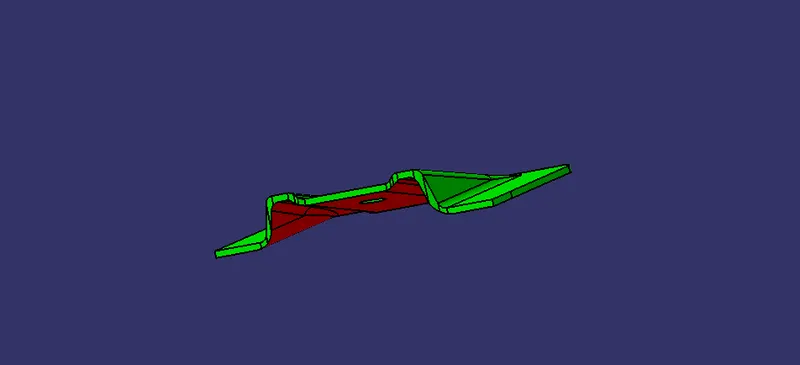
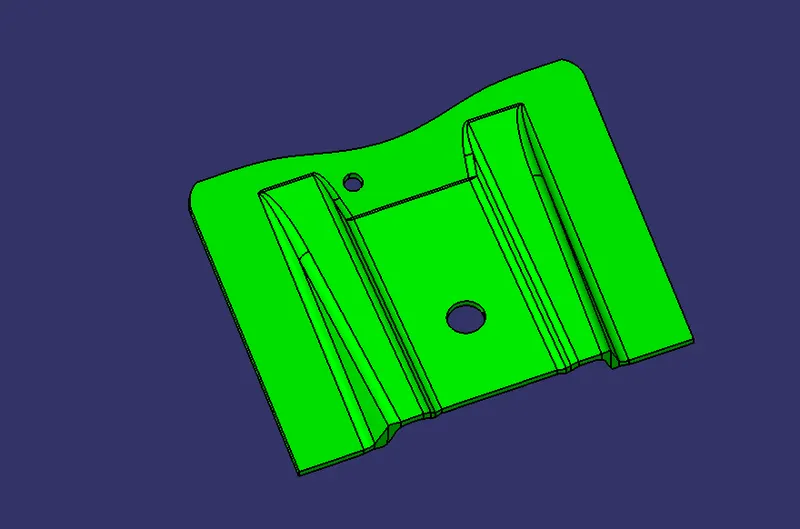
To Create the Base Bracket Plastic component draft analysis.
PROCEDURE FOR DRAFT ANALYSIS:
*open feature draft analysis using the analysis option
*when it opens it shows the quick analysis mode
*Next to position the compass to the tooling axis by draging it from the right corner of the working area. the w axis should be inline in tooling axis
*Then lock the position of the compass by clicking the lock option in the tool bar
*Then clicking the surface of the part it shows the colour range
*It shows the range change it to 2.9 ,then the part turns into green
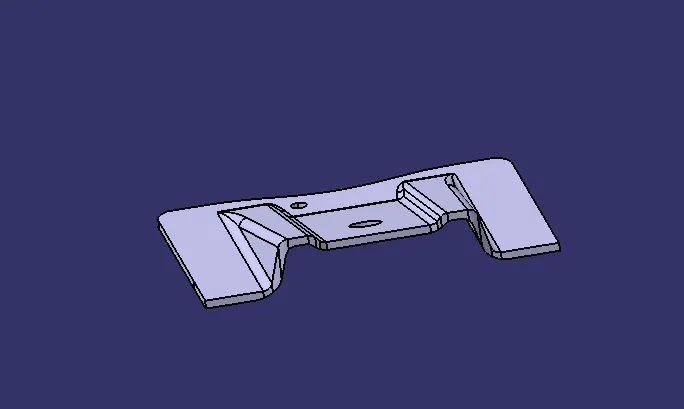
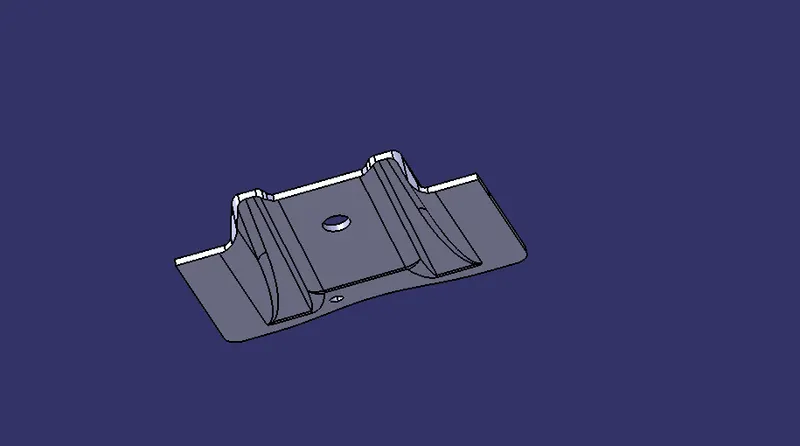
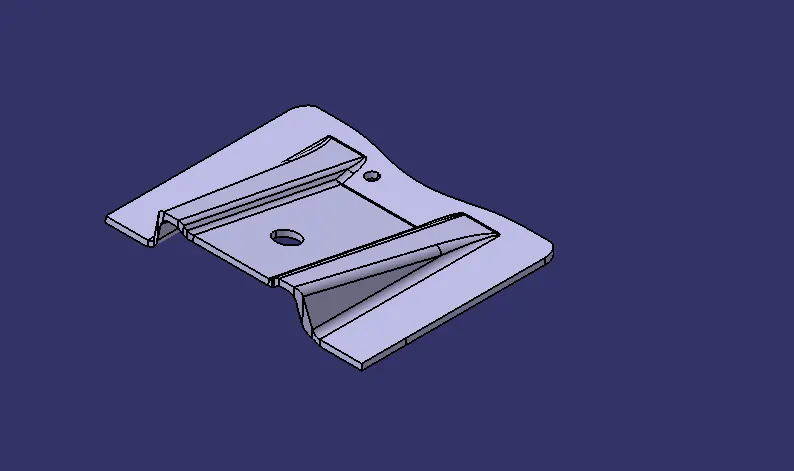
PART :
DRAFT ANALYSIS:
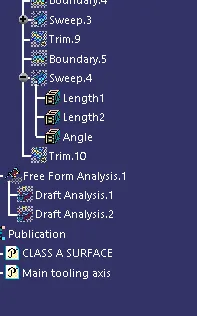
TREE STRUCTURE