Week 8 - Challenge 2 - Base Bracket Design
AIM : Create the Base Bracket Plastic component through the given Class-A surface. To begin with, the tooling axis for the given Class-A Surface should be created meeting the requirements of the draft angle and at the end perform the Draft analysis on the model.
DRAFT ANALYSIS :
- 1ST to check the connectivity of the class A surface.
- Ensure that there is no gap between the component, using join command .
- We can visually check it or by clicking boundary command.
- After that disassembled.
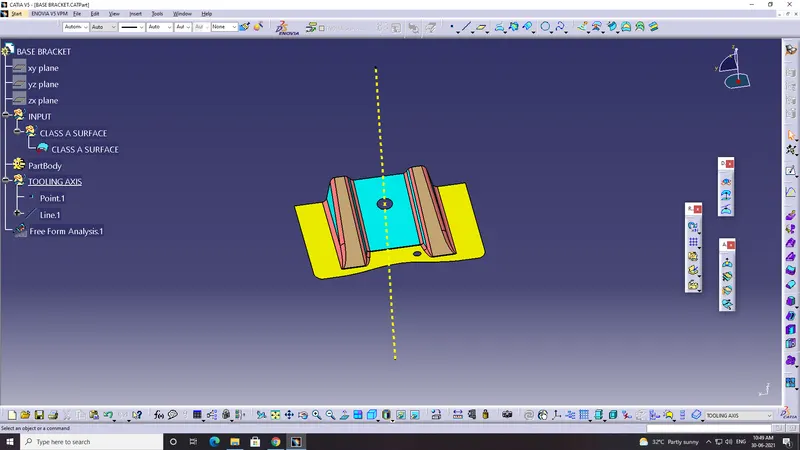
- t has 2 boundary. inner and outer.
so the 1st design check is completed.
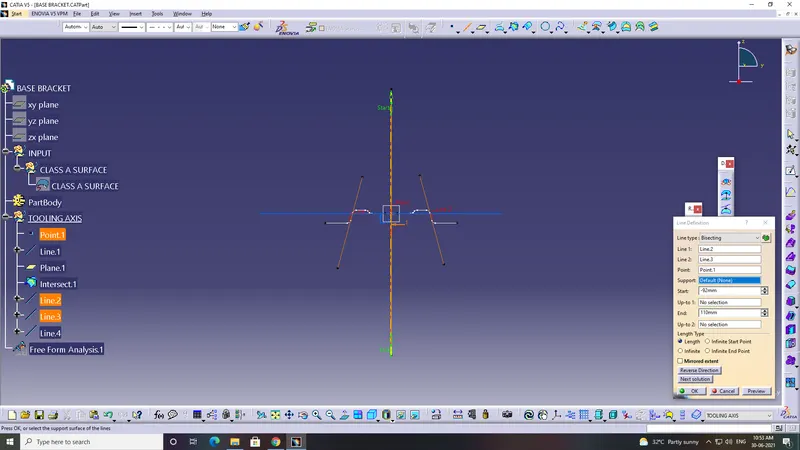
step 2: Find the toling axis of the component.The tooling axis is nothing but the mould opens or cavity opens.
- Check visually which is the best possible tooling direction.
- check all the 3 axis.
- Along x and y is not possible.
- Z is the best possible tooling axis.
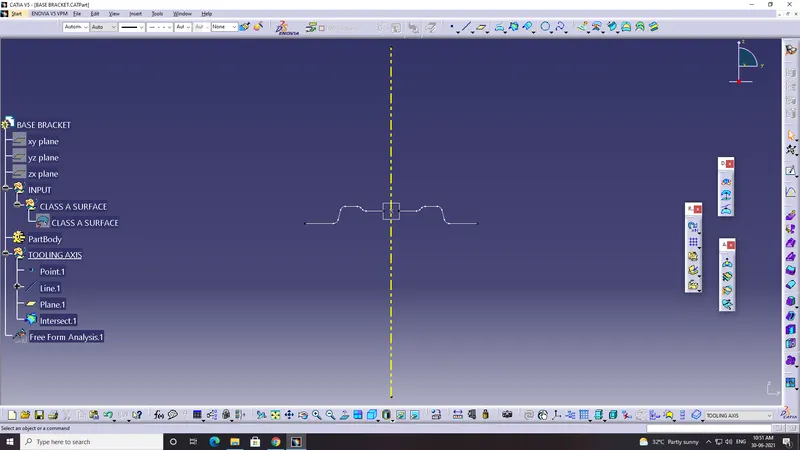
And then dummy tooling axis is created.
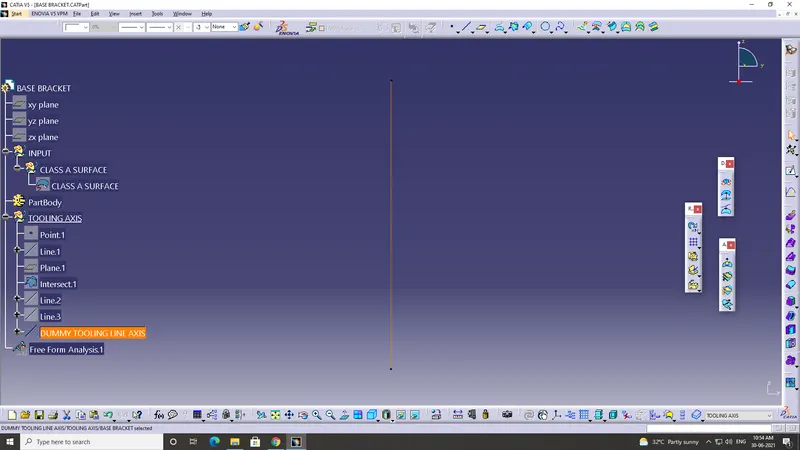
now this is the draft analyst tool.
And next place the axis and lock it.
It displayed in green color.
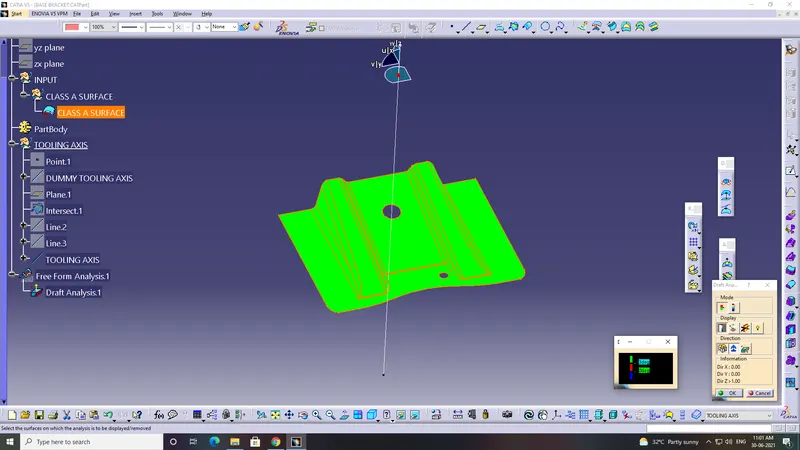
more than 3 is green.z is red and negative is blue.
minimum draft value is 3.
Now measure individually
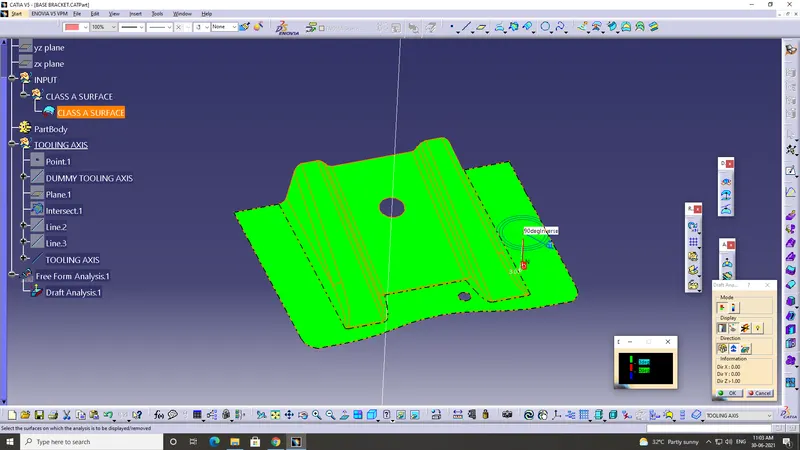
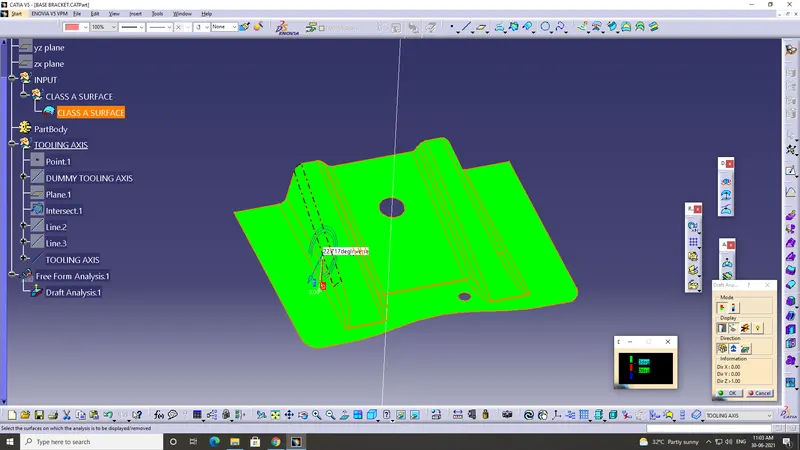
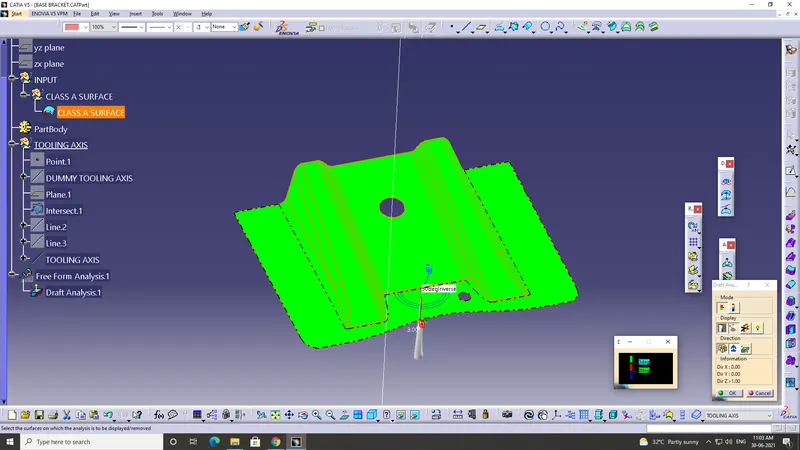
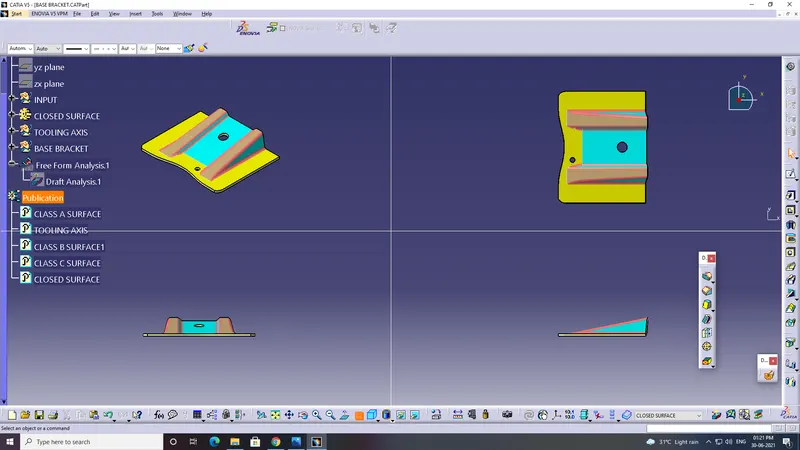
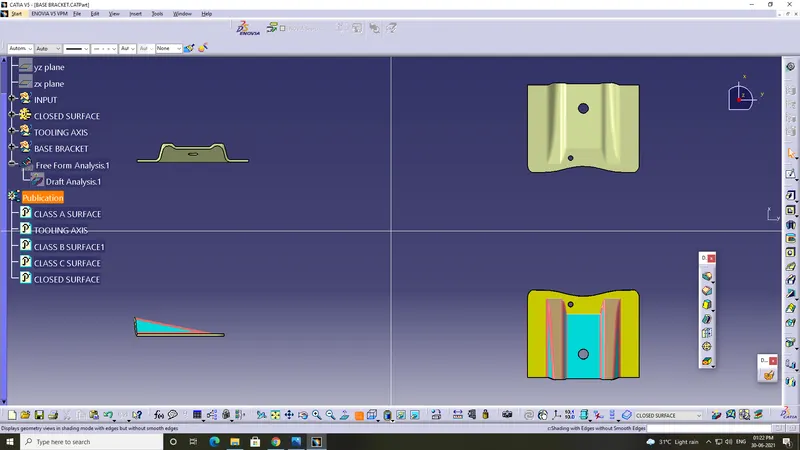
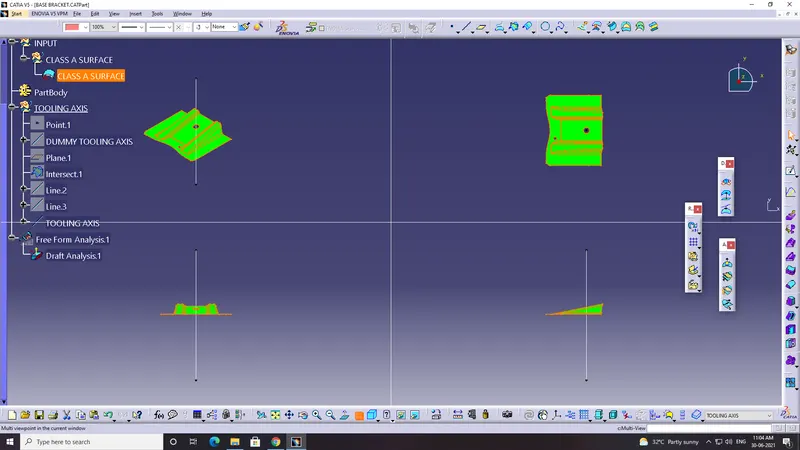
- Screenshots of the model with the proper color code of the draft angle in various orientations (Isometric, Front, Side, and Top View)
Create a geometric set and name as base bracket------b surface---- rib1.
Extract the side of the rib.
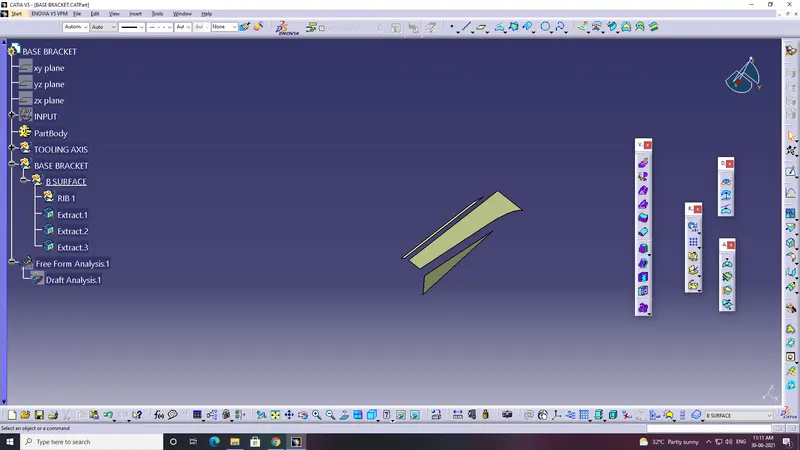
Give untrim one by one side rib.
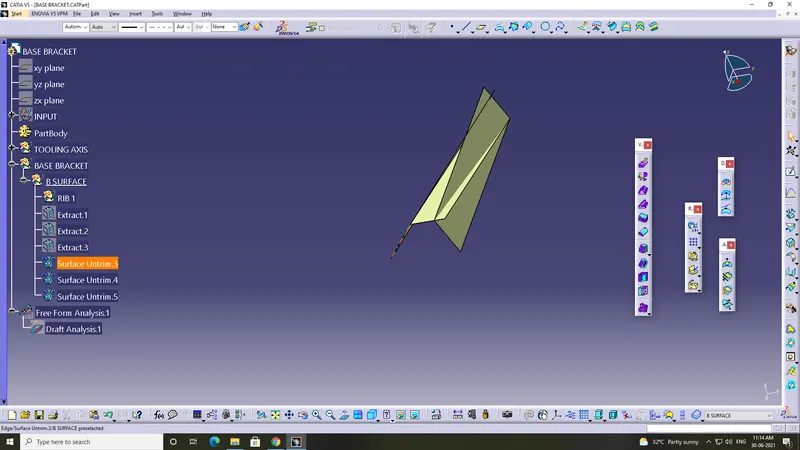
After the untrim one by one side rib. Go to the tree hide the extracts.
Extrapol them in 10 mm.
Always ensure that in Continuity : curvature. Propagation mode : Point continuity.
Trim the surface and extrapol using trim command.
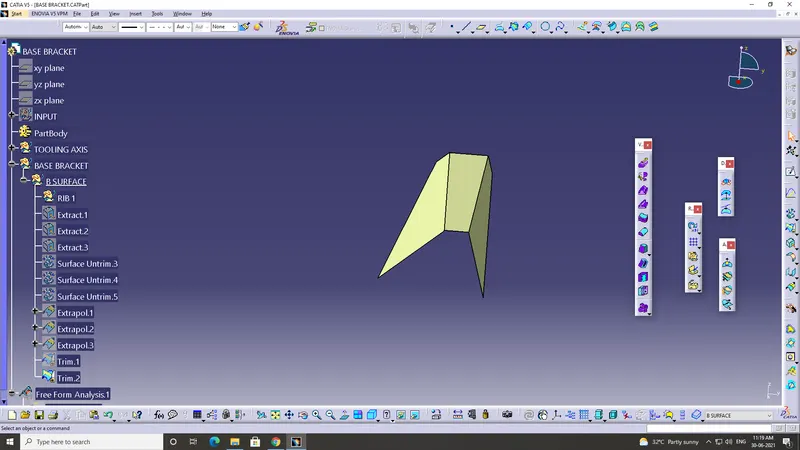
Give the offset to the trim.2 about 2.5.
Because the thickness of the component is 2.5. so that's why the offset value is 2.5.
And next create the 2nd geometric in the B surface ------ rib2 .
what ever did in the rib 1 same as gonna do in the rib 2.
Extract the side of the rib.
Give untrim one by one side rib.
After the untrim one by one side rib. Go to the tree hide the extracts.
Extrapol them in 10 mm.
Always ensure that in Continuity : curvature. Propagation mode : Point continuity.
Trim the surface and extrapol using trim command.
Give the offset to the trim.2 about 2.5.
Because the thickness of the component is 2.5. so that's why the offset value is 2.5.
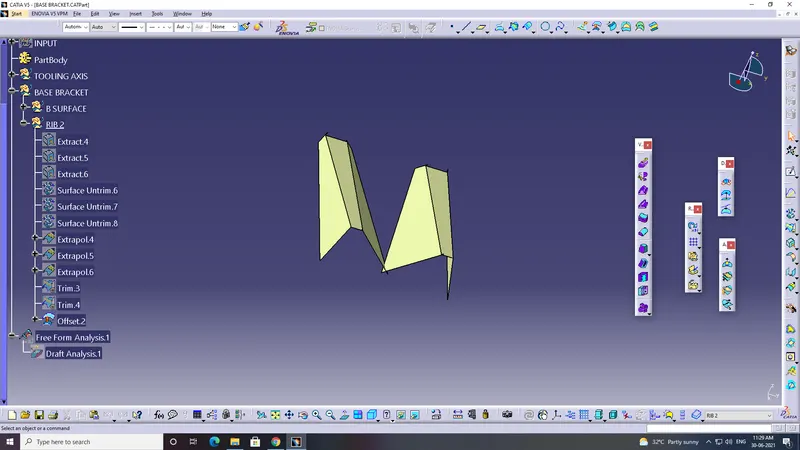
AND NEXT
3rd geometric set. ---- base surface 1 and 2.
Extract the base .
untrim the base .
give offset value of 2.5mm.
and extract the base 2 and hide the class A surface.
untrim the 2nd base.
give offset value of 2.5mm.
hide the extract.
Now have the both untrims.
extrapol the untrim about 10mm.
trim the base 1.
extrapol the base 2 about 10mm.
trim it.
AFTER THAR MEASURE THE FILLET
measure it . already have the intersect . show it .measure the edge. it tells the fillet value.
if the thickness is the outward direction so the R --- 3 + 2.5.
if the thickness is in the inward direction then R ----- 3 - 2.5.
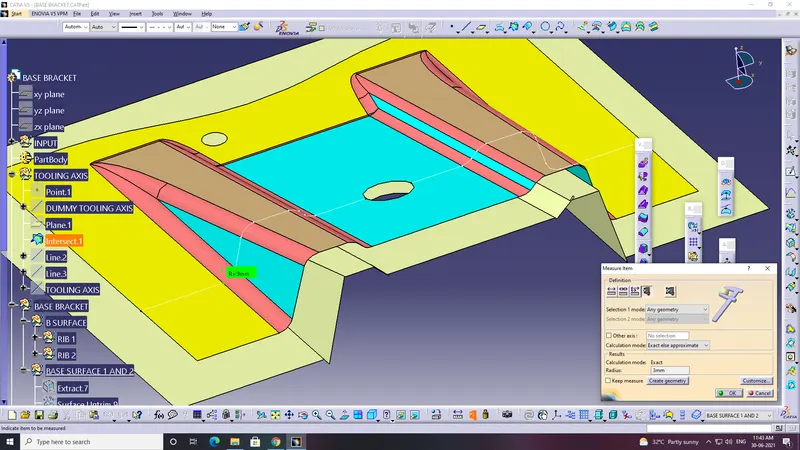
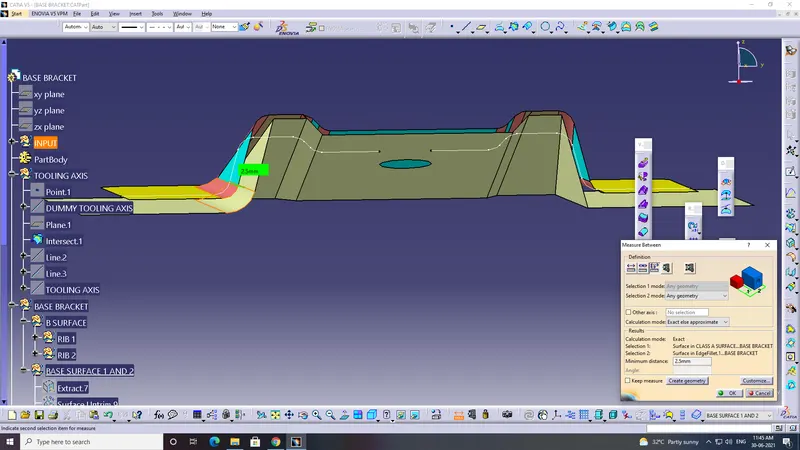
AFTER THE FILLET INSERT THE GEOMETRIC SET.
BASE BRACKET ----- C SURFACE.
now select the outer boundary of the class A.
Unhide the tooling axis.
give sweep command. ensure that in profile type in 2nd one.
subtype ---- draft direction.
G.C ------ boundray.
draft direction ----- tooling axis.
whooly defined
angle 3 deg minimum
choose the botoom direction of the 1.
join SEEP and the CLASS A SURFACE. AND TRIM IT.
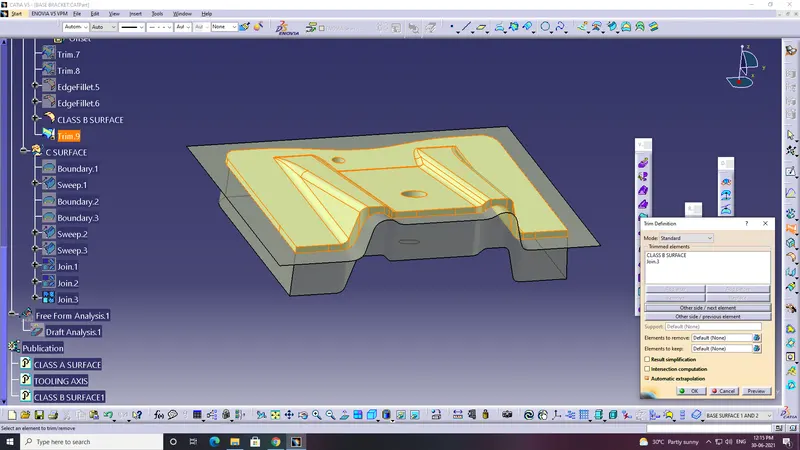
After that this surface is gonna use it for the closed surface.
so give this surface as the closed surface.
and check it.
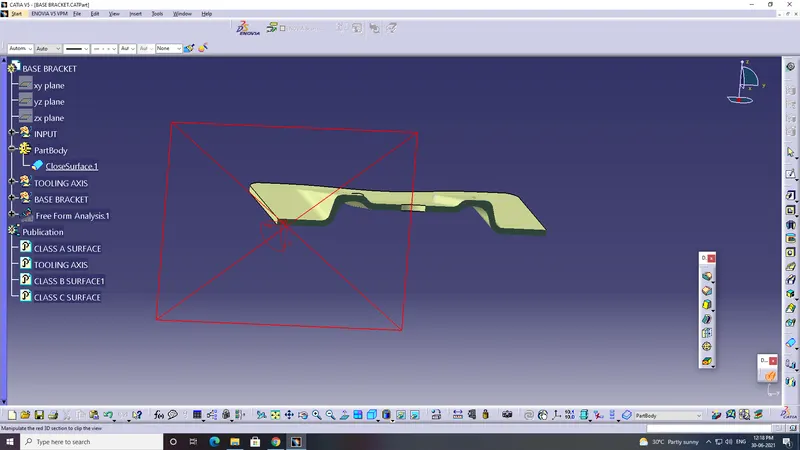
and publish the
- CLASS A SURFACE.
- TOOLING AXIS.
- CLASS B SURFACE.
- CLASS C SURFACE.
- CLOSED SURFACE.
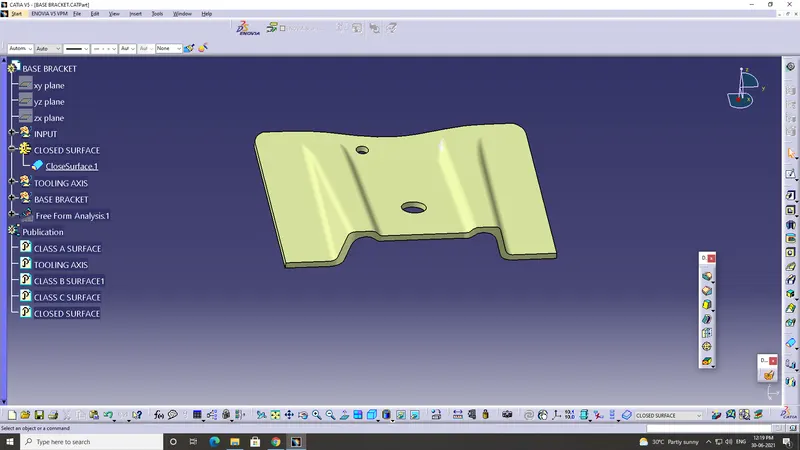
- Screenshots of the expanded Tree Structure for the Geometrical Sets and the Part Body.
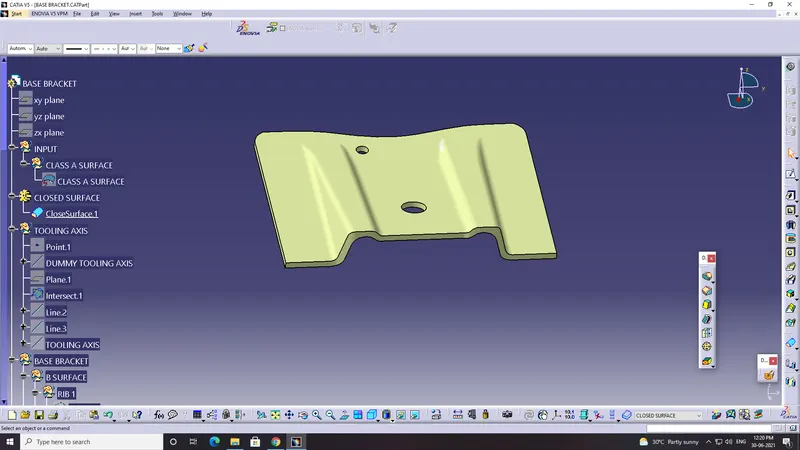
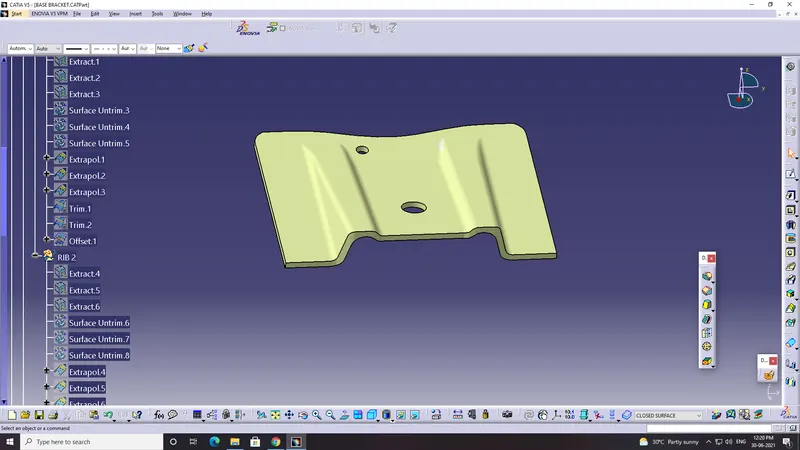
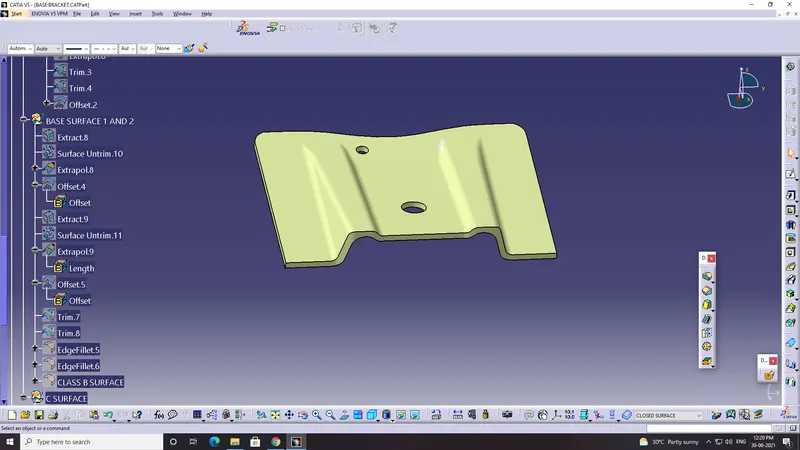
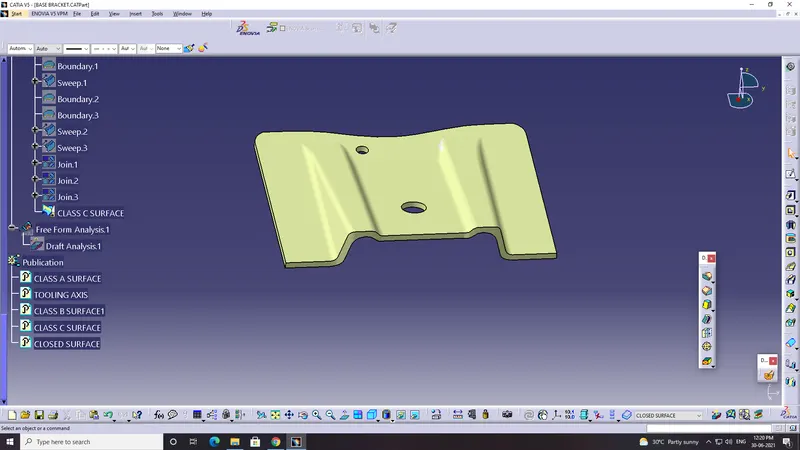
- Screenshots of the solid model with the proper color code of the draft angle in various orientations (Isometric, Front, Side, and Top View)