3D Meshing of the Automotive Component using Tetra Element in Hypermesh
Aim - 3D Meshing on the automotive models using FEA Tool HYPER-MESH
Stepswise Procedure -
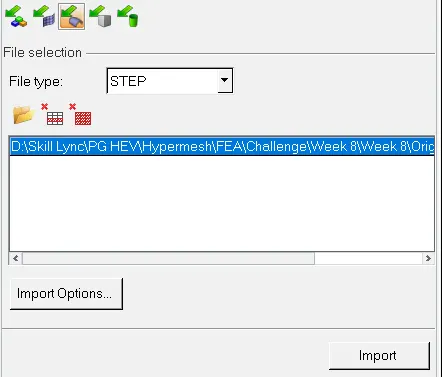
1. Import the geometry in the hypermesh window.
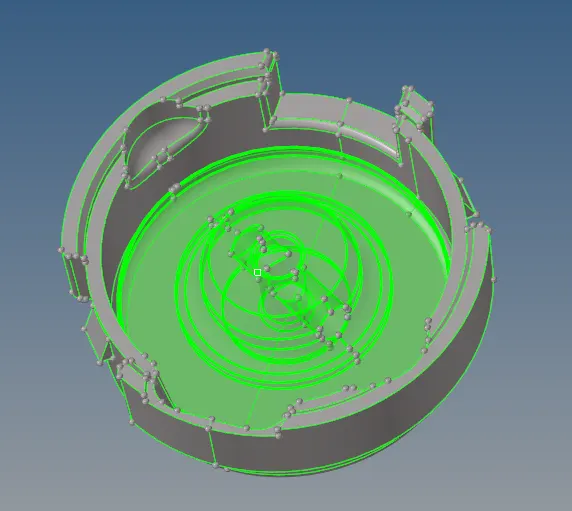
2. Check for the geometrical error and solid parts if any.
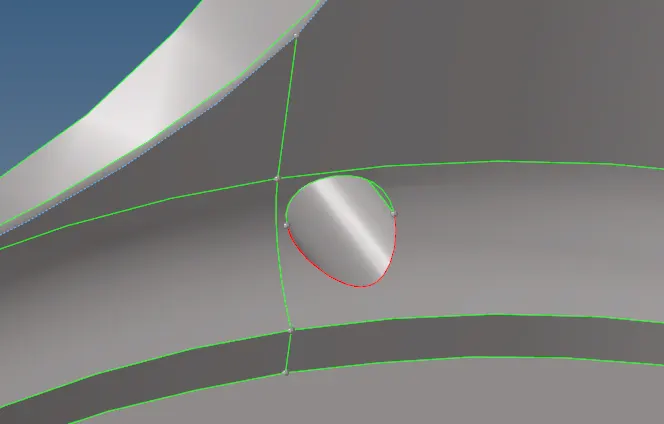
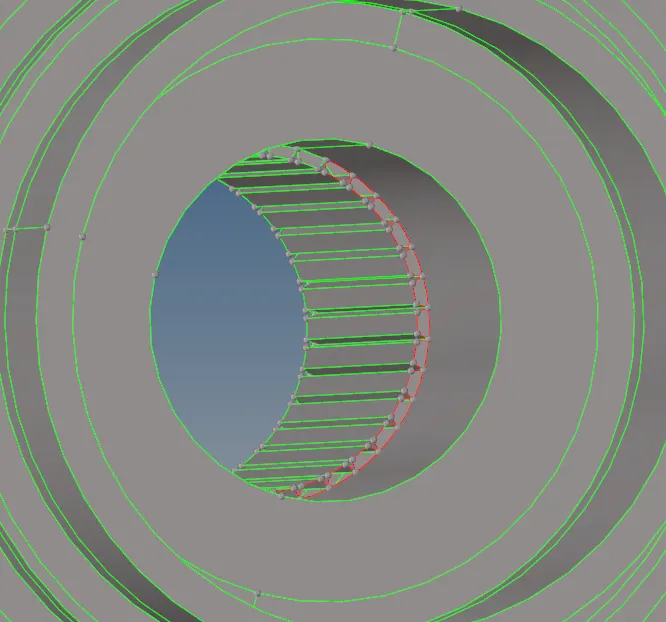
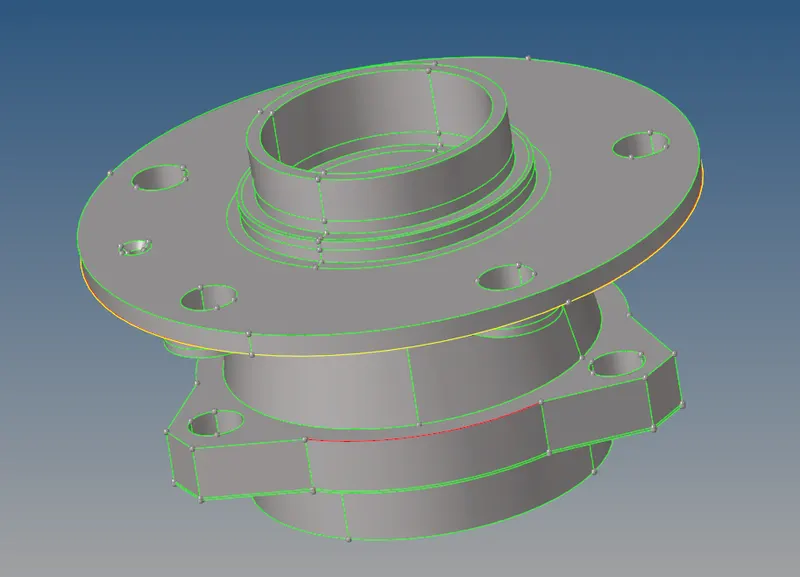
These errors are checked using toggling the lines and deleting the unwanted surfaces
3. Mesh the geometry using different 3D Meshing options available.

fig - Tetramesh
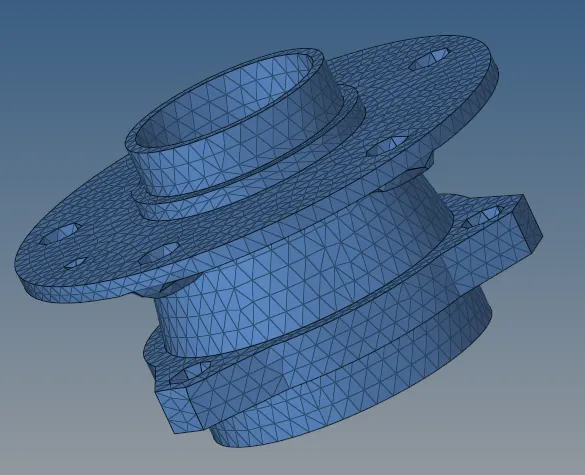

fig - Volume Tetra Tetramesh
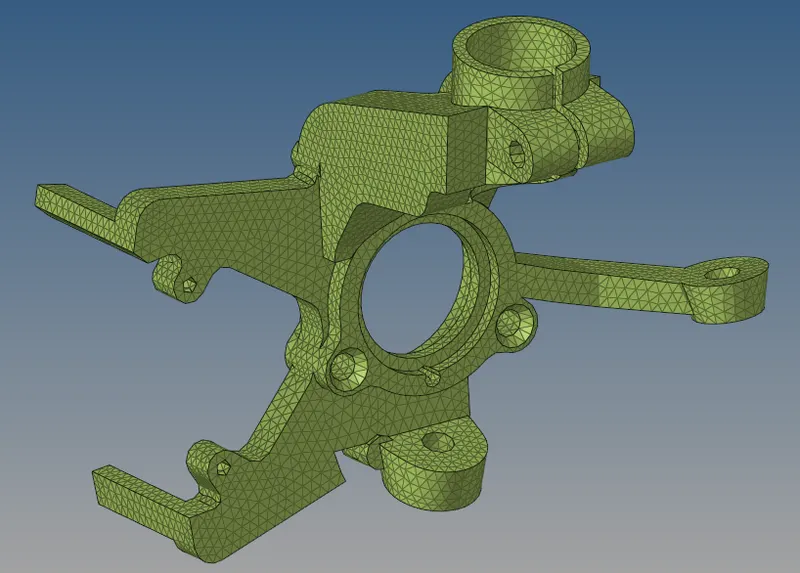
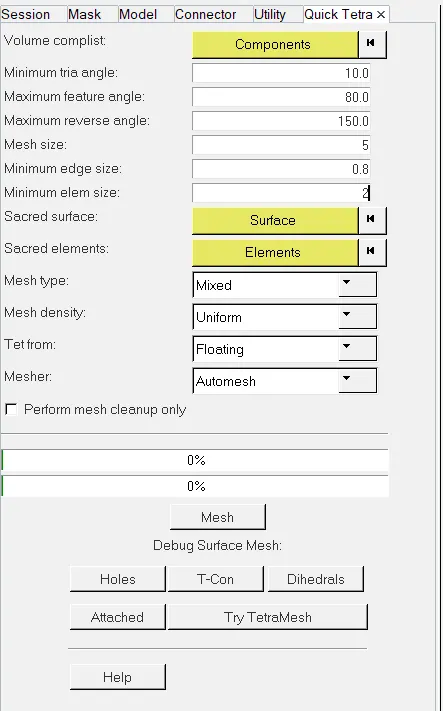
fig - Quick Tetramesh(utility)
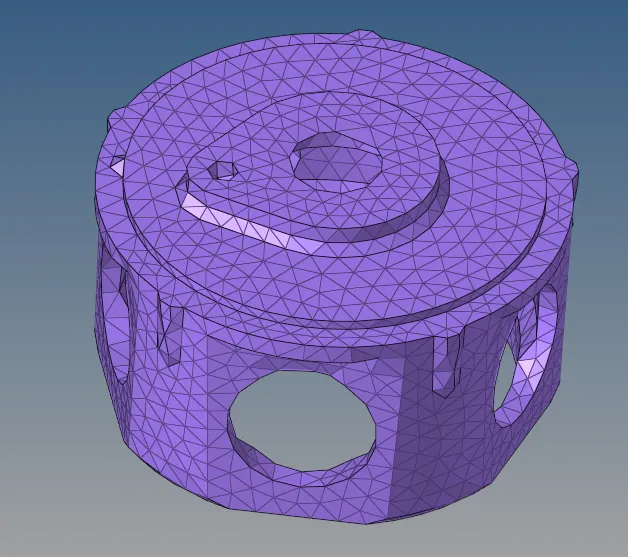
4. Check for the element failure for min and max length along with the tet collapse check for the 3D element.
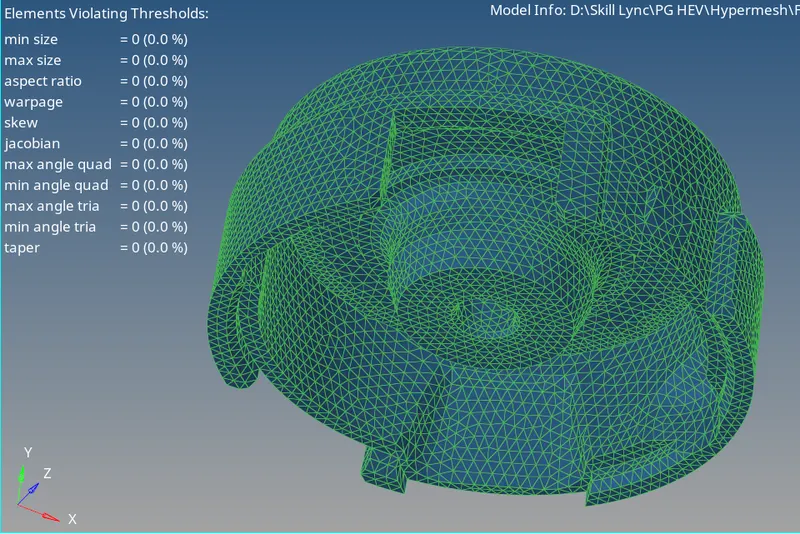
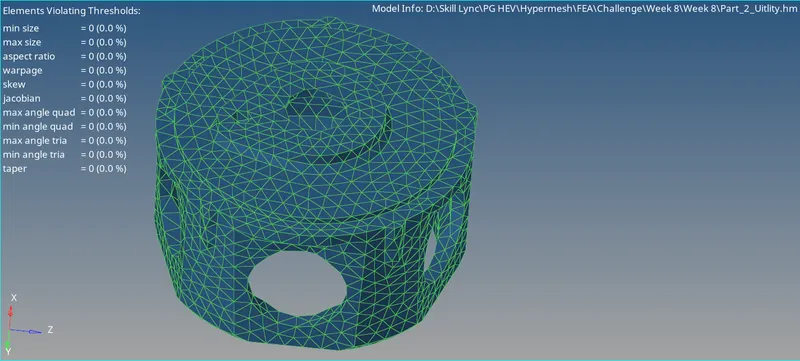
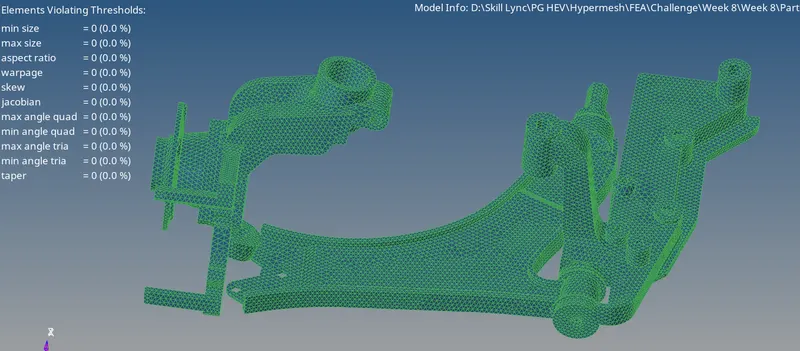
5. Check for Tet Collapse Value of 0.150 & If tet collapse presents repair the elements using the manual method or 3D element fix method under the tetra mesh panel.
6. After completing the 3D Mesh delete the 2D mesh from the geometry.
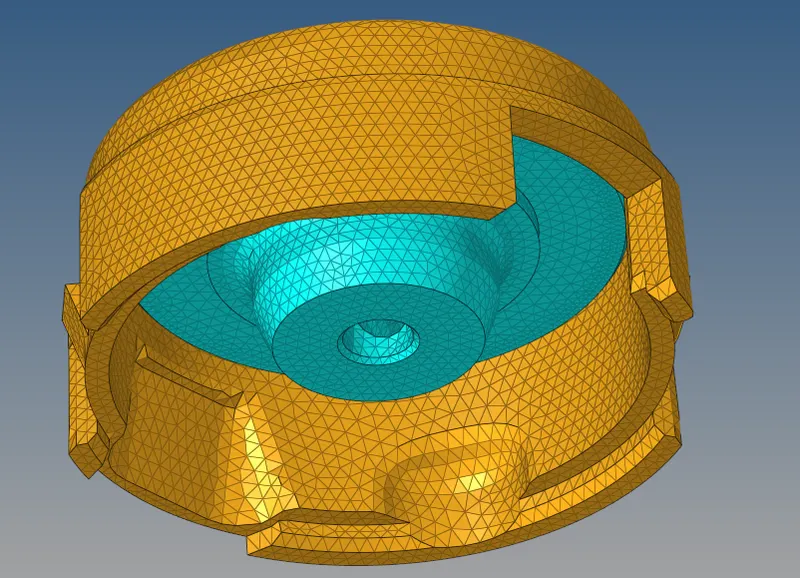
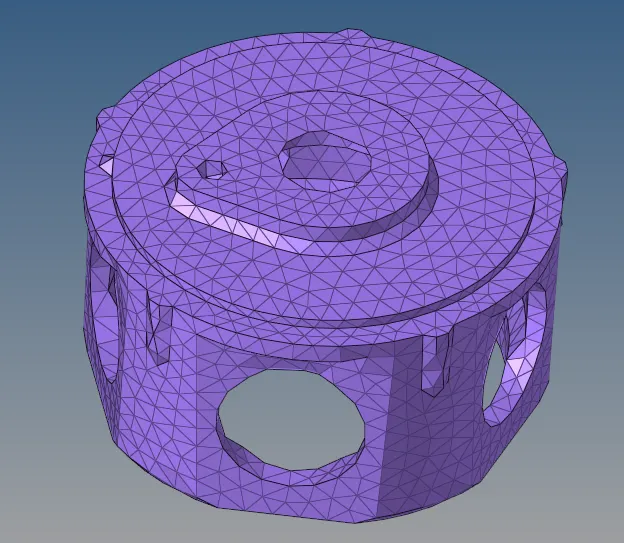
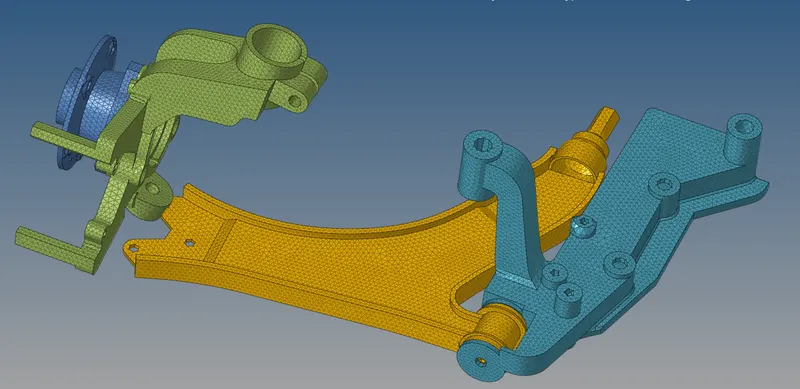
7. Final Meshed Components
Part 1:
Part 2:
Part 3:
Learning Outcome:
1. 3D Meshing of the Automotive Components.
2. Different Meshing Options in 3D Tetra Meshing.
3. Perfoming the quality check for 3D meshing.
Conclusion:
After performing the 3D mesh on all the three components the user can conclude that performing the 3D mesh in Hypermesh is one of the typical task and the engineer has to be more experience whilce performing the hexa and tetra mesh.