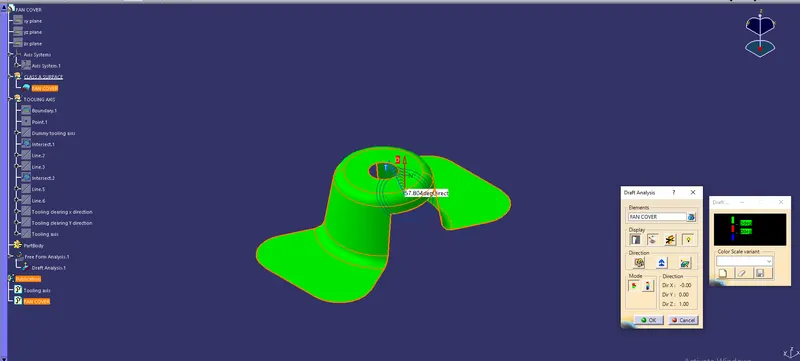
Week 8 - Challenge 1 - Draft Analysis on a Fan Cover
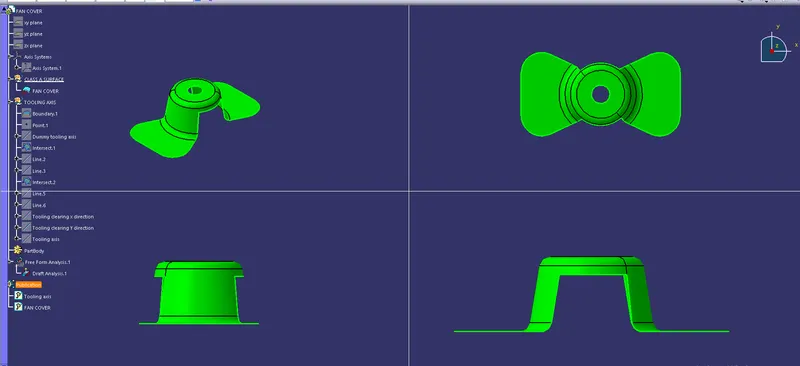
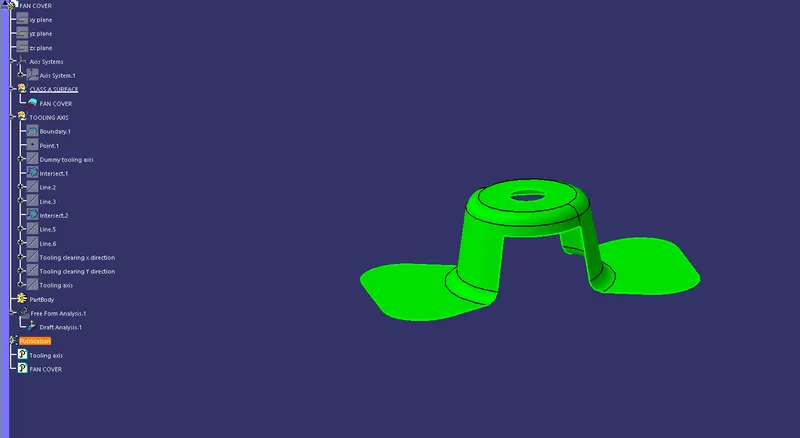
1. Check the continuty of the class A surface and make sure not to have gaps.For this we use join/boundary options.
2. Create a dummy tooling axis.
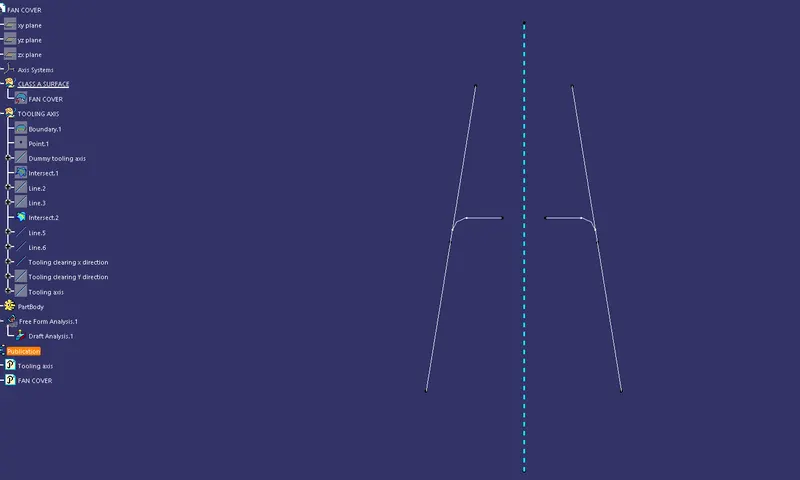
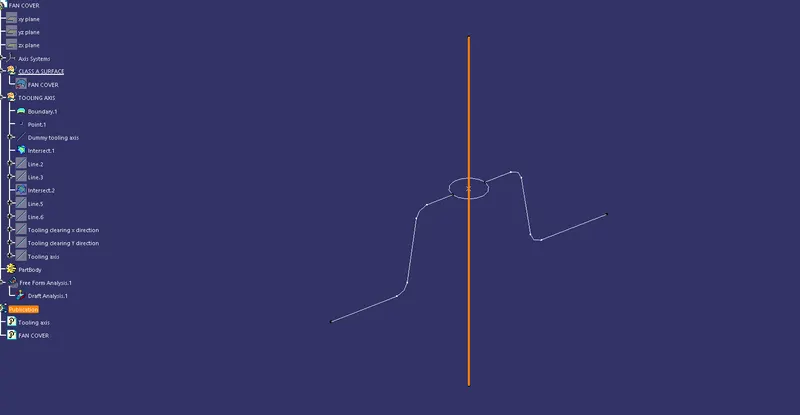
3. Make the intersection by taking XZ plane, take the opposite lines and extend it on both sides.Then make a bisection line and named it as TOOLING CLEARING X DIRECTION.
4. Next take the YZ plane and interect the lines on both sides which are parellel to the tooling axis.Then make a bisection and named it as TOOLING CLEARING Y DIRECTION.
5.Now bisect the tooling clearing of X & Y and named it as TOOLING AXIS.
6.Next we have to publish the TOOLING AXIS and surface A so, that we can find it easily.
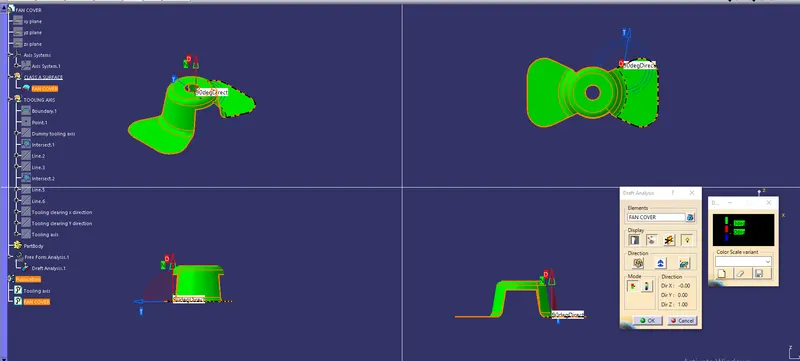
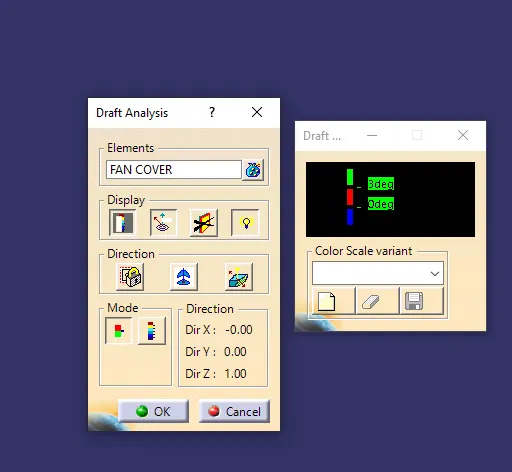
7.Now do the draft analysis for that we got to the INSERT>ANALYSIS>FEATURE DRAFT ANALYSIS.
8.In it we have to add material mode.once the Draft analysis mode is on then click on the direction option and compass in it.
9. Now compass will display then hold on the red spot on it and drag it to the surface of the class A and make sure that the tooling axis and compass axis should Align each other. Then click on position lock > ok.
10. Finally the Red spot will appers on the class A surface click on it then green colour will appers and measure the angles with the Analysis under running AXIS.
NOTE: 1. The lines which are 45 deg angle can be ignore during the analysing of tooling axis
2. GREEN and RED are forbidden colours in analysis.