Week 8 - Challenge 1 - Draft Analysis on a Fan Cover
DRAFT ANALYSIS OF FAN COVER
- The tooling direction is created by first choosing the axis which covers all the necessary details of the model.
- An intersection created on 2 axes in this case
- 2 tooling directions are created and bisection of both the axes gives the primary tooling direction in which the draft analysis is performed
- To start drafting, we need to change the shading to 'material' under 'customize view parameters'
- To draft, go to Insert>Analysis>Feature Draft Analysis
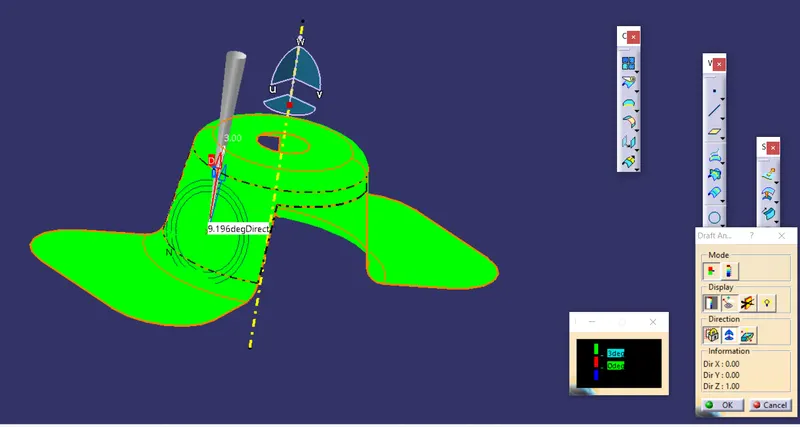
- The following dialogue box and commands appears
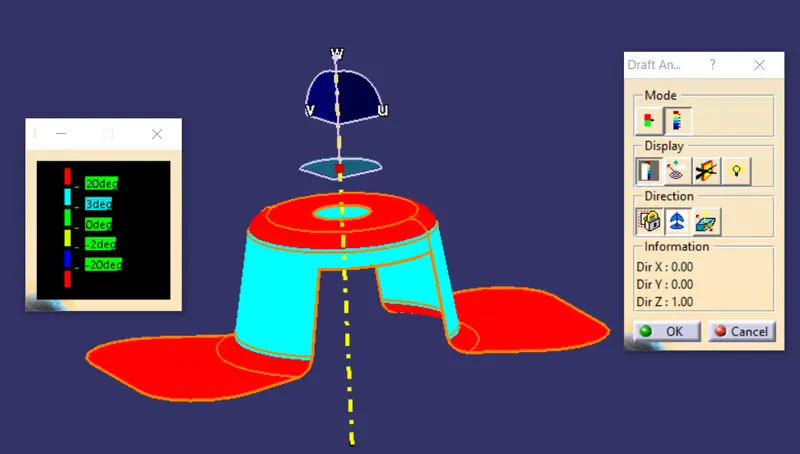
Draft of fan cover isometric view and 3 deg for draft
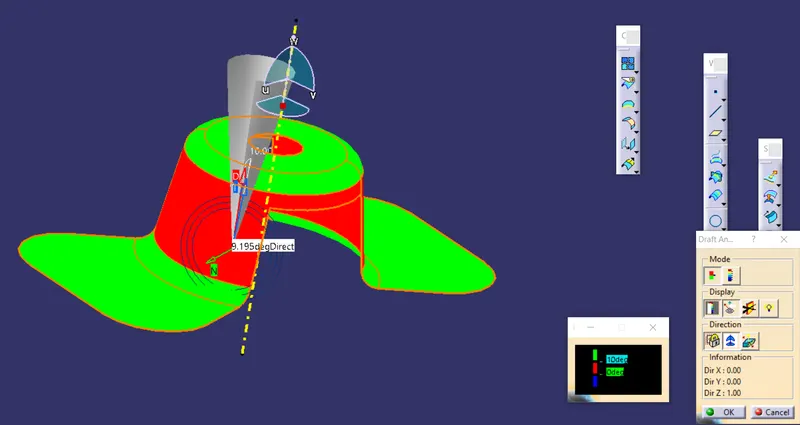
Draft analysis of part with 10 degree for draft - Red
Front view of draft analysis
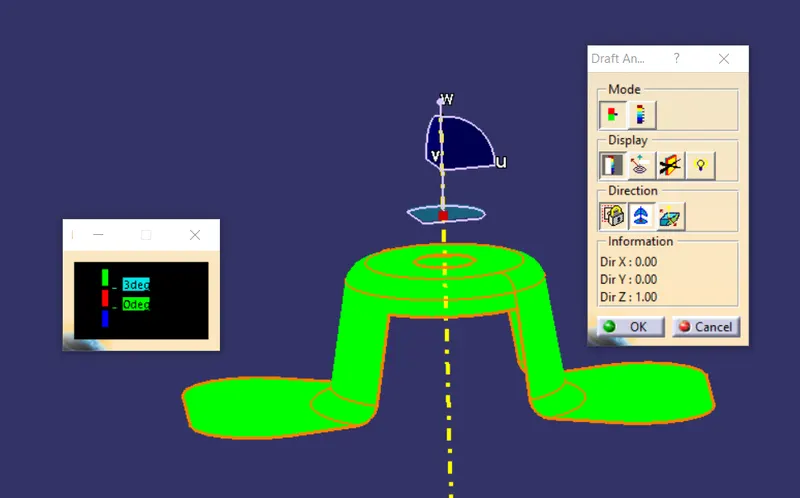
Top view of draft analysis
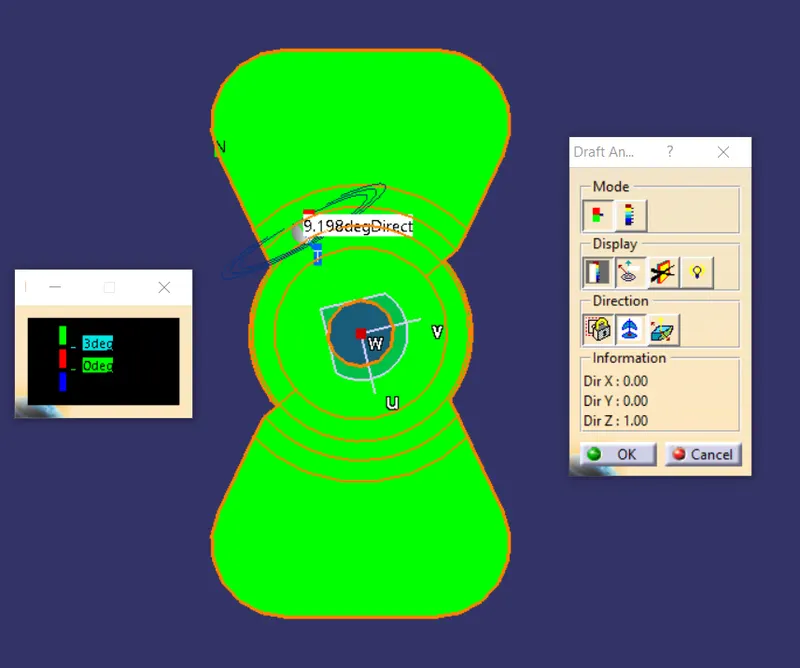
Full analysis mode for draft analysis
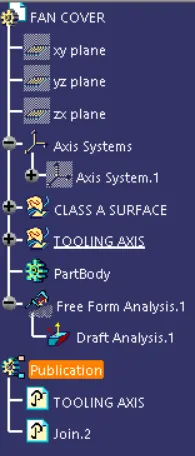
Feature tree for draft analysis