Week 8 - Challenge 1 - Draft Analysis on a Fan Cover
Draft Analysis on a Fan Cover
PROCEDURE:
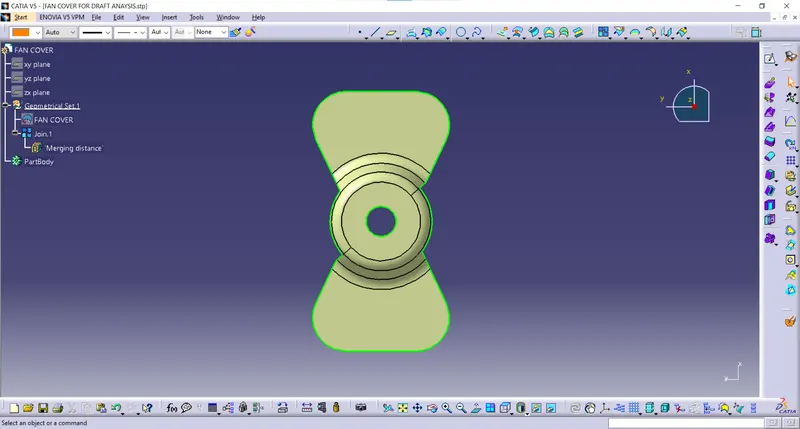
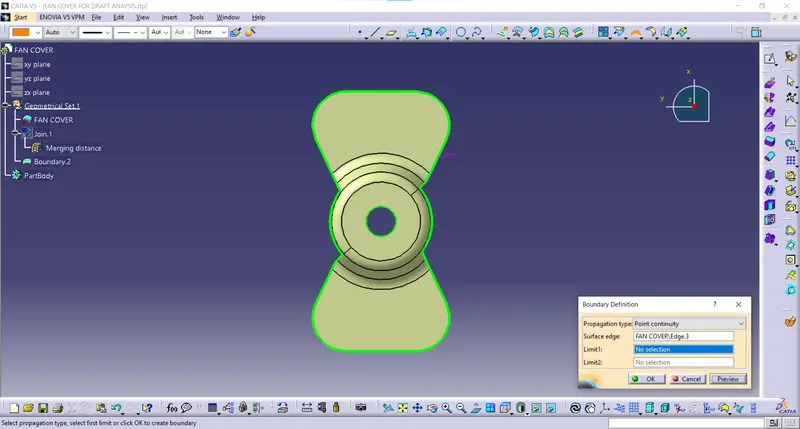
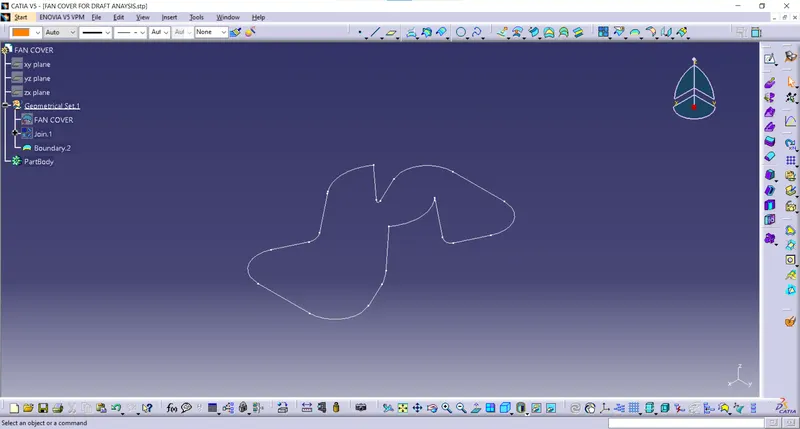
- Check if the class A surface is properly joined and has no discontinuity.
- For checking continuity use Join or Boundary command.
JOIN
BOUNDARY
- Check for the suitable tooling direction. Usually, a perpendicular axis to large flat surface or hole is considered as a tooling axis.
From X direction the hole cannot be cleared.
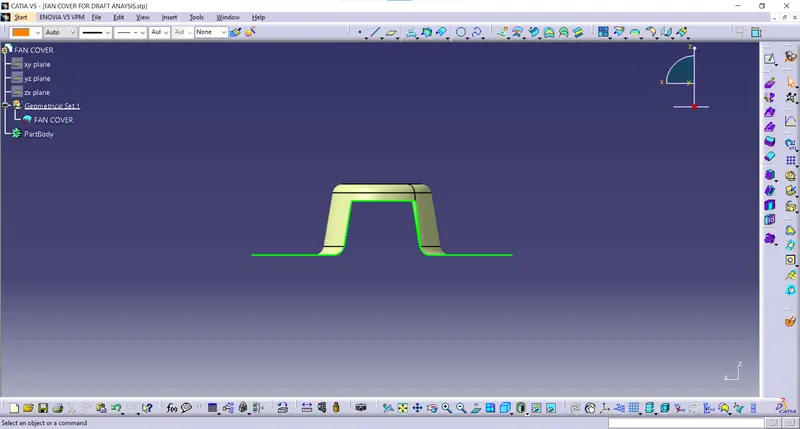
From Y direction the slot and hole cannot be cleared.
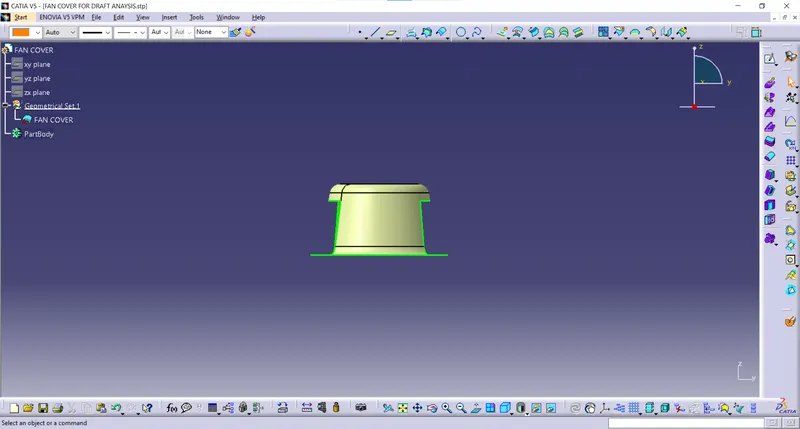
From Z direction all the features can be cleared, so create the dummy tooling axis along Z direction.
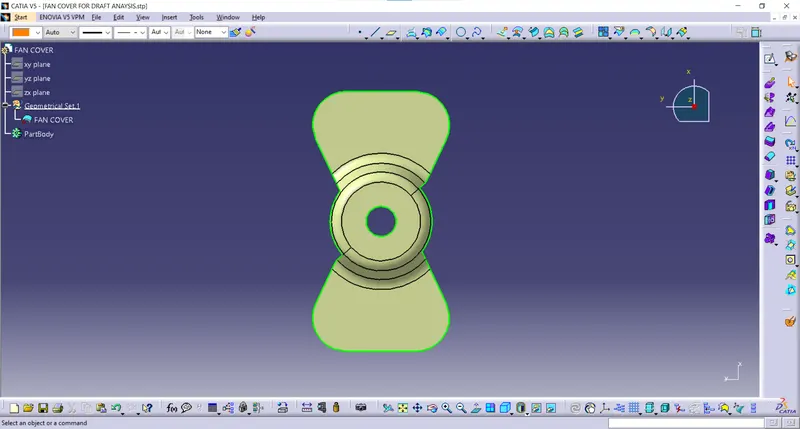
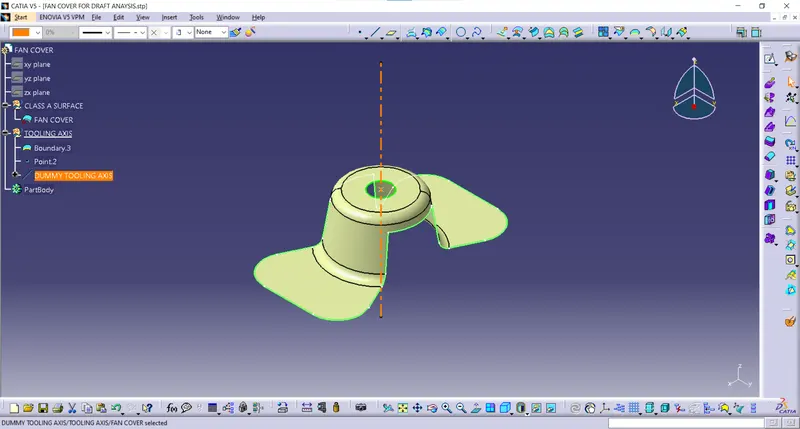
- Another method of creating tooling axis is Bisecting method.
Find the surfaces which would be difficult to be tooled.
Create a plane and bisect it with the class A surface.
Create lines using point to point method in each direction and create a line using bisecting method for each direction and name them as ‘Tooling clearing in X direction’ and ‘Tooling clearing in Y direction’.
Tooling clearing in X direction
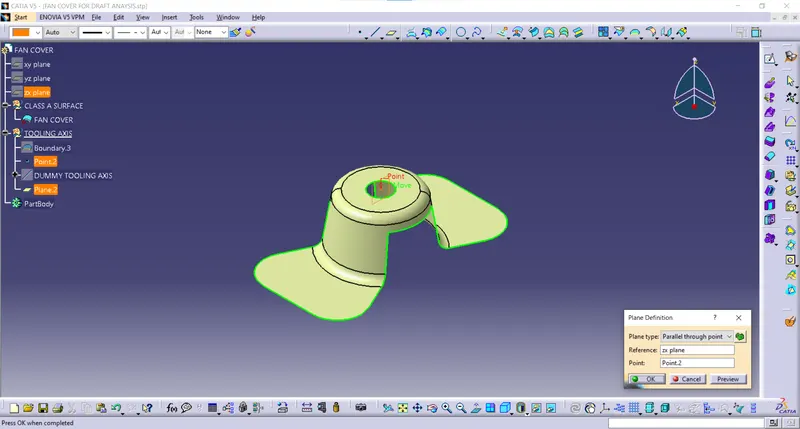
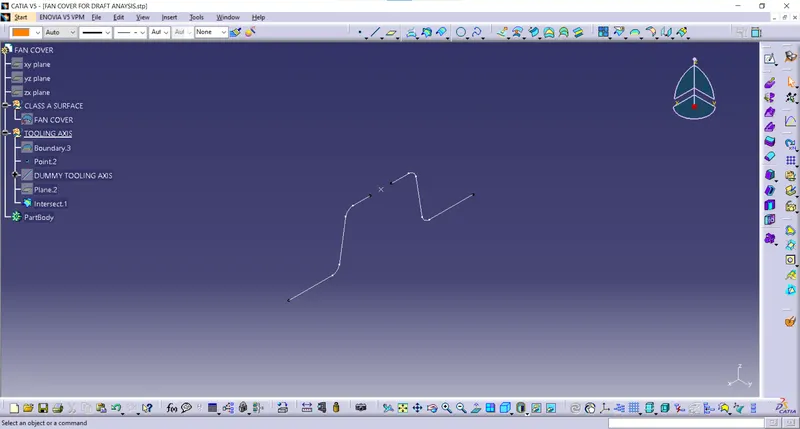
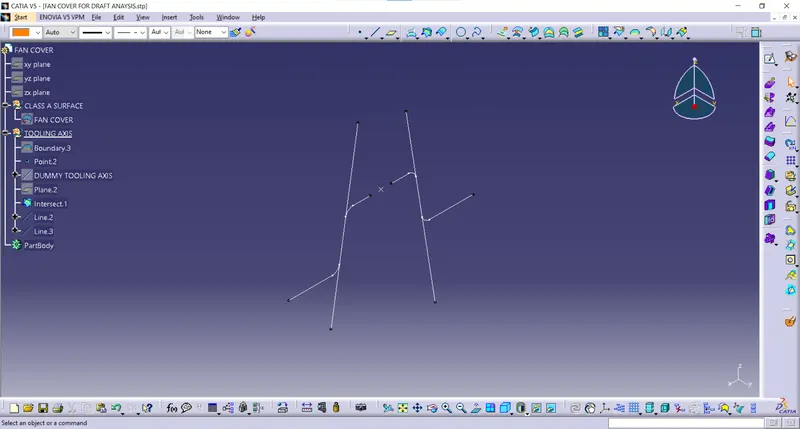
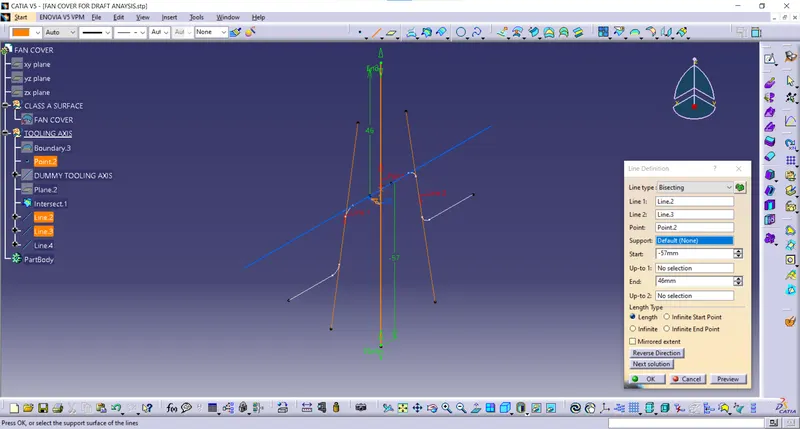
Tooling clearing in Y direction
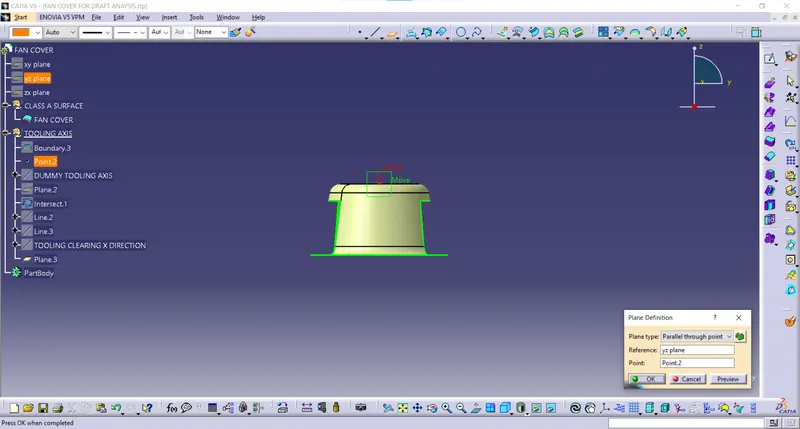
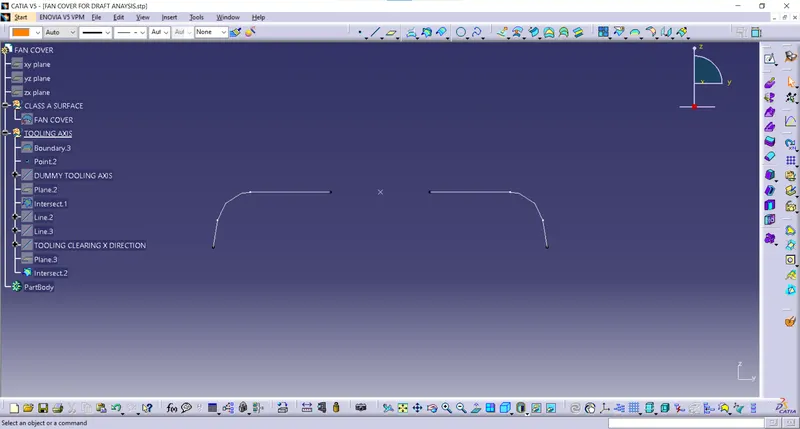
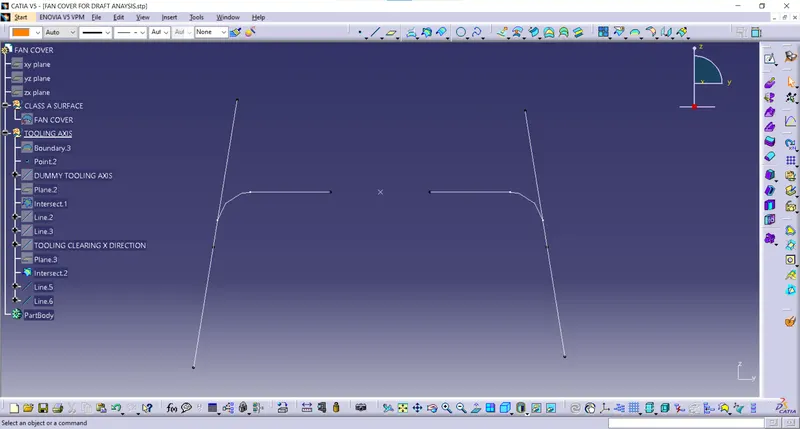
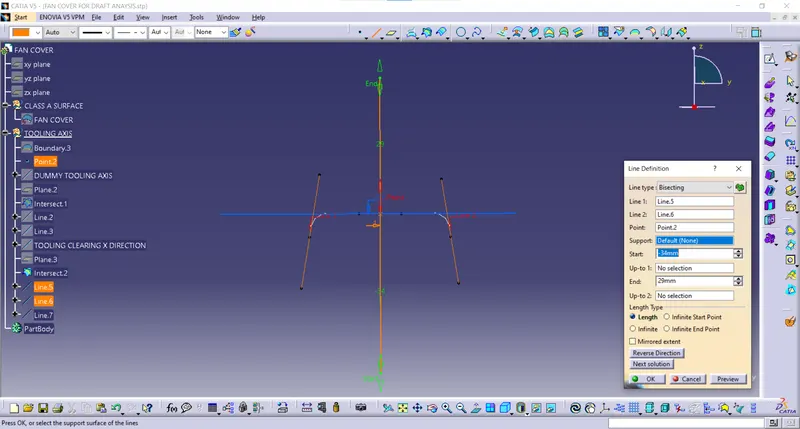
After getting these two axes create a final Tooling axis by bisecting these two axes.
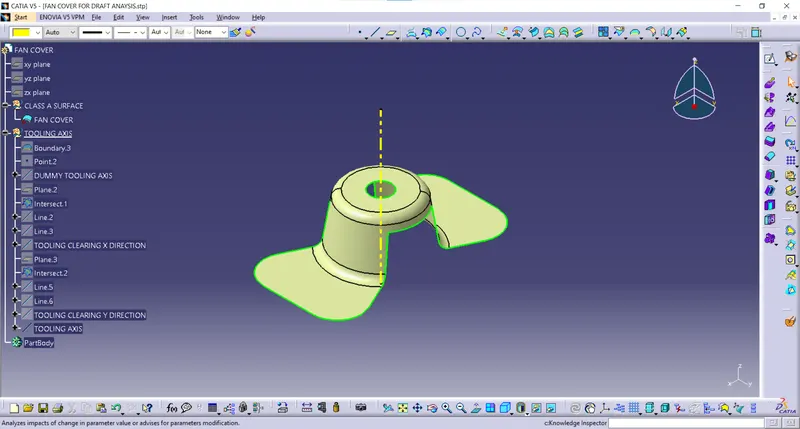
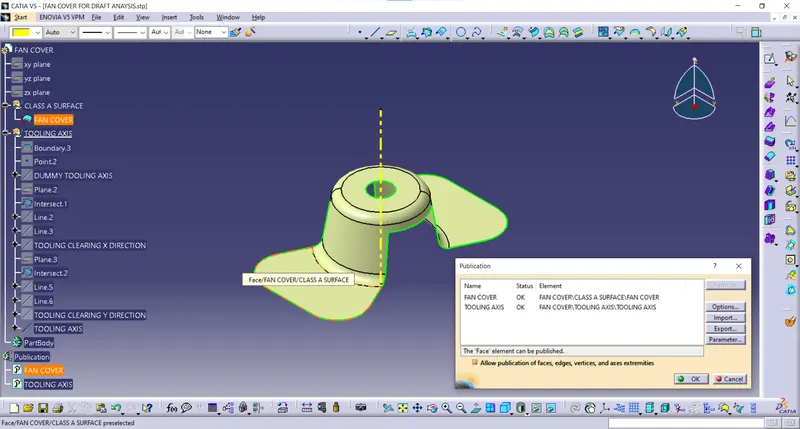
- Publication:
Tools->Publication
Select Class A surface and Tooling axis and select Publication from Tools option in the tools bar.
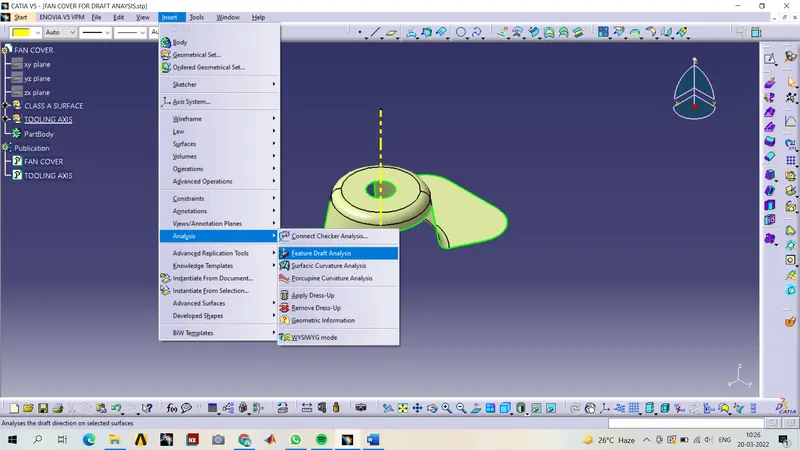
- Draft Analysis:
Insert->Analysis->Feature Draft Analysis
Drag the Compass and align it with the Tooling axis.
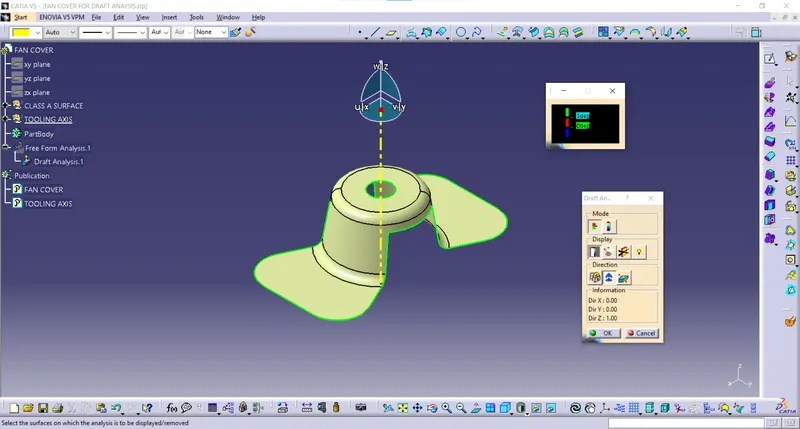
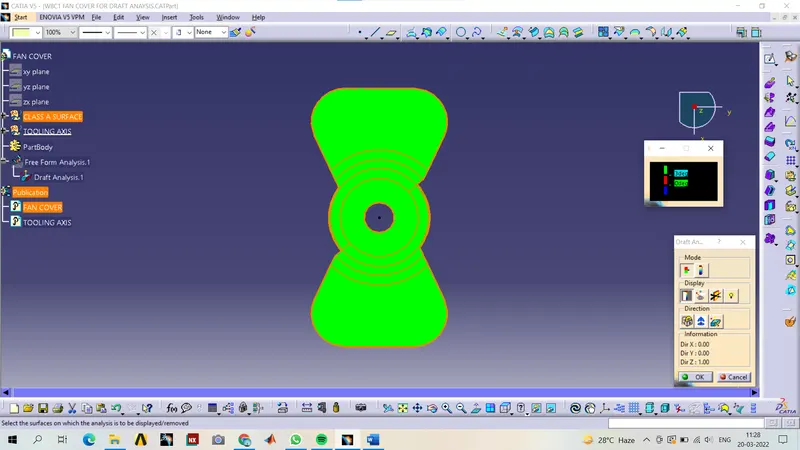
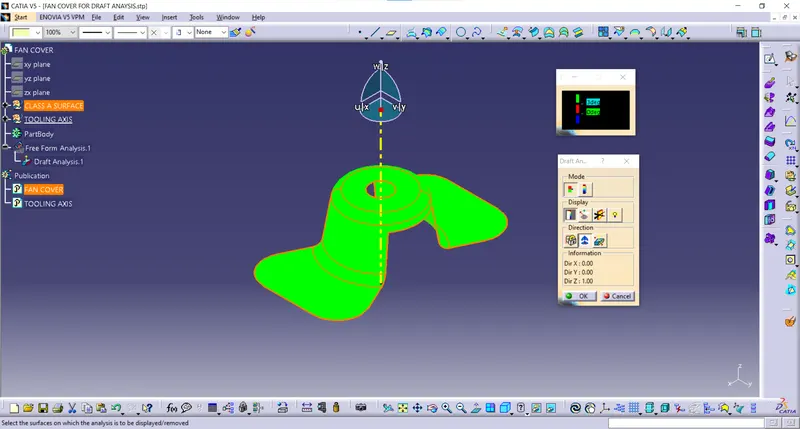
Click on the surface and it will be differentiated with colours according to the Draft angle of the surface with the tooling axis. If the colour is Green, the draft angle is more than 3 degrees and it will clear the tooling axis, if it's Red the draft angle is more than 0 degrees and less than 3 degrees and it can still clear the tooling axis and if the colour is Blue, the Draft angle is negative and it won’t clear tooling axis and draft angle must be changed.
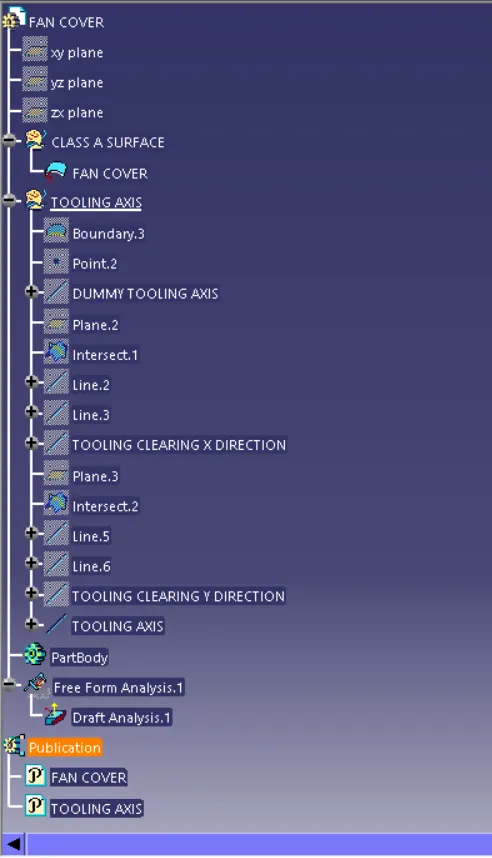
TREE STRUCTURE:
Screenshots of the Draft analysis report:
Image of the complete Draft analysis
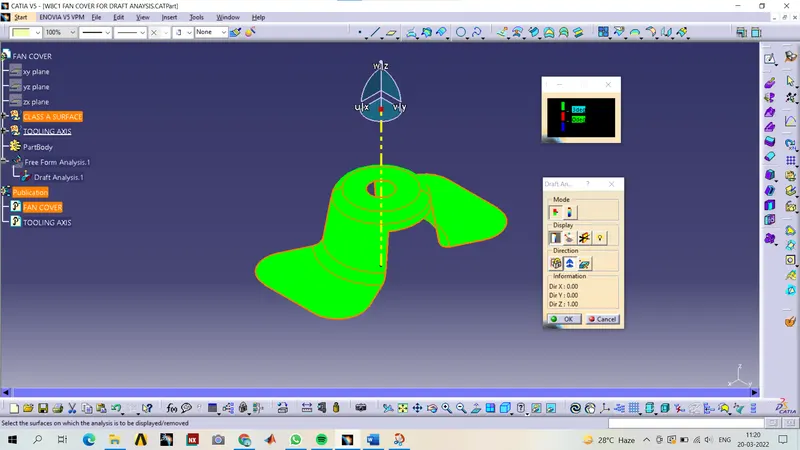
Screenshots of the model with the proper color code of the draft angle in various orientations
Isometric View
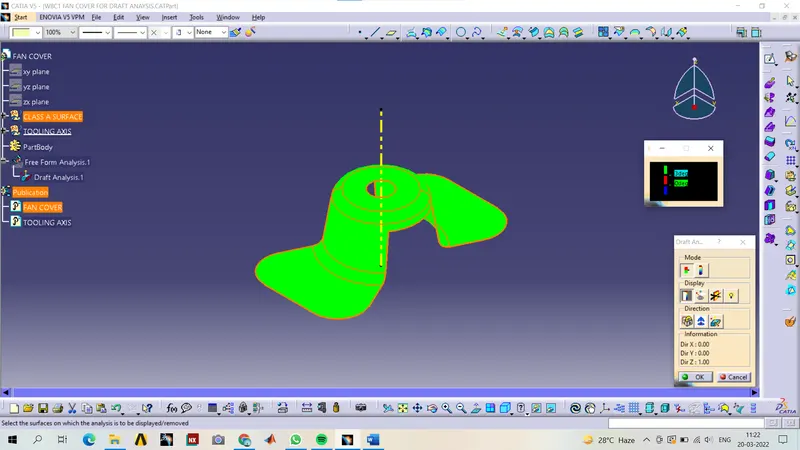
Front View
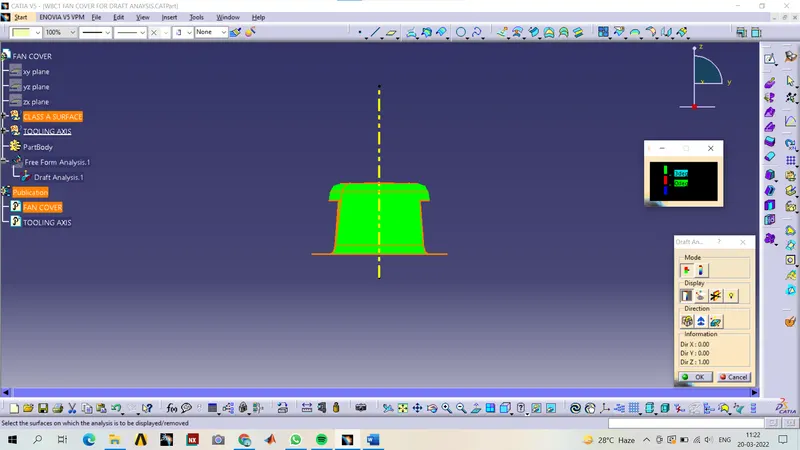
Side View
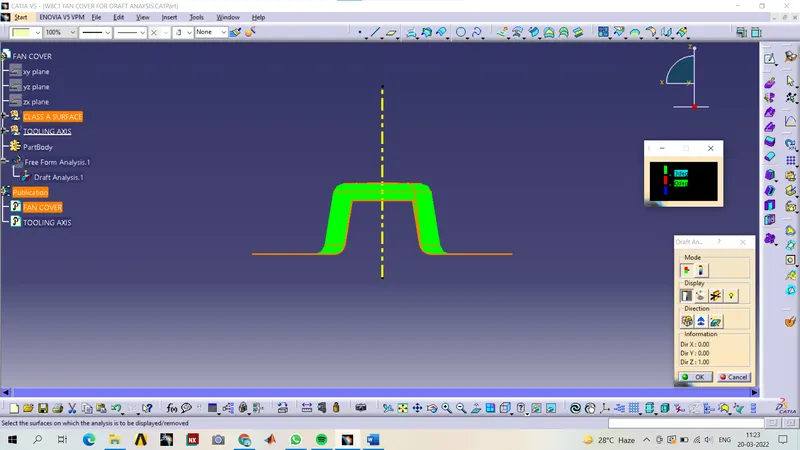
Top View