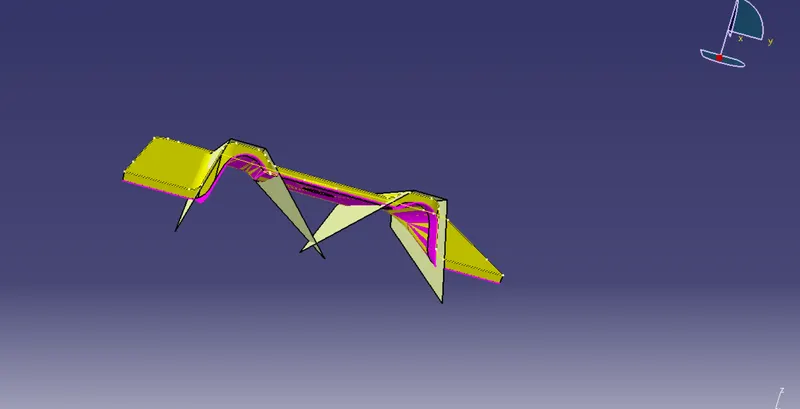
Week 8 - Challenge 1 - Base Bracket Design
Week 8 - Challenge 1 - Base Bracket Design
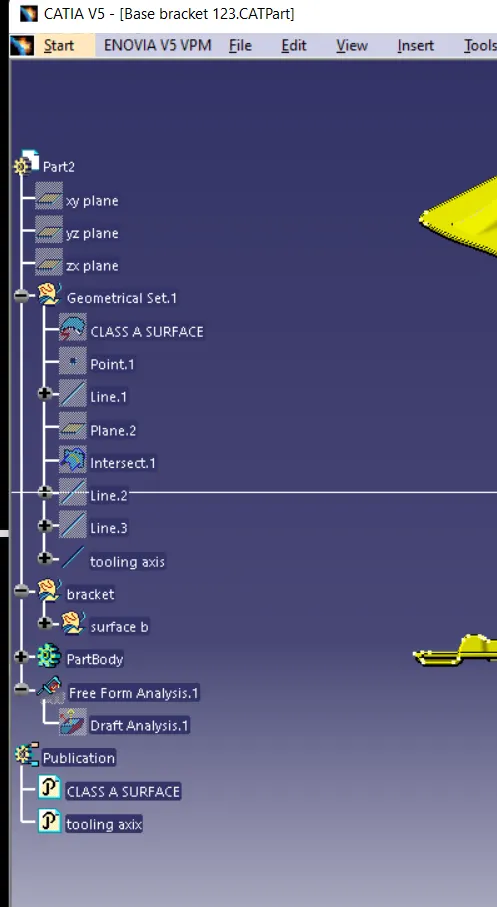
AIM: Create the Base Bracket Plastic component through the given Class-A surface. To begin with, the tooling axis for the given Class A Surface should be created meeting the requirements of the draft angle and at the end perform the Draft analysis on the model.
Steps.
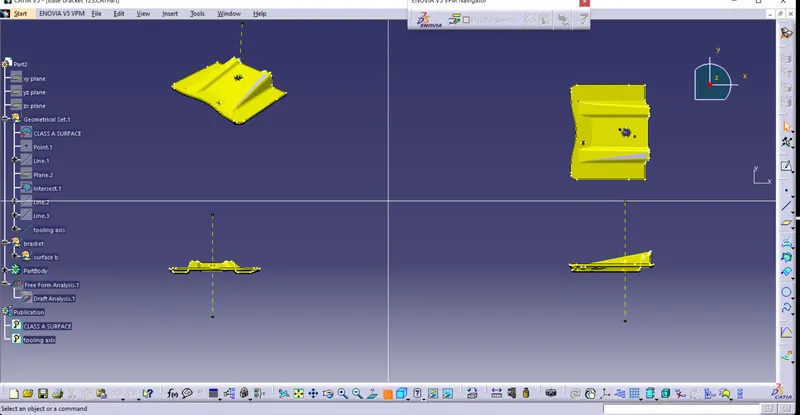
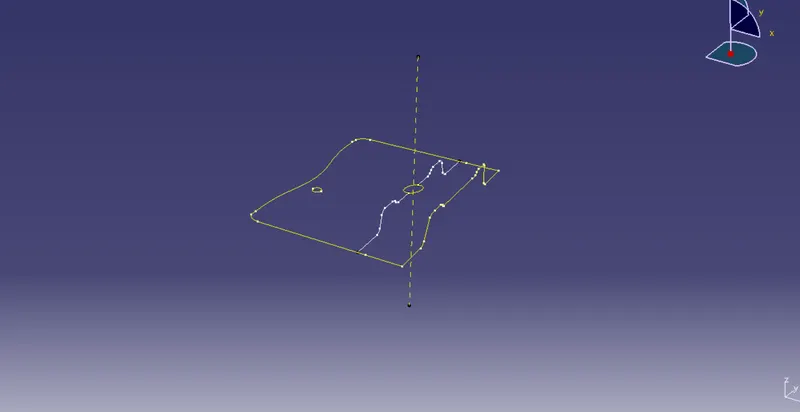
Creating a Tooling axis along z:
Therefore the main tooling axis is along the z-axis.
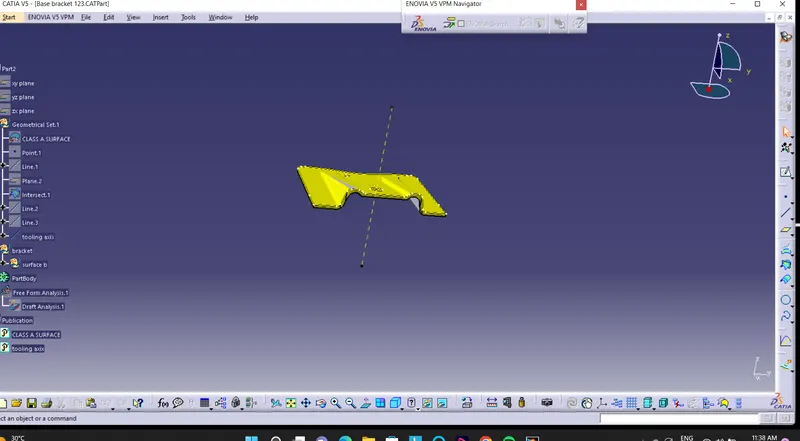
Now perform the Draft analysis using the Featured Draft Analysis tool in the tools.
Then after opening the draft analysis toolbox go for the compass and place the compass aligned to the tooling axis and click on the lock symbol after aligning and further click on the surface.
B surface
Initially extracting the right side rib using the extract option from Class A surface.
Then perform Extrapolate in order to increase the length
Now trim the surfaces to the required surfaces
Then Offset the surface in order to get the required thickness
Similarly, create the left-side rib
Now Similarly get the slanted as well as the flat surface and offset it to the desired value
And now trim in order to get the required surface
Now fillet the surface to the required amount
C surface
C surface is created by using the sweep tool.