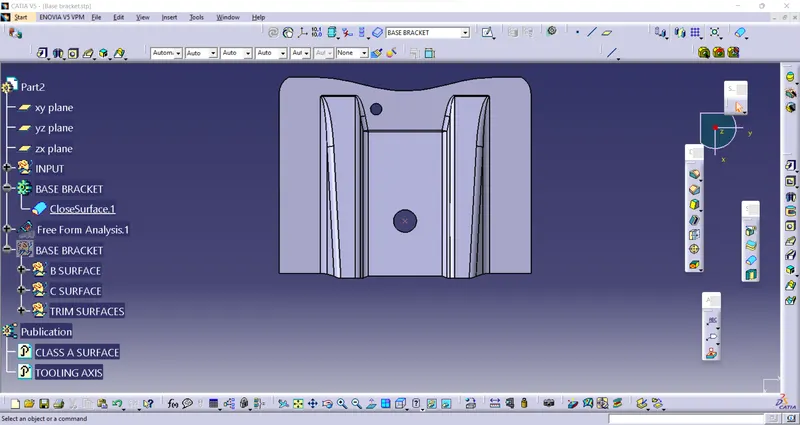
Week 8 - Challenge 1 - Base Bracket Design
DRAFT ANALYSIS
It is allows the user to easily analyze a part for proper draft angle.
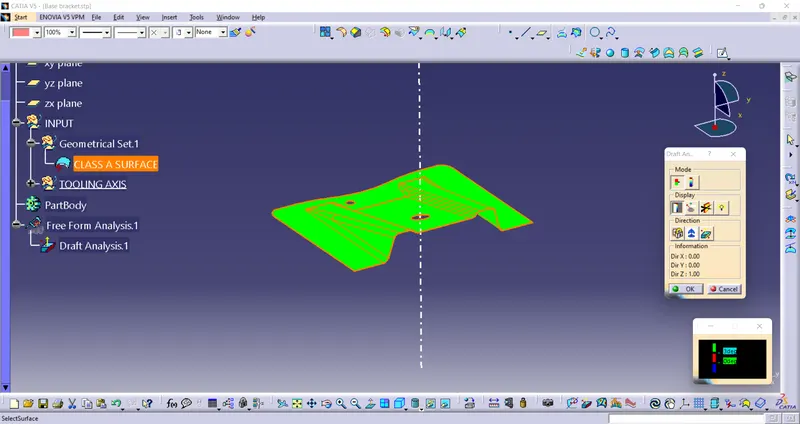
* Check the 3axis when select the z axis to make a draft analysis for better option
* The intersect option use to get the intersect line for reference.
* Create a two random line on the intersect line for which angle is check and that two line use to create a bysector line that line is tooling axis line.
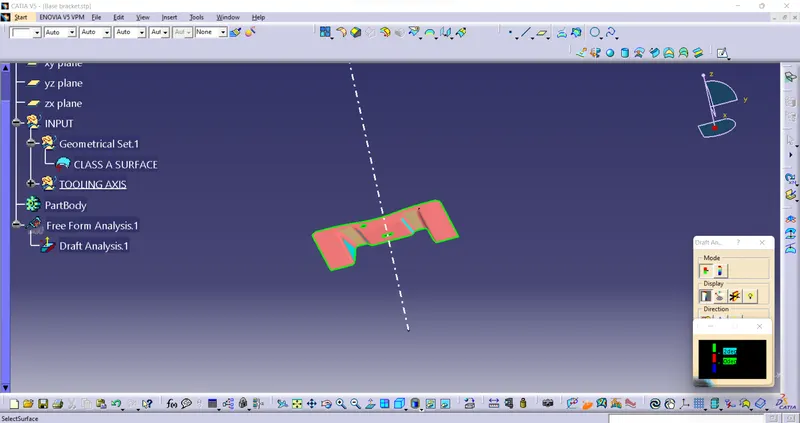
* Select the Draft analysis option and drag the compass to place on tooling axis line and lock it, then select the face to show it green color the job is ok.
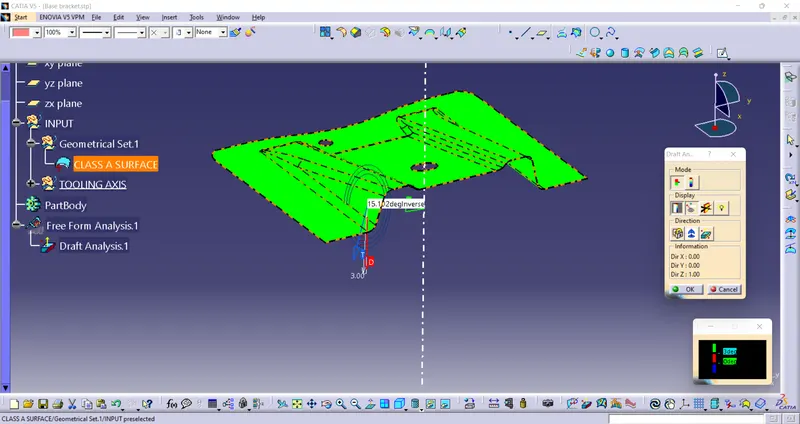
*Analysis running the under point option is use to check the angle on any faces.
BASE BRACKET
ISOMETRIC VIEW- SURFACE
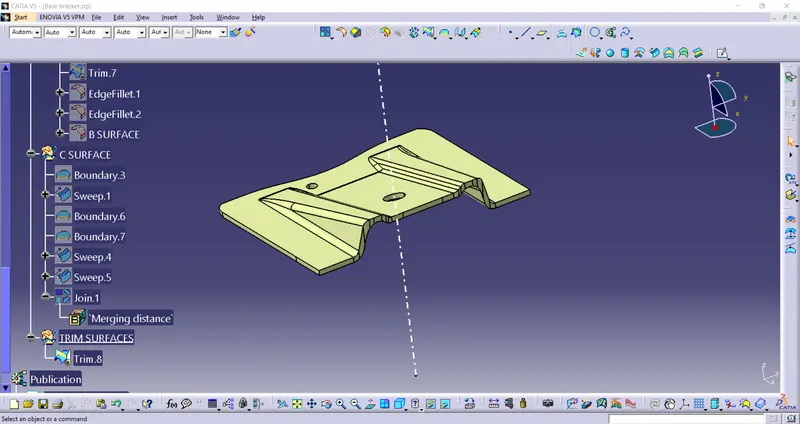
ISOMETRIC VIEW- SOLID
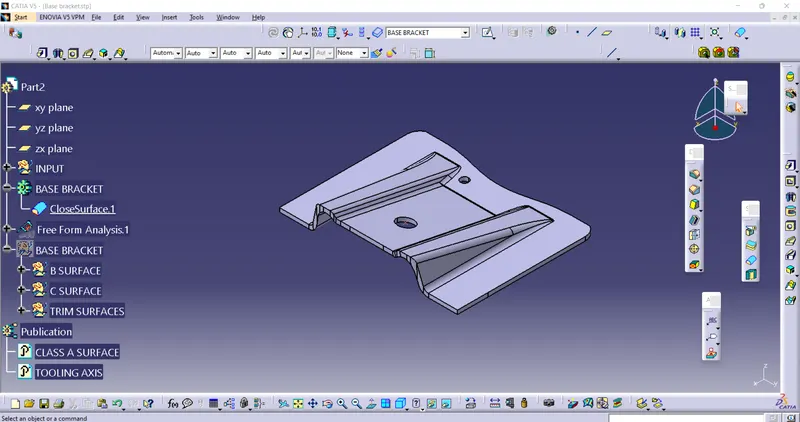
FRONT VIEW
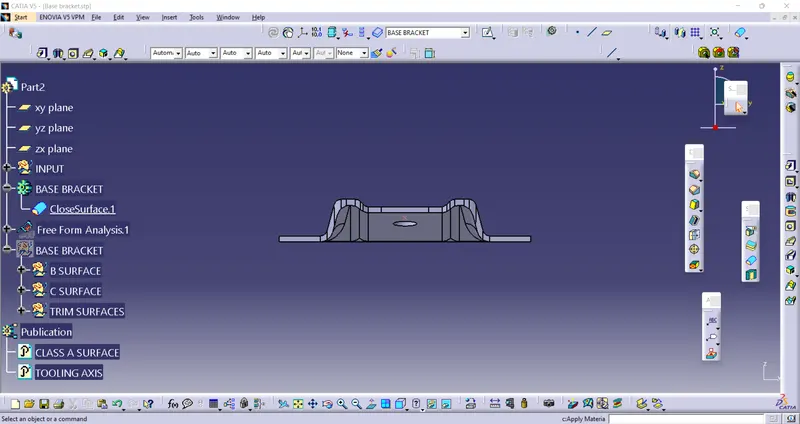
SIDE VIEW
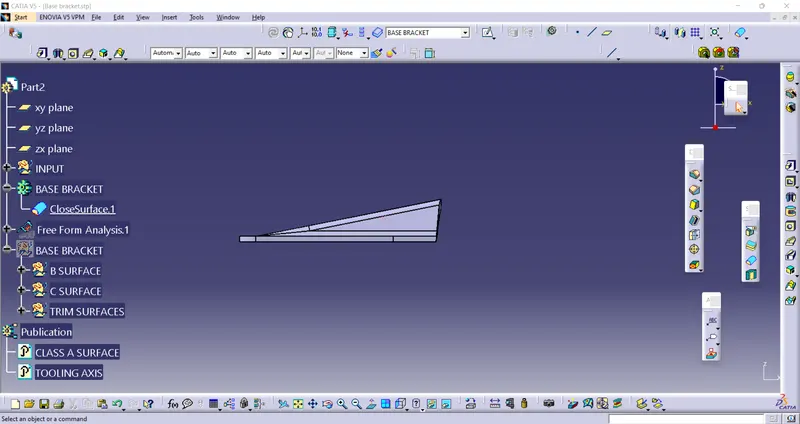
TOP VIEW