Week 2 Challenge : Surface meshing on a Pressure valve
Aim,
To create a surface meshing of a valve and topolagy cleanup using ANSA Software.
Procedure.
* First open the given valve drawing
* Next Topo module use check the topolagy cleanup.
* In topo module first geometry check option use to check geometry error of the valve.
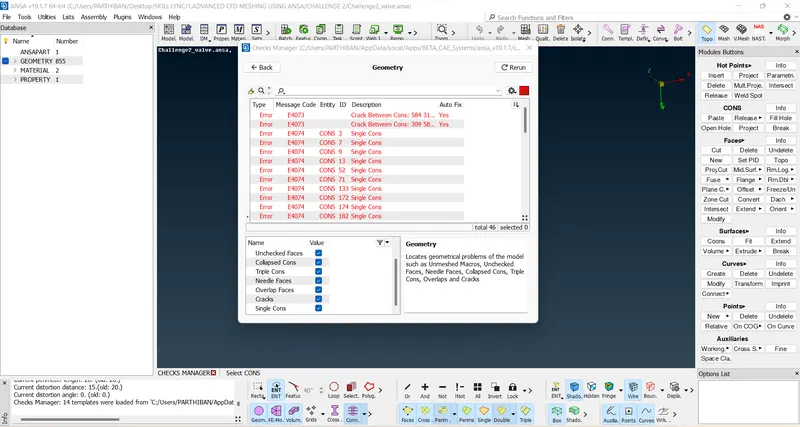
* In this valve more errors comes for single cons.
* This errors select to view the where errors comes will check.
* 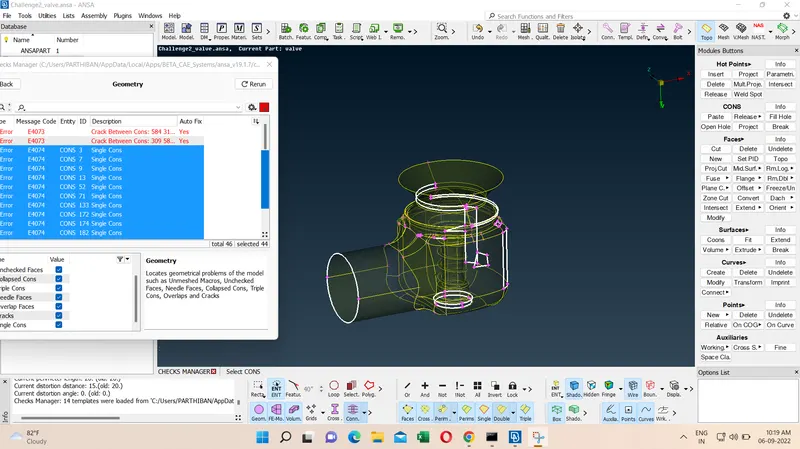
* This highlighted errors are open surfaces, so new faces and fill option use to close the open surfaces.
* The new faces and fill option use to close the single cons, after check the geometry check status.
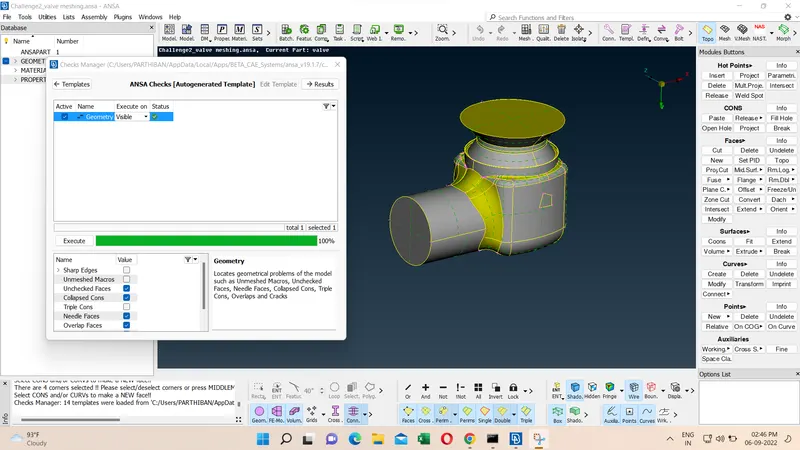
* If the status is ok then move on the next step.
* Small small surfces are available in this drawing, so target length is affect on its drawing, so cut option use to remove the small surfaces cons.
* This all method use to check the topolagy cleanup.
* Next create PID for seperate surfaces and create name and colour
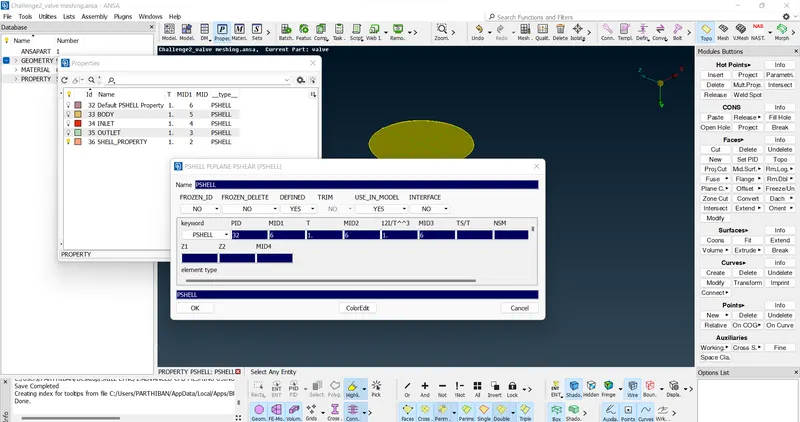
* First go properties next right click mouse NEW/PSHELL to create new PID
* After create PID apply option use to apply the PID for desired surface
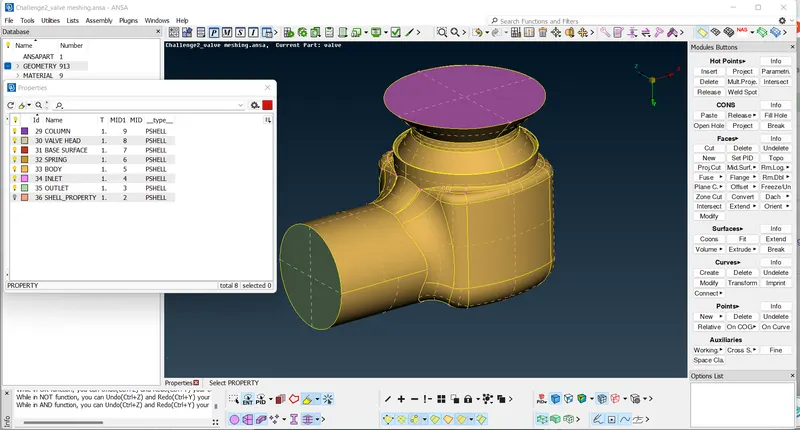
* After delete the 36 PID but didnot deleted. so undelete option use to delete the unwanted surface but unselect the inlet
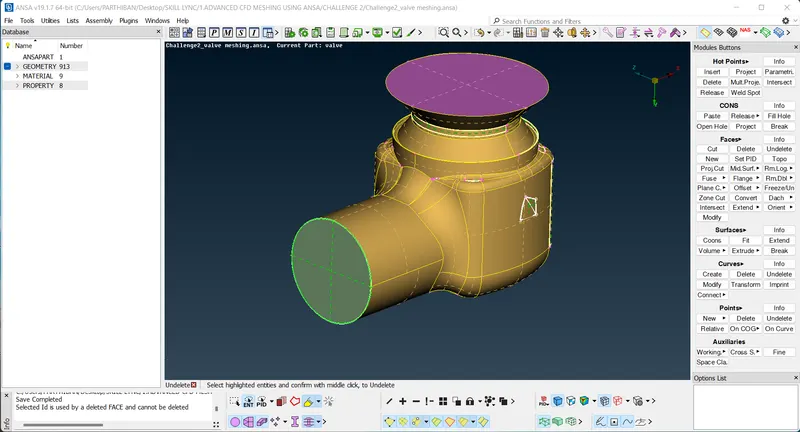
* Then the inlet PID show double surface. TOPO option use to join the surfaces.
* Then finally delete the 36 PID.
* Next move on the Mesh module to create a mesh.
* First create mesh length and mesh parameters target length is 1mm and select element type Tria.
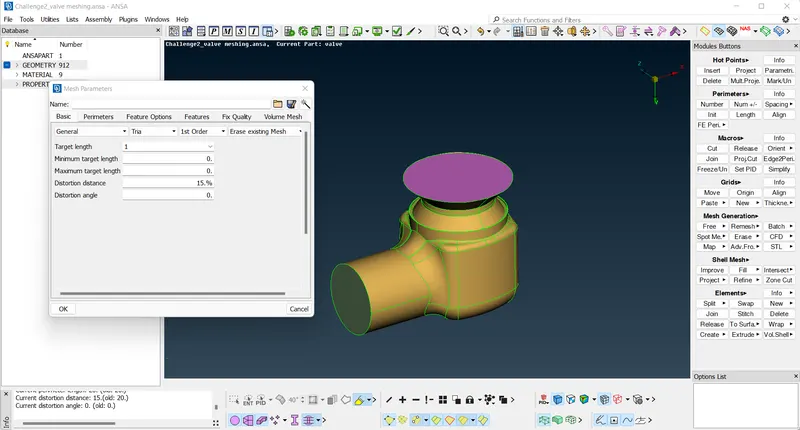
* Next spot mesh use to create a mesh in selected surface.
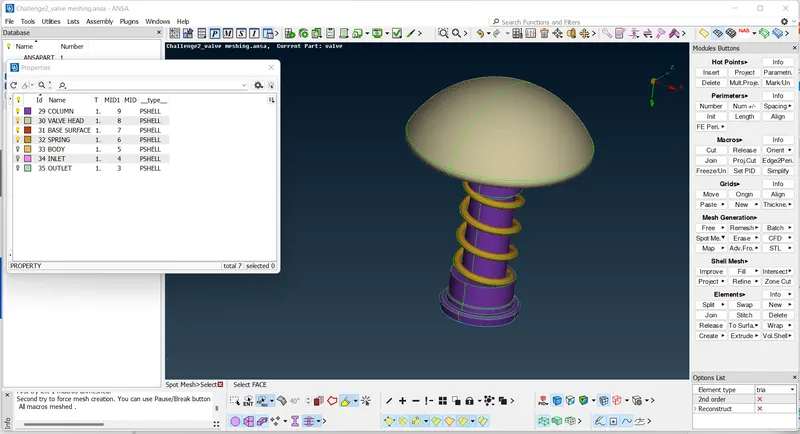
* 1mm Mesh created on this all above method.
* Same method use to create 3mm and 5mm target length use to create mesh
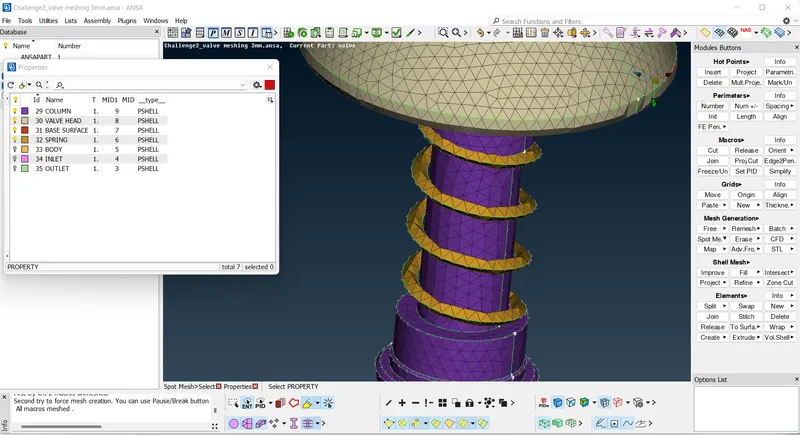
* The 1mm file is saveas use to erase the mesh and change the taget length 1 to 3mm.
* When the 3mm target length use to created mesh is lightly damage the surface of spring and edge of the top cover.
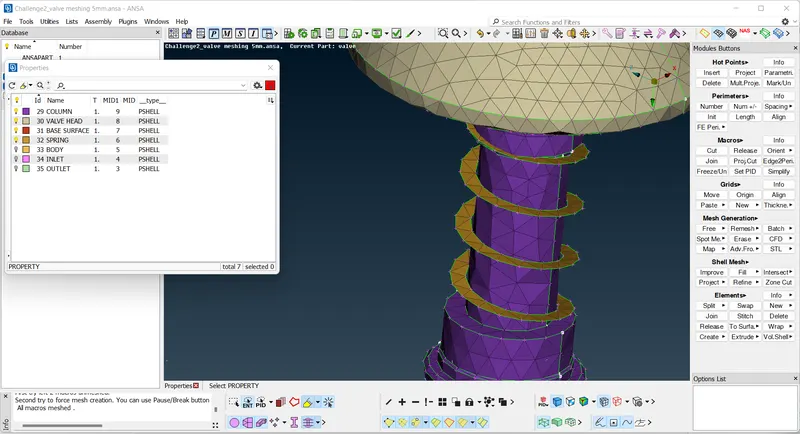
* Same method use to change the target length is 3mm to 5mm.
* When the 5mm target length use to created mesh is more damage the surface of spring and edge of the top cover.
* So the 1mm target length is best for this method.
Knowledge gain.
* How to check geometry error.
* How to create New PID.
* How to use New Face and fill hole option
* New Face
1.Existing surface option use to select the single cons and select the desired surface to create the surfaces.
2.Planar surface option use to select the single cons to create the surfaces.
3.Fitted and coons both option is same to select the cons and create the surfaces.
* Loop option use to select the full jointed cons.
* PID Region option use to select the surface for full PID
Result.
This all method use to check the geometry error, topolagy cleanup and create meshes useing ANSA Software.