Week 8-3D Tetra Meshing Challenge
Aim: To create the tetra mesh on given components with the given values and check the tet collapse.
Working procedure: To import the model and set the element size for all the components.
1st componet:
Elements sizes: Min- 2 Units, Target- 5 Units, Max- 7 Units
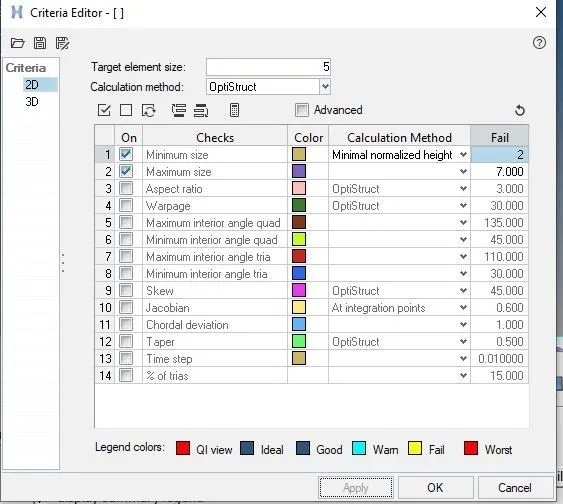
Tet collapse: 0.15
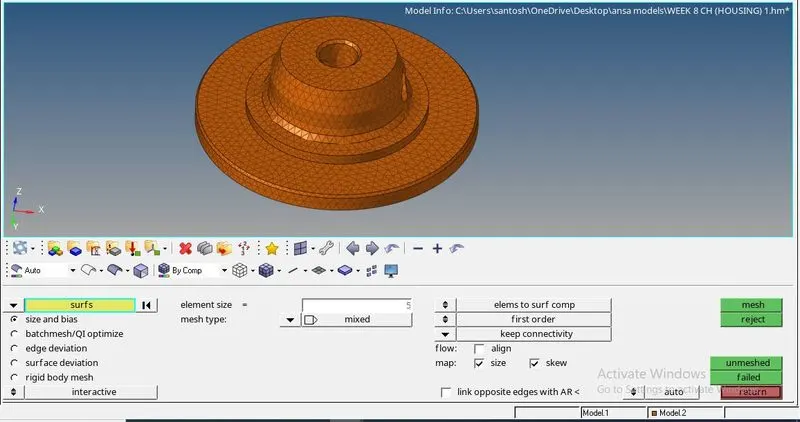
1: To create the 2D element on the given components.
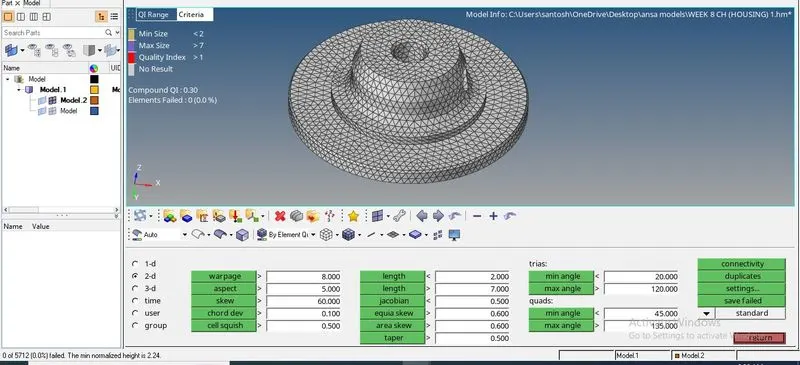
2: Check the min and max length failures.
Here min and max length elements will fail, so fix lement by remesh or node replace.
For clearing the min and max failure first save the failed elements and click the retrive and the mask the element and then click the reverse, then here click the adjacent unmask and cleare the failure by remesh.
3: Create the 3D element with tetra mesh.
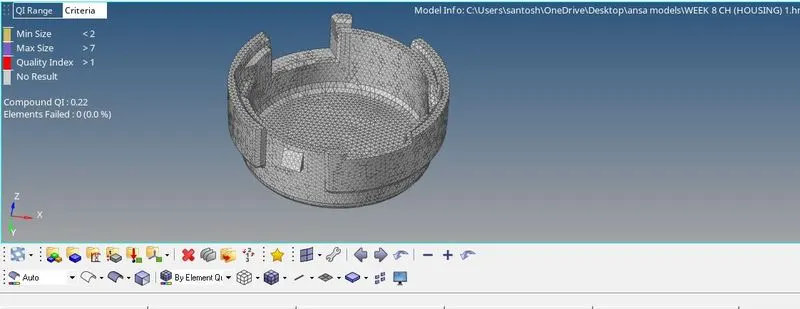
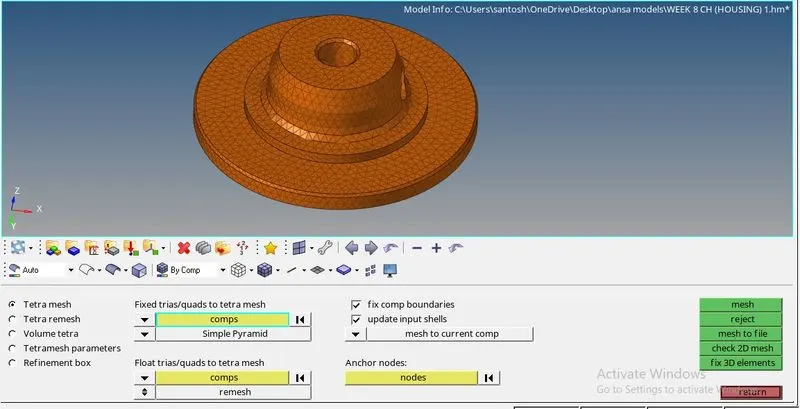
4: Check the tet collapse.
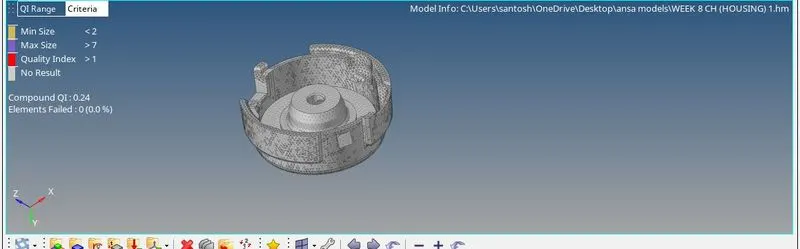
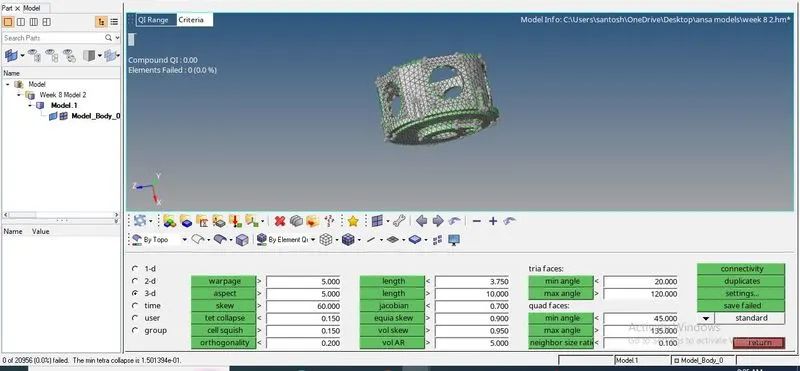
2d component:
Target Element size: 3 Units.
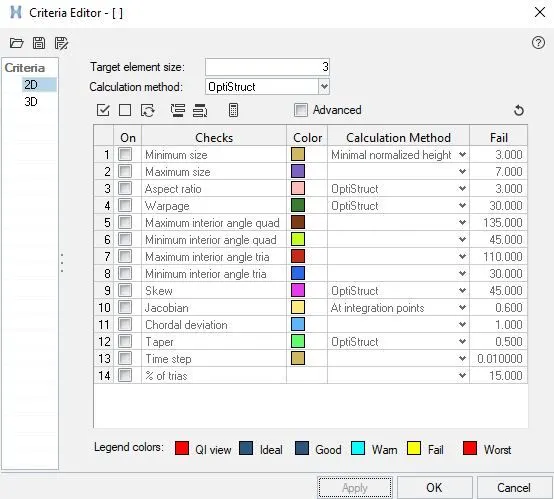
Tet Collapse: 0.15
1: Import the model and create the 2D mesh.
2: Create the volume tetra mesh on the component.
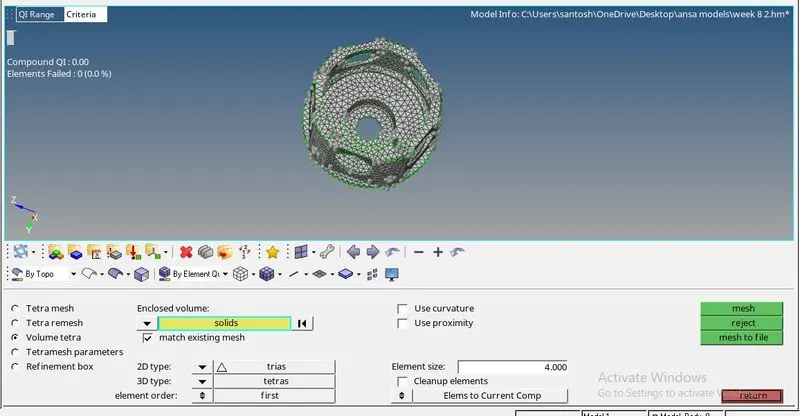
3: Check the tet collapse for the model.
3rd component:
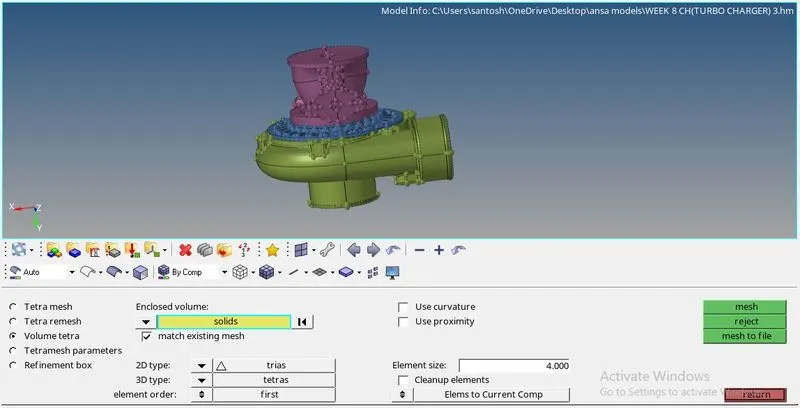
Target Element size: 4 Units.
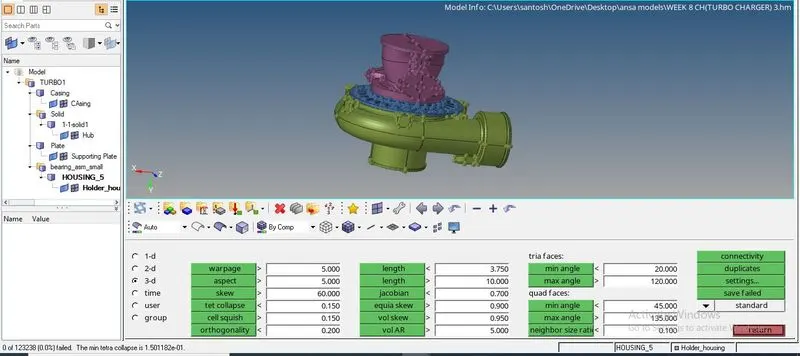
Tet Collapse: 0.15
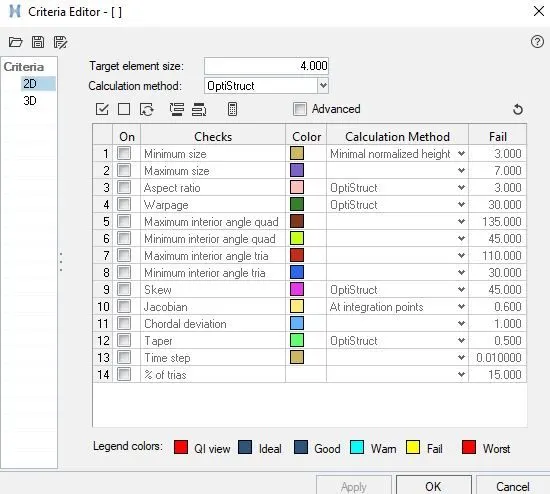
1: To import the model and do volume tetra mesh.
2: Check the tet collapse.
Learning out come:
In this assignment i have learn the tetra mesh and volume tetra mesh, tet collapse clearence and min and max length failure checkup.
Conclusion:
Tetra meshing and volume mesh takes less time but min and max length failure and tet collapse checking takes more time.