Week 8-3D Tetra Meshing Challenge
AIM:- 1. Create a Teramesh for Housing component with the following quality criteria.
TetraMesh Generation Method: 2D to 3D Conversion
Elements sizes: Min- 2 Units, Target- 5 Units, Max- 7 Units
Tet collapse: 0.15
2.For the given model, Create a 3D Tetramesh with the following quality criteria.
TetraMesh Generation Method: Quick Tetra Mesh/ Volume Tetra Mesh
Target Element size: 3 Units.
Tet Collapse: 0.15
3. For the given assembly model, Create a 3D Tetramesh with the following quality criteria.
TetraMesh Generation Method: Quick Tetra Mesh/ Volume Tetra Mesh
Target Element size: 4 Units.
Tet Collapse: 0.15
Model-3
PROCEDURE:-
1. Import the model in hypermesh & look for geometrical errors.
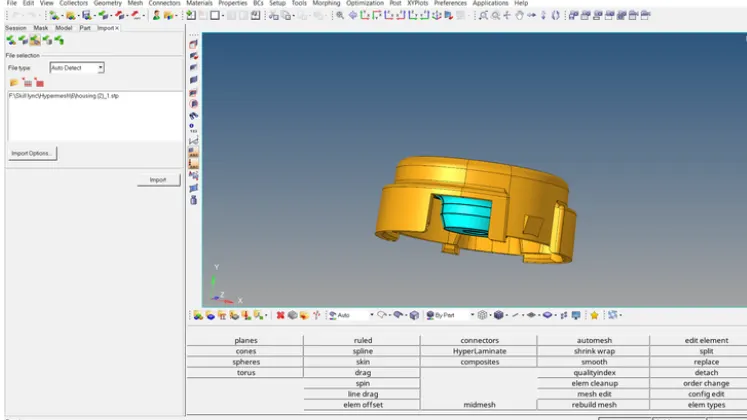
2. Perform defeaturing in the area where element may fail for quality especially in fillet region.
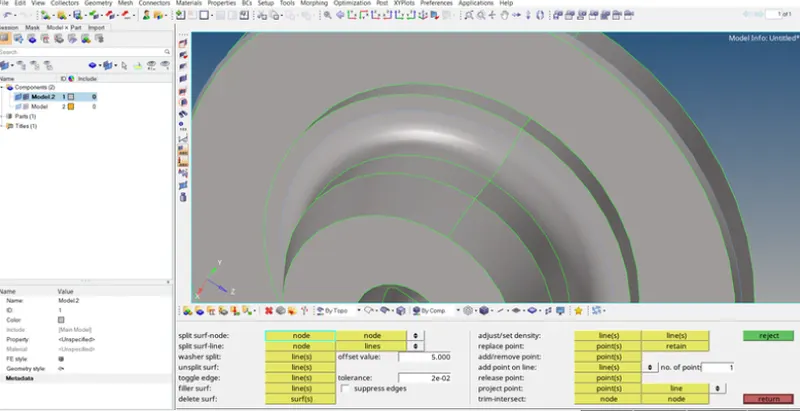
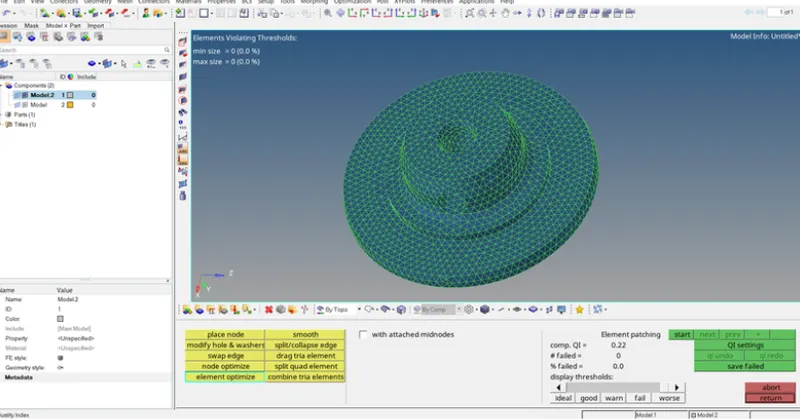
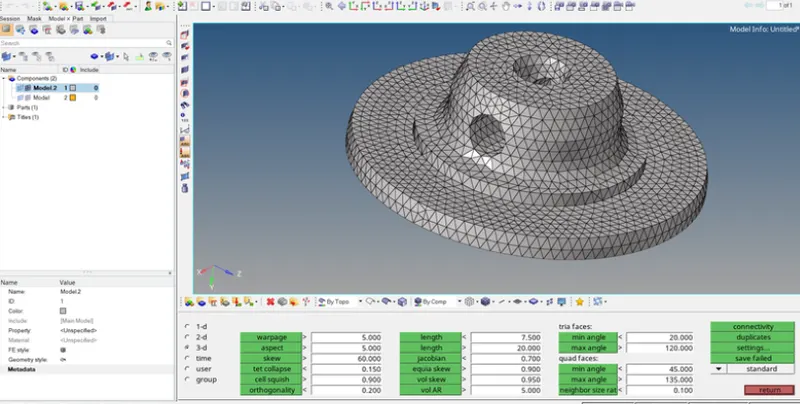
3. 2D Meshing with Tria element- Go to 2D Mesh , give element criteria with trias.
After meshing check for quality error
Now convert the 2D mesh to 3D tetra.
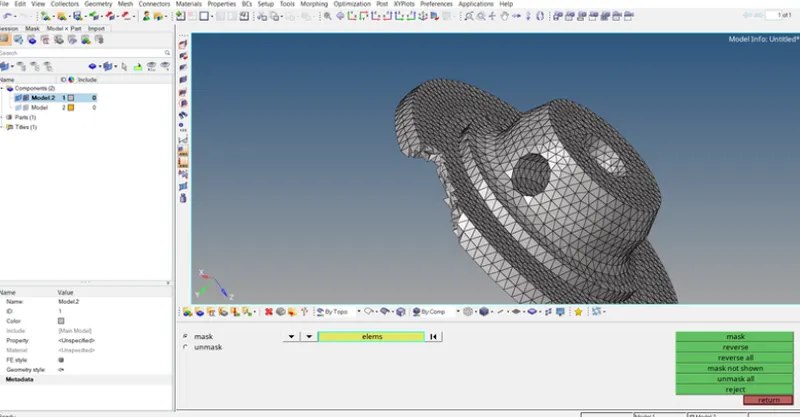
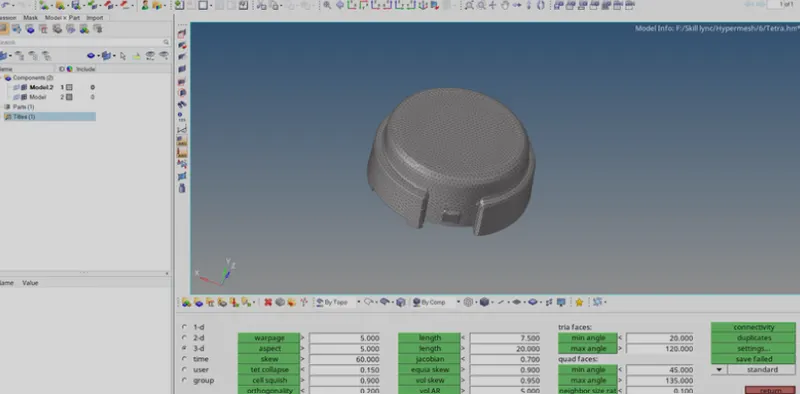
After converting 2D into 3D, check for tet collapse.
Here tetcollapse value is 0.15.
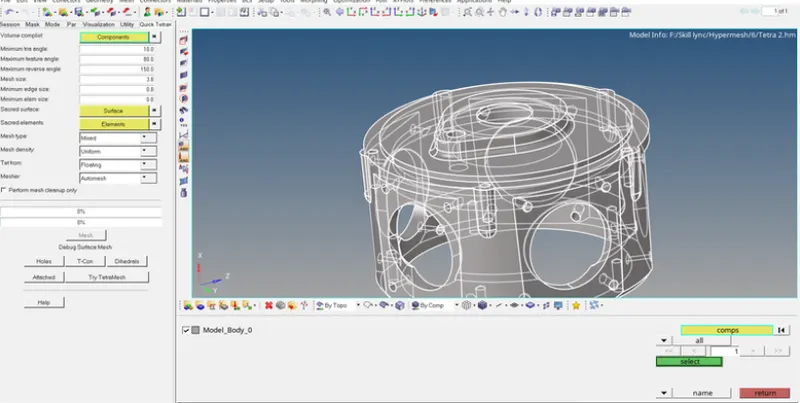
2. Quick tetra mesh-For doing quick tetra mesh we need to first open the utility tab by going to View>Browsers>Hypermesh>Utilities
Then, by going to the utilities tab, Under the optistruct menu, there is a tab called Geom/mesh, once we click that, Mesh tools menu will be visible and we can then choose the Quick tetra command from there.
Once we click on quick tetramesh,we need to choose component on which we wish to mesh,provide the different parameters like Mesh size, min element size,mesh density,mesher etc.
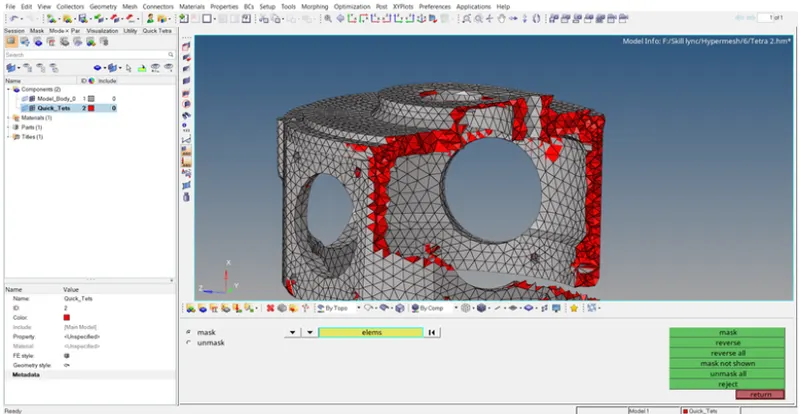
When we provide all this input, we can hit the Mesh button given below to start tetrameshing.
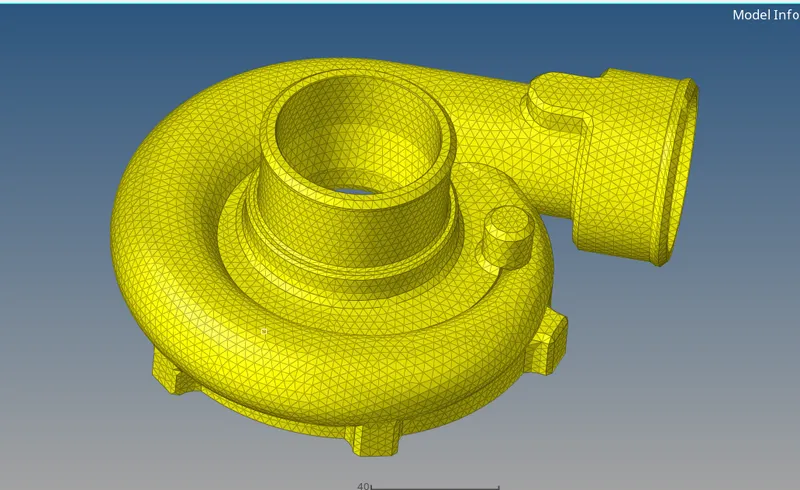
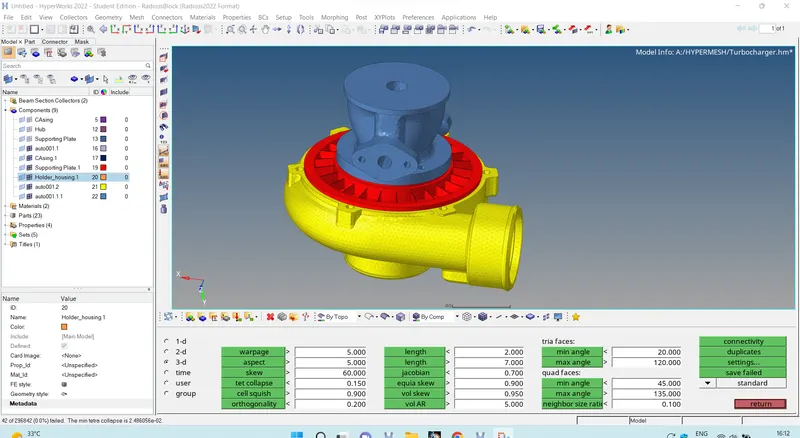
RESULT:-
In this challenge, we have learnt to apply 3D tetra mesh to given components by 3 method.
First meshing the given component in 2D Tria elements, Clearing the element failures for 2D, then converting them to 3D tetras.
Secondly, Applying directl the volume mesh by slecting the volume of the given model and then providing with the inputs, & thirdly by Quick tetramesh.
We also learnt how to resolve the tet collapse erros manually.