Week 8-3D Tetra Meshing Challenge
Objective:3D Tetra Meshing Challenge
Q1.Create a Teramesh for Housing component with the following quality criteria.
TetraMesh Generation Method: 2D to 3D Conversion
Elements sizes: Min- 2 Units, Target- 5 Units, Max- 7 Units
Tet collapse: 0.15
solution:
first open the hypermesh and select radioss profile
now import the file by going to file-import-geometry(according to file type)-then hit import
now check for any geometrical error and repair it using quickedit,replace node,surface etc
and after repairing the geometry see if there is any free edges left.
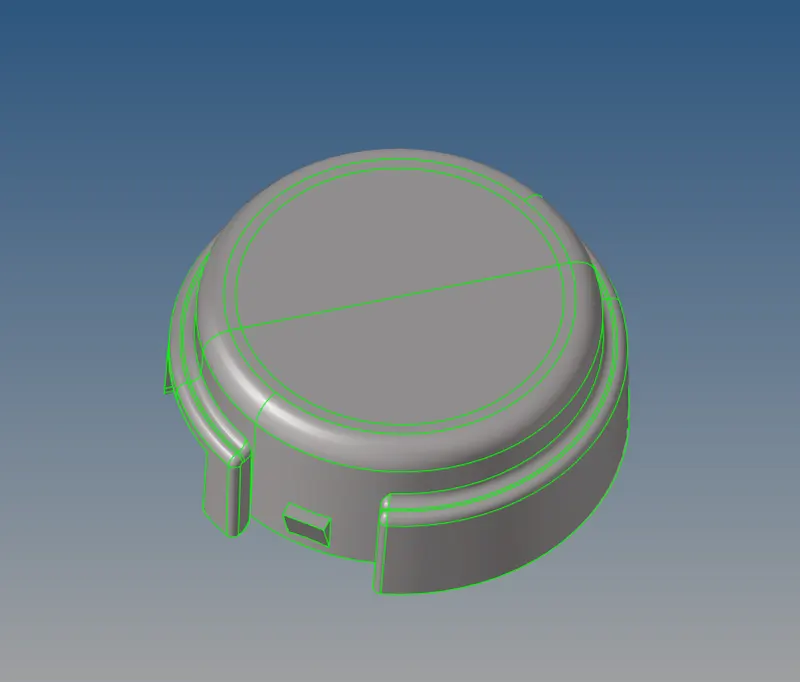
now geometry clean up is done
now to do 2D mesh we have to go to 2D -Automesh-select the surface-mesh
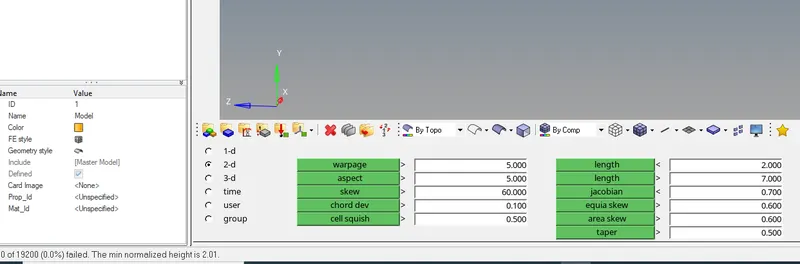
then go to tools-check elems-2d-give min length 2 mm and max length 7mm-then click on min length and it will give
the elements which are failing.
to see the elements which are failing click on saved-mask-right click on elements-retrieve-mask-reverse then all the failing
elements will appear and now repair them.
now to create a 3D mesh go to 3D -tetramesh-select elements-mesh
and check for elements failing
go to tools-check elems-3d-give tet collapse 0.15-then click on tet collapse to check and it will give
the elements which are failing.
to see the elements which are failing click on saved-mask-right click on elements-retrieve-mask-reverse then all the failing
elements will appear and now repair them.
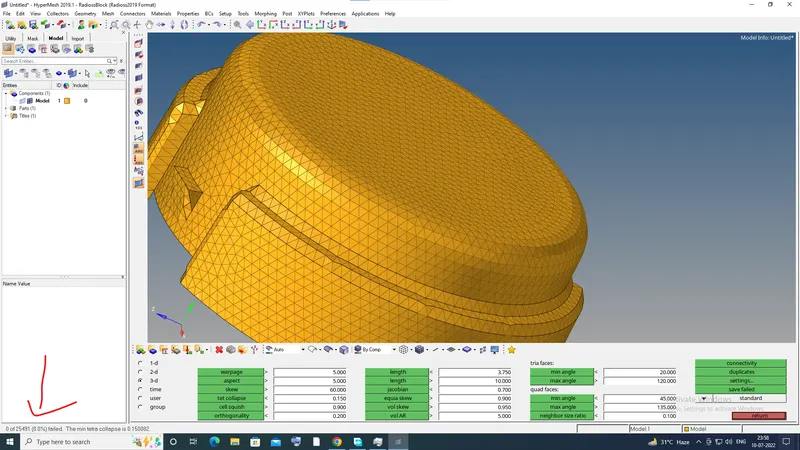
2D to 3D conversion is done
Q2.For the given model, Create a 3D Tetramesh with the following quality criteria.
TetraMesh Generation Method: Quick Tetra Mesh/ Volume Tetra Mesh
Target Element size: 3 Units.
Tet Collapse: 0.15
first open the hypermesh and select radioss profile
now import the file by going to file-import-geometry(according to file type)-then hit import
now check for any geometrical error and repair it using quickedit,replace node,surface etc
and after repairing the geometry see if there is any free edges left.
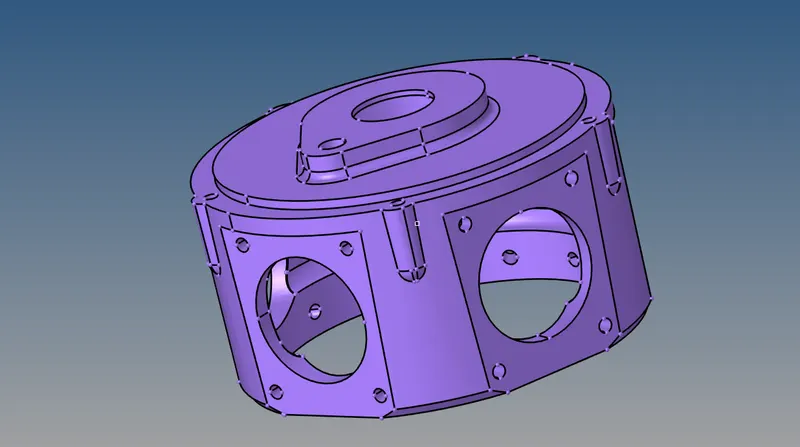
in this i have used the volume tetramesh
we use volume tetramesh when we want quick result and not perfectly
in this we directly do 3d mesh without the 2d mesh.
to do volume tetramesh go to 3D-volume tetramesh-solid-give element size-mesh
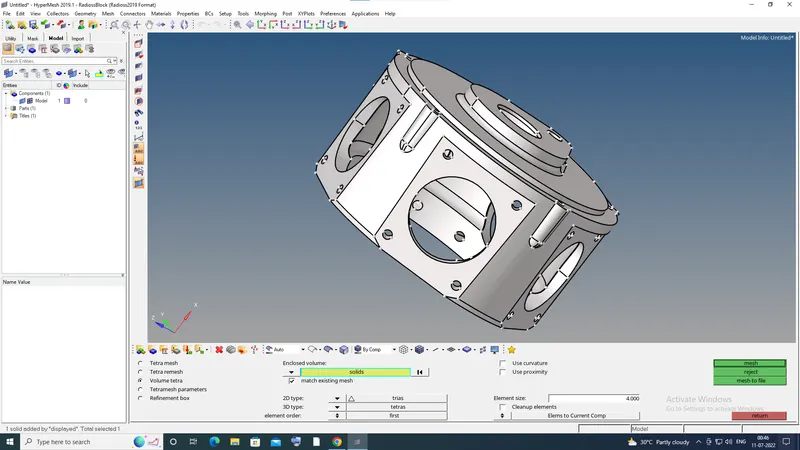
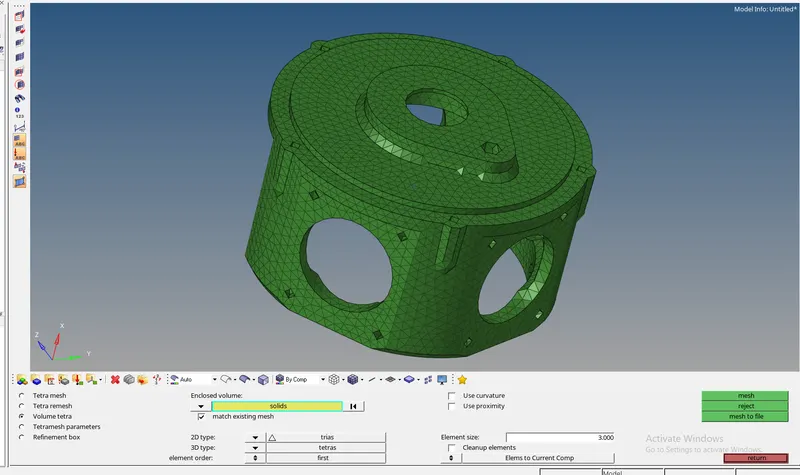
volume tetramesh is done
Q3.For the given assembly model, Create a 3D Tetramesh with the following quality criteria.
TetraMesh Generation Method: Quick Tetra Mesh/ Volume Tetra Mesh
Target Element size: 4 Units.
Tet Collapse: 0.15
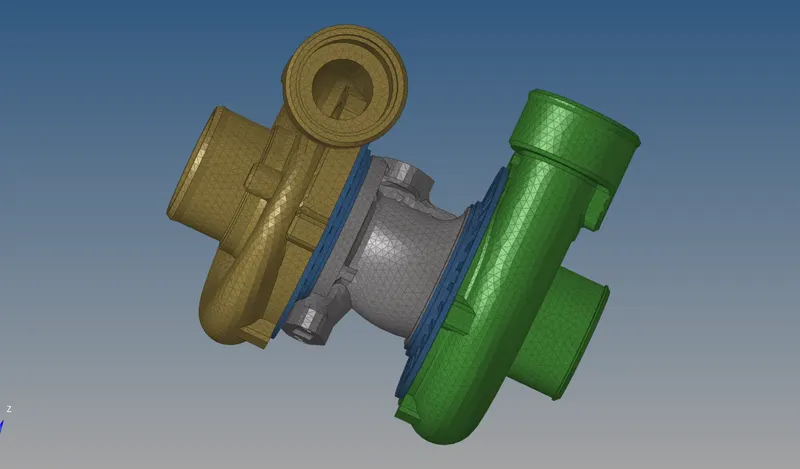
in this there are four components
i will do it one by one
first open the hypermesh and select radioss profile
now import the file by going to file-import-geometry(according to file type)-then hit import
now check for any geometrical error and repair it using quickedit,replace node,surface etc
and after repairing the geometry see if there is any free edges left.
select the only one component
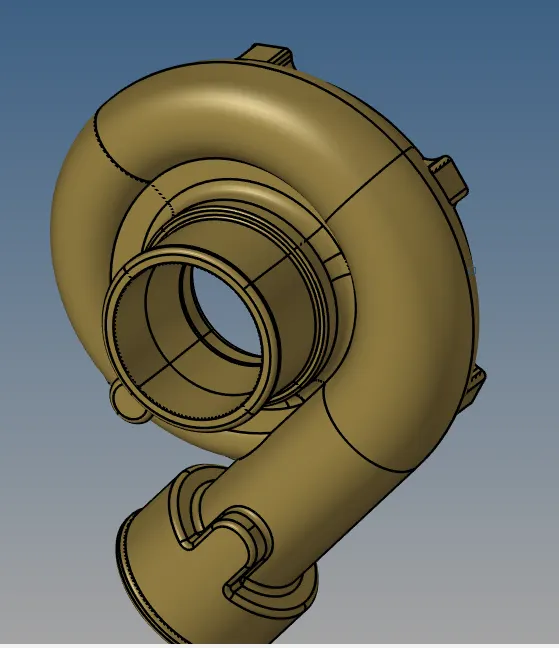
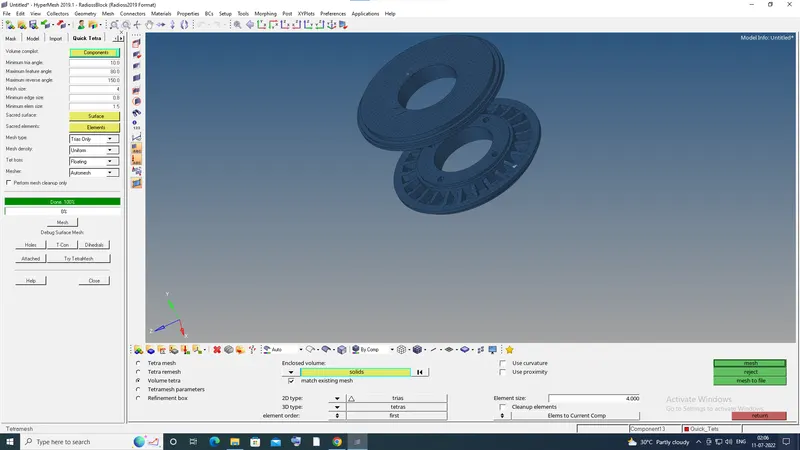
now in this i have done quick tetra mesh by going to utility-geom-mesh-quick tetramesh-give the values -mesh
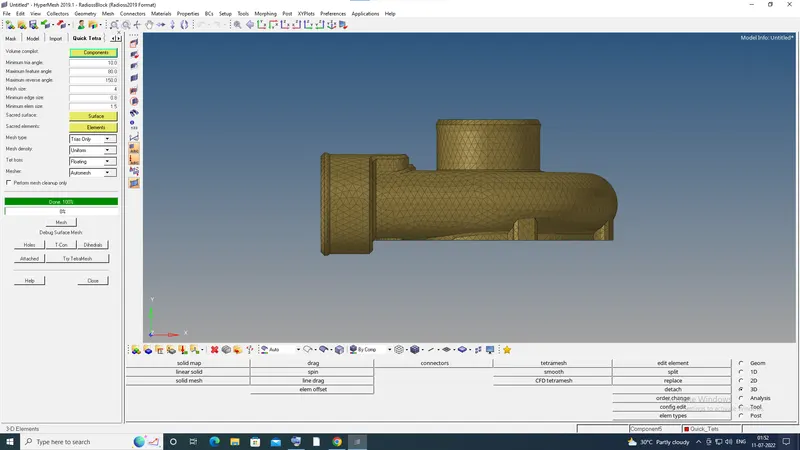
3D mesh is done
select the only one component
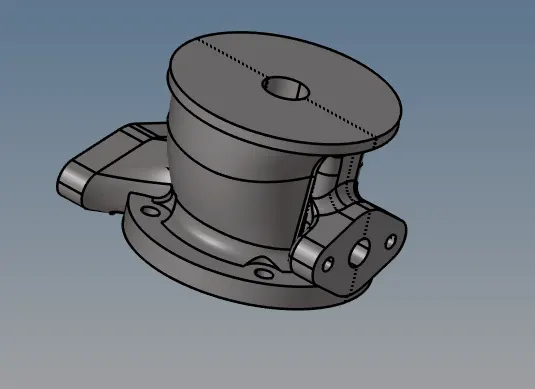
now in this i have done quick tetra mesh by going to utility-geom-mesh-quick tetramesh-give the values -mesh
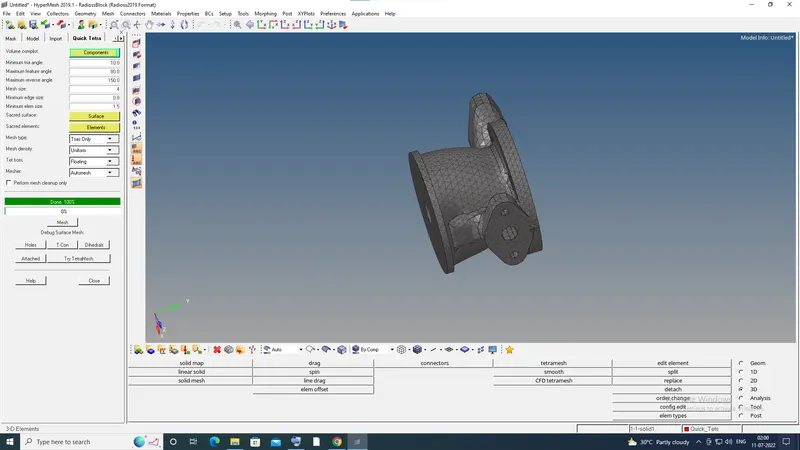
3D mesh is done
select the only one component
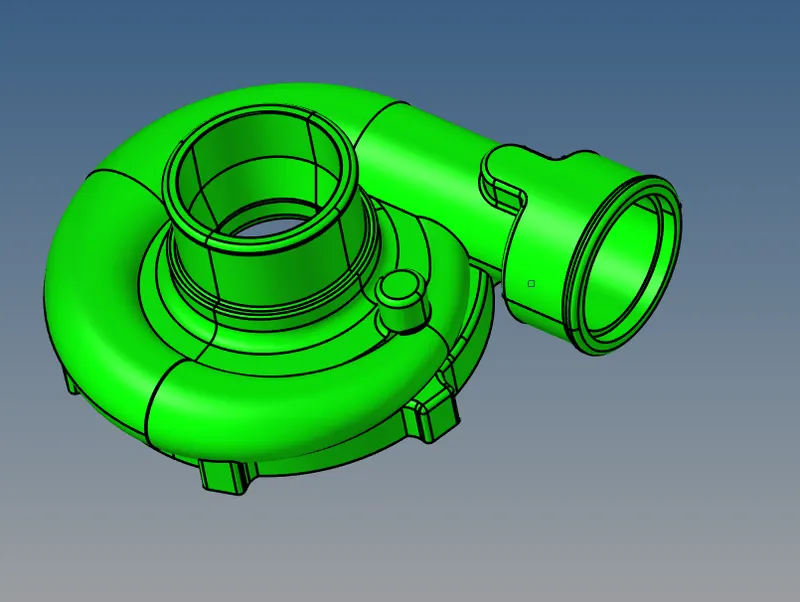
i have done volume tetramesh in this
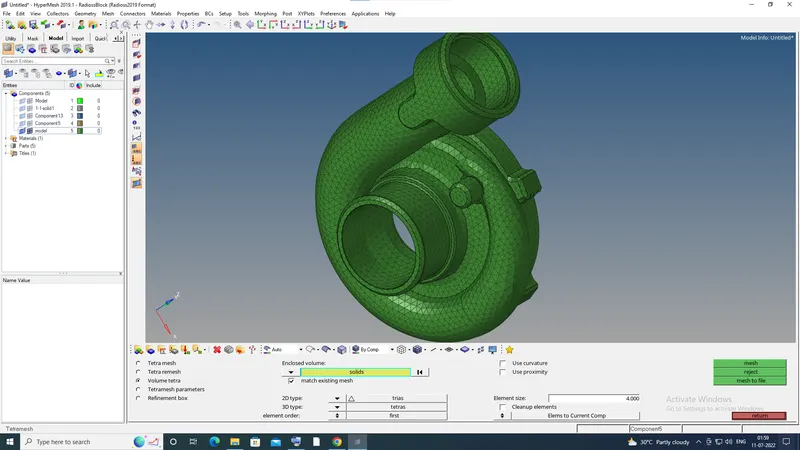
select the only one component
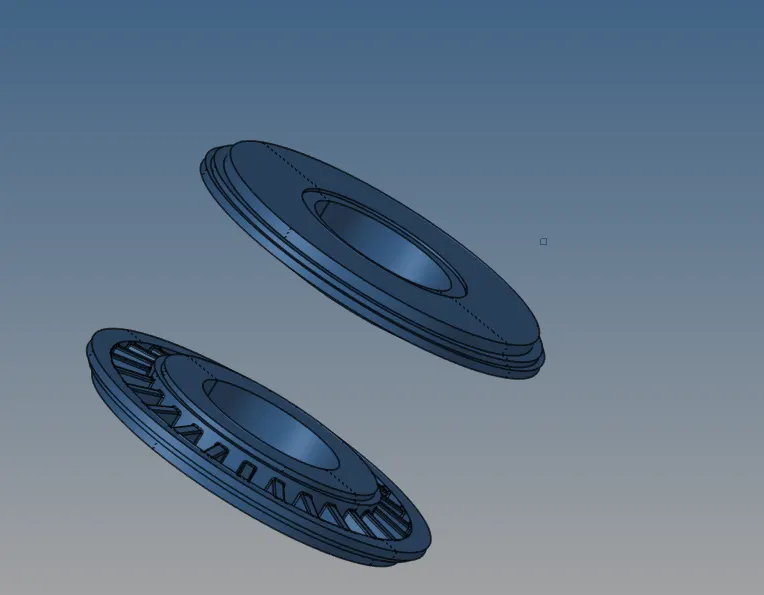
now in this i have done quick tetra mesh by going to utility-geom-mesh-quick tetramesh-give the values -mesh
final component
conclusion
conversion of 2D to 3D using different methods like quick tetramesh,volume tetramesh etc