Week 8-3D Tetra Meshing Challenge
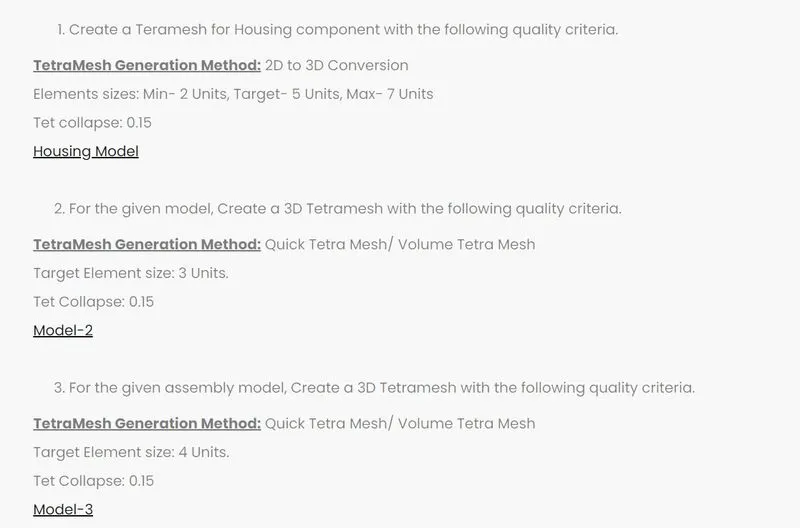
Aim: To create a tetramesh for the given component using the given criteria.
Procedure:
Steps to be followed: Import Geometry > Perform Geometry CleanUp > 2D automesh > Check for minimum length > Rectify (Check Elements > Minimum Length > Save Failed > Mask Elements > Retrieve > Mask > Reverse > Rectify) > 3D Tetramesh > Rectify.
1) Meshing the housing component using the given criteria:
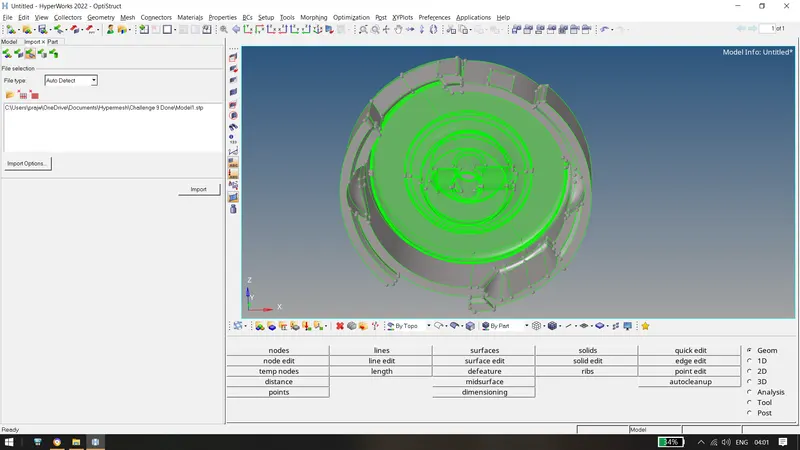
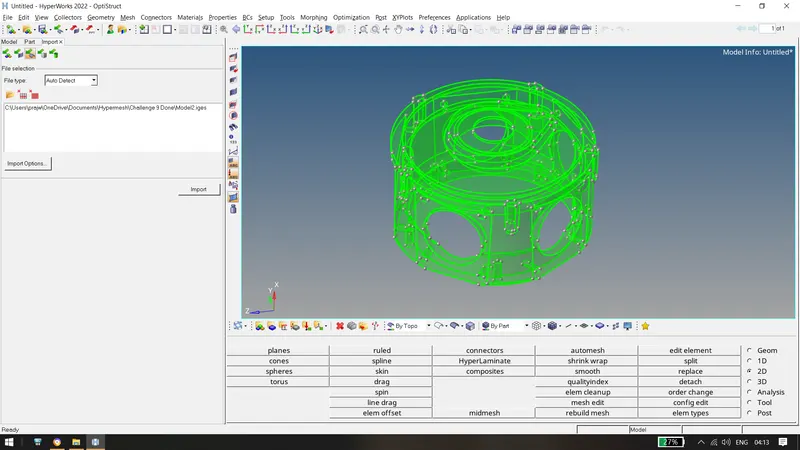
- Import the geometry into hypermesh. Delete Solids if any.
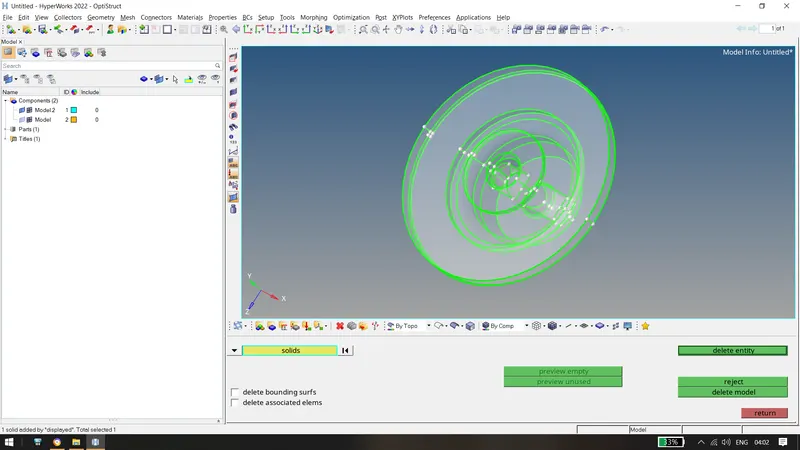
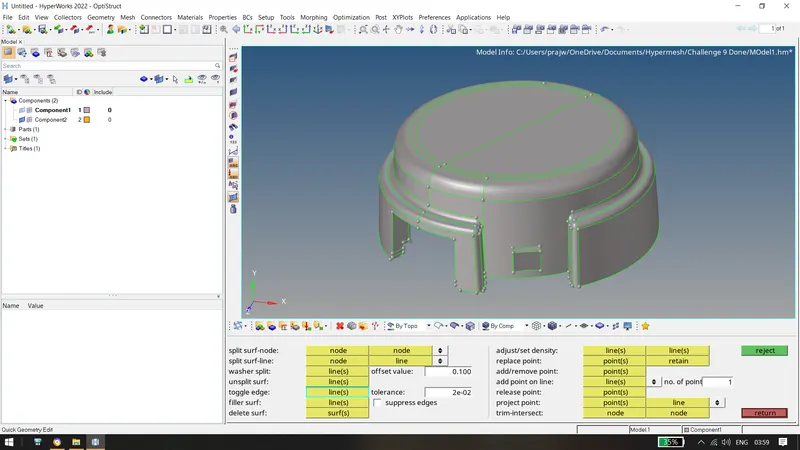
- Check for any surface errors and perform the geometry cleanup if required. Set the geometry in By Topo Mode.
- After geometry cleanup, perform 2d Automesh using the given criteria. After the mesh is performed, rebuild mesh and check for minimum length and rectify it.
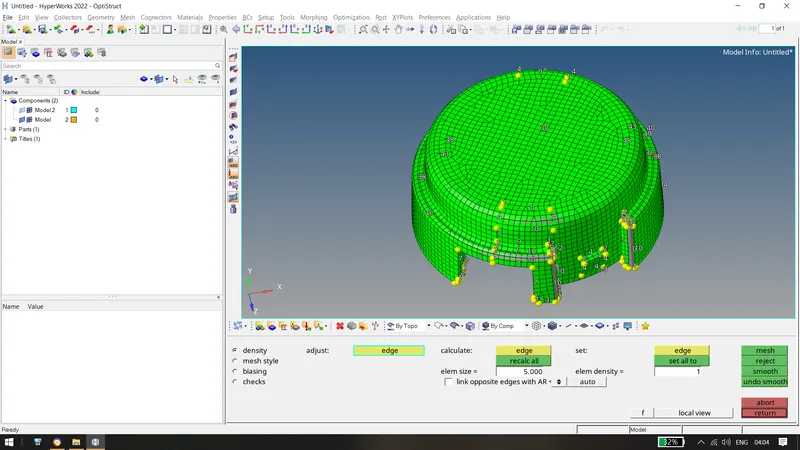
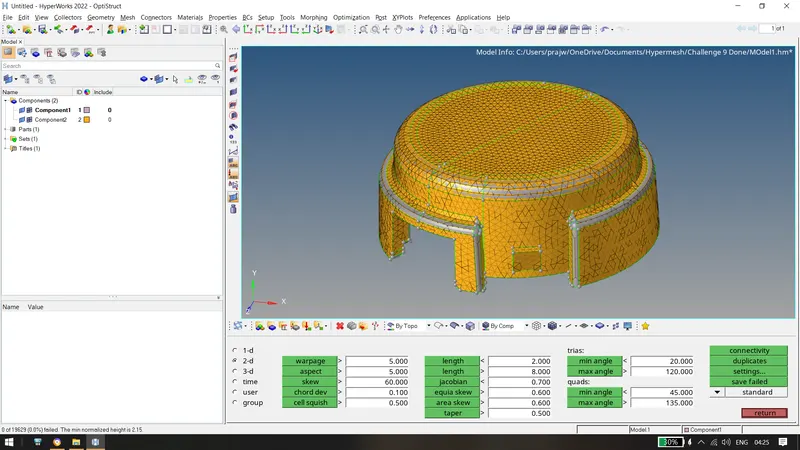
Above, 0 elements have failed for 2D minimum length. Now, perform the 3D tetramesh using the criteria of tet collapse as 0.15.
Go to 3d tetramesh and then mesh using elements displayed.
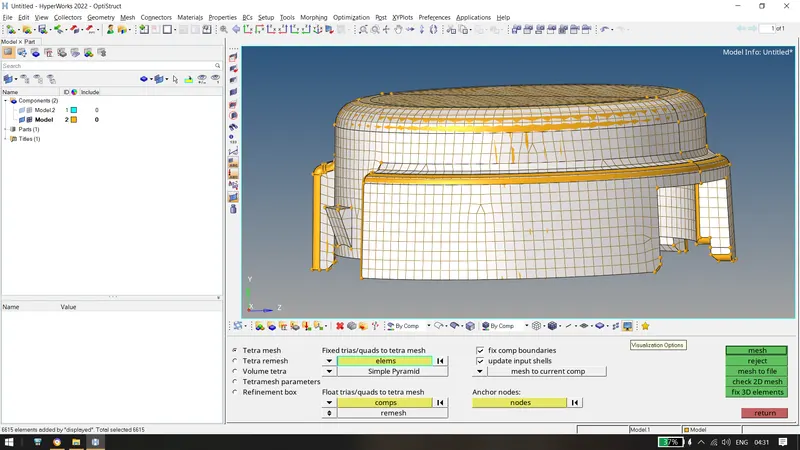
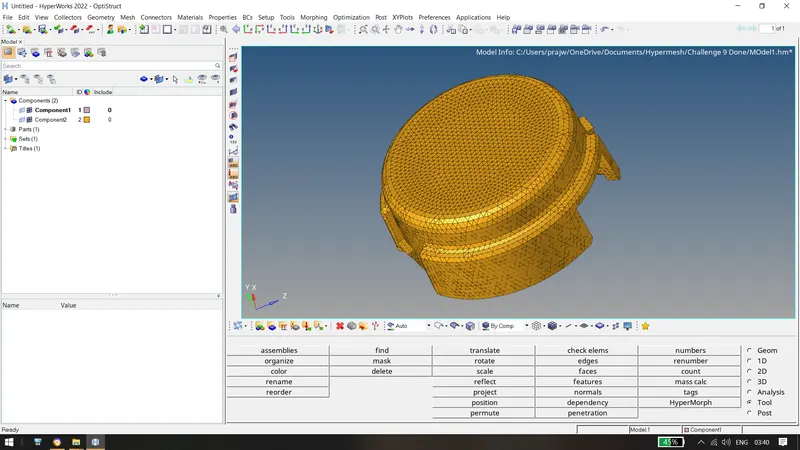
Similarily, after doing for other component:
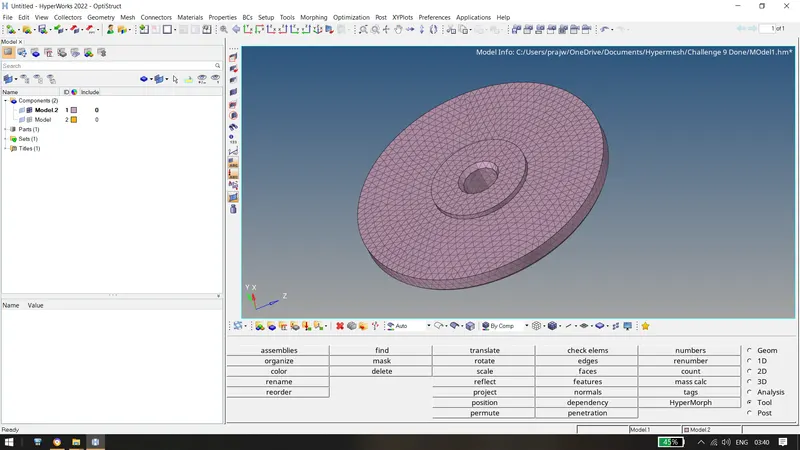
The Final Housing obtained is :
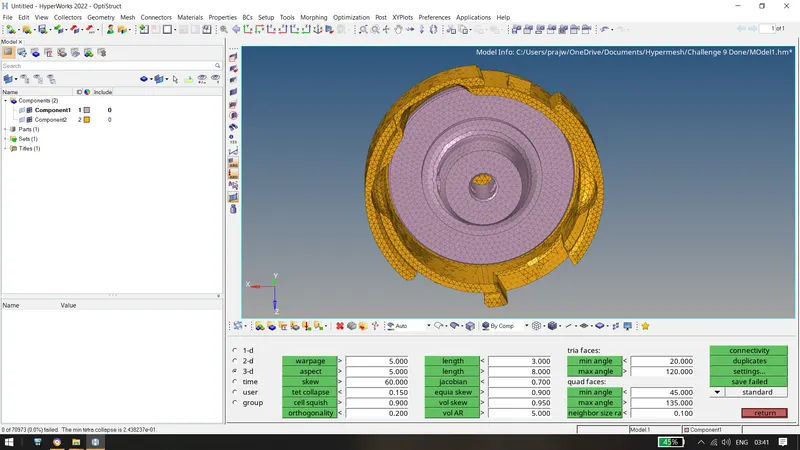
2) Similarily, we create tetra volume mesh as
Import Geometry > Delete Solids(Optional) > Rectify Geometry > Tetramesh Parameters > Tet Collapse = 0.15 > Volume TetraMesh > Check Element Quality > Save Failed > Mask Elements > Retrieve > Mask > Reverse > TetraRemesh > Rectify(Perform Same if elements are failed)
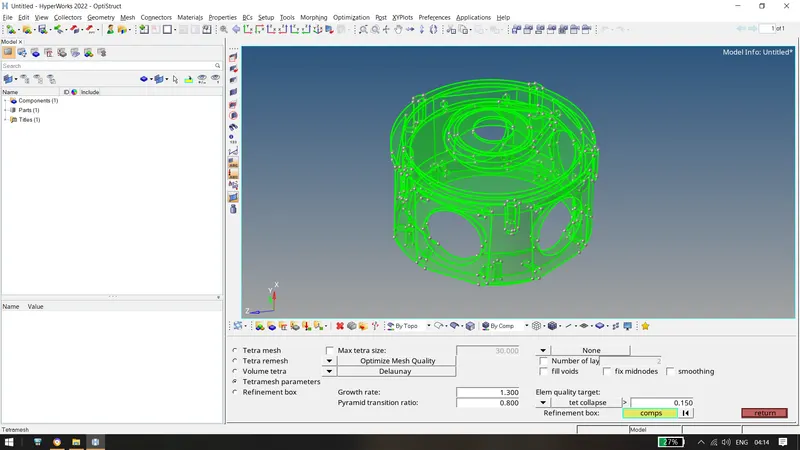
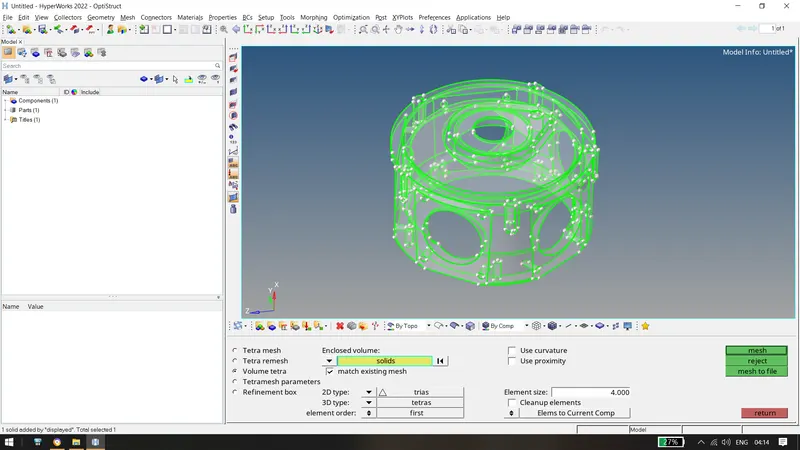
The
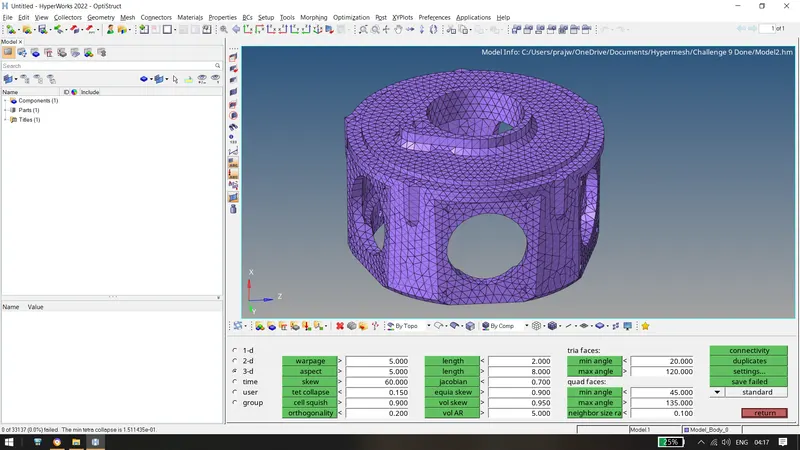
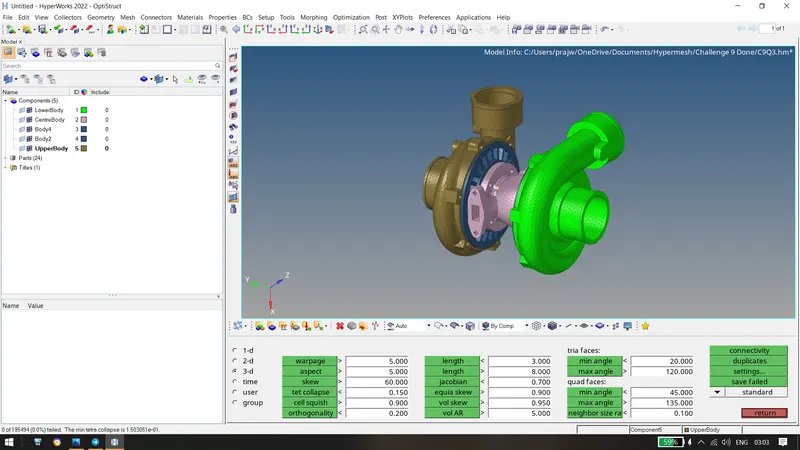
Above, there are 0 elements failed for tet collapse. Hence, the model was meshed with the given quality criteria.
3) Similarily, meshing the Model 3 provided to us.
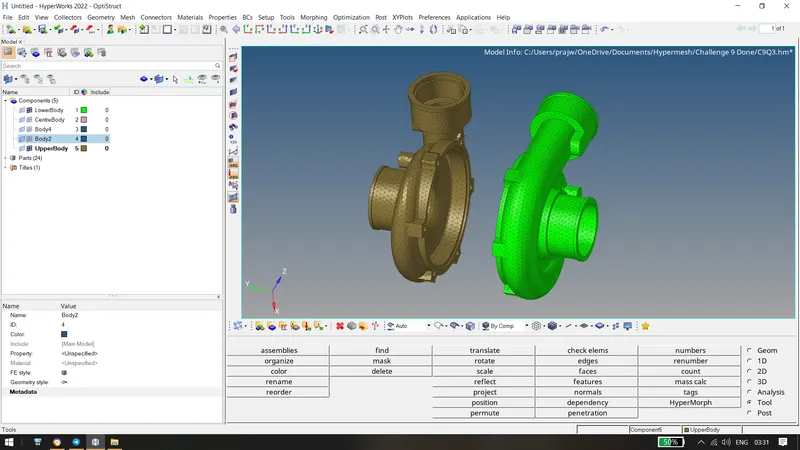
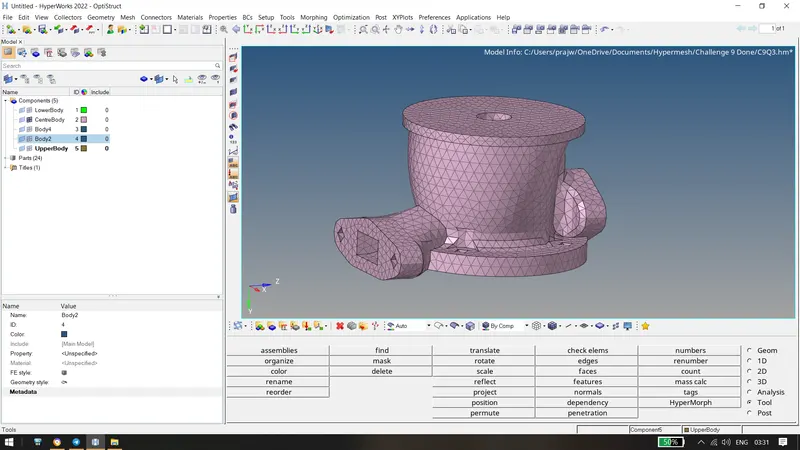
The Final Model :
Conclusion: Hence, we have successfully tetrameshed the using 2D to 3D, volume tetrameshing, tetra remesh.