Week 8-3D Tetra Meshing Challenge
AIM: To Create a Teramesh for the given three models following quality criteria.
Objective:
- Model-1: TetraMesh Generation Method: 2D to 3D Conversion
- Elements sizes: Min- 2 Units, Target- 5 Units, Max- 7 Units, Tet collapse: 0.15
- Model-2: TetraMesh Generation Method: Quick Tetra Mesh/ Volume Tetra Mesh
- Target Element size: 3 Units,Tet Collapse: 0.15
- Model-3: TetraMesh Generation Method: Quick Tetra Mesh/ Volume Tetra Mesh
- Target Element size: 4 Units, Tet Collapse: 0.15
MODEL-1: Teramesh for Housing component:-
Tetrahedral elements are solid elements which have been extracted from 2D tria elements. Hypermesh builds 4 and 10 noded tetras. hypermesh provides two methods of generating tetrahedral element mesh. The volume tetra mesher works directly with surface or solid geometry to automaticaly generate a tetrahedral mesh. the standard tetra mesher requires a surface mesh tria elements as input, then provide us with a number of options to control the resulting tetrahedral mesh.
procedure:
- import the housing.stp file using import tool option.
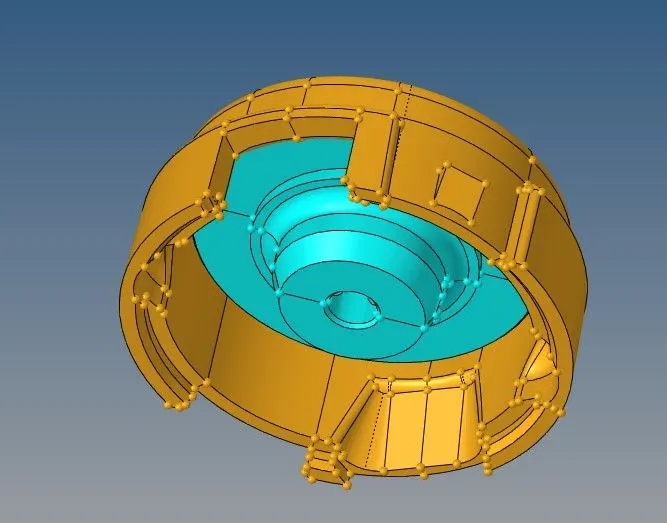
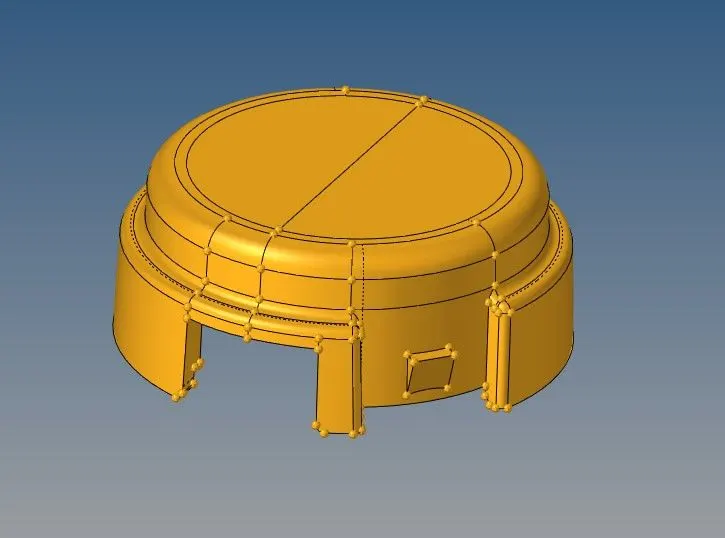
- use the geometry cleanup tool to ensure a fully enclosed volume. check the topology and verify if we still have free edges.
- click on automesh panel by using trias as elements and mesh the surface of components by keeping length as 5 units and clear the qulity errors and convert 2D mesh to 3d by using tetramesh tool in 3D panel.
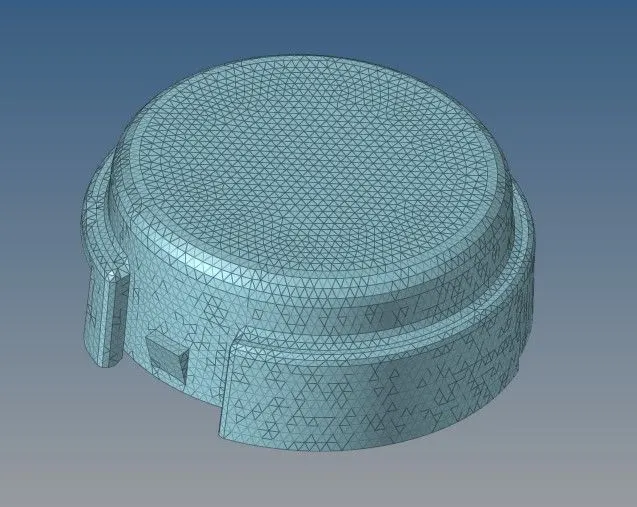
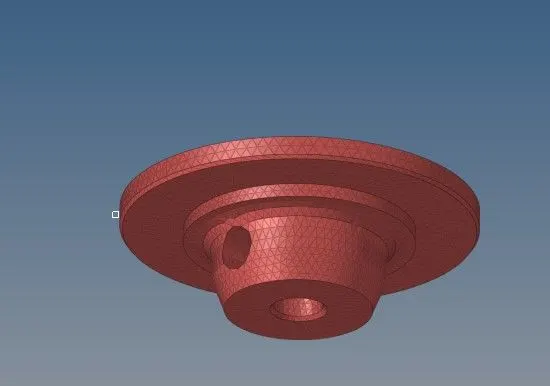
- After creating 3D tetra elements check for tetcollapse failures(goto tool>chech elements>3d panel>tetcollapse) and if there are any errors remesh the elements or increase the height of smallest or largest sideof failed element and then perform remesh.
Model-2:- Quick Tetra Mesh/ Volume Tetra Mesh on crank housing:-
procedure:
- import the model into hypermesh and check for any free edges by using visualisation option.
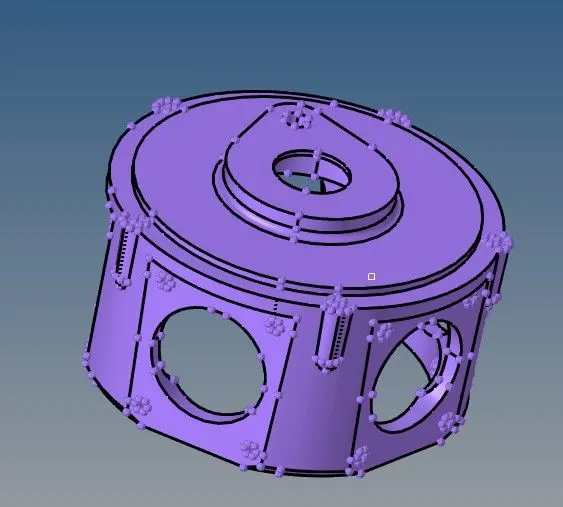
- It is a direct process, for volume mesh, it can be meshed without performing 2d shell elements. Goto 3D panel>Tetramesh>Volumemesh parameters( set the tetcollapse value)>Volumemesh.
- (other method) for Quicktetra mesh, goto view>browser>hypermesh>utility. then goto Geom/Mesh and select quick tetra mesh under mesh tools select component give length or size and elements as trias finally click mesh.
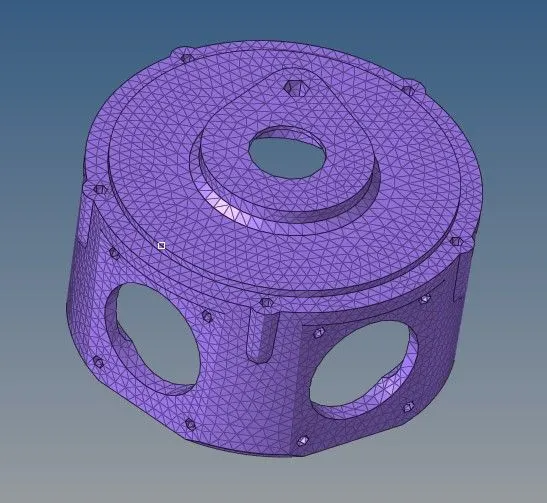
- Use check elements panel and check for tet collapse failures and remesh.
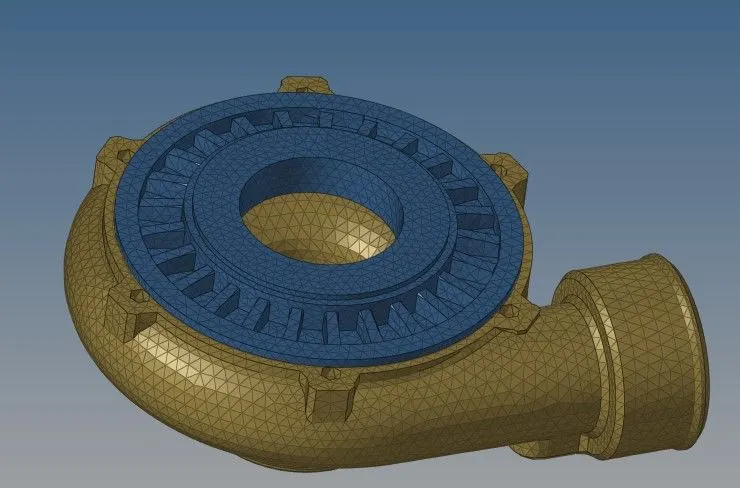
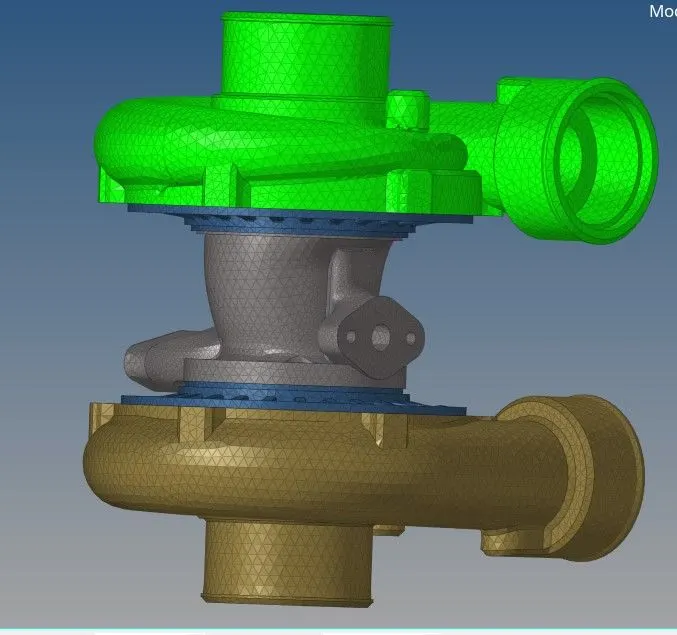
Model-3:- Quick Tetra Mesh/ Volume Tetra Mesh on Radial turbocharger:-
procedure:
- There are five components in these turbocharger. After importing the model check for free edges by using visualisation option.
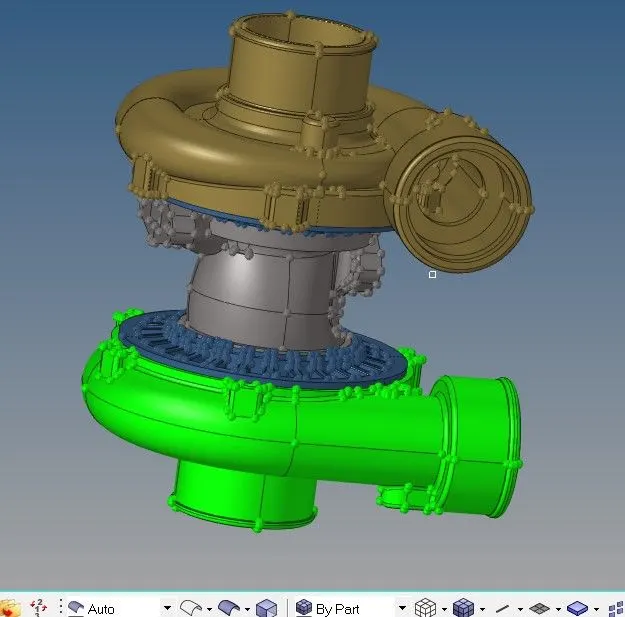
- Mesh each component seperately by using any one of the methods among Quick tetra mesh/ Volume tetra mesh.
- after meshing the components check for tetcollpase failures and make sure the elements satisfies the tetcollapse value.
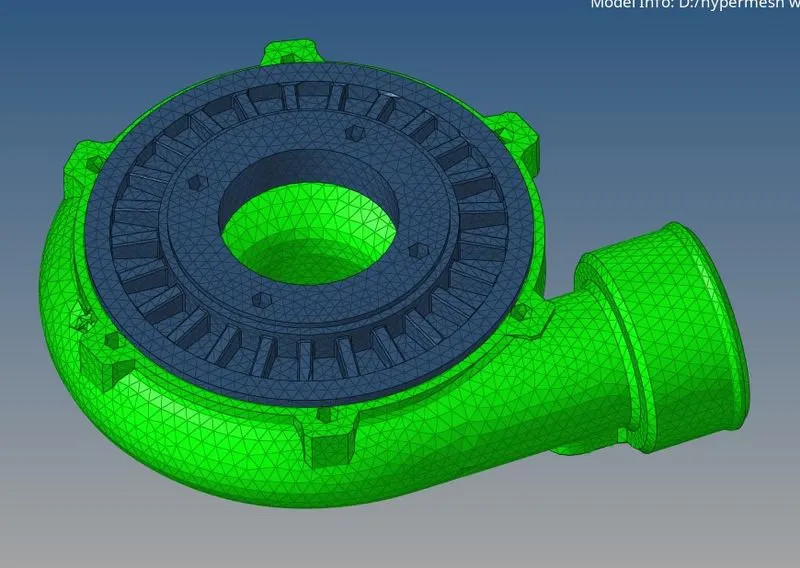
Conclusion: all the models are meshed successfully according to their given quality criteria ranges.