Week 8-3D Tetra Meshing Challenge
Objective (Housing Model)
- Create 2 D tria mesh and clear the quality.
- Generate 3-D tetra mesh with 2-D tria mesh.
- Check and remove the tet collapse quality failure.
Procedure (Housing Model)
1.Delete the solid part of housing.
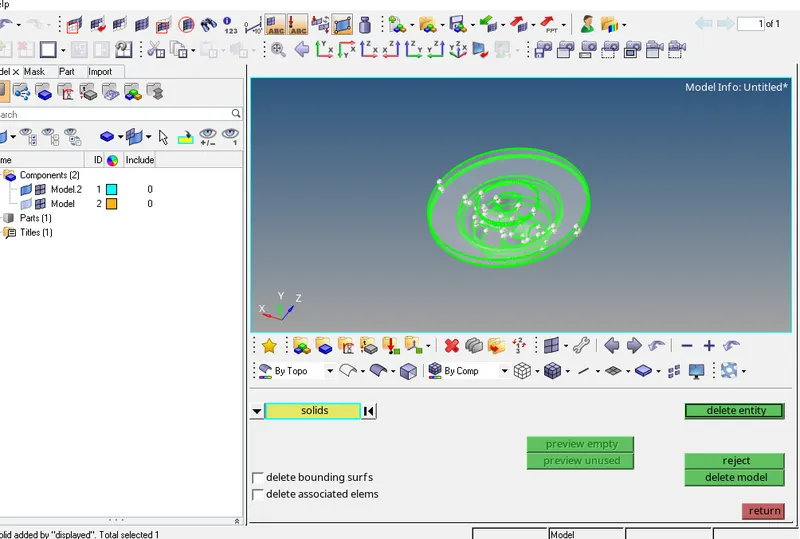
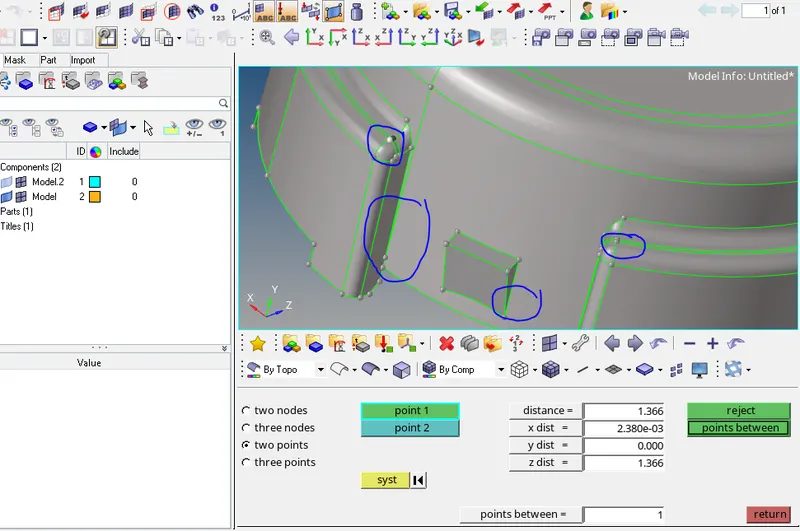
2.Remove the sharp edges and very close line (distance less than 2mm).
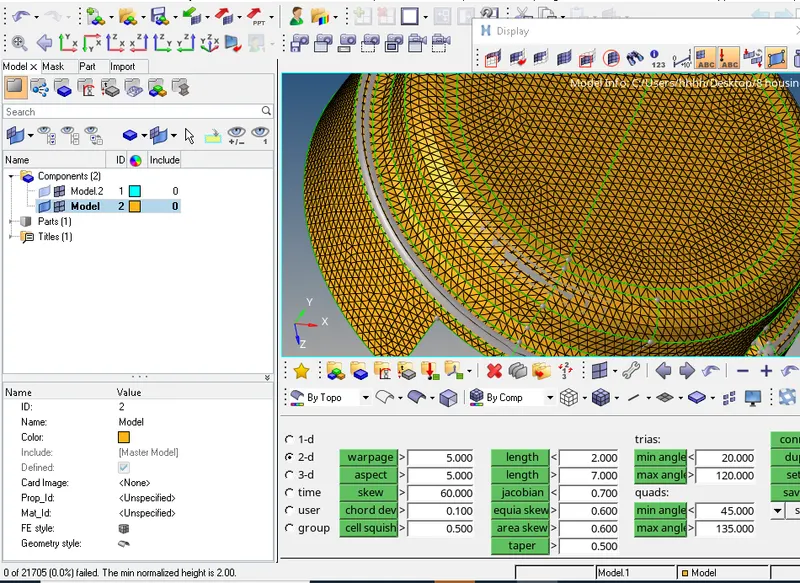
3.Mesh the geometry with tria and R-tria. After meshing remove the minimum and maximum length failure.
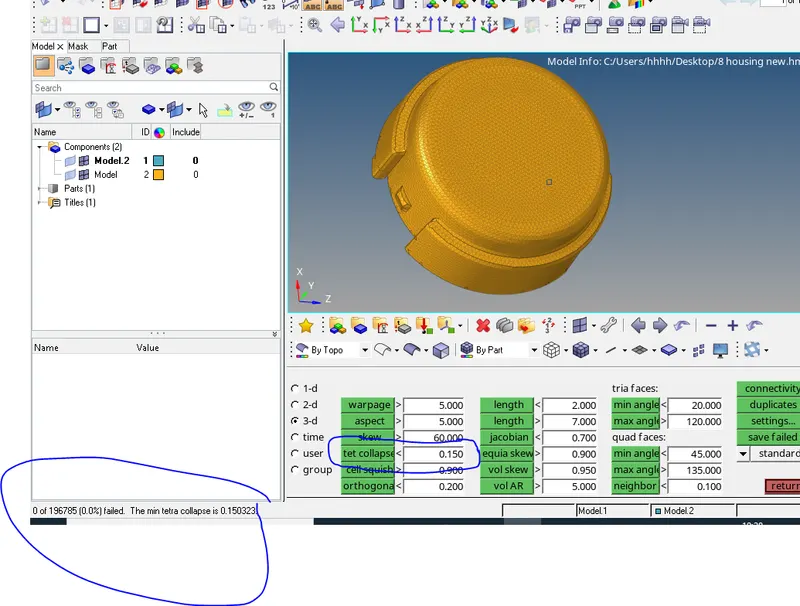
4.Convert 2D tria into 3D tetra elements (3D- tetramesh). Tetramesh parameters was selected (tet collapse=0.15).
4.1. no element was fail in tetcollapse quality.
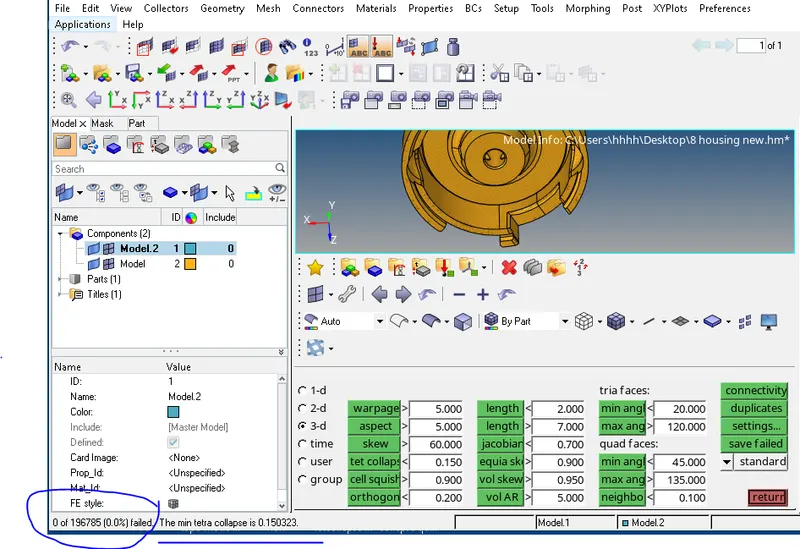
Objective (Model-2, Model-3)
- Generate 3D tetra mesh using volume tetra.
- Check and remove the tet collapse quality failure.
Procedure
Model-2.
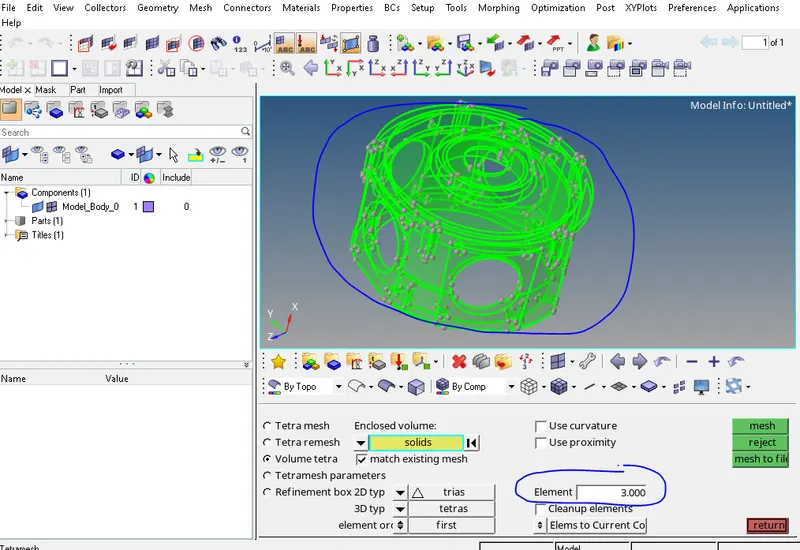
5.In topo mode green colour verified that it is a solid geometry. Now mesh with element size-3 and tet collapse-0.15 (3D-volume tetra).
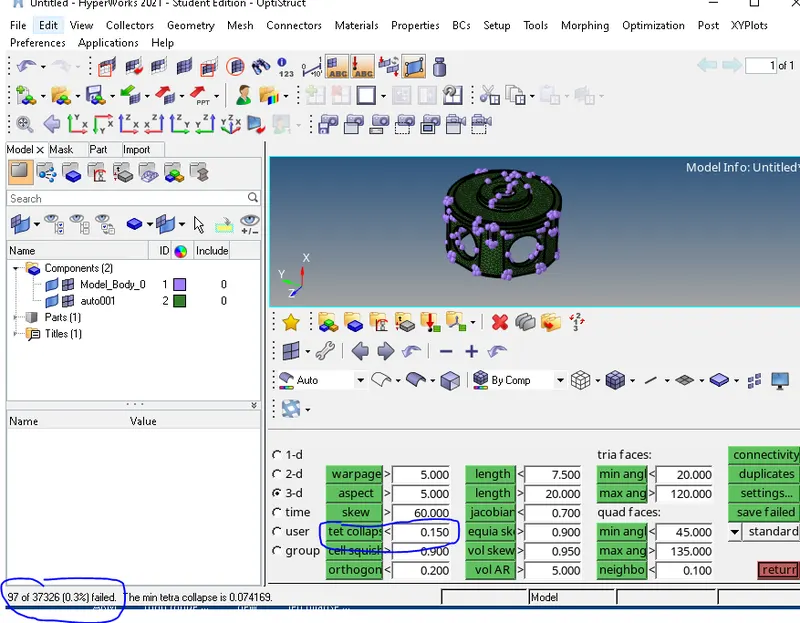
6. 97 elements were fail in tet collapse =0.15.
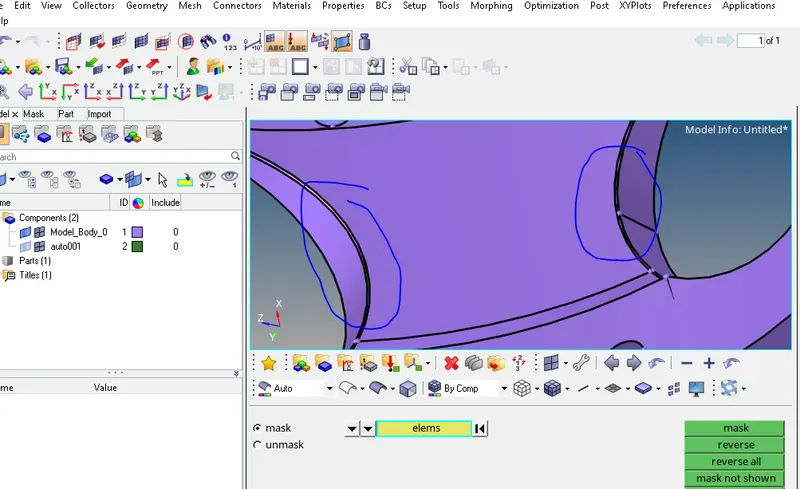
6.1. Elements were failed due to small fillet. First remove that fillet and again do volume terta mesh.
7.Only one element was found to be failed in tet collapse after removing the small fillet.
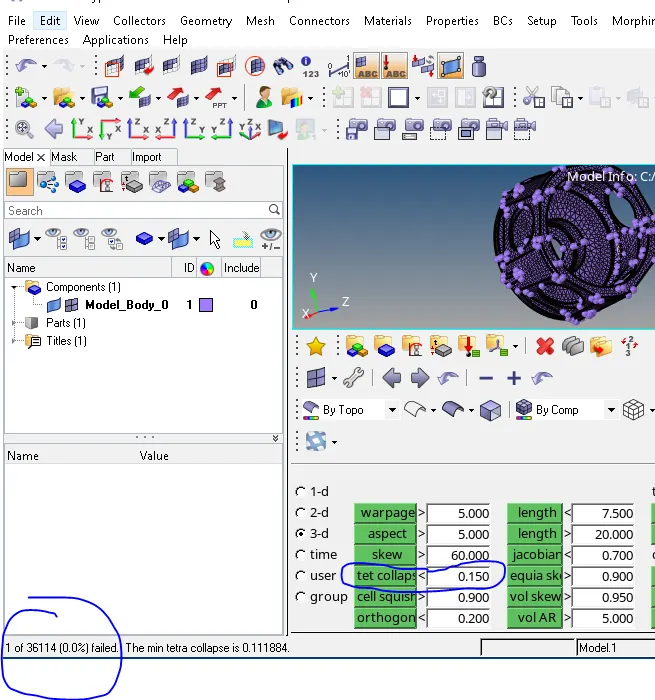
8. Fix the tet collapse quality failure by increasing the height of element to 1.5. (save failed-mask- element (retrieve)-mask-reverse).
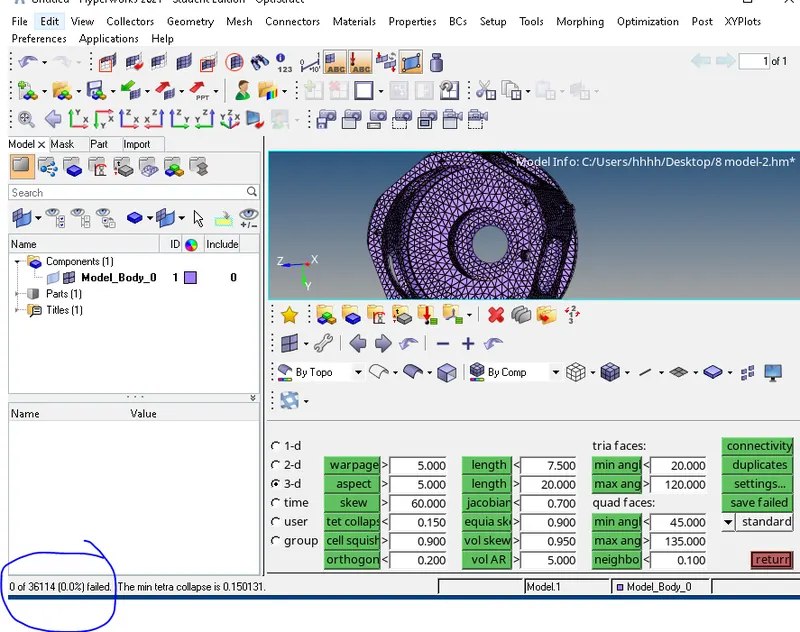
Model-3
9.model-3 delete the solid and auto clean the geometry with element size-4mm.
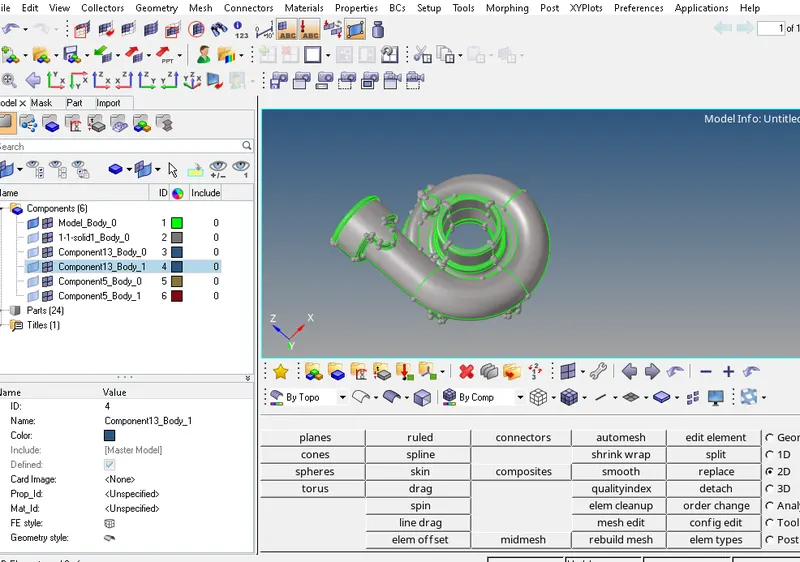
10.Convert surface into solid (geometry- solid- bounding surfaces).
11.After converting into volume tetra mesh, only one element fail in tetra collapse quality.
12.Fix the quality failure by Increase the height to 1.5 mm.
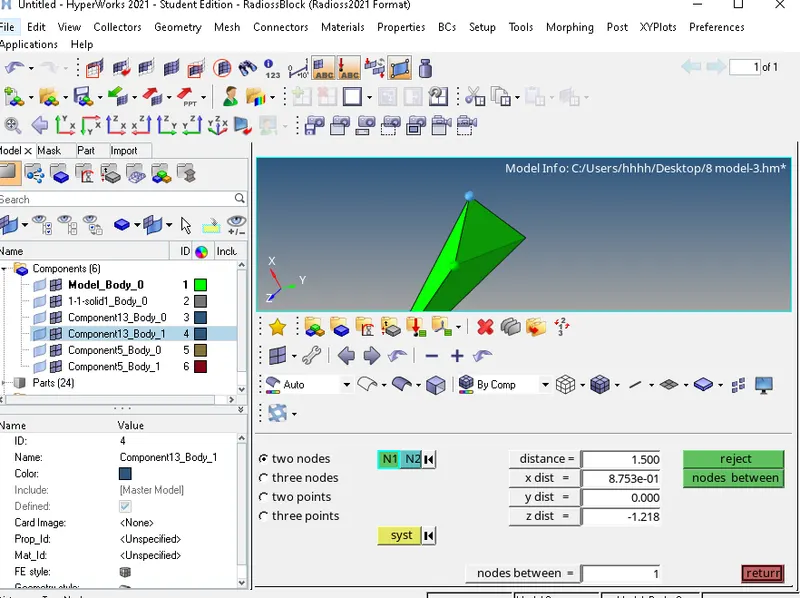
13.Now no element was failing in tet collapse quality.
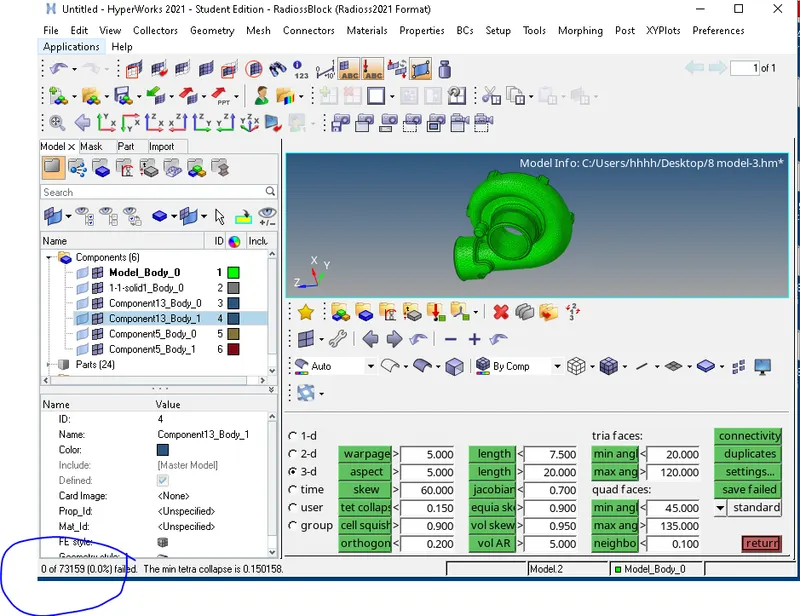
Note-Model-3 is saved in two .hm file becose of the limitation of 1 lakh elements in one .hm file