Week 8-3D Tetra Meshing Challenge
AIM: Create a Teramesh for Housing component with the following quality criteria.
2D to 3D Conversion
Elements sizes: Min- 2 Units, Target- 5 Units, Max- 7 Units
Tet collapse: 0.15
Import the geometry into workspace and make it shaded .
- imprort the geometry of the given model file.
- clean up the geometry of the following models given
- Initially mesh the surface in 2D mesh
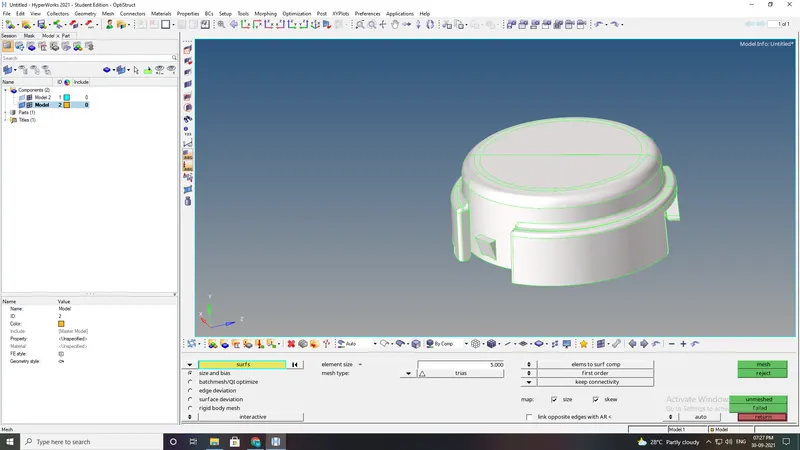
- Initially mesh the surface in 2D mesh
check the minimum and maximum element size zero
perform 3D tetramesh using the tria elements. 3D- TETRAMESH.
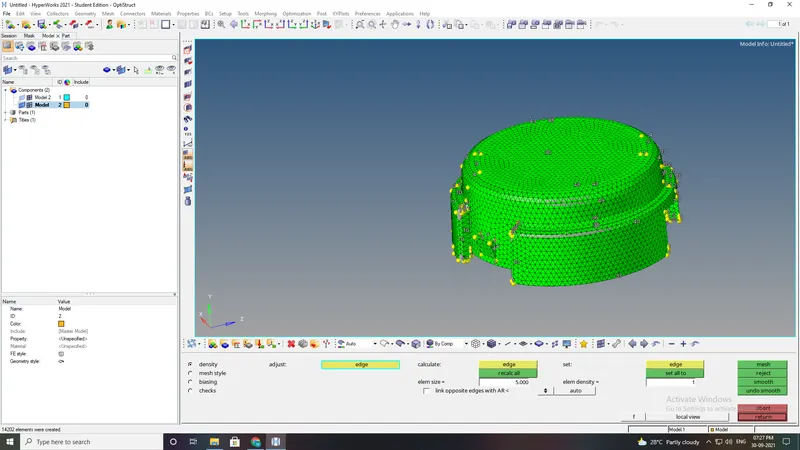
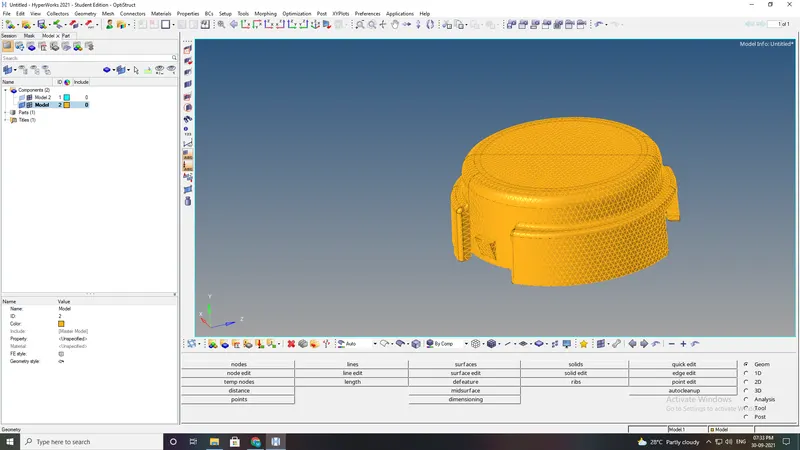
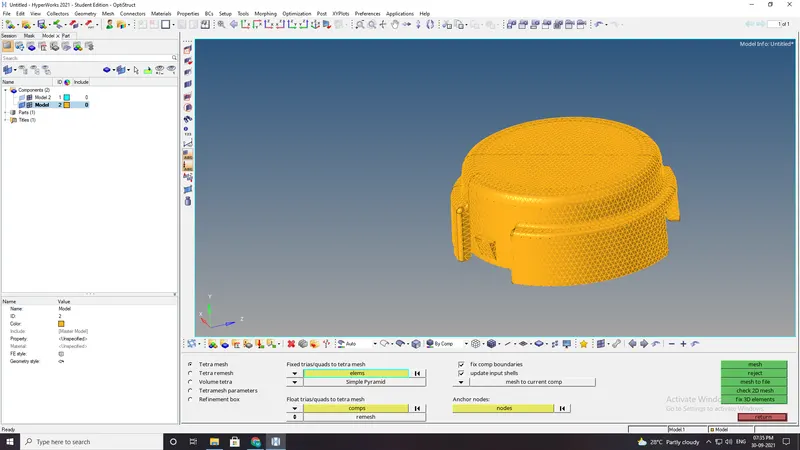
Check the tet collapse for o15, in tools-check elements - 3D-tet collapse and fix the error.
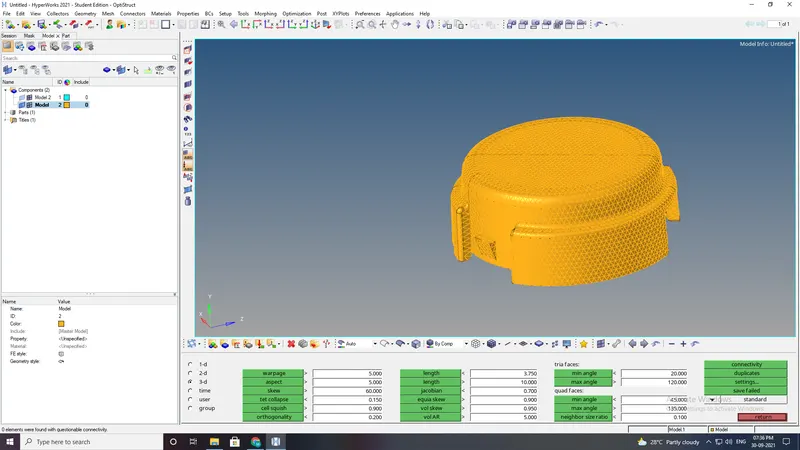
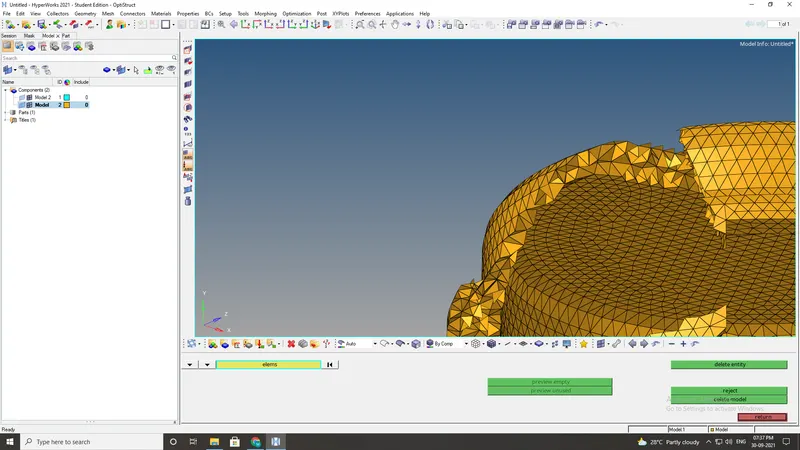
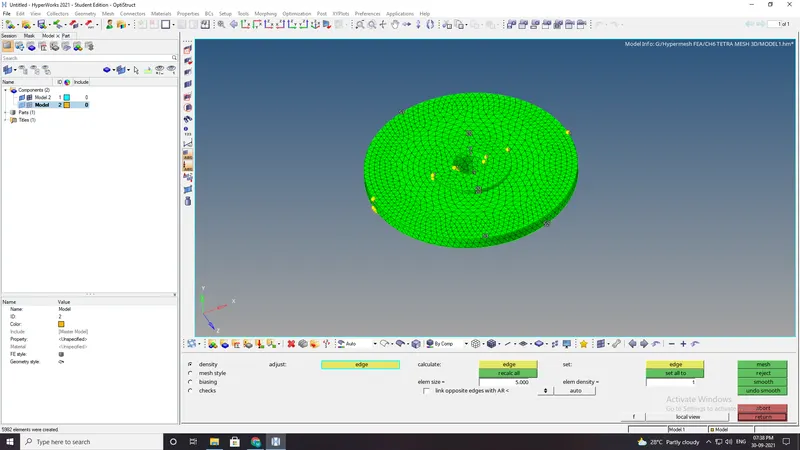
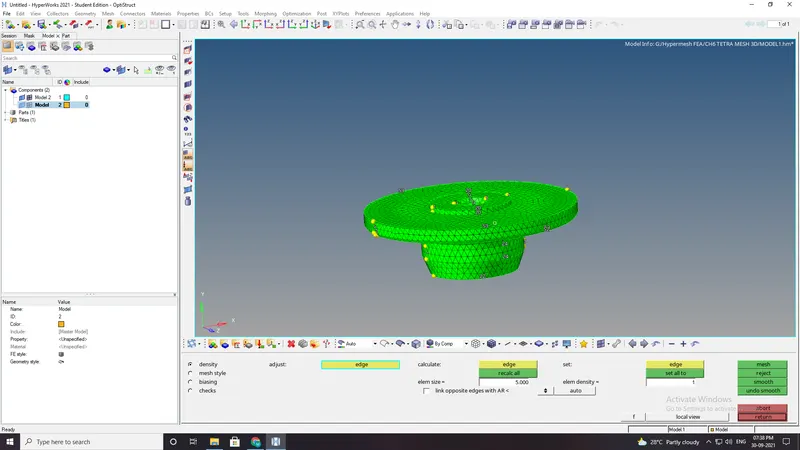
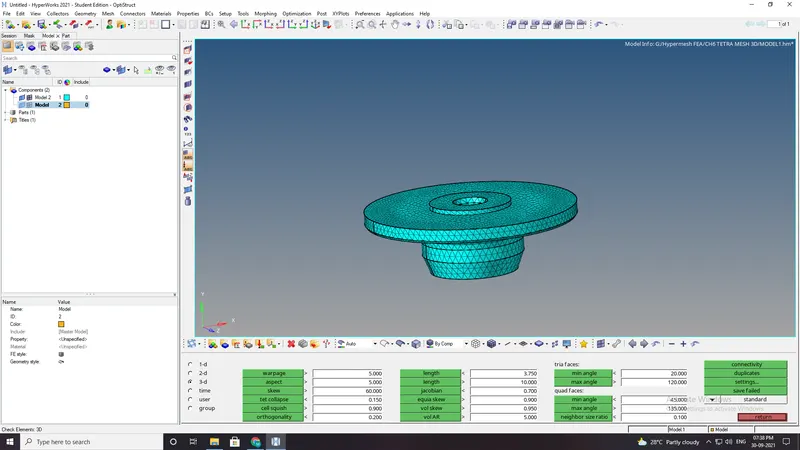
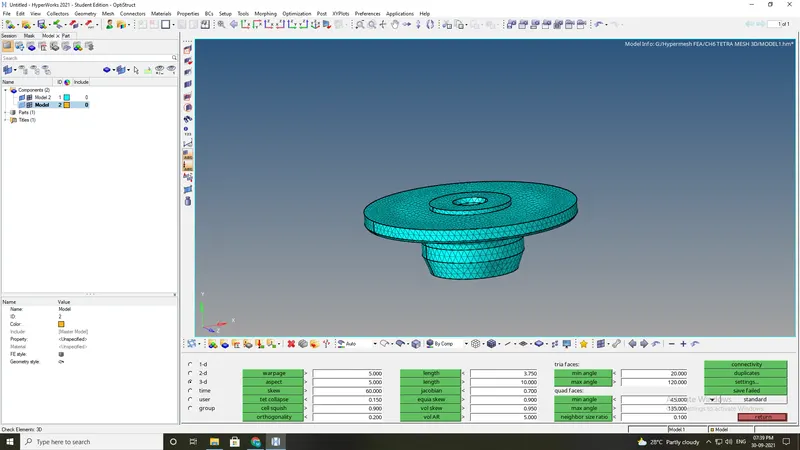
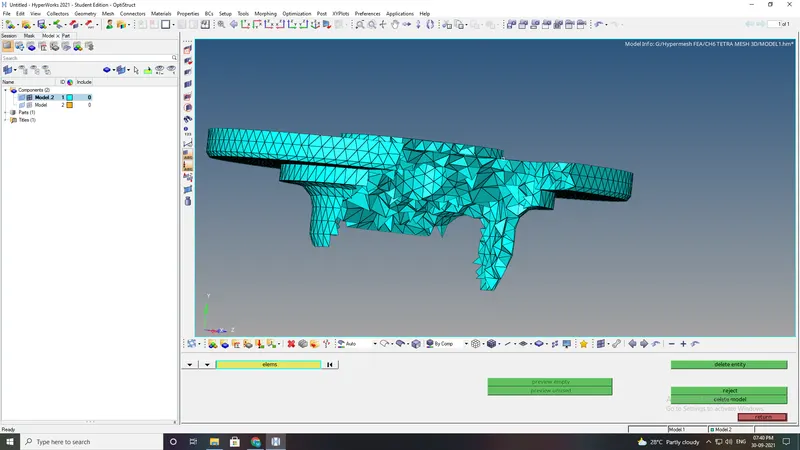
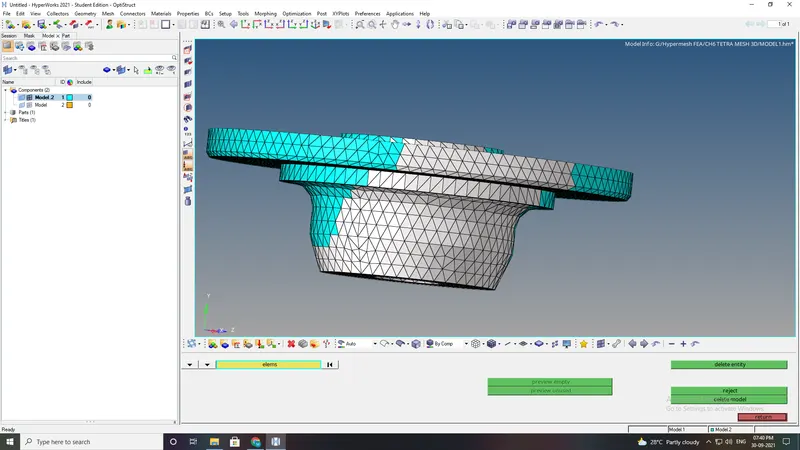
- For the given model, Create a 3D Tetramesh with the following quality criteria.
TetraMesh Generation Method: Quick Tetra Mesh/ Volume Tetra Mesh
Target Element size: 3 Units.
Tet Collapse: 0.15
Import the geometry into workspace and make it shaded .
- imprort the geometry of the given model file.
- clean up the geometry of the following models given
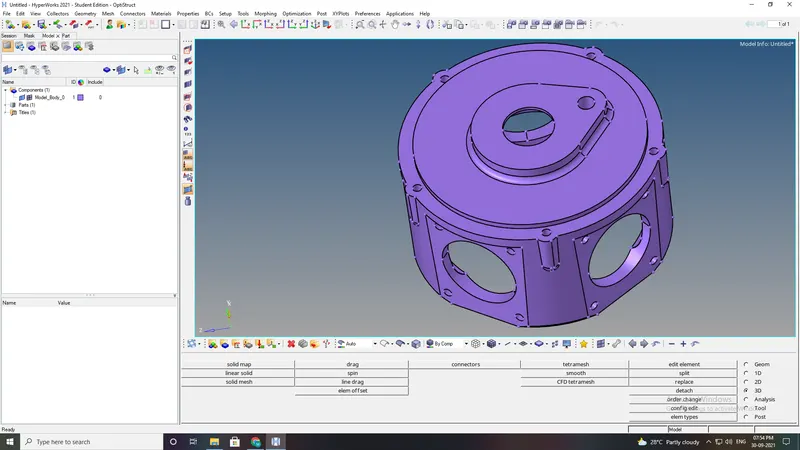 \
\ - In this model there is no minimum and maximum element size criteria.
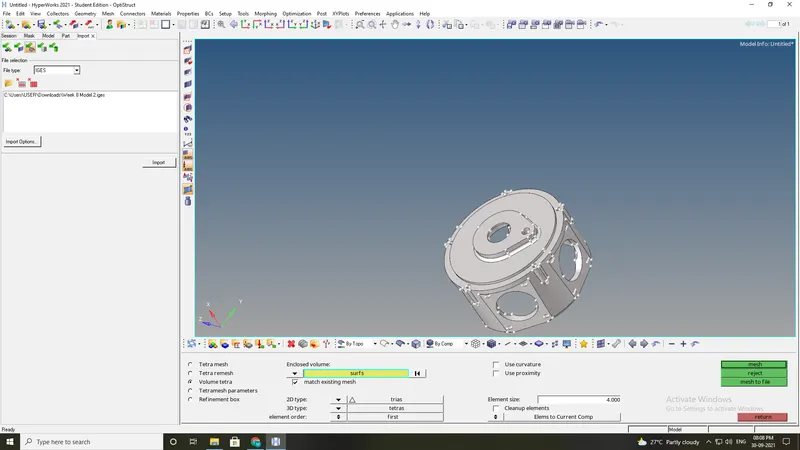
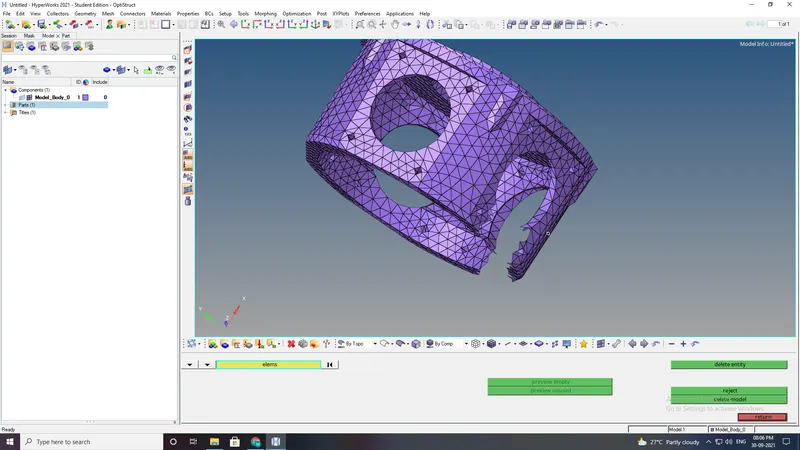
- so used volume tetra mesh method to mesh the model.
- The given model is surface,so used 3D-TETRAMESH-VOLUME TETRAMESH-SURFACE.
- The given model is meshed and fixed all the tet collapase error.
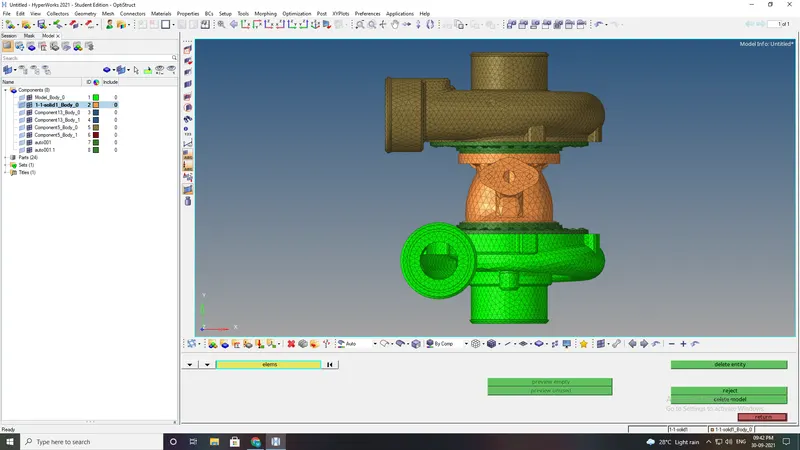
- For the given assembly model, Create a 3D Tetramesh with the following quality criteria.
TetraMesh Generation Method: Quick Tetra Mesh/ Volume Tetra Mesh
Target Element size: 4 Units.
Tet Collapse: 0.15
Import the geometry into workspace and make it shaded .
- imprort the geometry of the given model file.
- clean up the geometry of the following models given
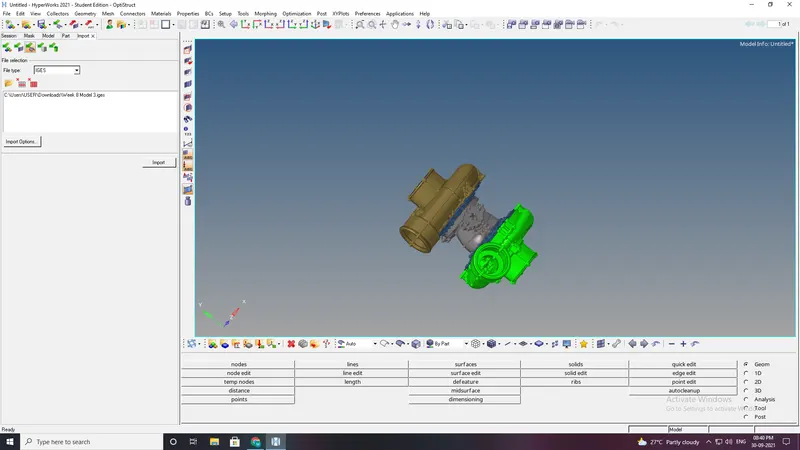
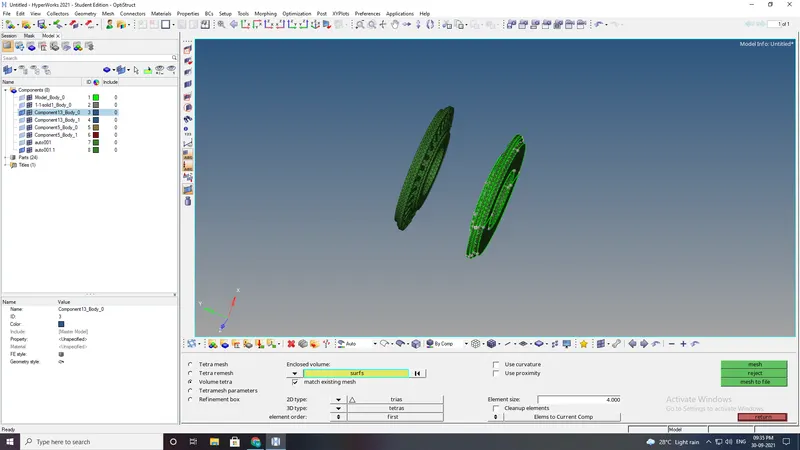
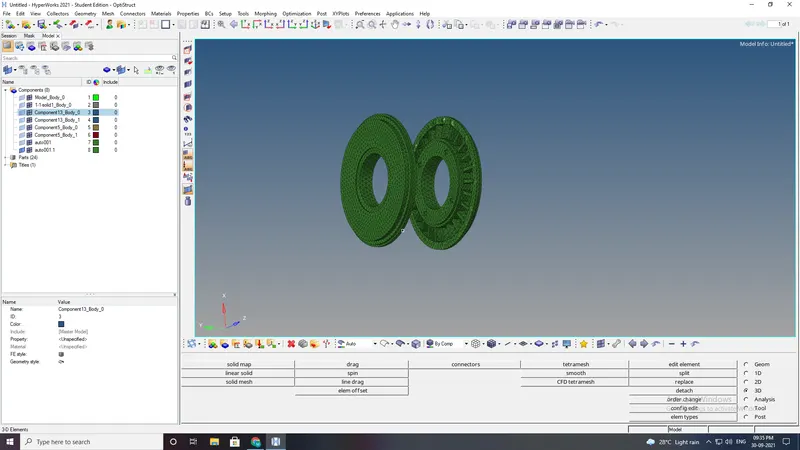
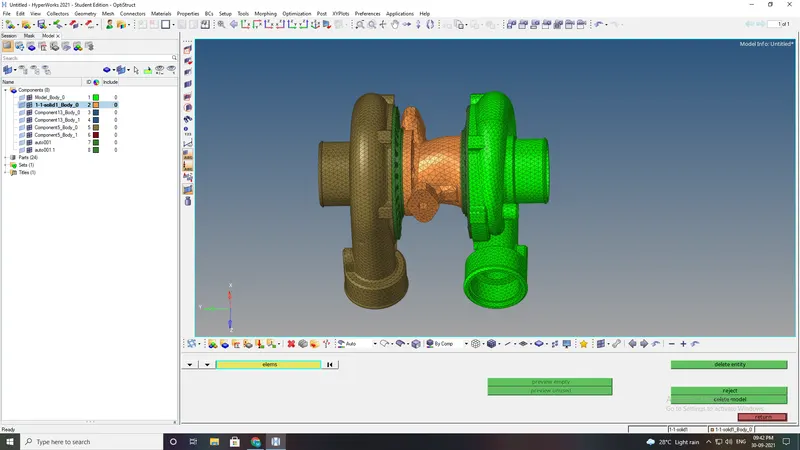
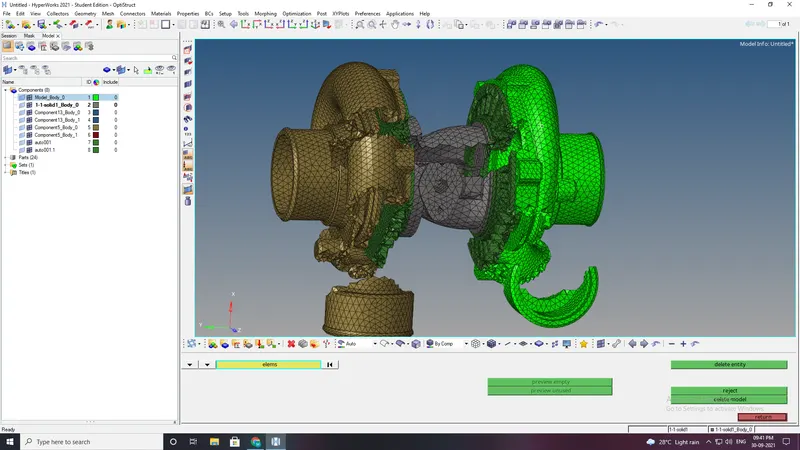
- There are 4 different component in this model.
- mesh each the component in diff methods.
Conclusion:
Understood the type of 3D MESH
The given model is meshed using 3d Tetra elements.