Week 8-3D Tetra Meshing Challenge
Aim
To perform 3D/Volume mesh on given components as per quality criteria.
Introduction
If the thickness of the components are more than 6 units we prefere 3D/Volume mesh. 3D solid elements only account for translational displacement. The Tetrahedral Elements has 4 nodes.
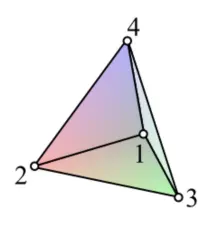
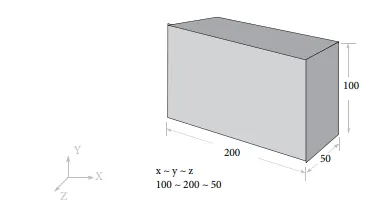
There are 3 method to generate tetra mesh
- Conversion of 2D tria to tetrahedral Element, by using Tetra mesh panel.
- Using Quick Tetra mesh, from utility panel.
- Using Volume tetra mesh panel.
- Case 1 : TetraMesh Generation method: 2D/Surface mesh to 3D/Volume mesh
Quality criteria:
| Surface Mesh | |
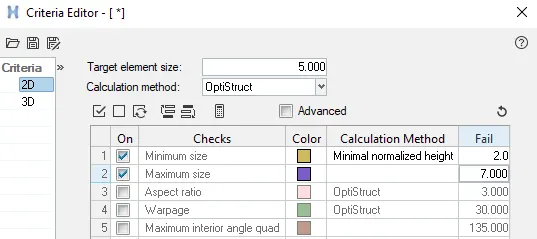
| Target Element length | 5 units |
| Minimun Element length | 2 units |
| Maximum Element length | 7 units |
| Volume Mesh | |
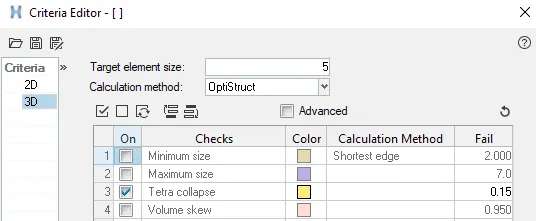
| Tet collapse | 0.15 |
Procedure
Step1: Import Geometry
Open HyperWork software, go to file->Import geometry-> select the geometry.
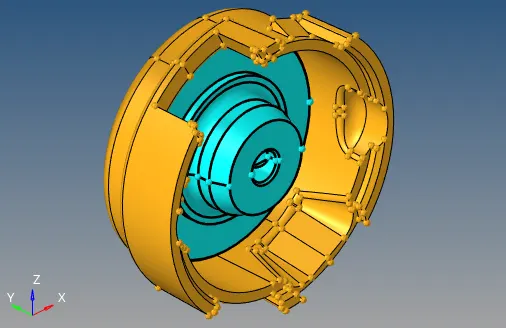
Step2: Geometry clean up and Dimension
Remove unwanted construction lines, remove free edges and deform surface to make sure close volume is there. Measure thickness of all the components at different location to decide whether we need to perform shell mesh or Volume mesh. since in this components all the components are more than 6 units, volume mesh is performed.
Step3: Assigning Quality parameter
For assigning quality parameter, go to preference->criteria file setting and give all the quality parameter as shown below.
Step4:Delete Solid component
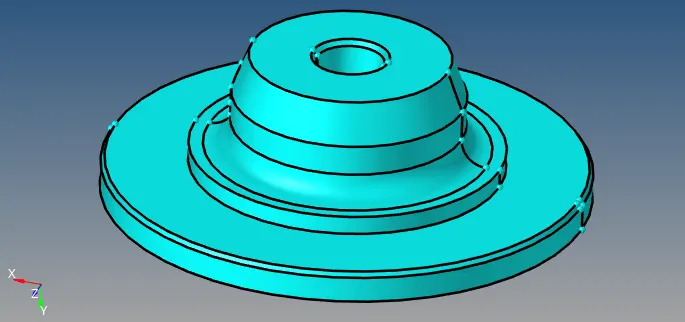
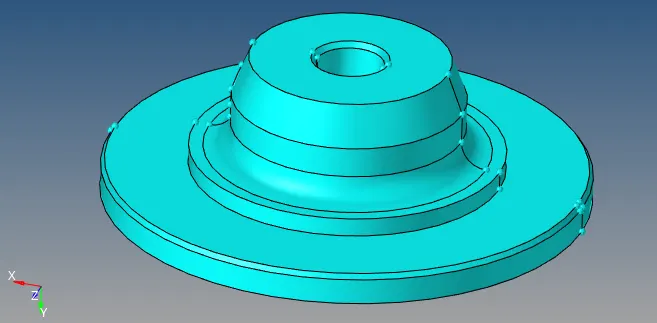
To check whether solid is there or not got o topo mode, if it is green in colour its solid. Delete the solid and only surface will be present.
Step5: Shell/ Surface mesh
Mesh the components with tria and R-tria, R-tria is used for curve surface and tria is used for general surface.
Go to 2D->Automesh->select the surface ->mesh before it, assign mesh parameter as

used Rebuild command to improve mesh flow and also elements clean up-tools to make better mesh flow.
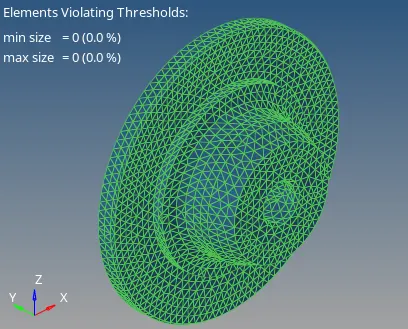
fig:- Shell mesh
Step6: Tetra/Volume mesh
after Shell mesh its time to perform tetramesh from shell mesh
go to 3D->Tetramesh->Tetra mesh-> select the elements and click on mesh.

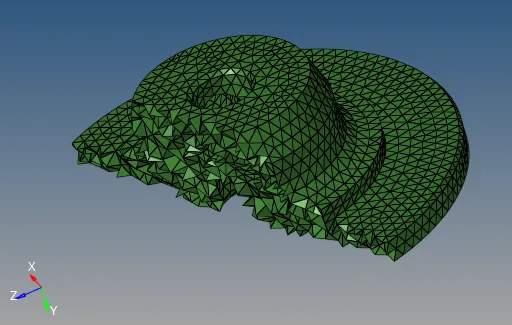
fig: Inside view of tetramesh
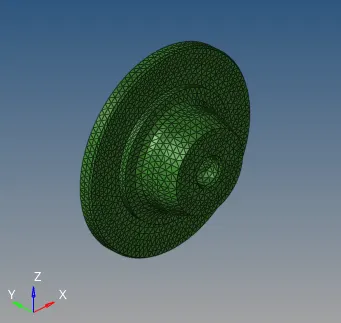
fig: Tetramesh with zero off 3D elements
- Components 2:
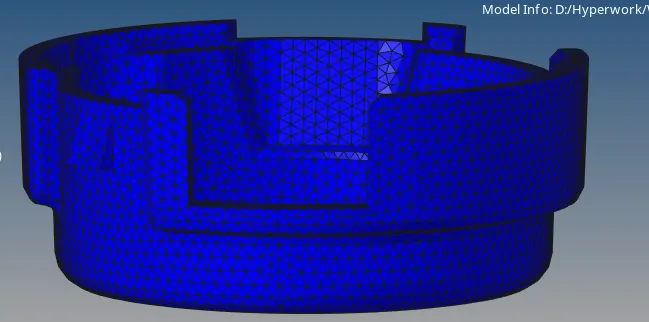
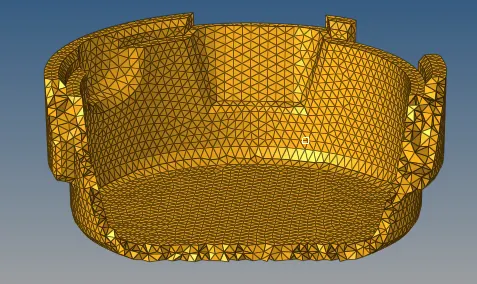

fig: Tetramesh with zero off 3D elements
Final model
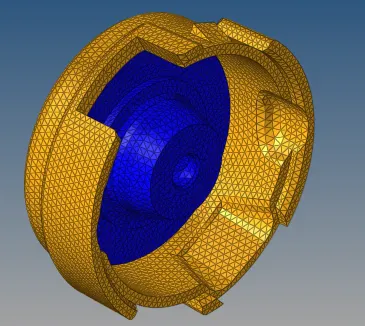
fig: Tetramesh with zero off 3D elements
Case2: TetraMesh Generation Method: Quick tetraMesh
| Quality Parameter | |
| Target Element Length | 3 units |
| Tet collapse | 0.15 |
Step1: Import Geometry
Open HyperWork software, go to file->Import geometry-> select the geometry.
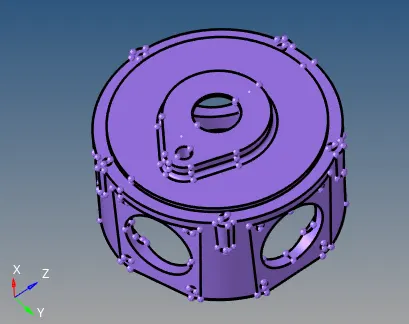
The first step after Importing geometry is to delete solid by going, delete->select solid -> display-> click on delete.only surface will be available.
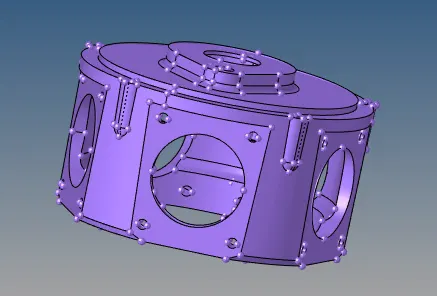
step2: Geometry clean up
Remove unwanted construction lines, remove free edges and deform surface to make sure close volume is there. Measure thickness of all the components at different location to decide whether we need to perform shell mesh or Volume mesh. since in this components all the components are more than 6 units, volume mesh is performed.
Step3: To perform 3D tetrahedral Mesh
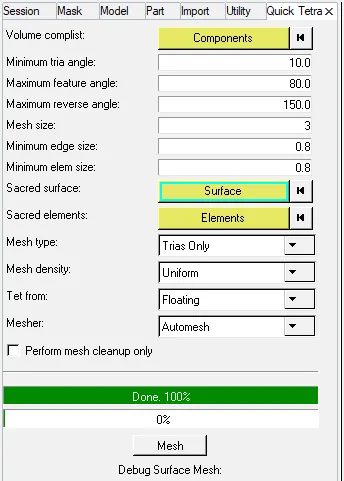
Go to View->browser->Hypermesh->utility than select Geo/Mesh from utility menu than click on quick tetramesh, assign components elements/mesh size and mesh type as tria only as shown below.
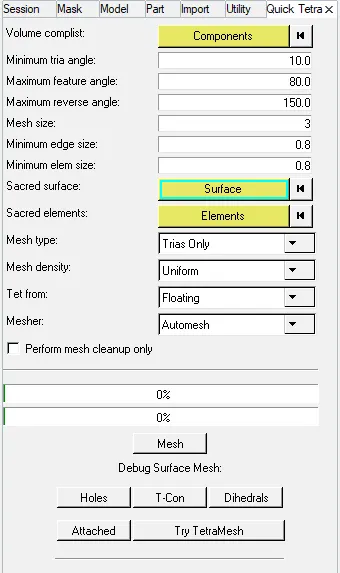
After tetramesh by Quicktetramesh method lot-of off elements will be there. Now its time to remesh the off tetramesh as shown below.
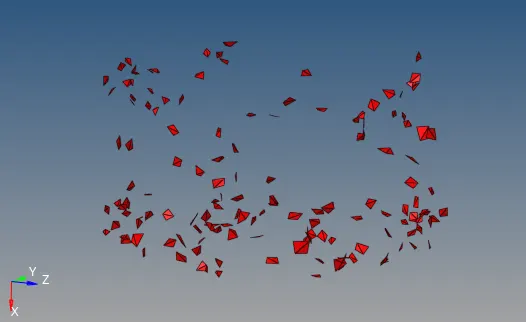

assign tetramesh parameter, than change free boundary faces to remesable. click on remesh

Final tetramesh model
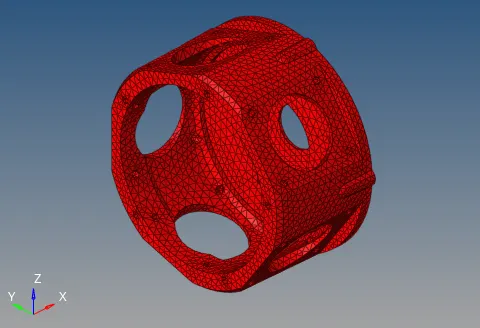

Case 3: TetraMesh generation method: Quick tetra mesh/Volume tetramesh
| Quality Parameter | |
| Target Element Length | 4 units |
| Tet collapse | 0.15 |
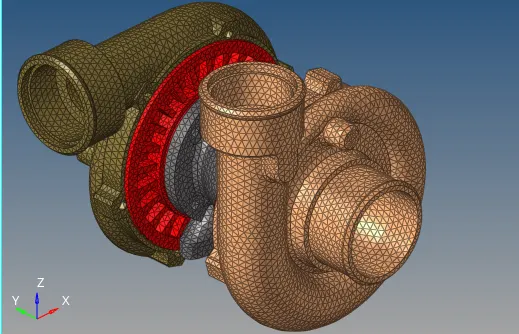
Turbocharger
Turbocharger is a turbine driven compressor. It is uses the waste energy from exhaust gas to increase the charge mass of air and power of the engine. It located at exhaust side of engine.
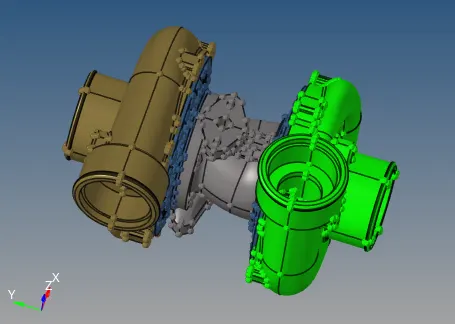
fig: Turbocharger
1.Compressor Housing
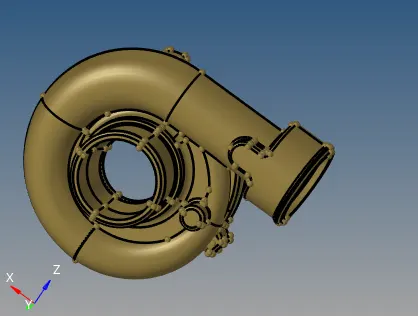
To perform Tetramesh Using Volume TetraMesh Method
Go to 3D-> TetraMesh-> Volume tetra select solid components and assign elements siza as 4 select 2D Type as Tria, 3D types as tetra
and element order as first as hown below.

it will generate Tetraamesh with some off 3D elements
we need to used translate command to clear off elements.
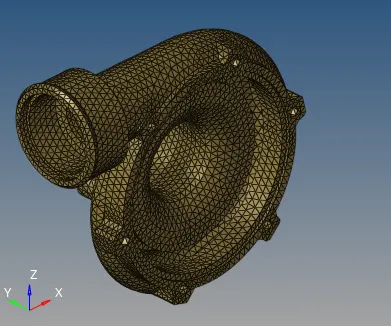

2. Turbine Housing
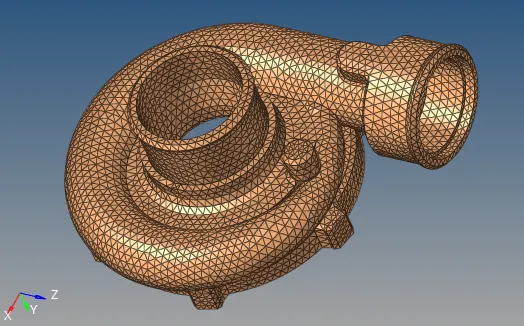

3. Center Housing
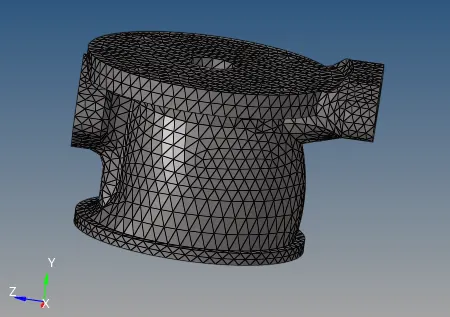

4 and 5 BackPlate
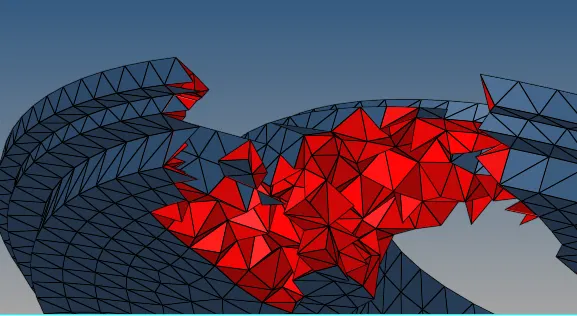
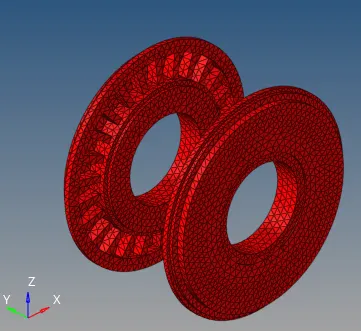

Final Tetramesh model.
Learning outcomes
Able to understand and implement
- Geometry clean up
- Shell mesh
- TetraMesh/Unstructure mesh
- HexaMesh/Structure mesh of complex geometry
- Remesh/translation command to get rid of 3D off elements
- Different types of tetramesh techniques and different between those.
- Different types of HexaMesh techniques and importance of its.
Conclusion
TetraMesh is generated for different cases with quality criteria/perameter.