Week 8
* Objective:
To practice all the morphing techniques and also understand the practical applications of morphing in various industries.
* Procedure:
- Morphing is a method in ANSA using which any design changes can be done on both the CAD as well as the FE(finite element) without giving any numerical inputs.
- Morphing is basically used in industries to do some simple tweaks to the already exicting design and to get a new shape without wasting more time in completely redesigning the component.
- The best example for this is converting a hatchback model of a car into a sedan by just morphing the boot design of the hatchbach version,like the Maruthi Swift(Hatchbach) into the Swift Dzire(Sedan)
- Steps to be followed for performing some basic morphing techniques:
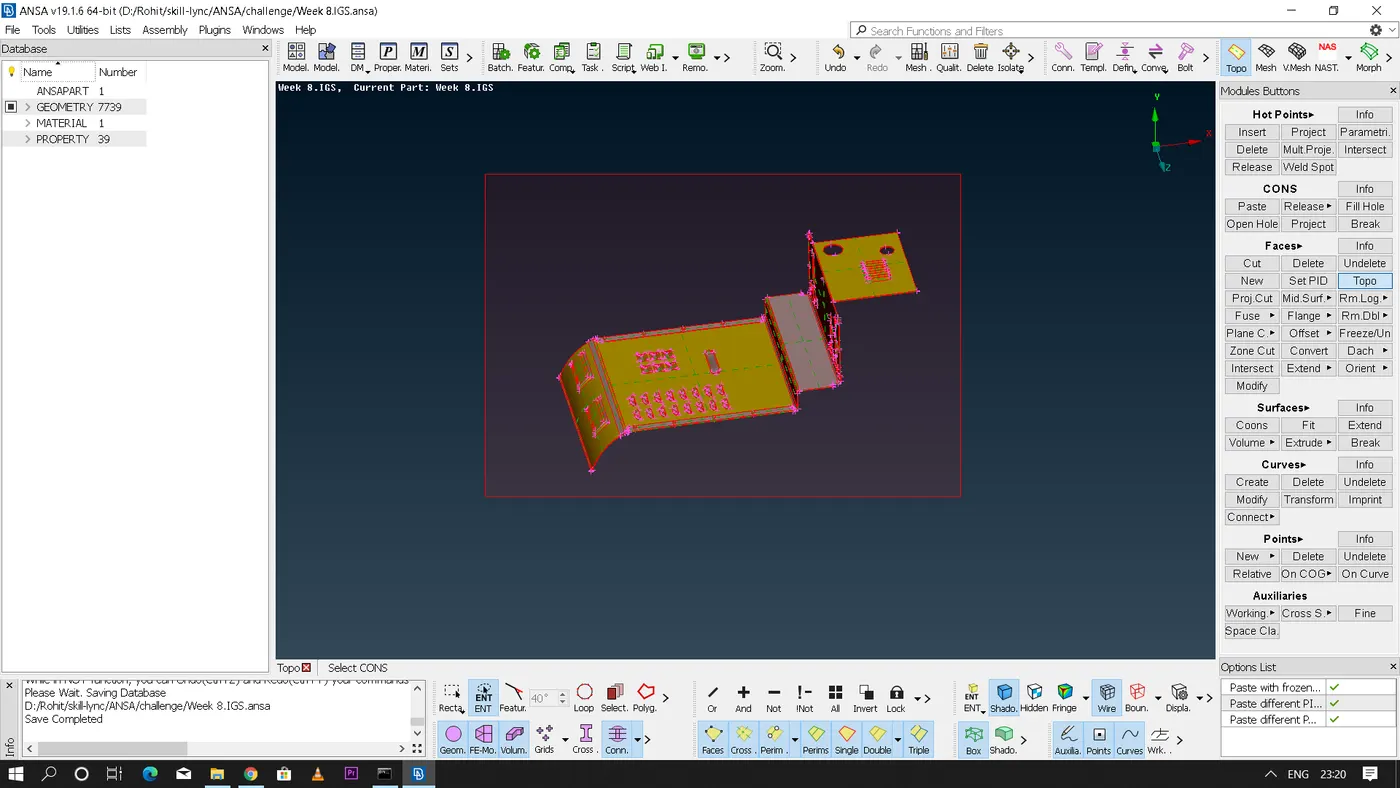
- Import the CAD geometry file into the ANSA and perform TOPO.
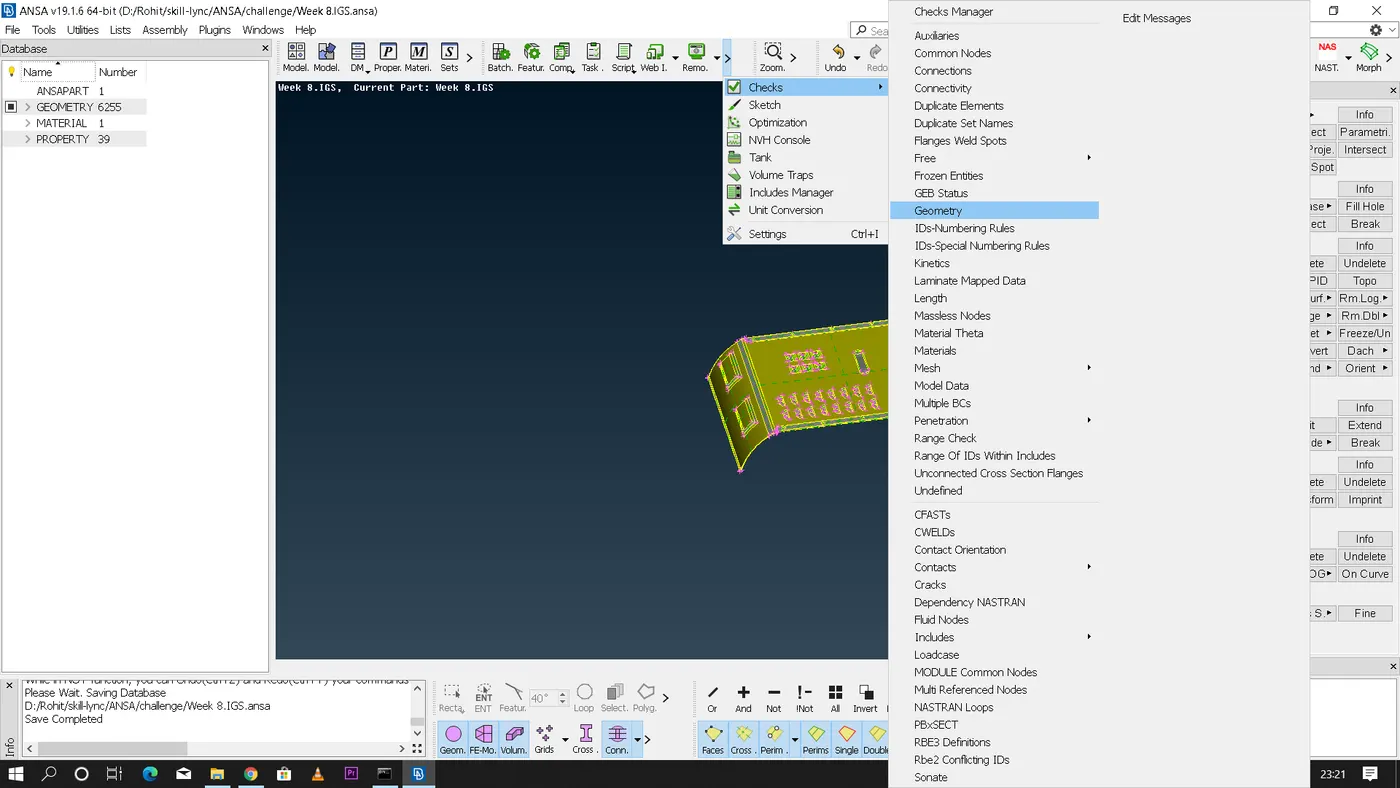
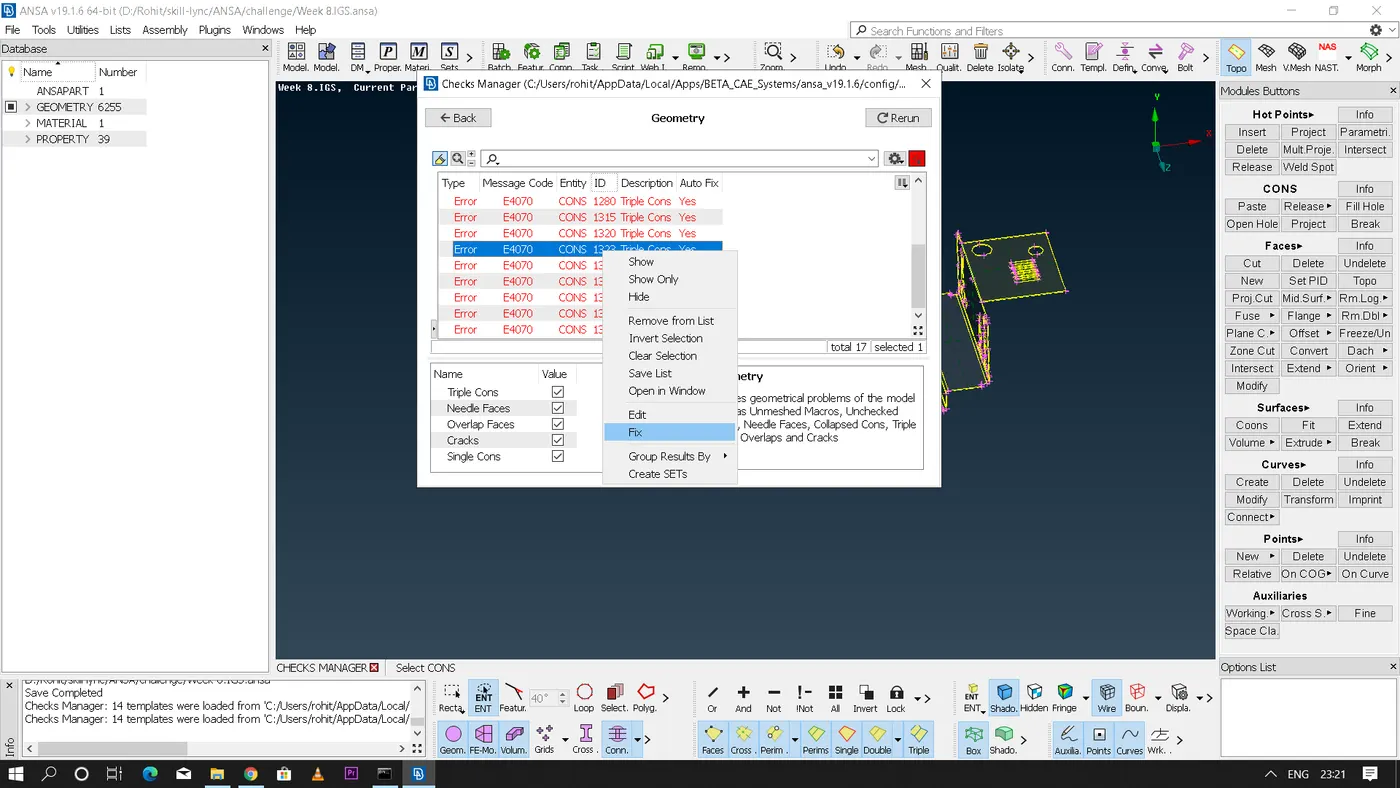
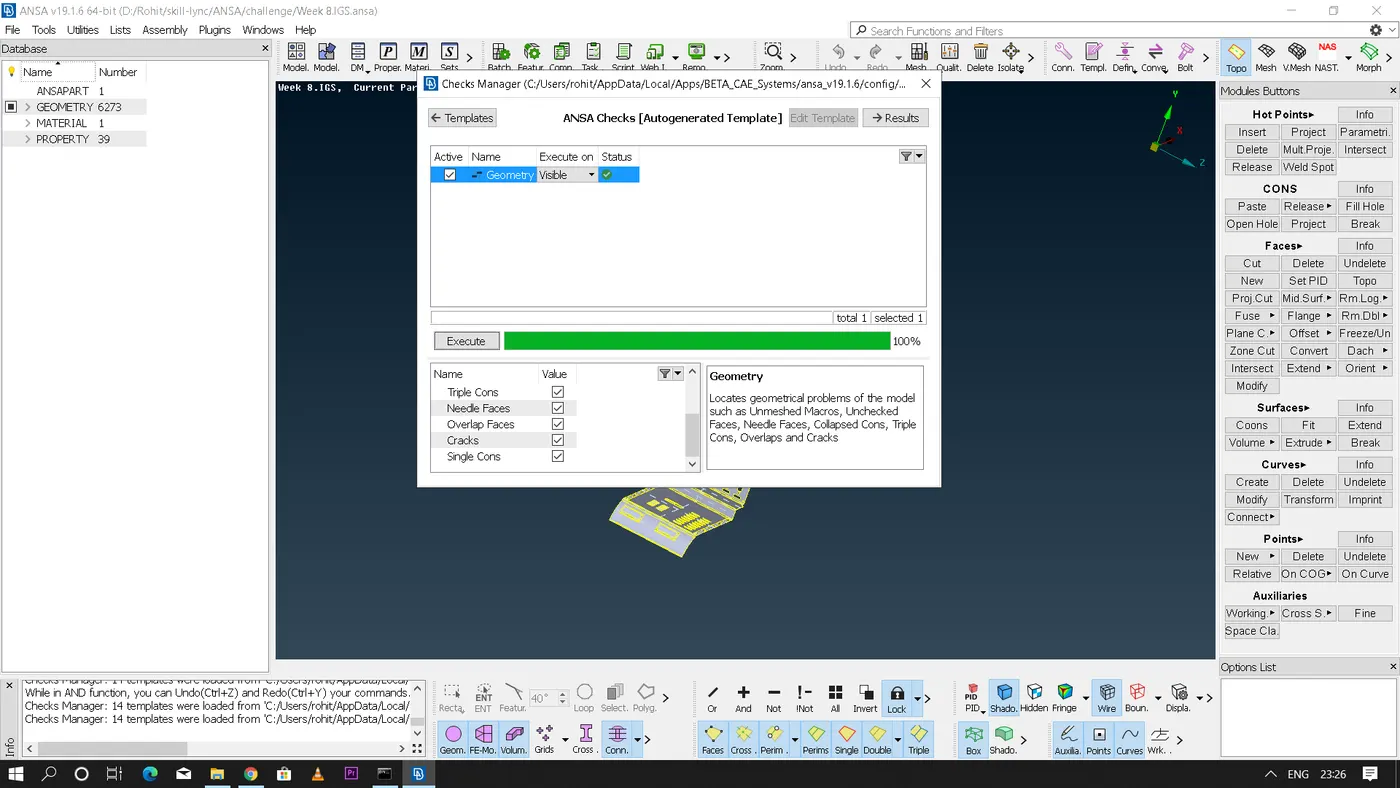
- Perform the geometry check and fix the errors. Clean the geometry with the necessary options present in ANSA
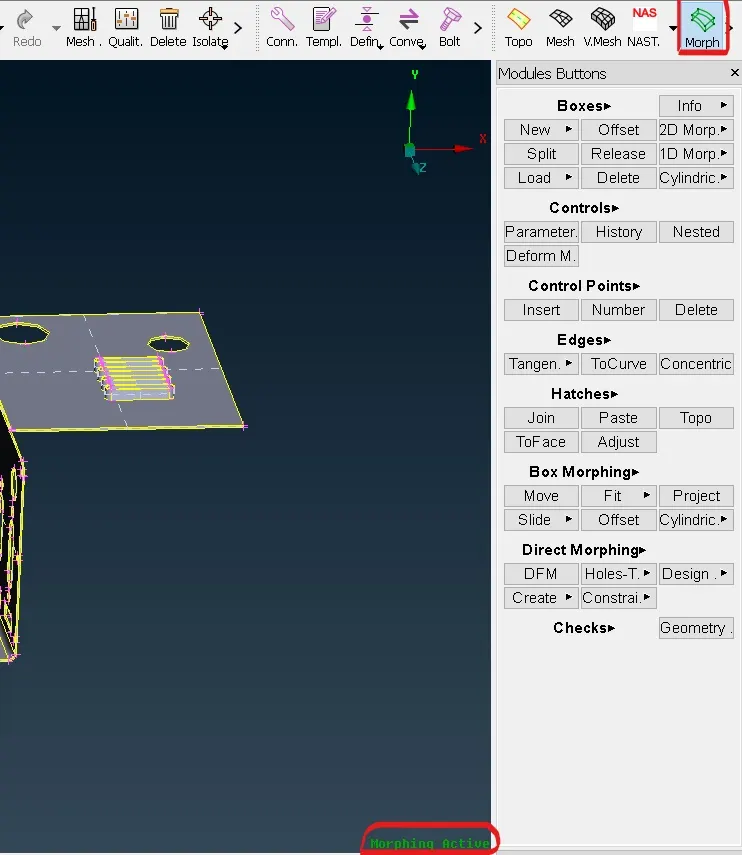
- Now go to morphing module next to the decks module in ANSA.
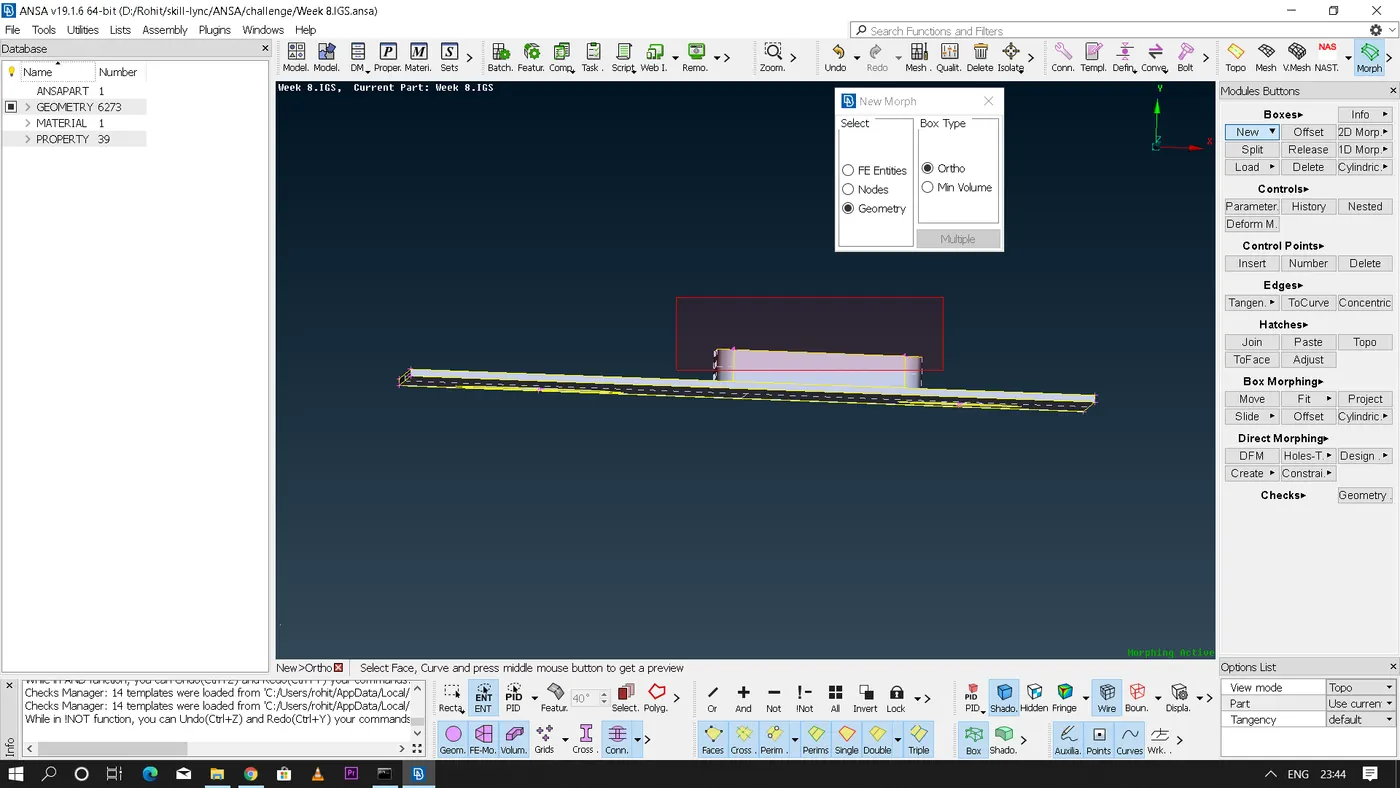
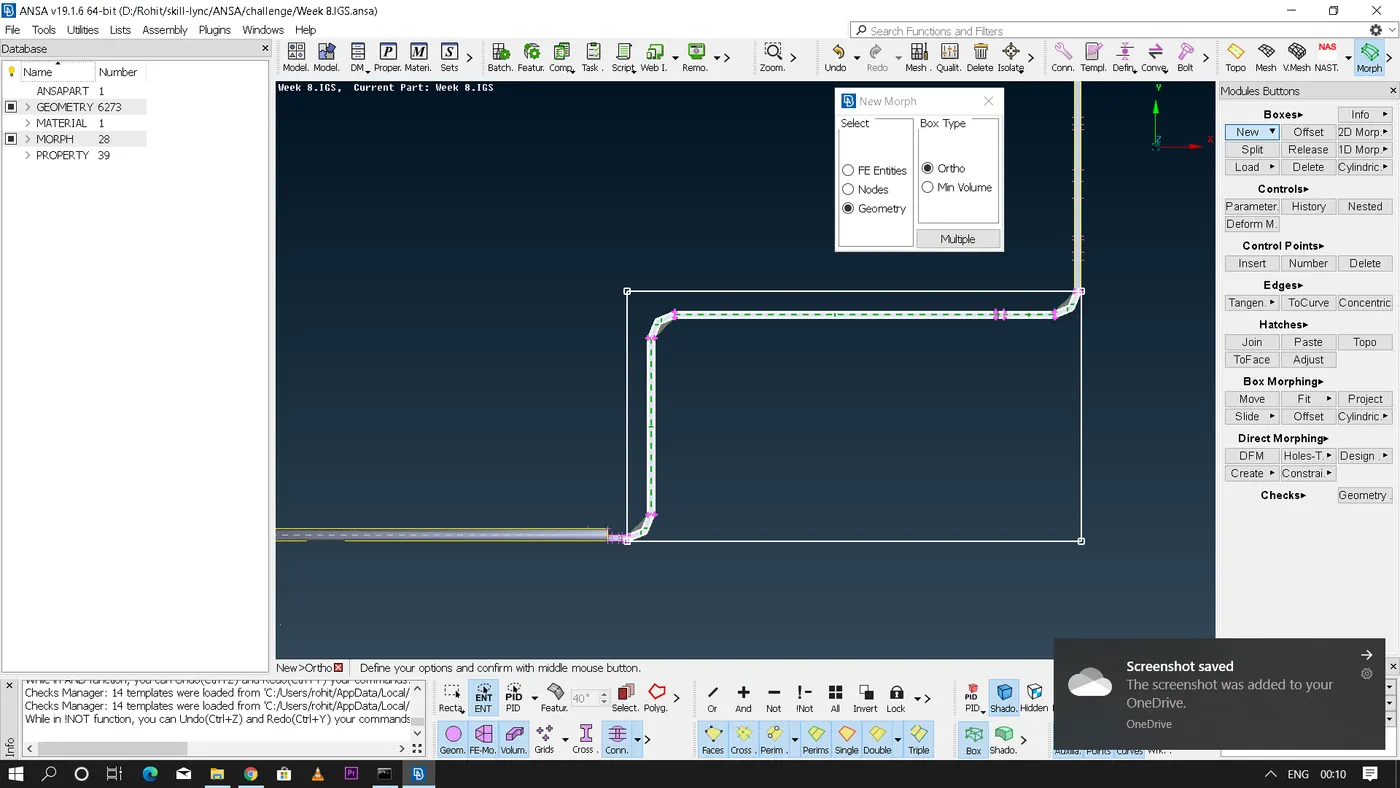
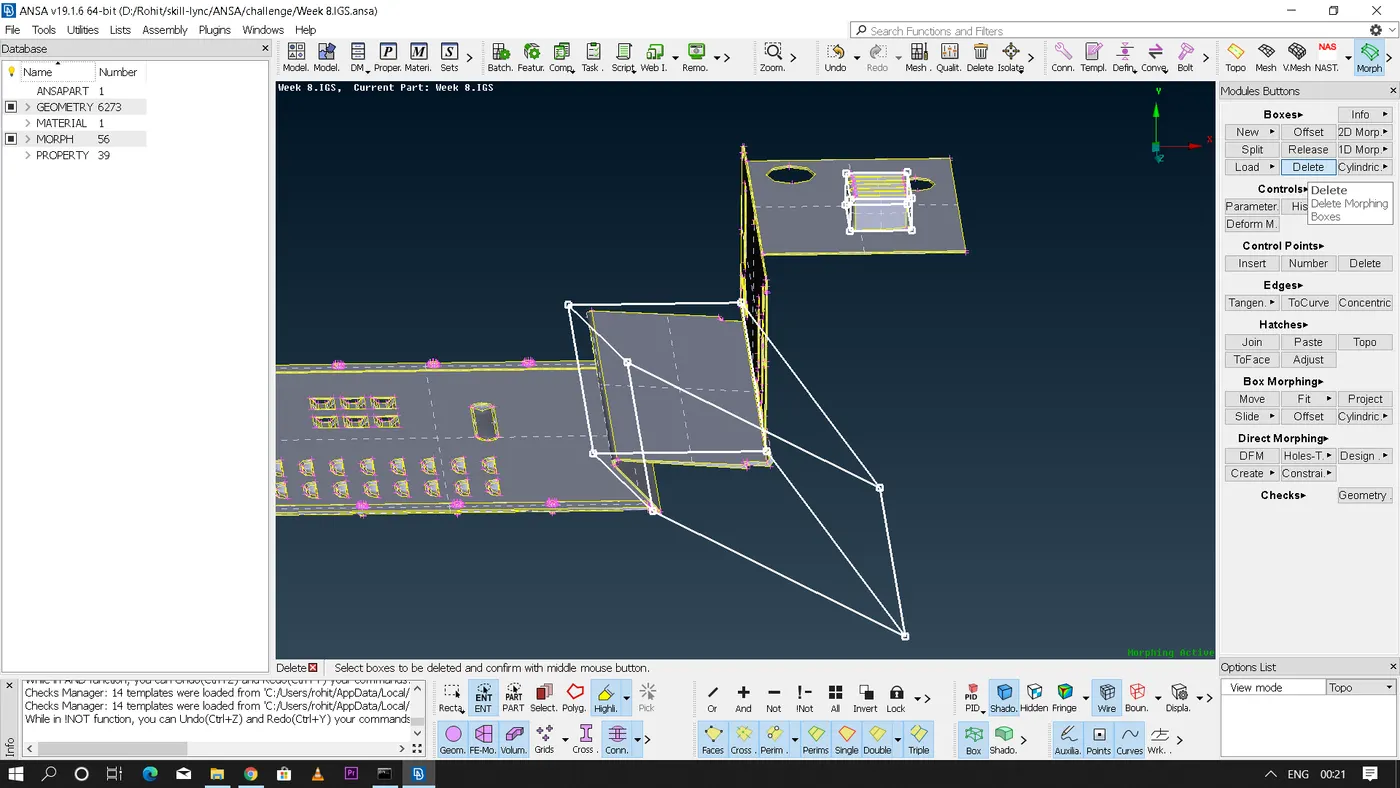
- Create a new 'Ortho Morphing' box on the part where the design changes or morphing has to be done. [In morph module - under boxes - New - Ortho - Select geometry] on middle click confirmation ANSA will deploy a green colour box around the part which was selected and this morphing box will have control grids which is used for morphing.
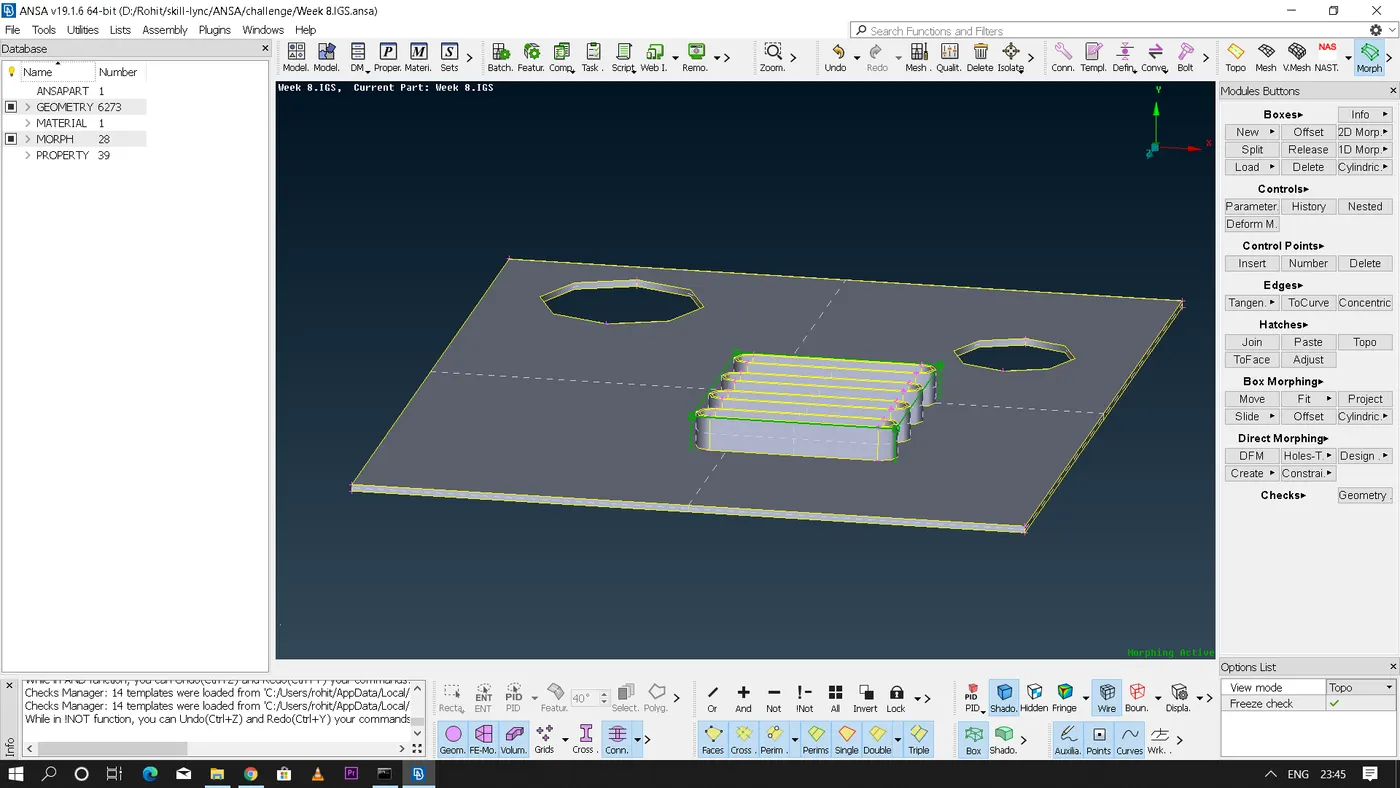
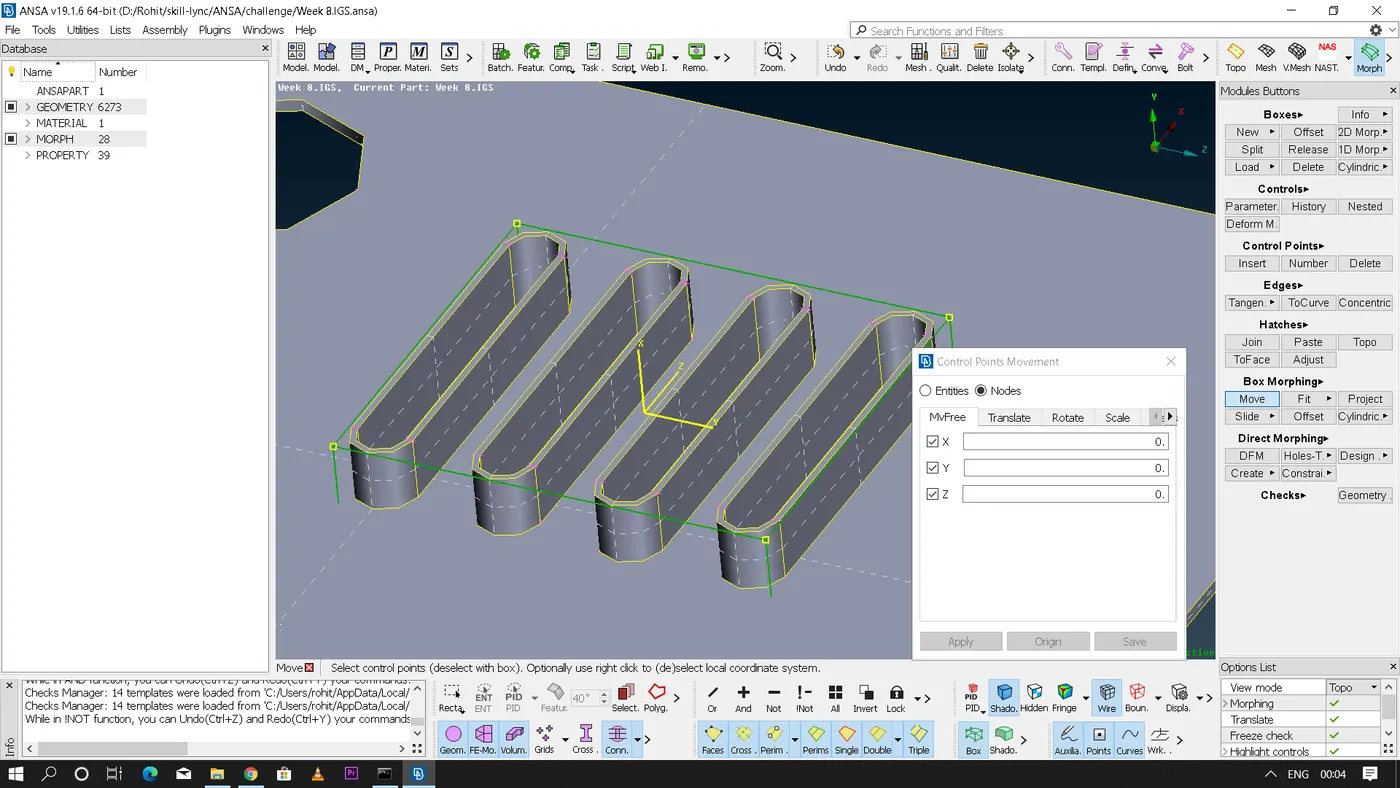
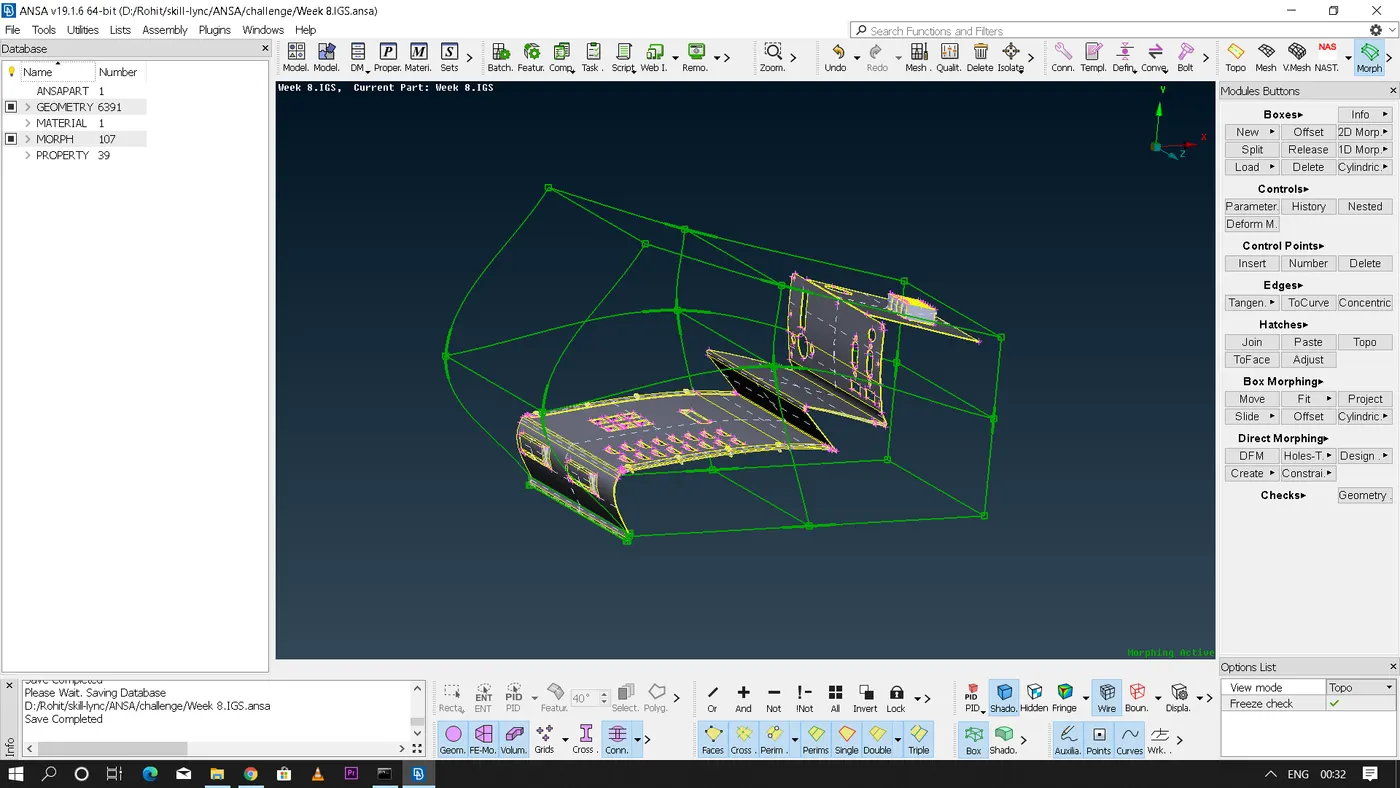
- Now under Box Morphing - Select Move option - Select the Control grids depending on the shape required - on right clicking inside the morp box region we can create a local co-ordinate - now we can move the part as required which results in the change in shape of the geometry depending on our movements.
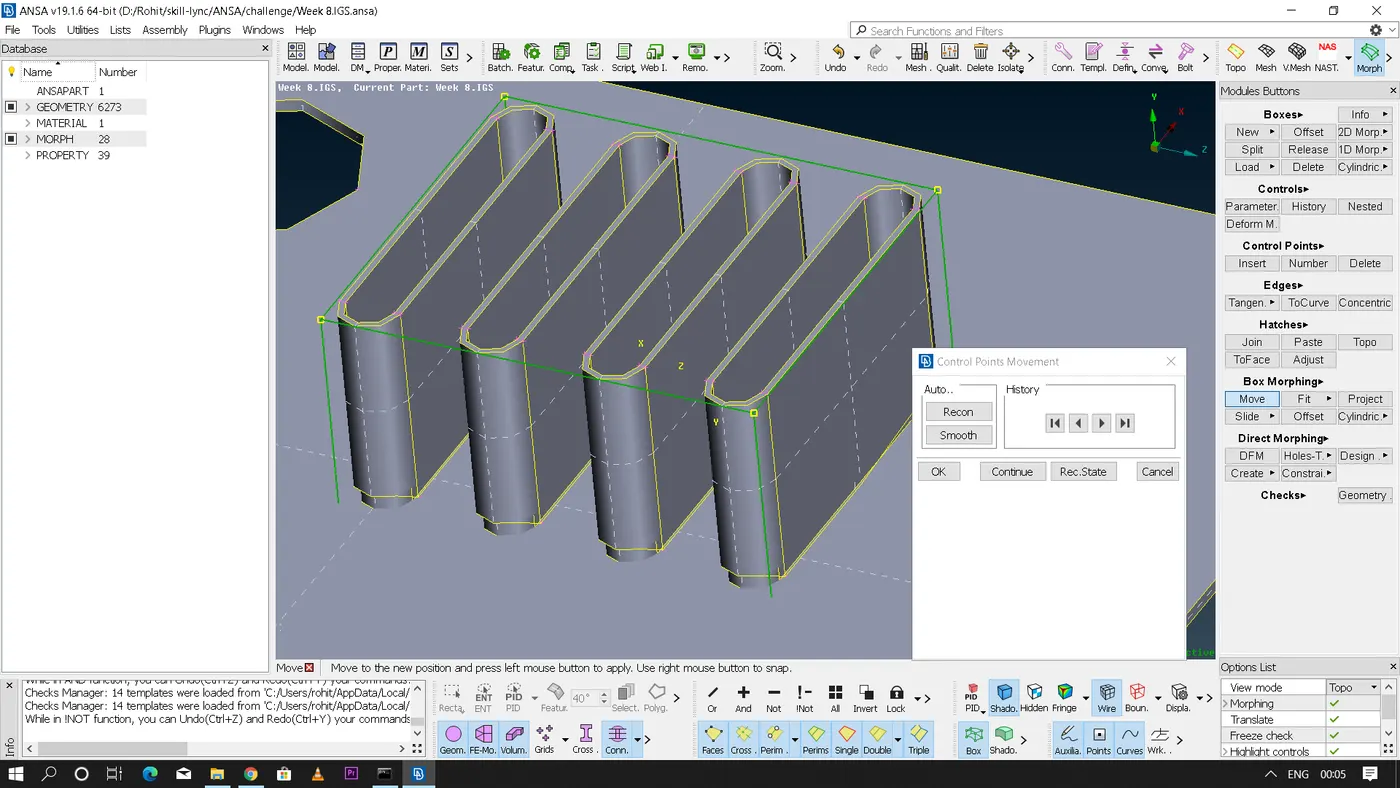
- Practice by repeating the similar operations in the other regions of the geometry.
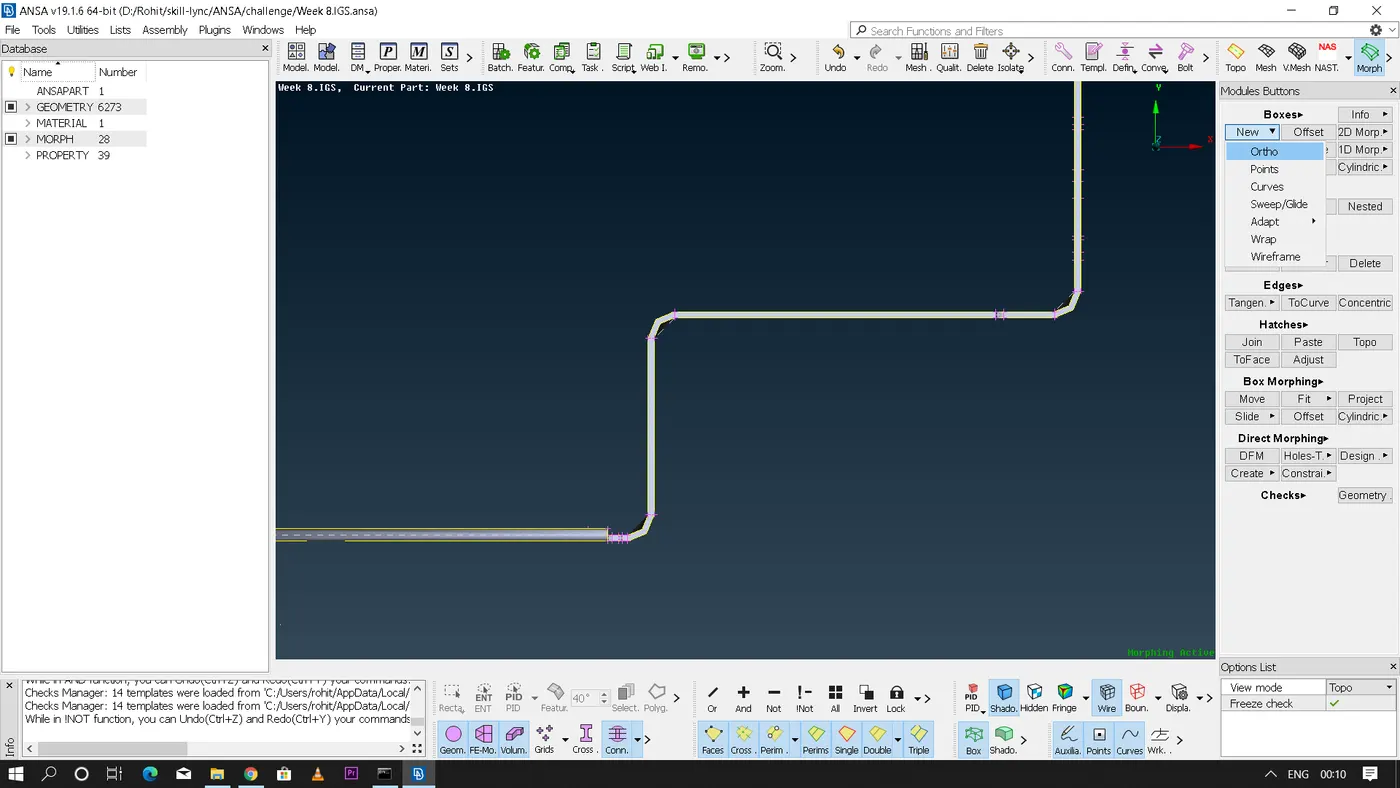
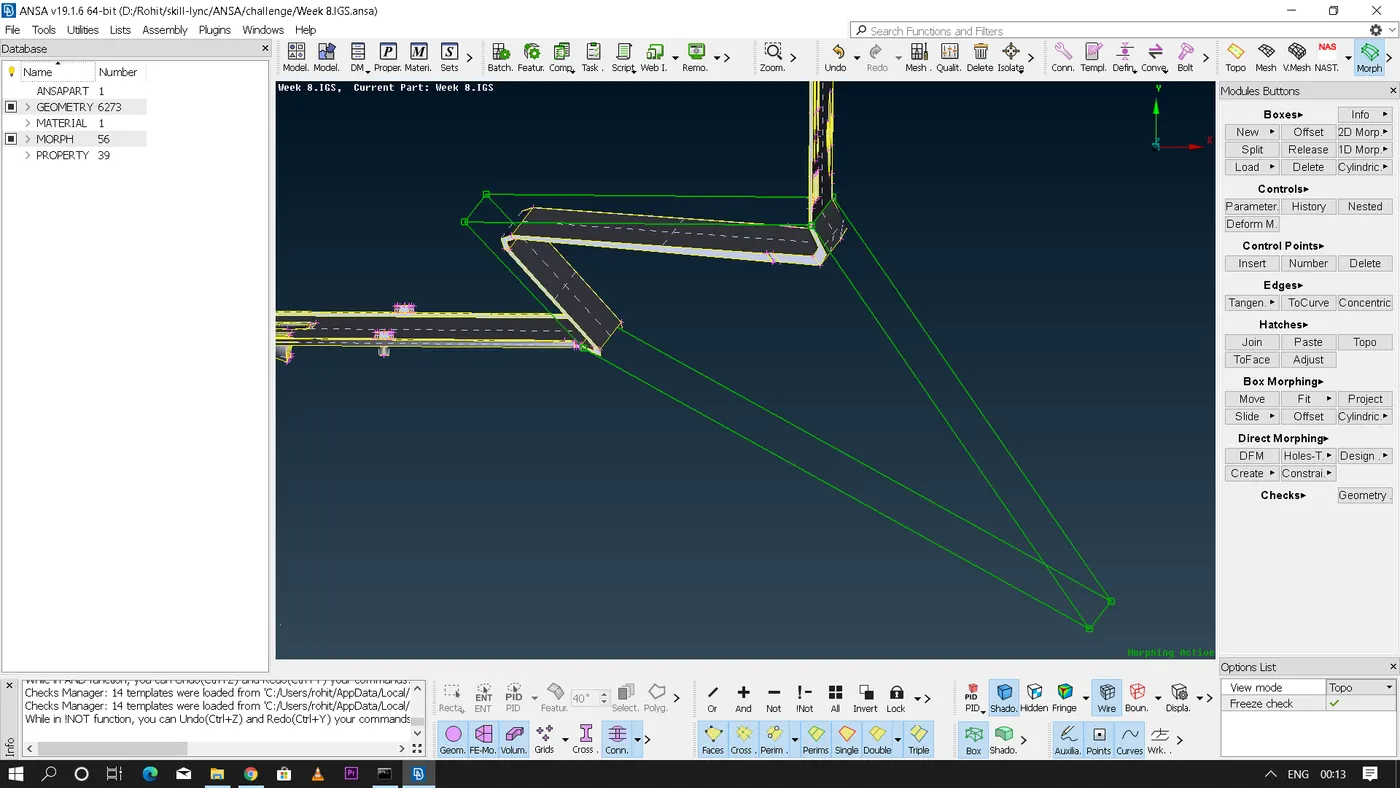
- We can delete the morp box after the morphing is done if it is not necessary by using delete option in the Boxes section.
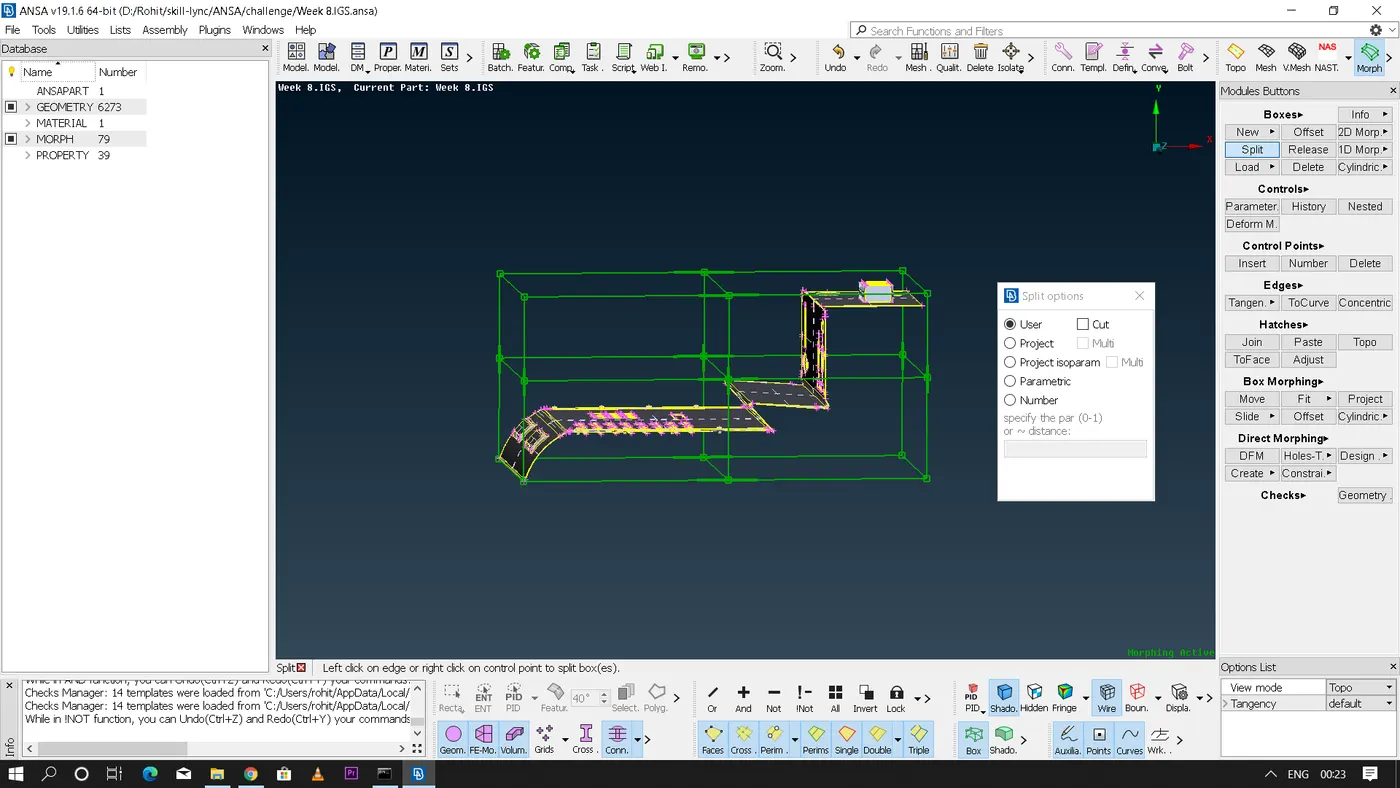
- We can also split the morp box into number of entities so that we can even achieve minute movements for morphing the geometry.
* Link for the model:
* Conclusion:
- Understanding the basic usage of Morphing module in ANSA which can be used to reshape both the CAD or the FE of the given models.
- Morphing is a very handy tool which can be used to reshape the already existing design without giving any mathematical data.