Week 7 Challenge - Assembly Workbench
Week 7 Challenge - Assembly workbench
In this challenge the assembly drawings of Quick Return mechanism and CV joint are created along with 2D drawings of each parts and the whole assembly by following proper constraints.
Quick Return Mechanism-procedure
The design consists of 5 individual parts. All the parts are created separately in part workbench.
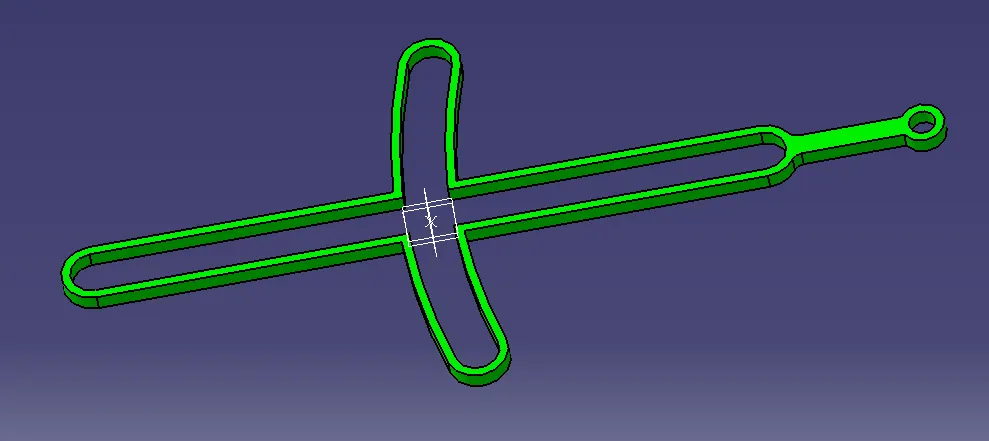
Body 1
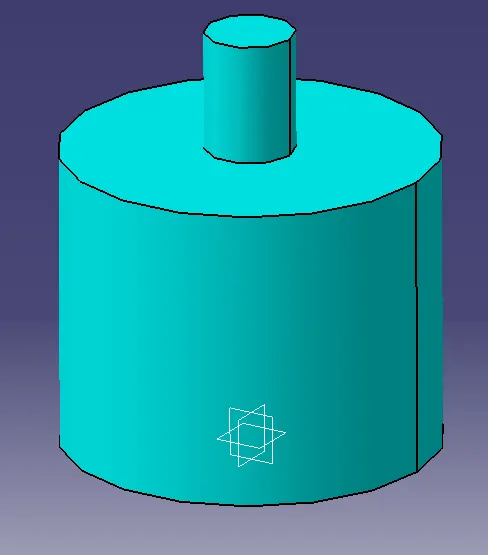
Body 2
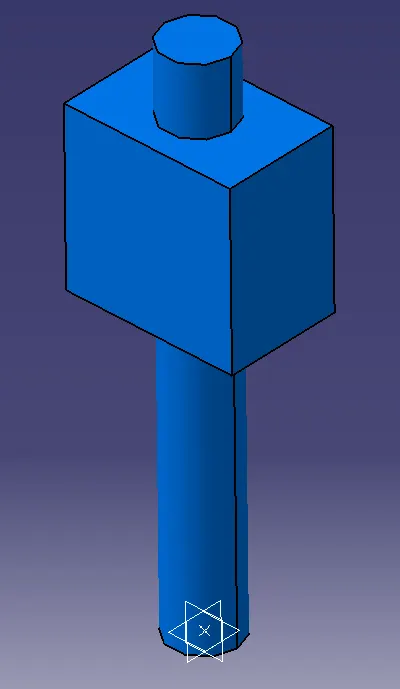
Body 3
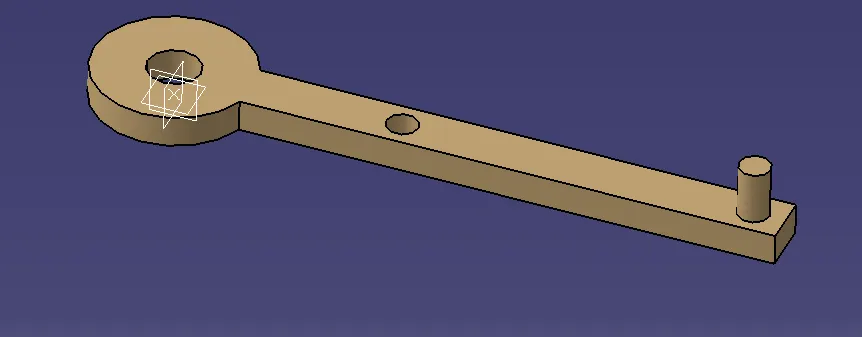
Body 4
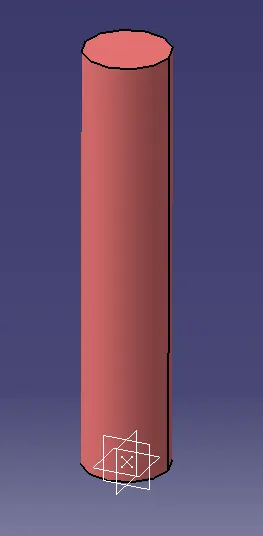
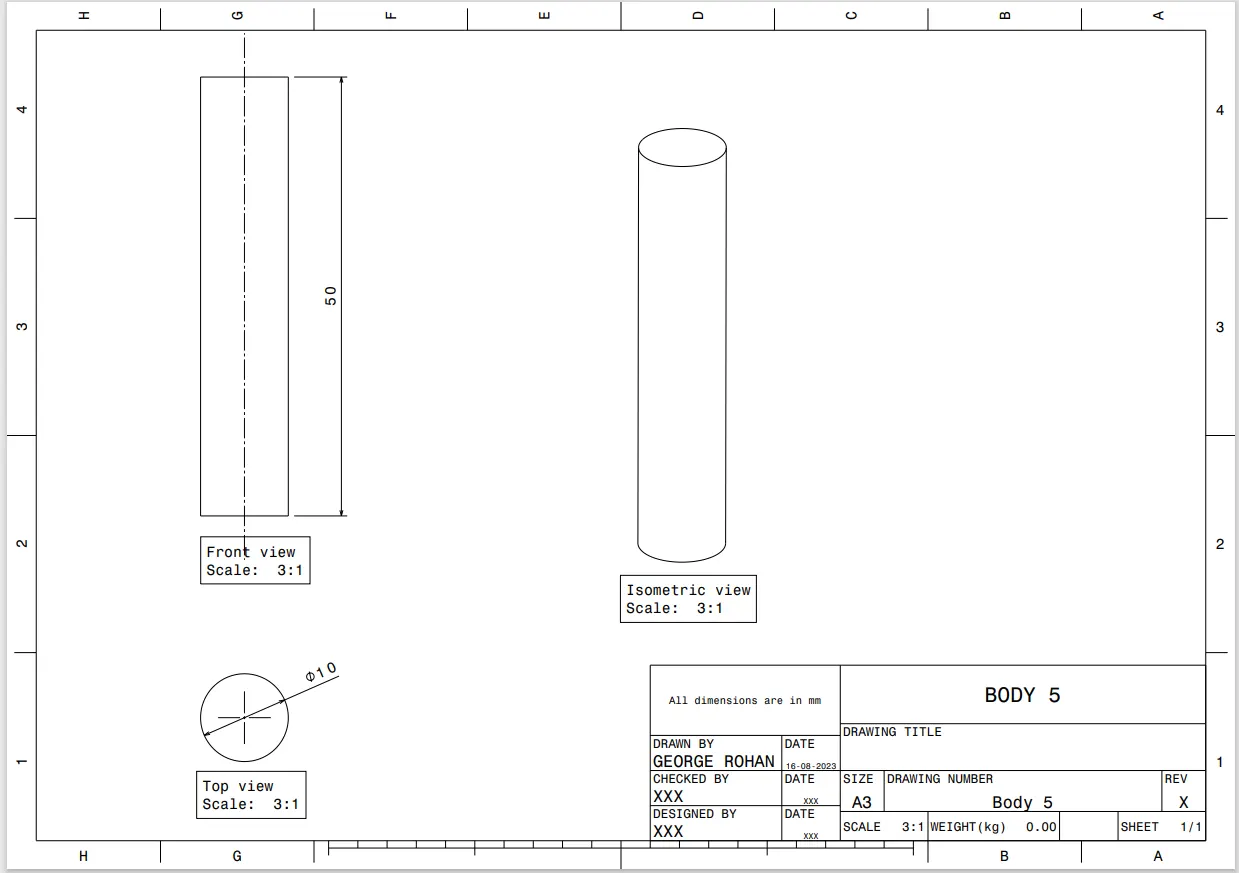
Body 5
After designing the parts individually, one refernce element is created named "skeleton" which consisted of the centre point of the assembly and three planes. The point and planes are published.
The skeleton is fixed using "fix" constraint.
In the assembly workbench the skeleton and the remaining parts are introduced using "existing component" command.
Geometrical References are added for each parts for easy alignment during assembly. They mainly consist of centre axis at various mating regions of parts.
The geometrical references, centre points and the datum planes of each part is published.
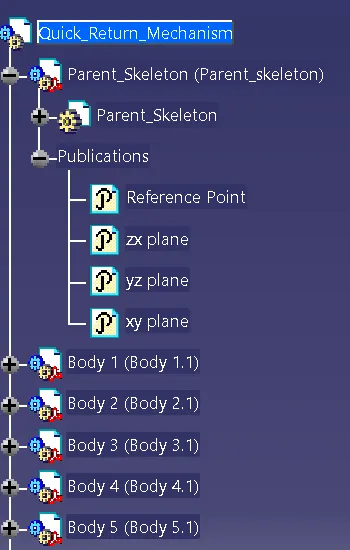
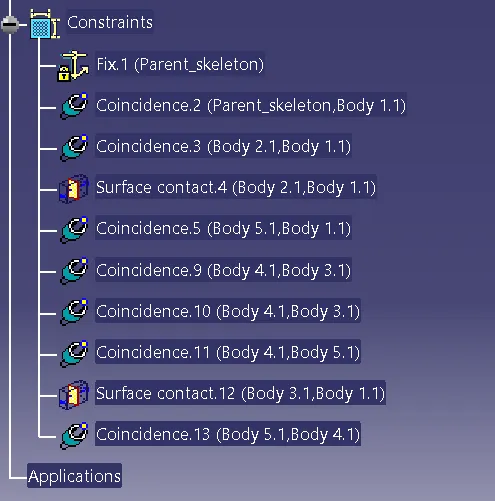
Finaly each parts are assembled using constraints fix, coincidence, offset and contact constraints.
For movement of the parts duing assembly, manipulation command is used. Using this, we can drag and rotate the parts along any axes.
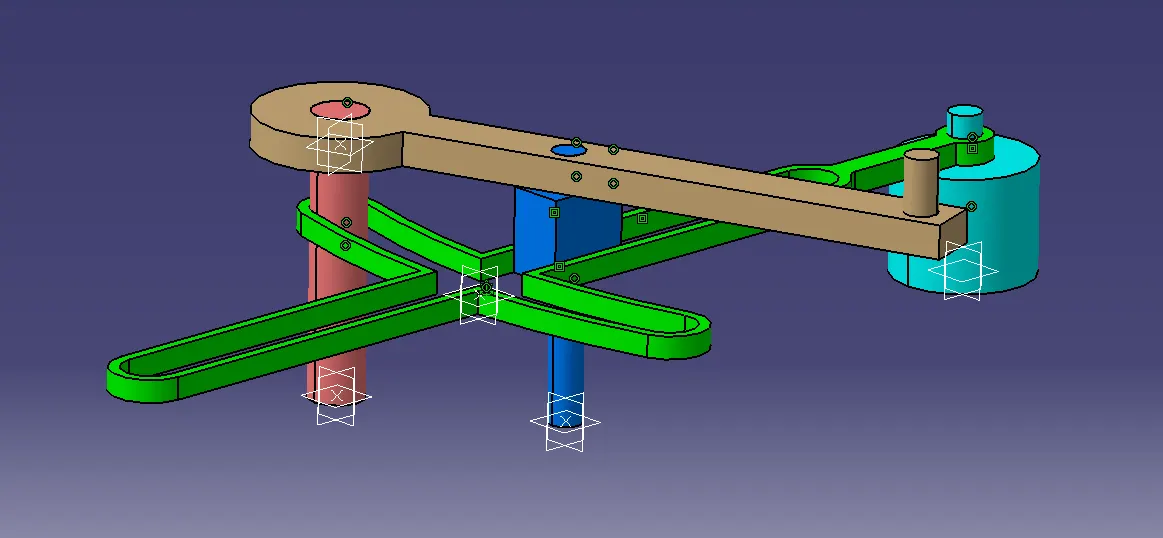
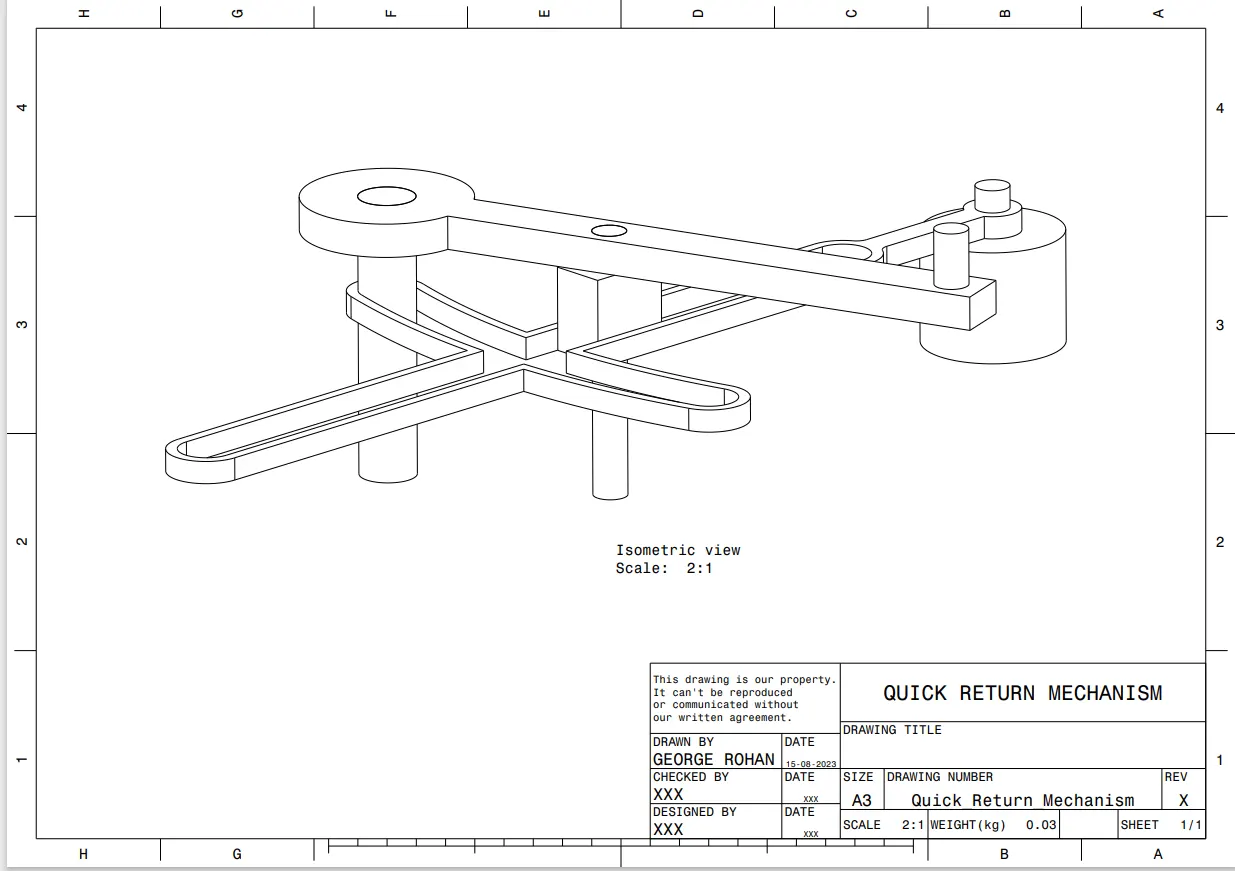
Quick Return Mechanism.
Feature Tree- Assembly Workbench
2D Drawings
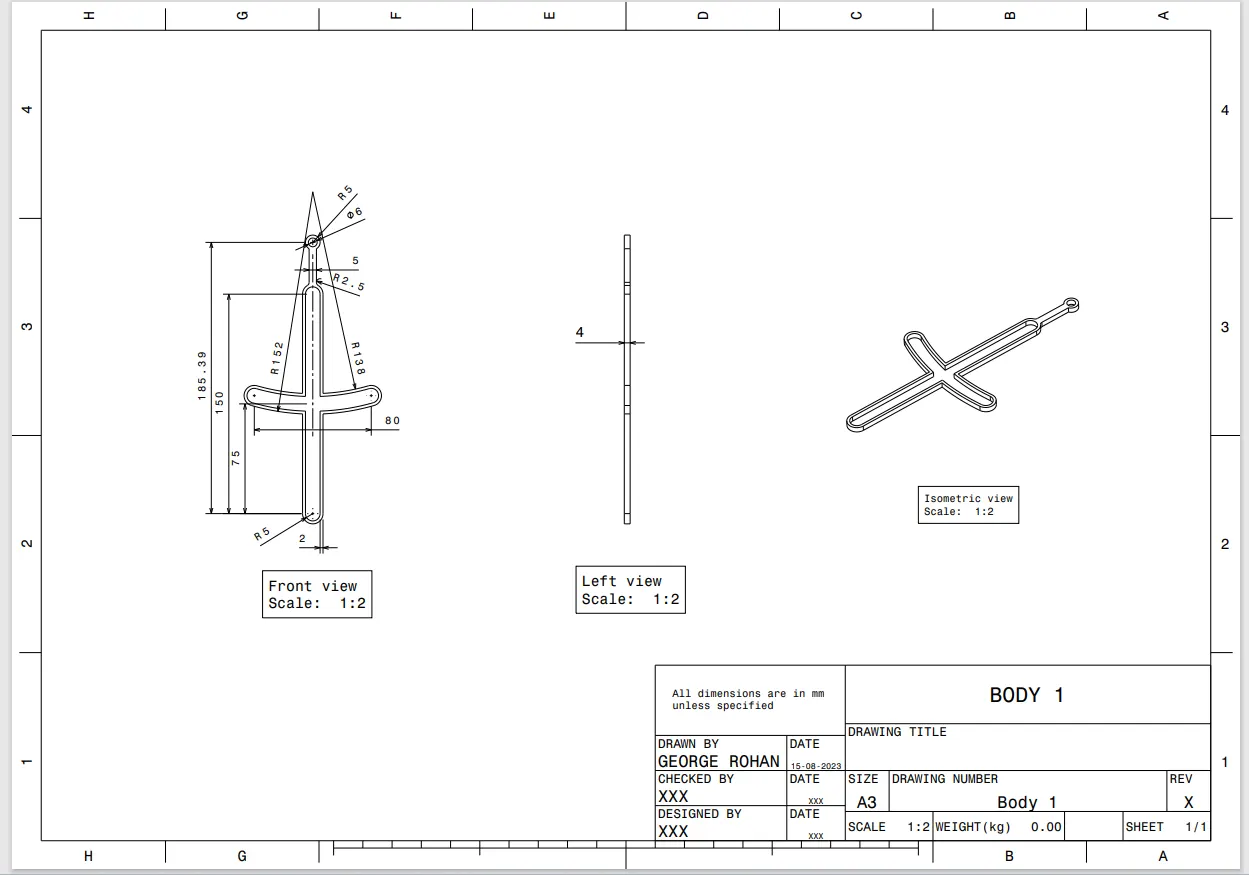
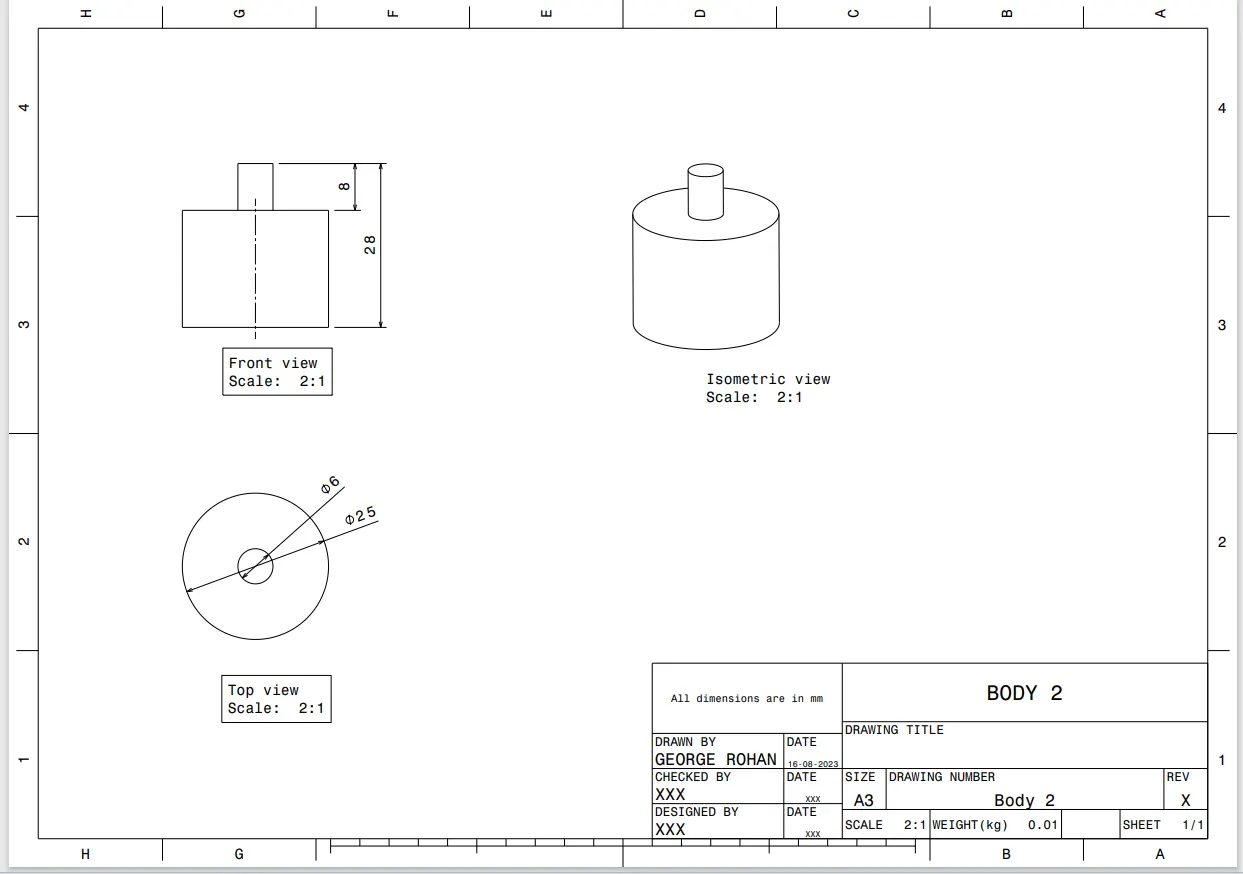
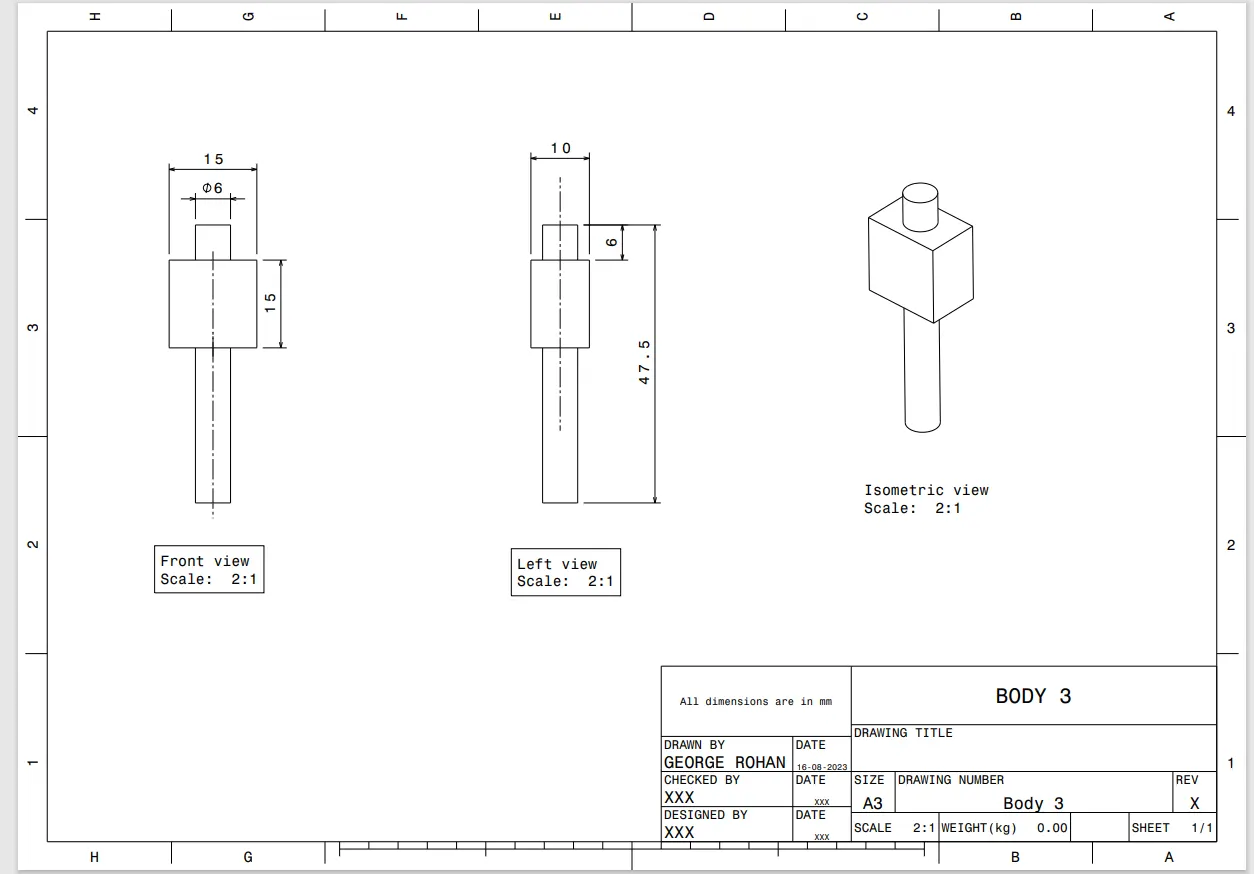
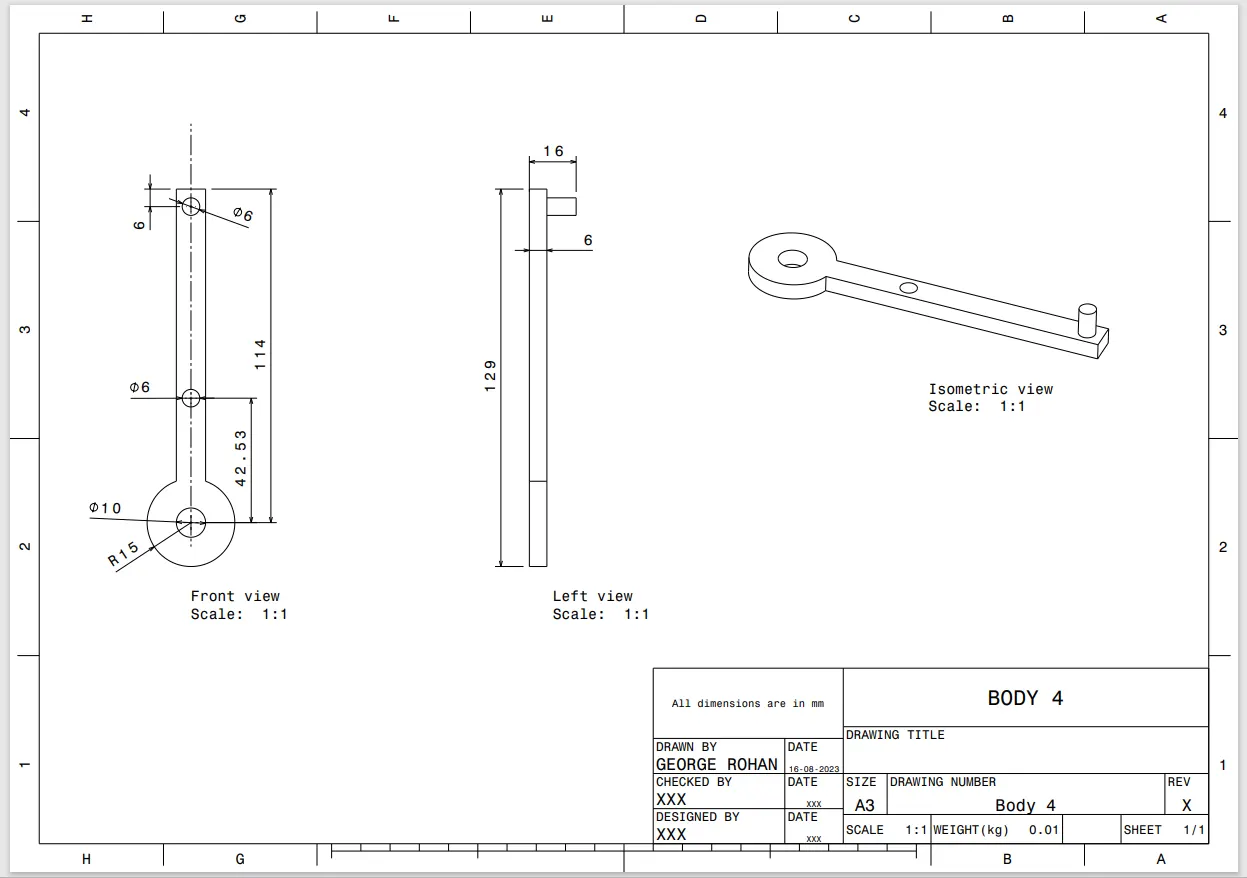
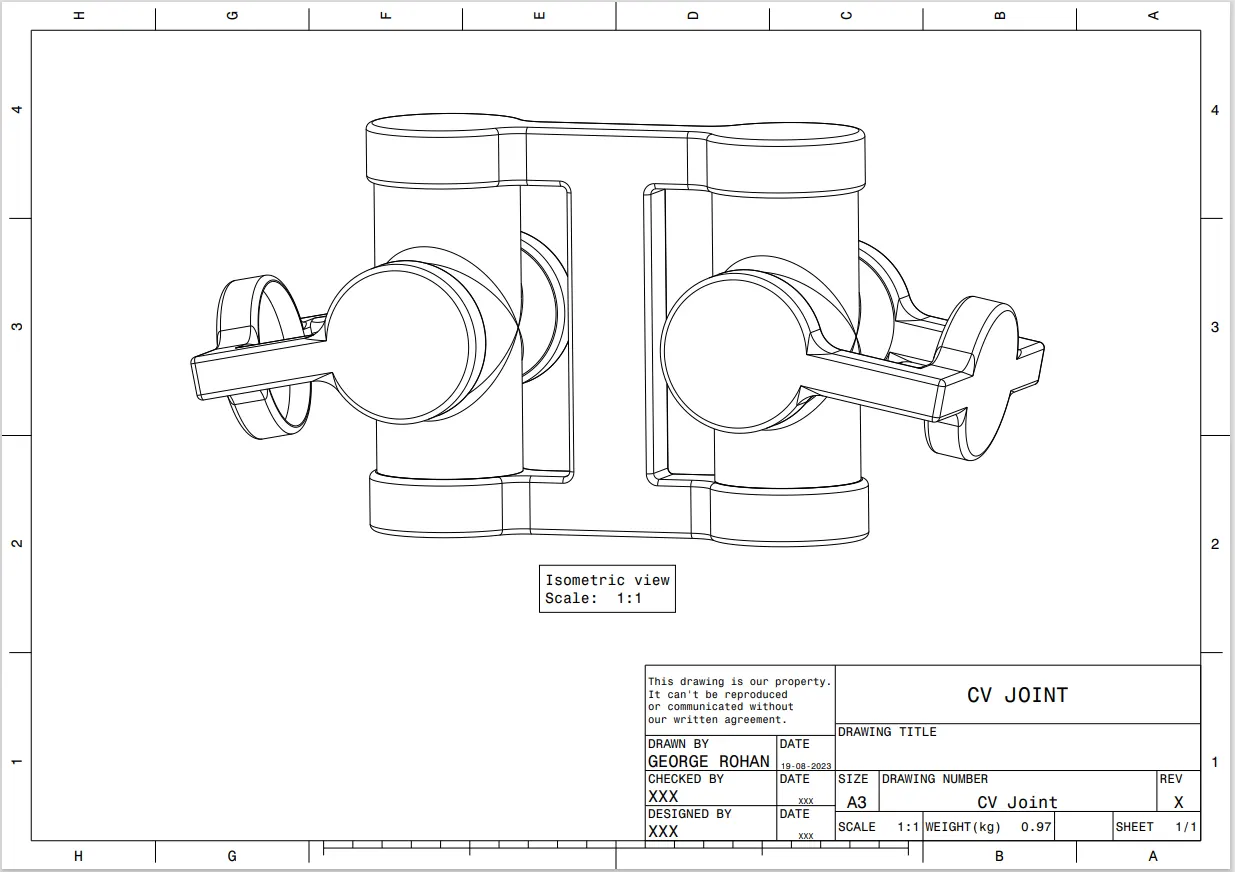
CV Joint Assembly
The part mainly consists of 3 parts. Among them, Body 1 and Body 3 are used twice.
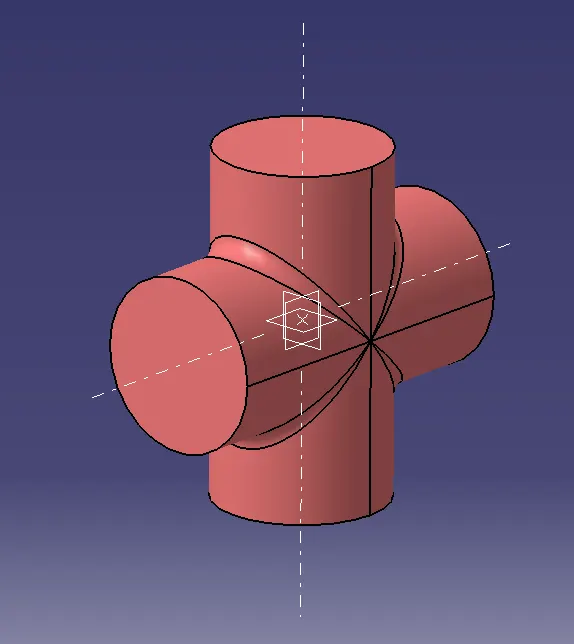
Body 1
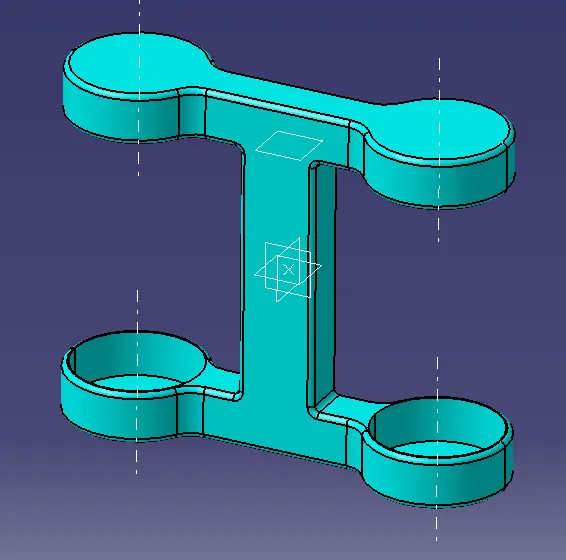
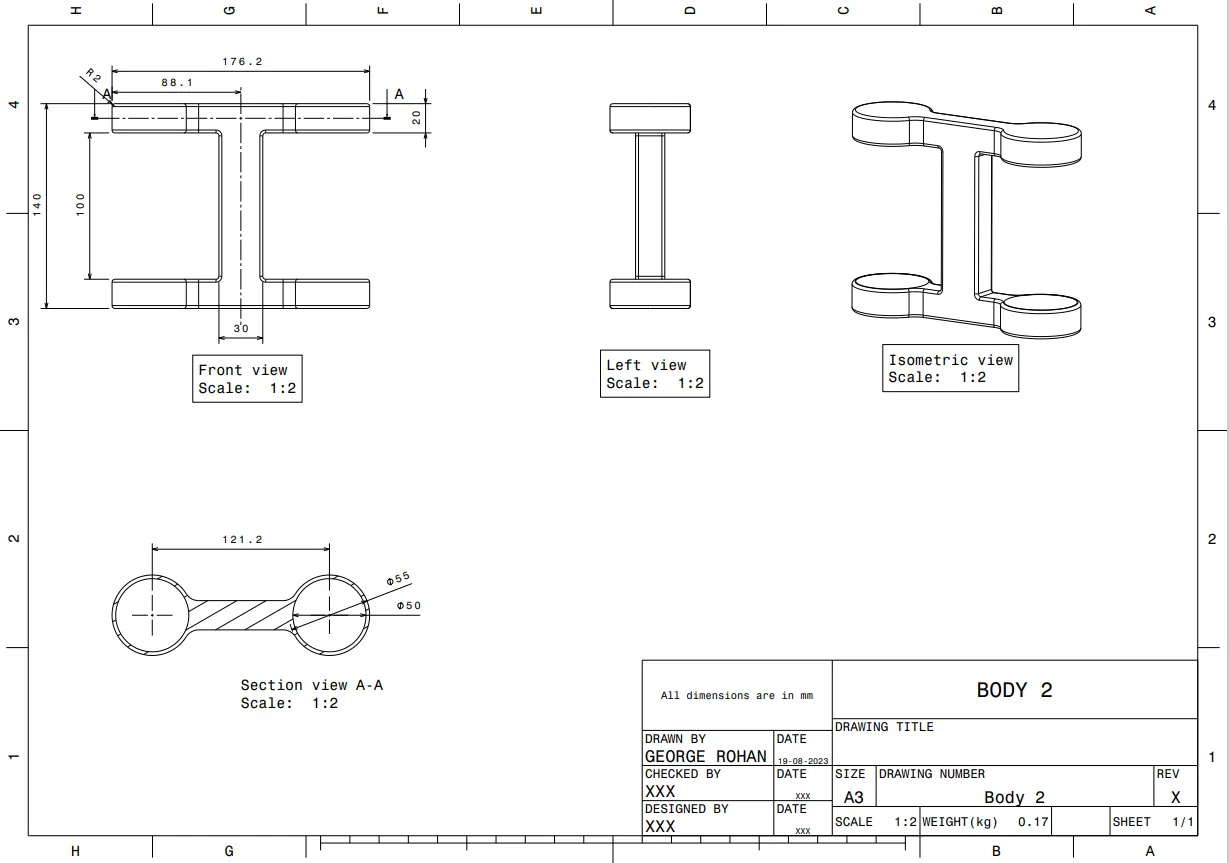
Body 2
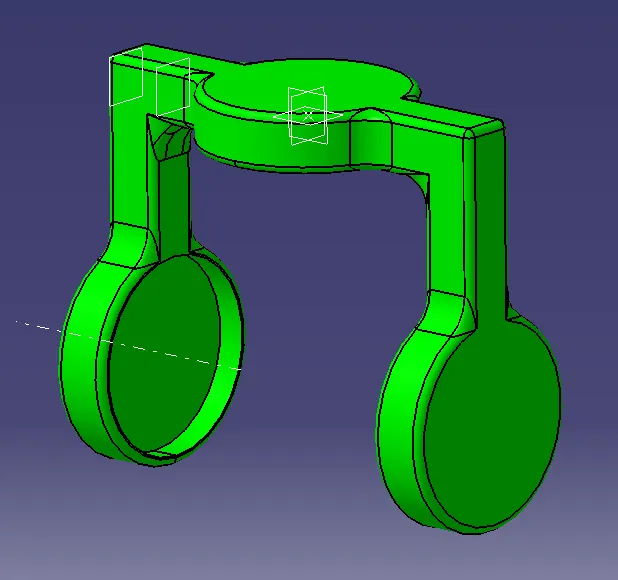
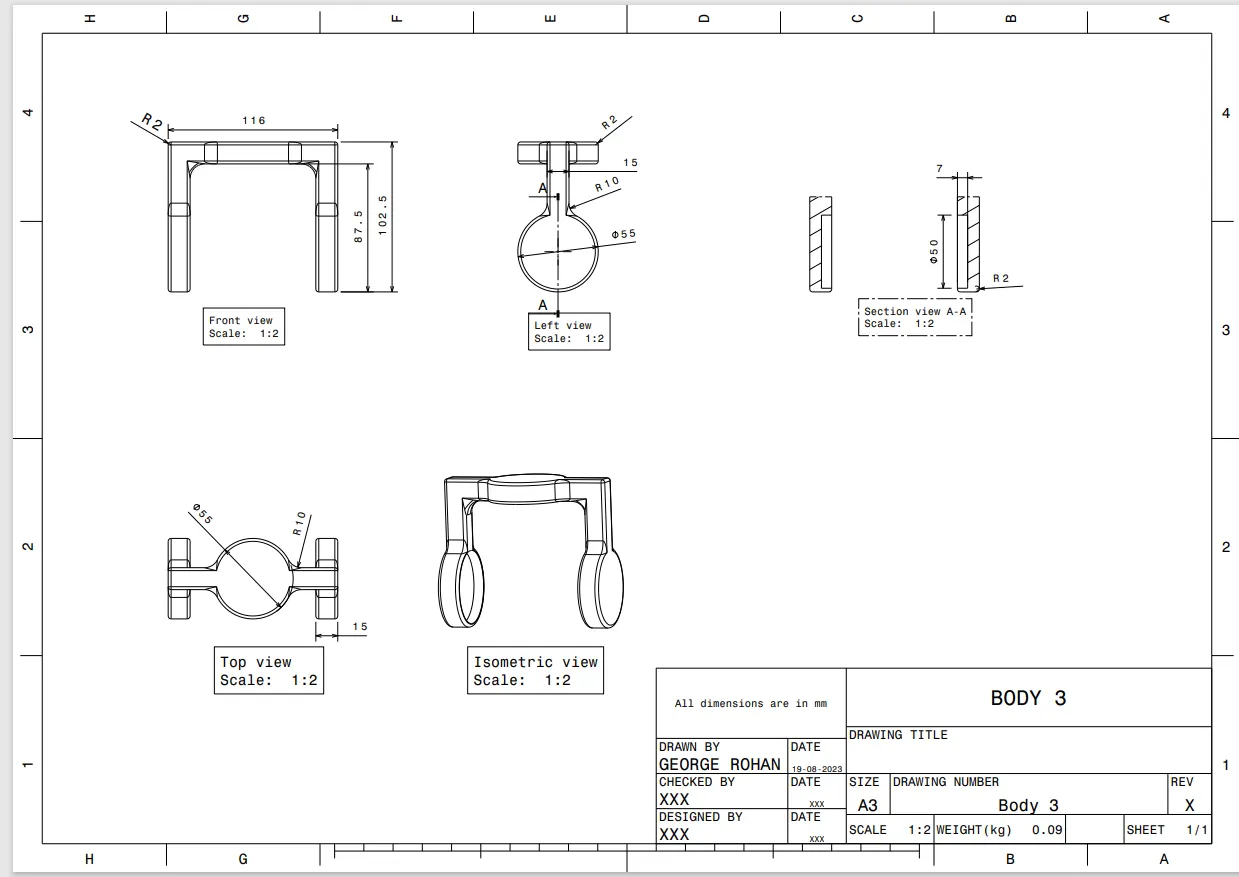
Body 3
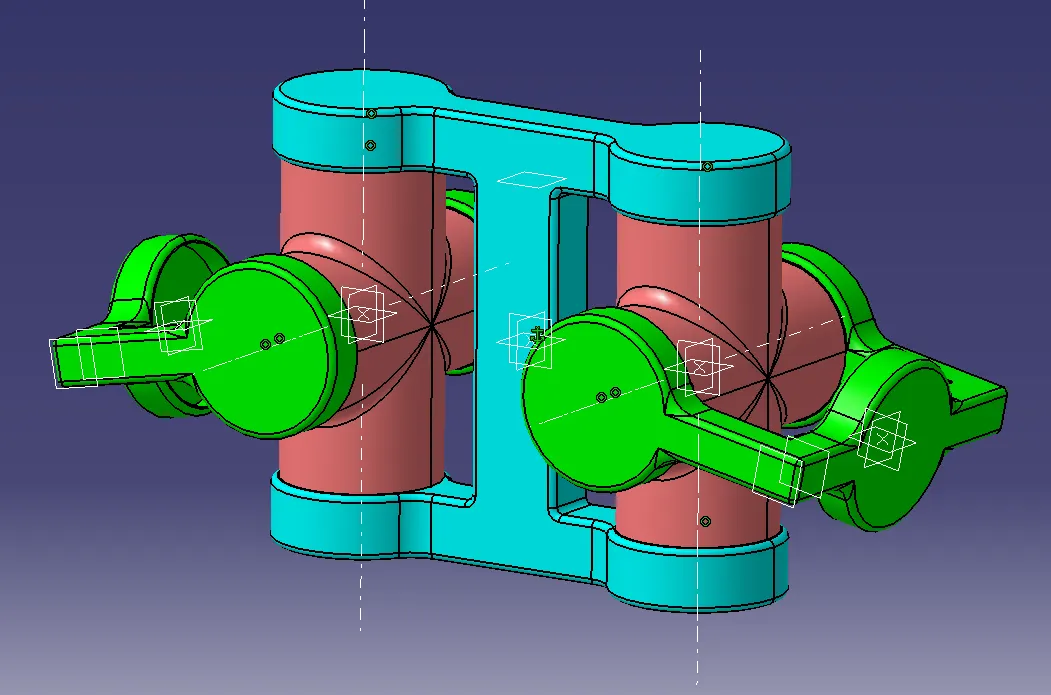
CV Joint Assembly
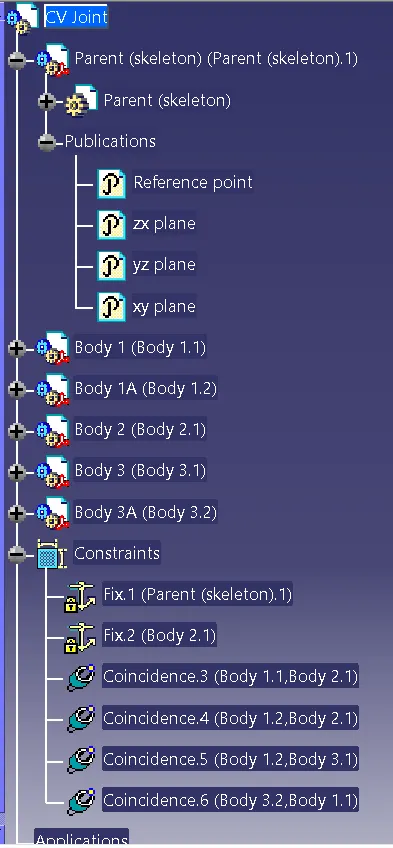
Feature Tree- Assembly
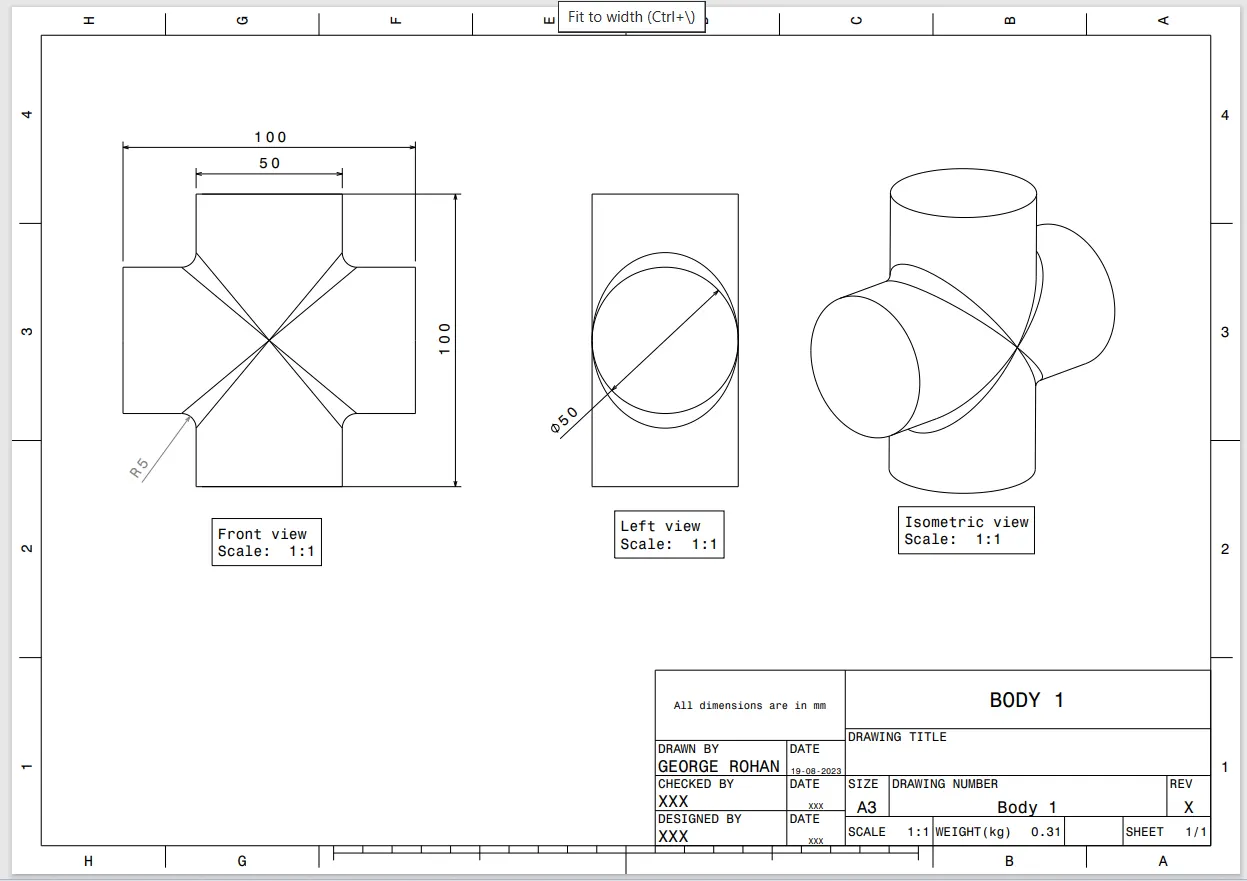
2D Drawings
Thank You.