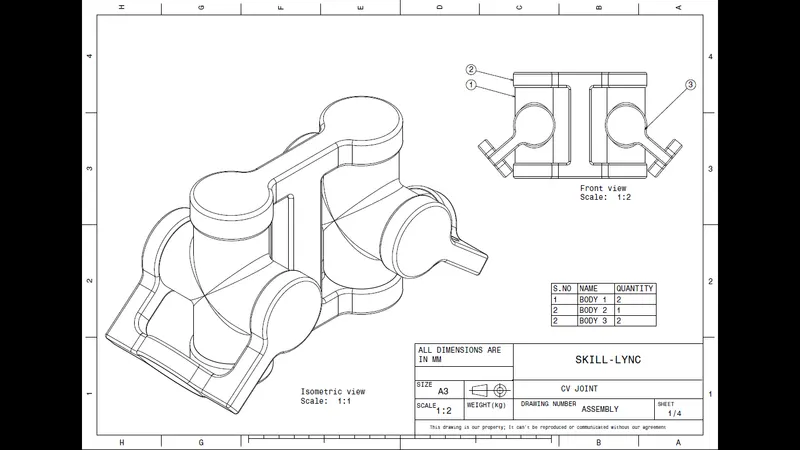
Week 7 Challenge - Assembly Workbench
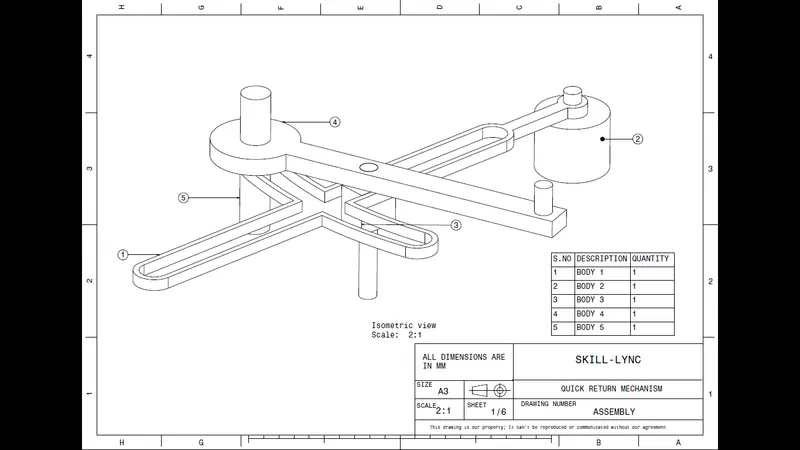
1.QUICK RETURN MECHANISM
Initailly each body was created in a seperate file as per given dimension in drawing, and then created a complete assembly of those part files in the assembly workbench. After creating the assembly, I used the drafting tools to create a 2D drawing similar to the one given in the assignment folder.
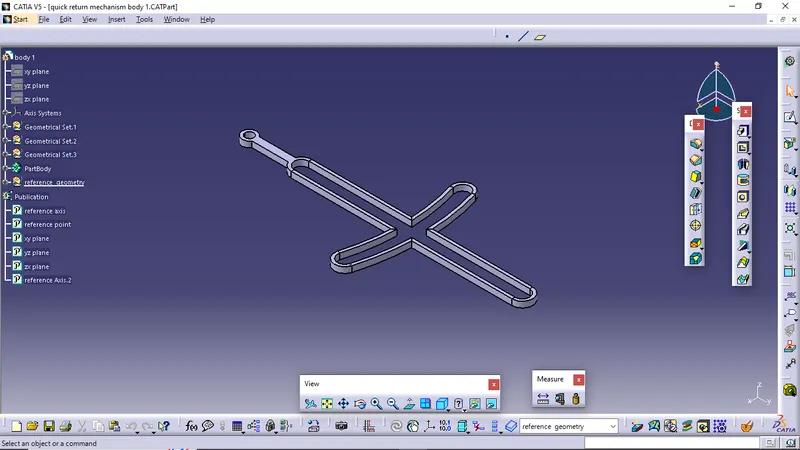
BODY 1
- Screenshot of CAT part
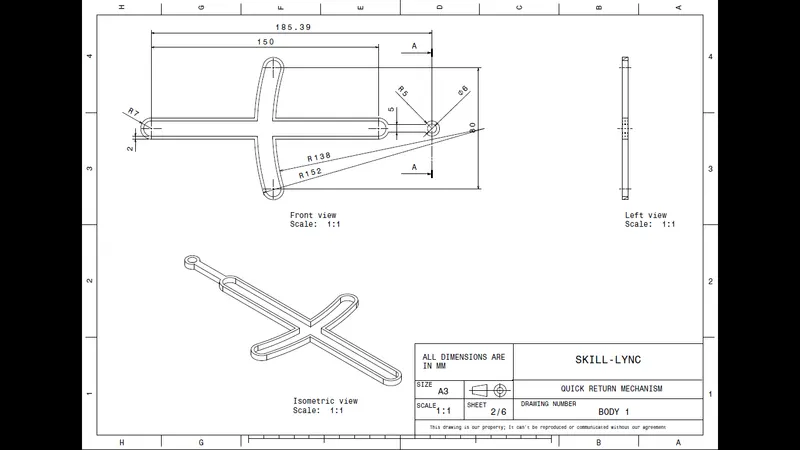
- Screenshot of DRAFT (drawing)
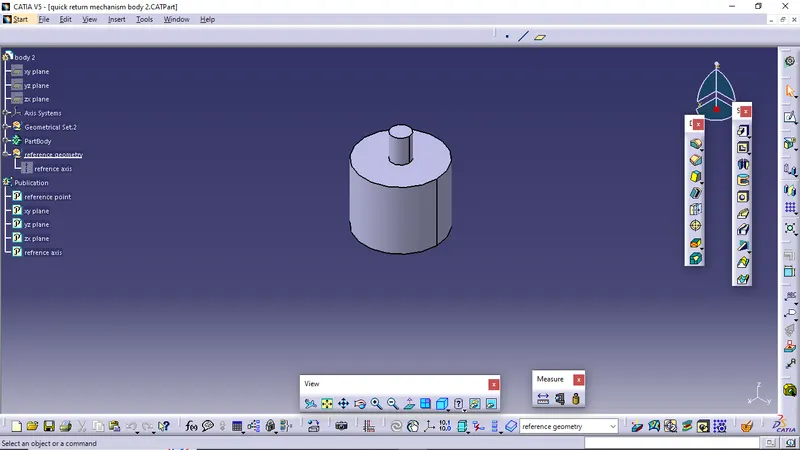
BODY 2
- Screenshot of CAT part
- Screenshot of DRAFT (drawing)
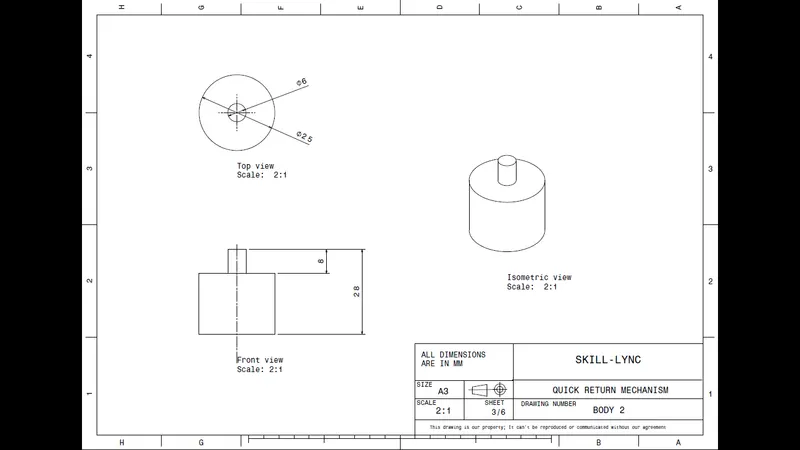
BODY 3
- Screenshot of CAT part
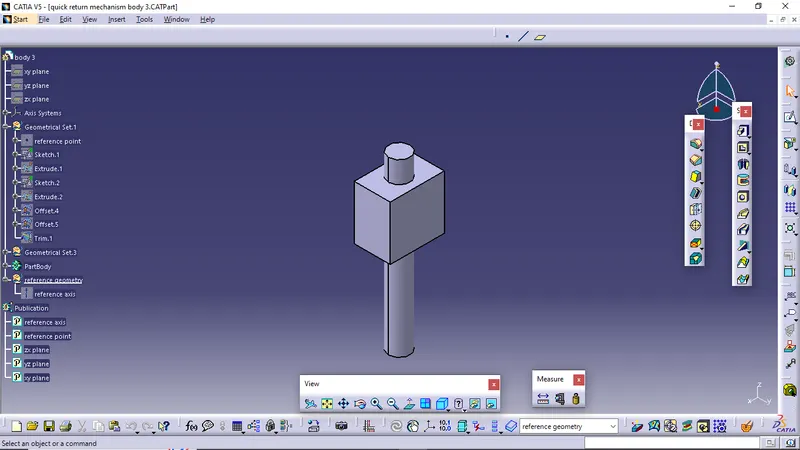
- Screenshot of DRAFT (drawing)
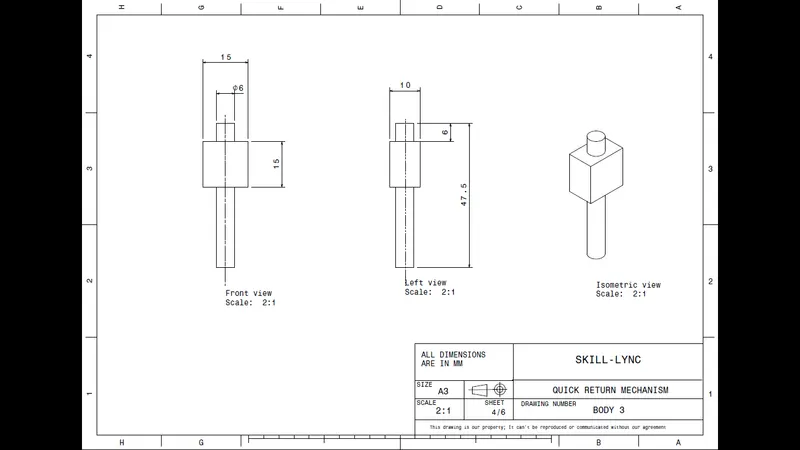
BODY 4
- Screenshot of CAT part
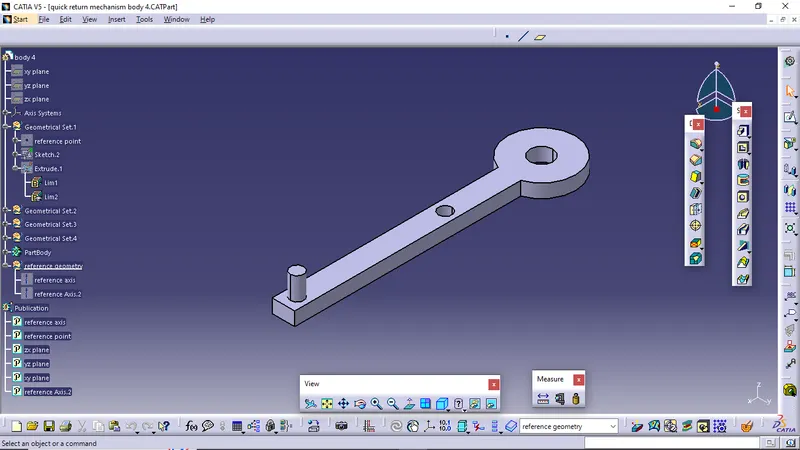
- Screenshot of DRAFT (drawing)
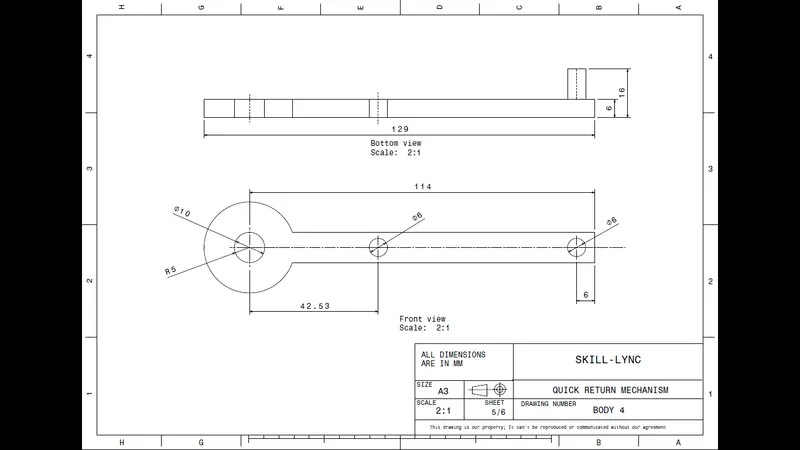
BODY 5
- Screenshot of CAT part
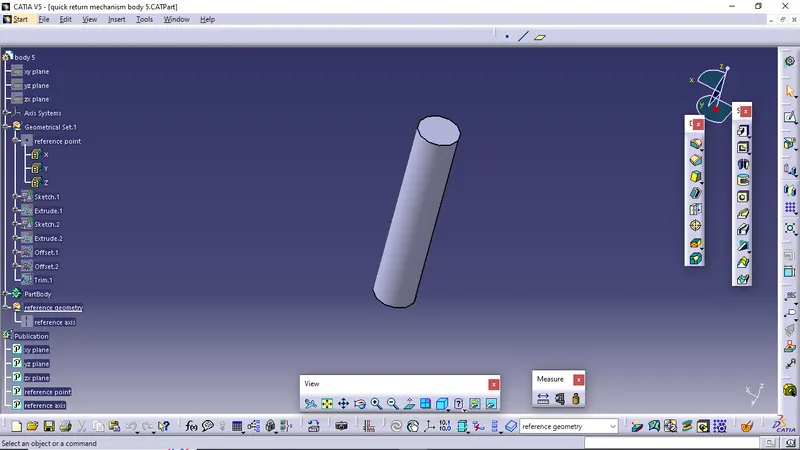
- Screenshot of DRAFT (drawing)
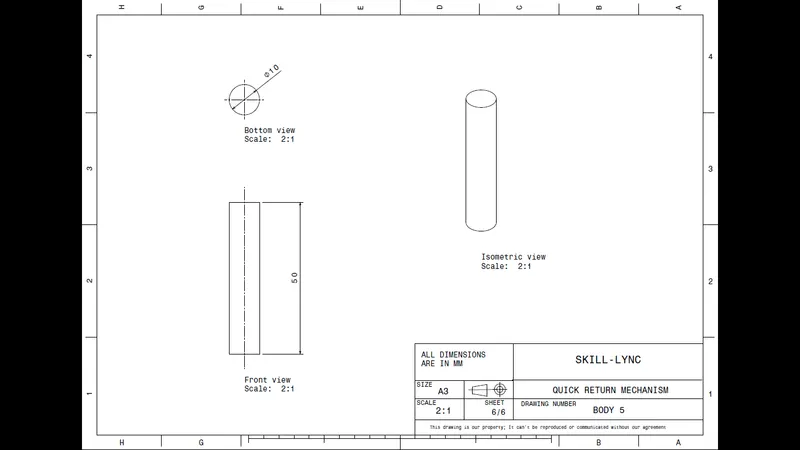
ASSEMBLY
- Screenshot of CAT product
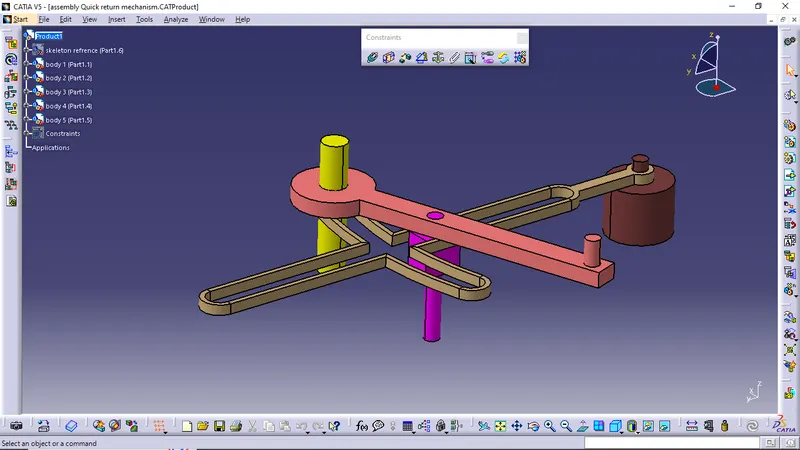
- Screenshot of DRAFT (drawing)
2.CV JOINT
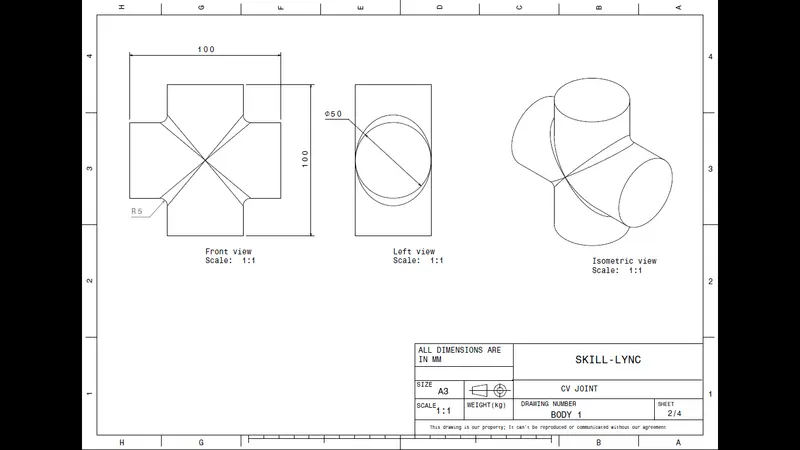
Initailly each body was created in a seperate file as per given dimension in drawing, and then created a complete assembly of those part files in the assembly workbench. After creating the assembly, I used the drafting tools to create a 2D drawing similar to the one given in the assignment folder.
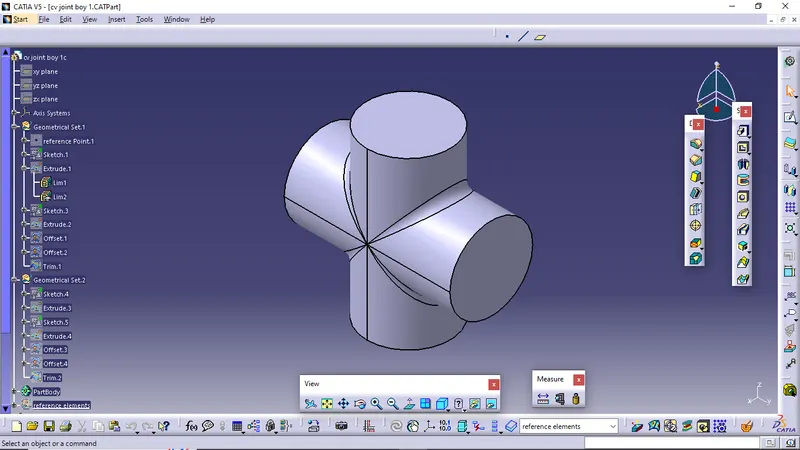
BODY 1
- Screenshot of CAT part
- Screenshot of DRAFT (drawing)
BODY 2
- Screenshot of CAT part
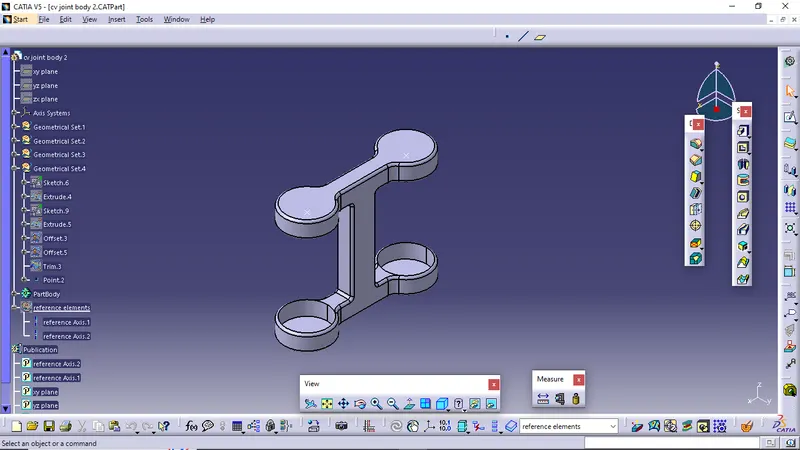
- Screenshot of DRAFT (drawing)
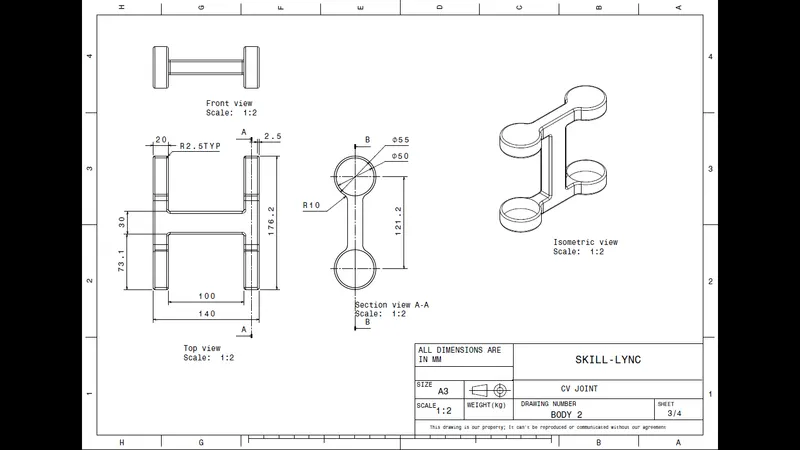
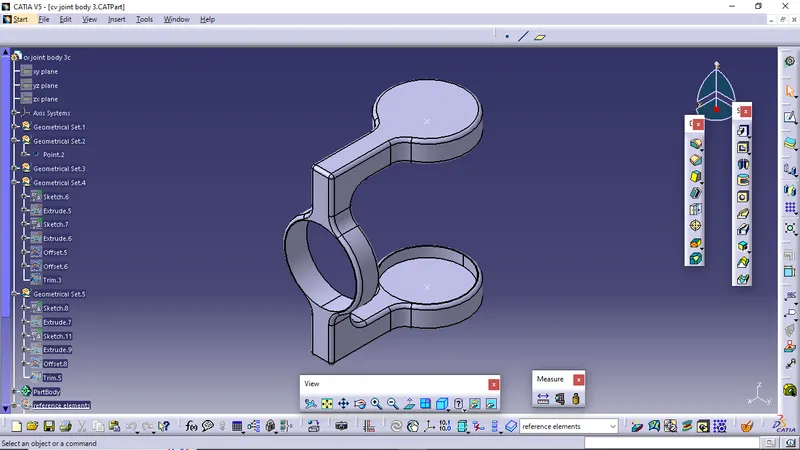
BODY 3
- Screenshot of CAT part
- Screenshot of DRAFT (drawing)
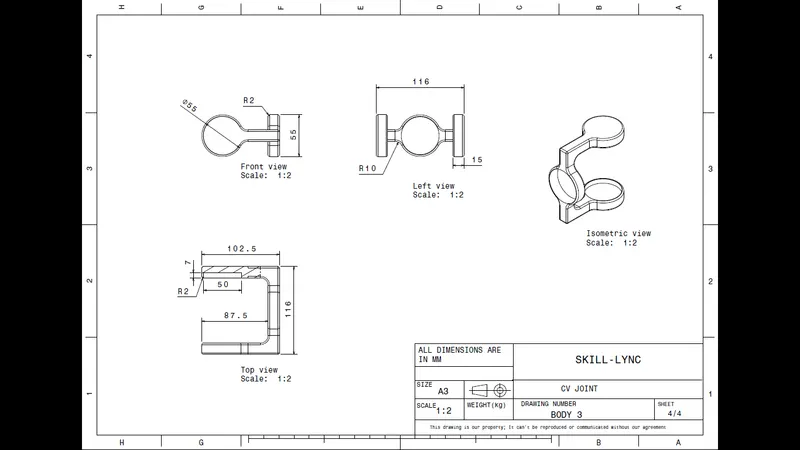
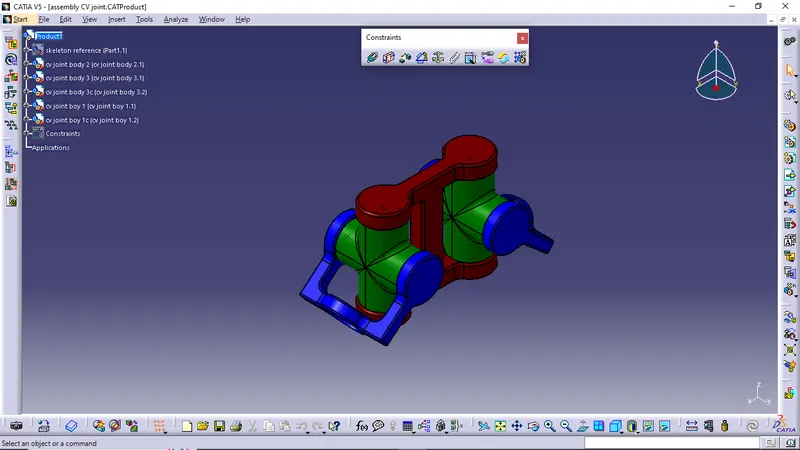
ASSEMBLY
- Screenshot of CAT product
- Screenshot of DRAFT (drawing)