Week 7 Challenge
To create the Mold Design of the product,
first, we will be doing the draft analysis?
The Draft Analysis command enables you to detect if the part you drafted will be easily removed. This type of analysis is performed based on color ranges.
and then with the help of that, we will be deciding the tooling direction, in which we will be getting to know the how the mold will be removed,
and to start creating the mold design of a product
first step
we have to decide the tooling direction
2nd step
is to create the parting line and after creating the parting line and after creating the parting line, if the product has the holes then you have to close the holes before creating the core and cavity to do this we will be using a command shut off surfaces to close the holes.
3rd step
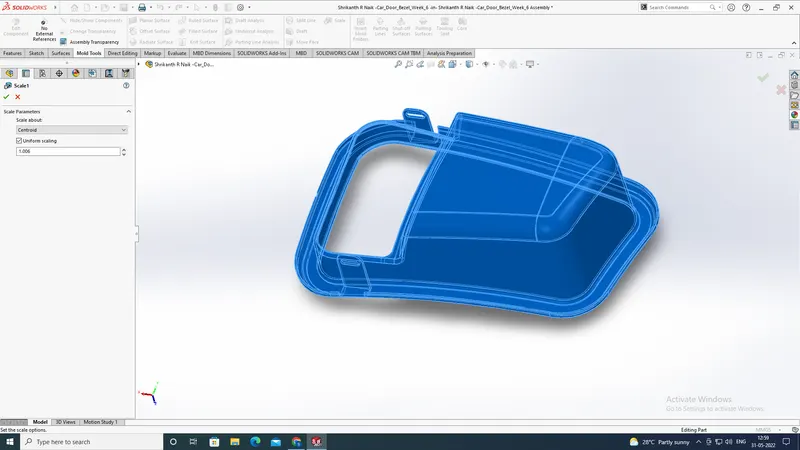
and next is the material we are considering to make the component we should consider that, because they may have shrinkage value so that after the mold has been created and then the component will be undergone shrinkage and will not be getting the component as per the dimensions required, and to get a clear idea about this in this model we have taken the ABS material and its shrinkage value is 0.6 so we will be calculating the shrinkage value by 0.6/100 +1 = 1.006 so we will be getting the shrinkage value and then we will use the scale command toto increase the size of the component accordingly to the material and next is to create a parting surface and trim it with the parting line...
4th step
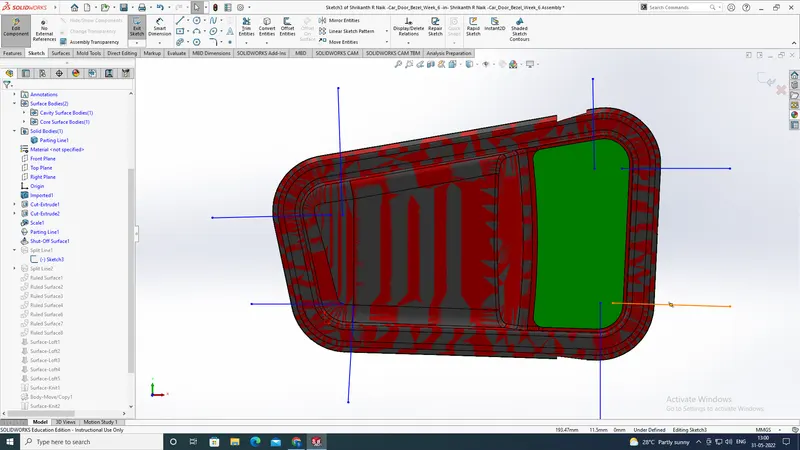
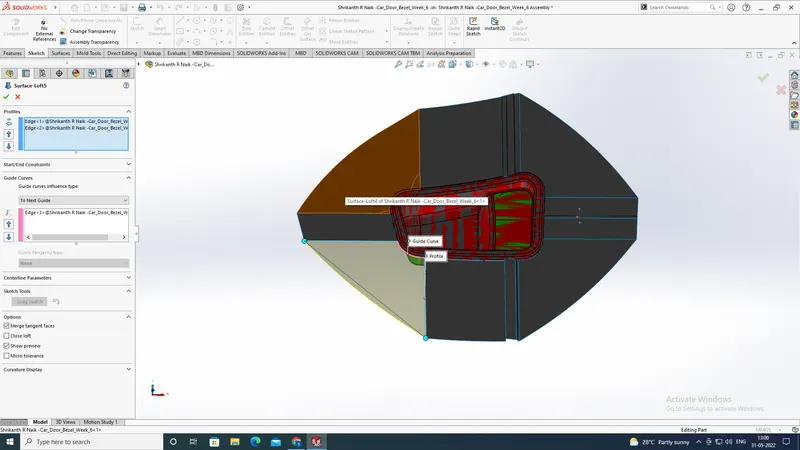
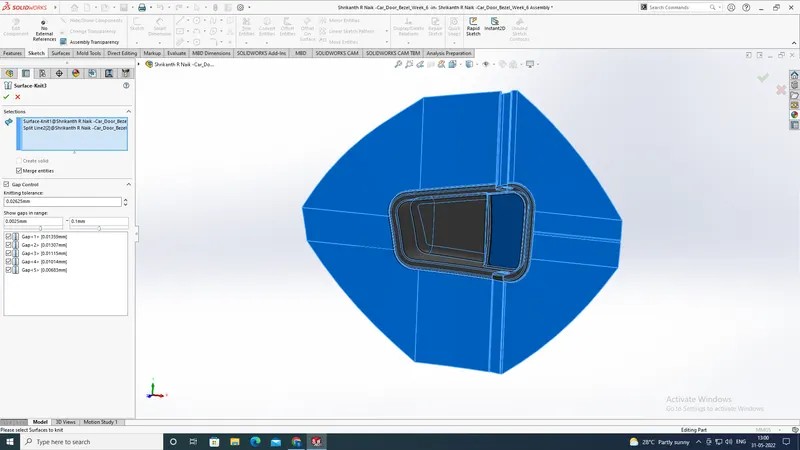
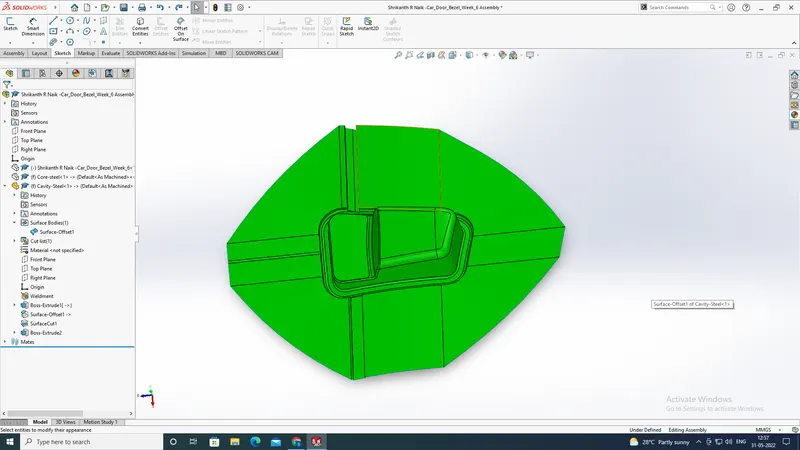
is to merge the parting surface with the different surfaces to the core and cavity. and in this model, we have to create the split lines to create a parting surface with a ruled surface after that we will be using a lofted surface to fill the gap and then we will be knitting all the surfaces
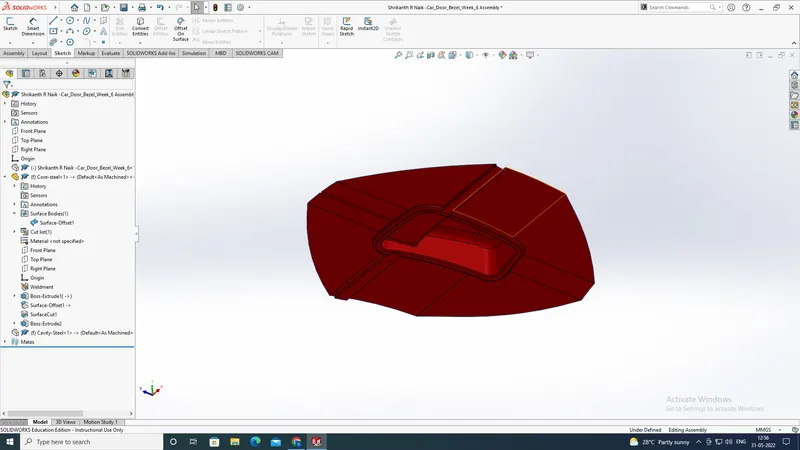
5th step
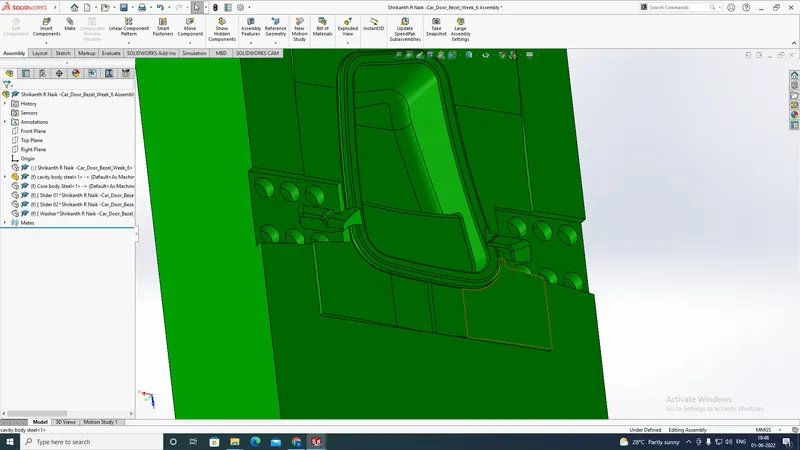
is to create a cuboid to the core and cavity to make this first we will create a box and then we will be trimming it with the merged core and cavity surfaces and then our mold design will be done. and in this model, we will be creating a cuboid for a 3d profile and also for a 2d profile.
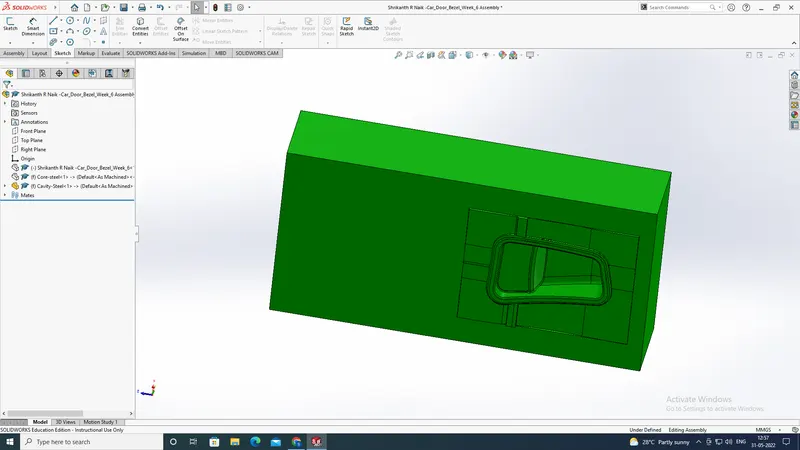
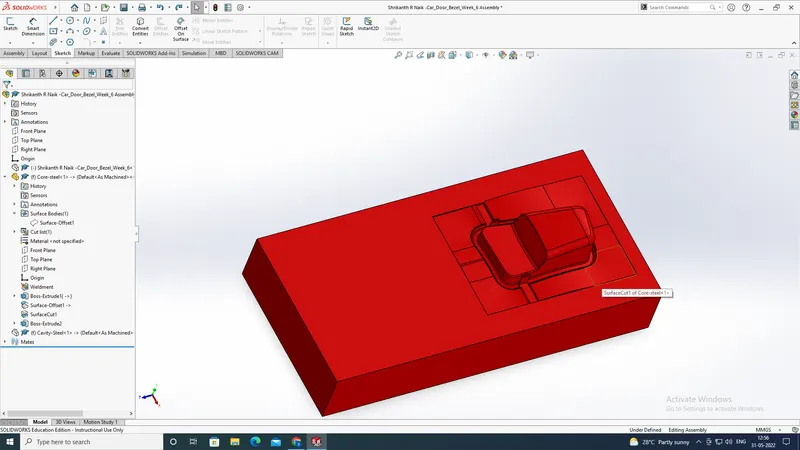
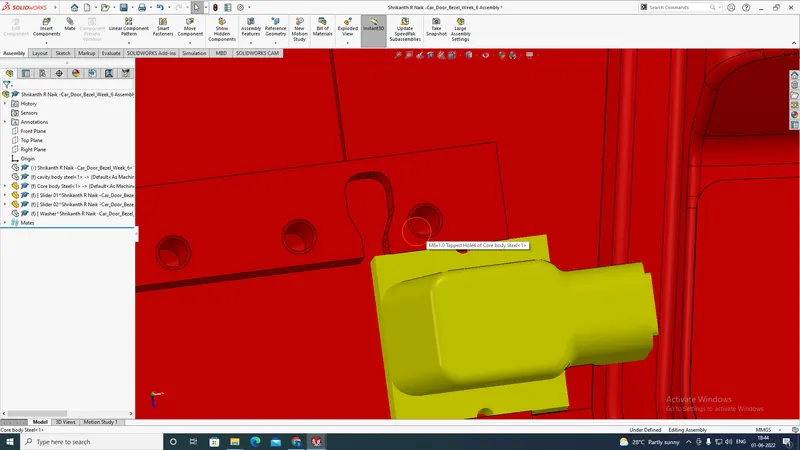
and after that we have to create the sliders for the model
and we will be creating as per the model..
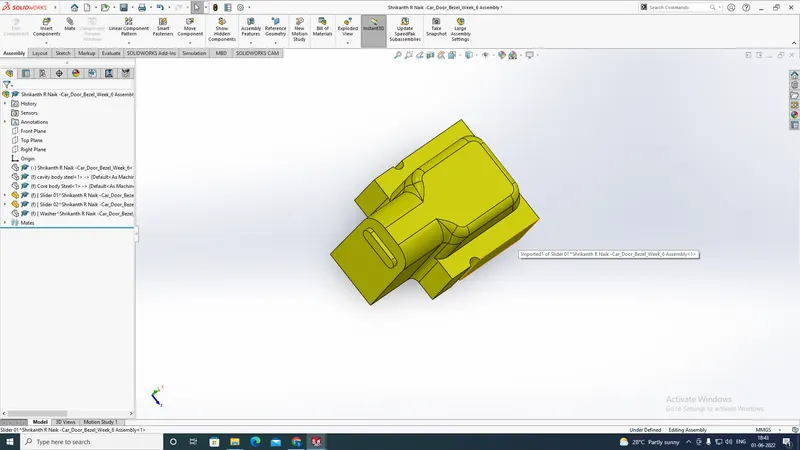
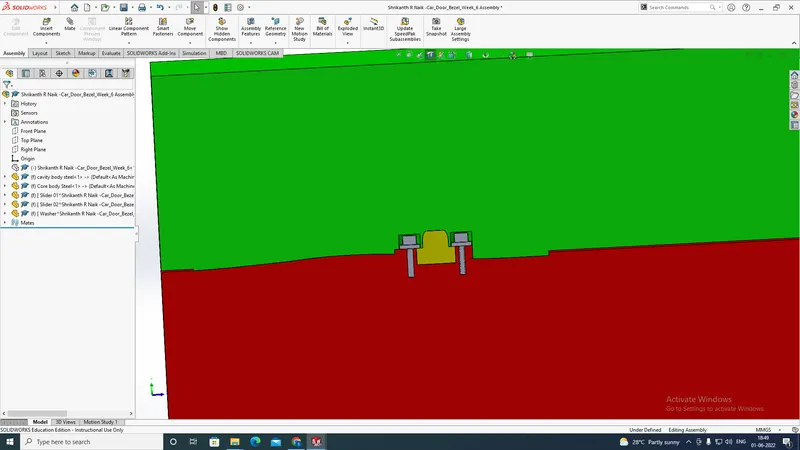
after creating the sliders we have to create the washers and bolt for the mold and we will be creating that one after creations of washers it will look like this below image
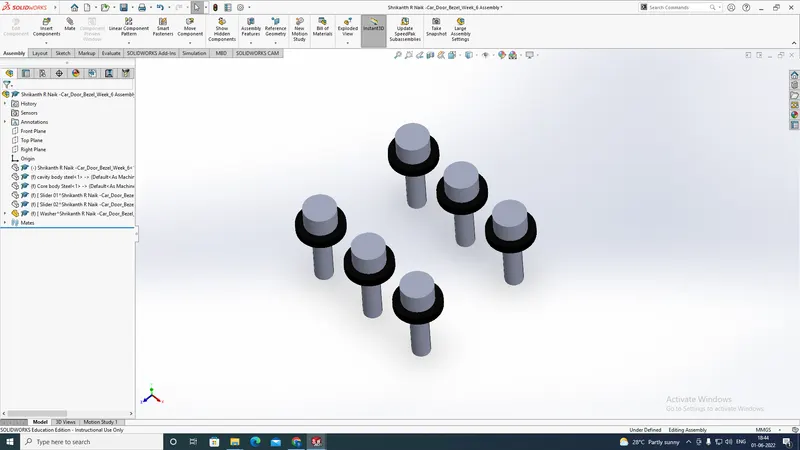
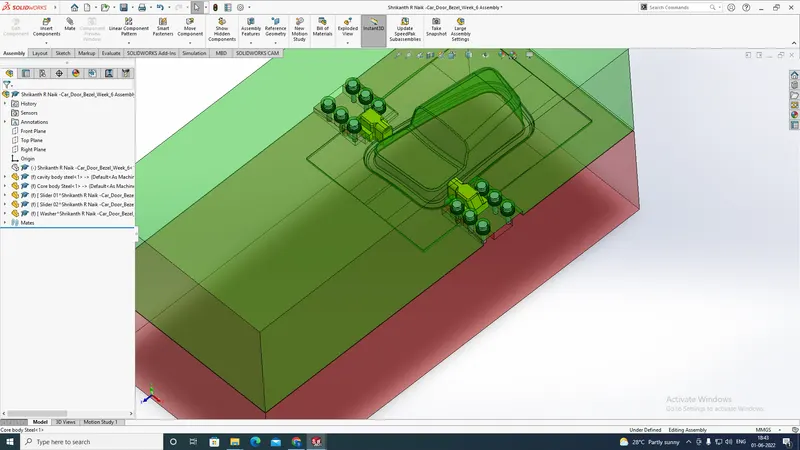
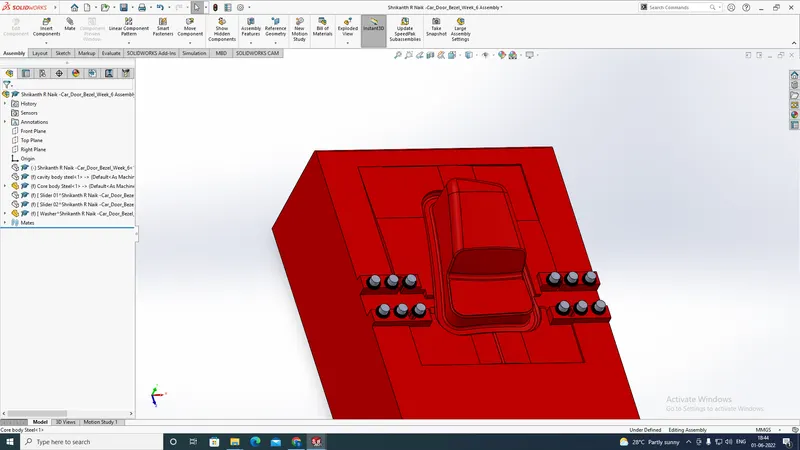
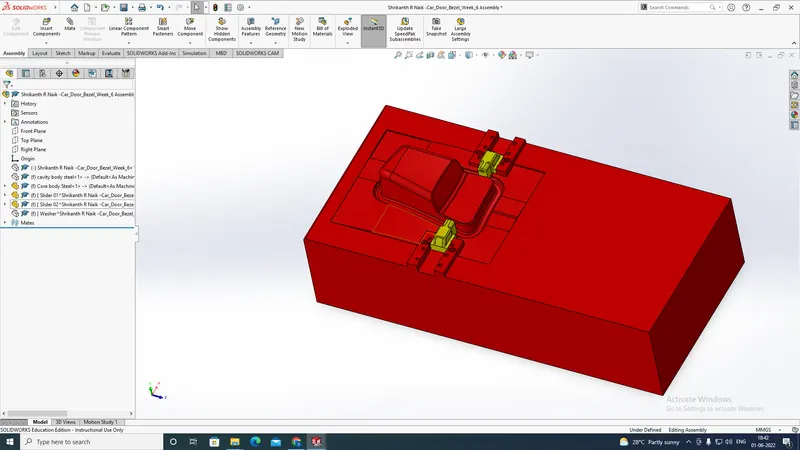
after that we have to create an locking mechanism for the sliders and we will be creating it on core as per the dimensions and then the model will look like this.