Week 8 - Challenge 1 - Draft Analysis on a Fan Cover
DRAFT ANALYSIS OF AN FAN COVER:-
DRAFT ANALYSIS:-
The Draft Analysis command enables you to detect if the part you drafted will be easily removed. This type of analysis is performed based on color ranges identifying zones on the analyzed element where the deviation from the draft direction at any point, corresponds to specified values.
Procedure:-
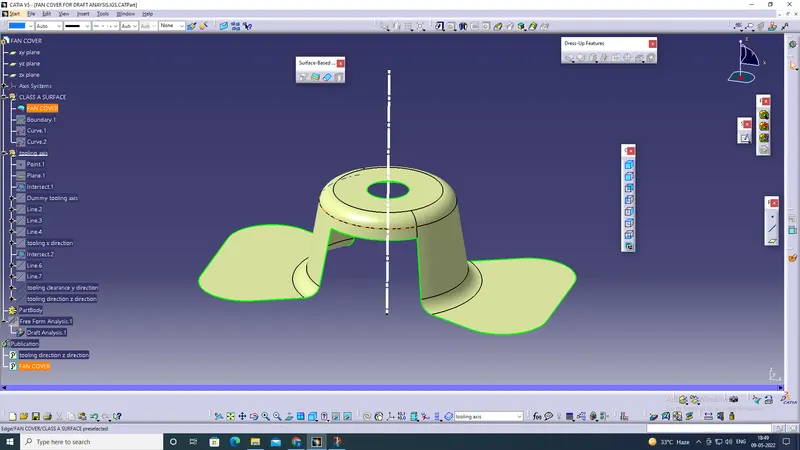
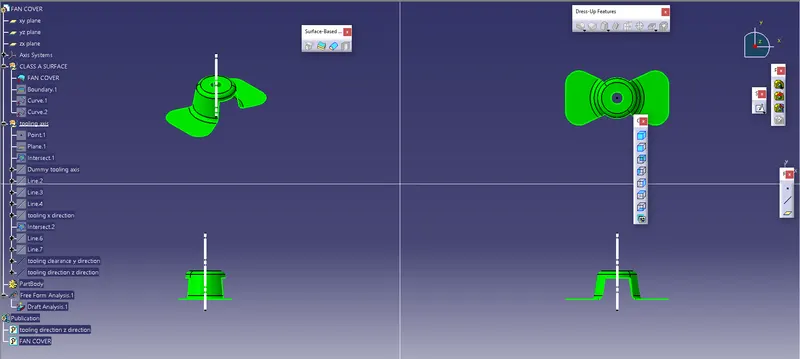
First thing is to check the connectivity of class A, And ensure that there is no gap between the surfaces you can check it visually or select the boundary option.
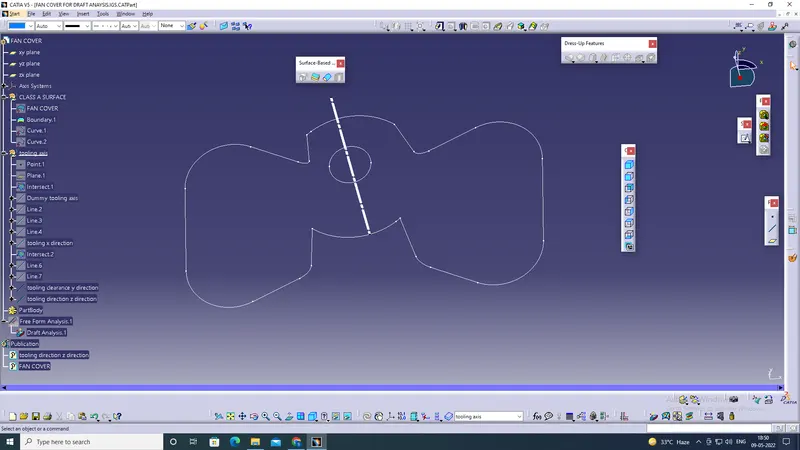
The second is to find the tooling axis
What is the tooling axis?
The tooling axis is the direction in which the mold opens or a cavity opens fine to decide the tooling axis the component should completely clear the given tooling axis in the given specific direction.
And next, we are going to check, which is the best possible. tooling directions we will check all three XYZ directions.
the first one along the y-direction and the second one along X, so X and Y direction and z is going to the tooling axis.
and then insert an axis system instead of planes, and then you can use the intersect option for X and Y Directions.
and create and Tooling axis Along X - Direction and Y- Direction and bisect these two lines to get a Z-direction Tooling axis
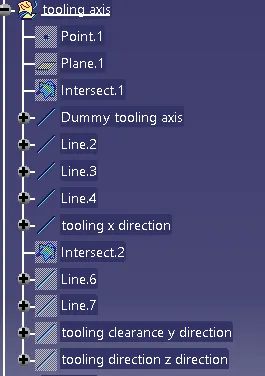
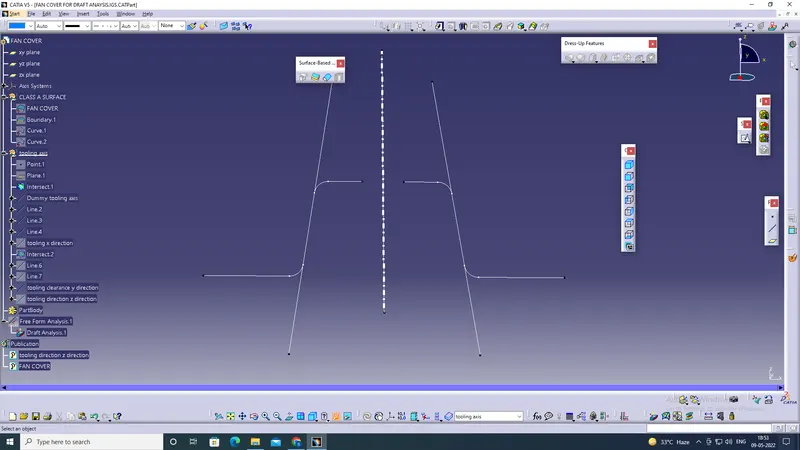
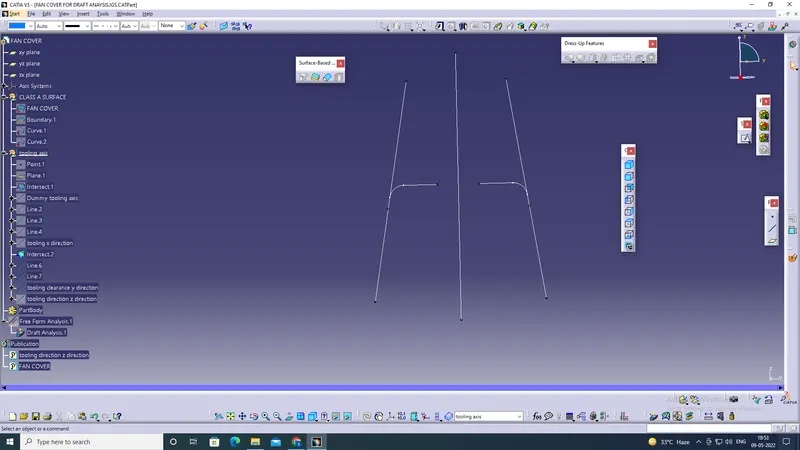
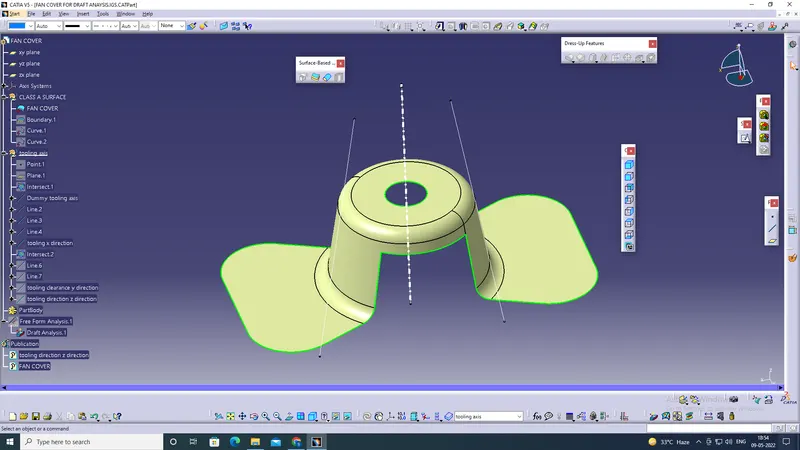
After Creating the tooling axis now we will be doing the draft analysis.
to create a draft analysis, you must have created a tooling axis. and Draft angle should be a minimum of 0.5 deg,
To start doing the draft analysis, you have to insert the feature draft analysis from the toolbar,
then change the view mode customization to the material mode and then start the draft analysis,
when you click the draft analysis you will get a dialogue box, in which you will have the direction tab that uses the compass tool,
place it on your tooling axis. and click the component
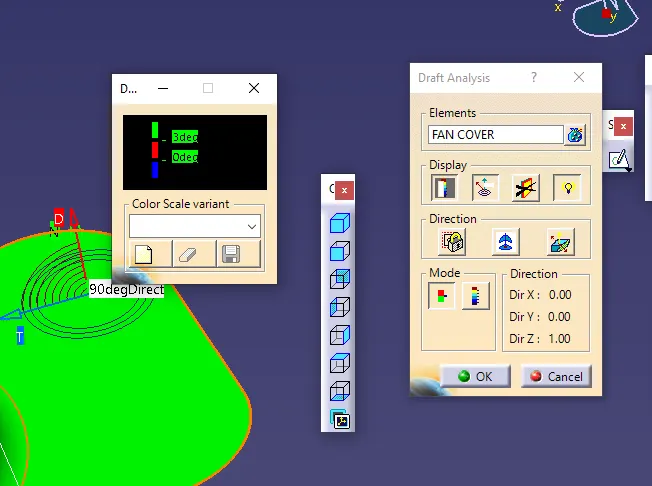
After that, you can see the change of color in the model, and in the draft analysis tab you can see the Degree Value according to the color, and then if you want to check the on a specific point then you can use the running point tool in the Display tab and can check the degree at the specific areas.
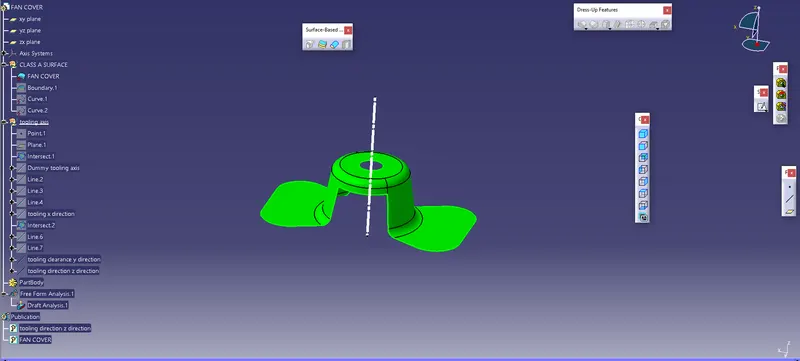
These are the Procedure that should be done while doing the draft analysis on a component..