Week 7 Challenge
AIM – The aim of our is that, to Calculate the Water Current forces for the bridges and Create the model in Staad Pro and
analysis the Structure.
INTRODUCTION – The Detail of Project for the bridge Given below
The high flood level is 2m above the foundation level
The Span of the Bridge is 45m
The mean velocity of the river is 3m/s
Assume to height of pier is 10m
PROCEDUCE IN DETAIL:-
STEP1:- First create the node and select the add beam Command and create the beam.
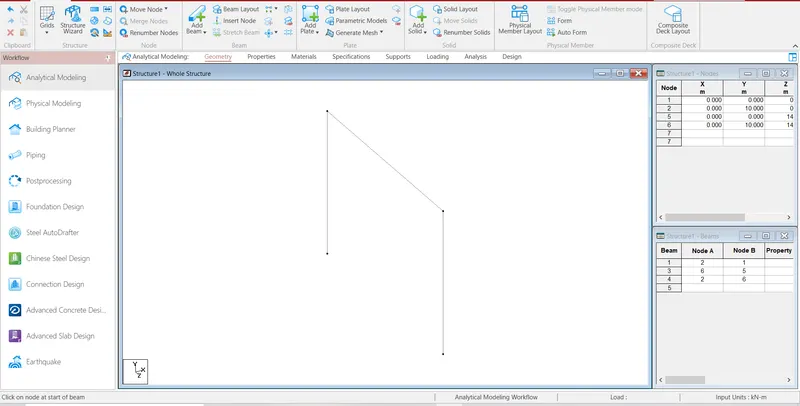
STEP2:- Then, Select the beam then go to the translation repeat Command and create the beam
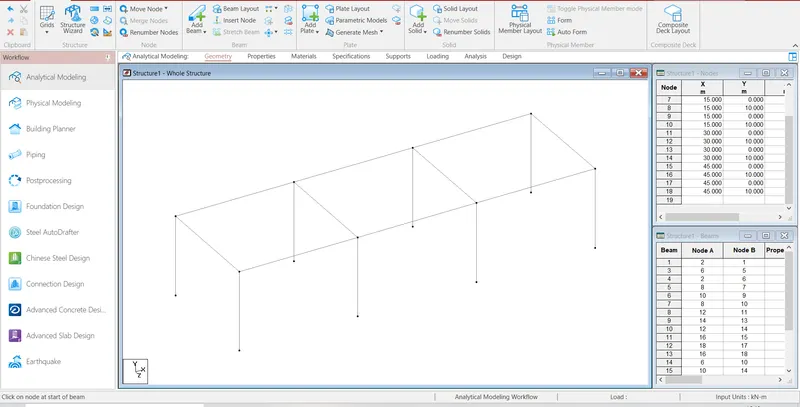
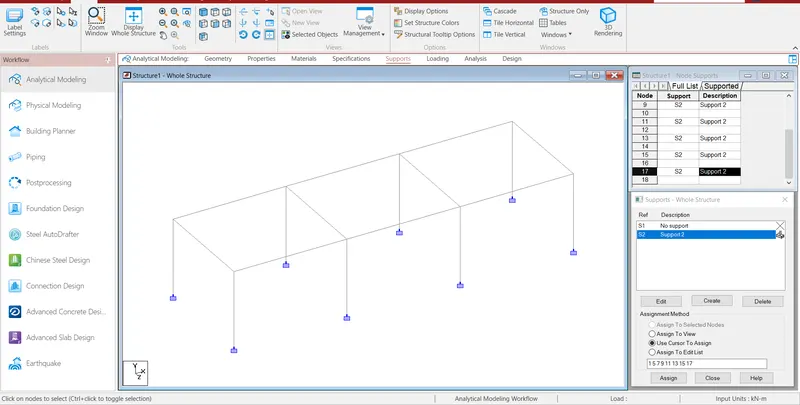
Step3:- After Create the model then go the support command create the fixed supports and assign the supports.
Step4:- After Create the support then go to the properties command and select geometry and assign the properties.
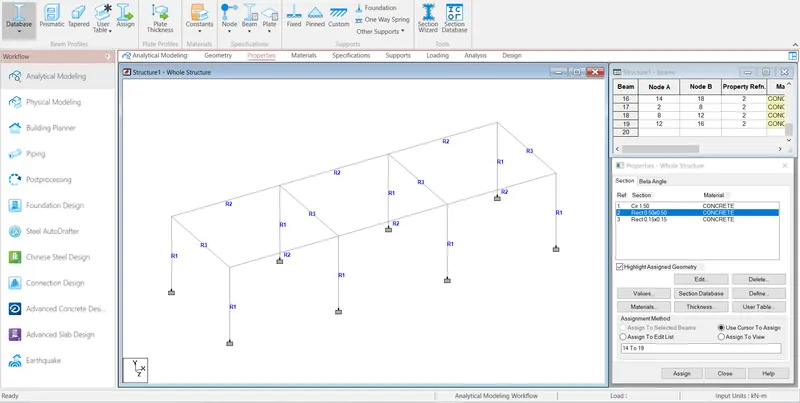
Step5:- After go to the Load command and go to the Load cases details create the water current forces.
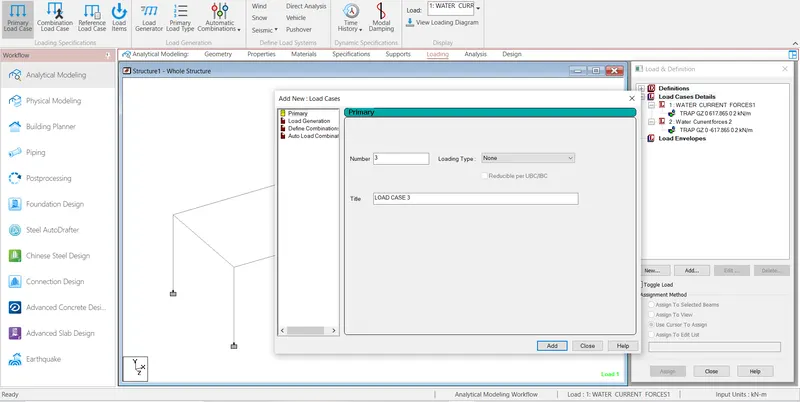
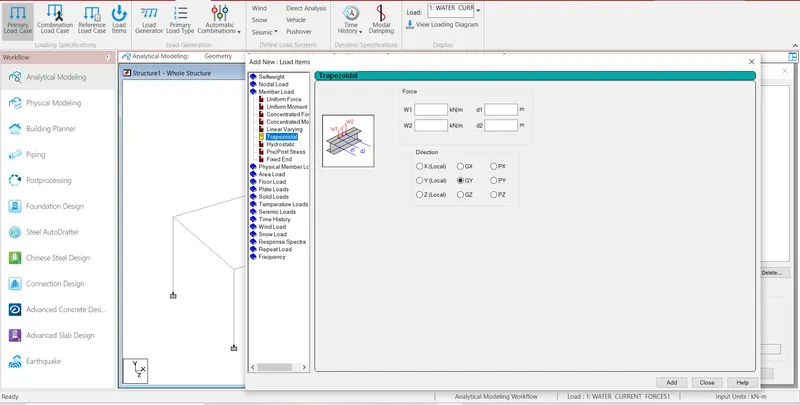
Step6:- Then Calculate the water current forces as per IS Code
Maximum Velocity, V =2*Vmean
Water Current Forces, P =52* K *V^2
Where
P is intensity of Pressure due to water Current in kg/m^2
V is Maximum Velocity of current at the point where the pressure intensity is being calculated, in m/s
K is Constant based on the shape of piers
V= root of 2*3
=4.243 m/s
P=52 *0.66 *4.243^2
According to IS Code 78-2000 Section VII table No 4 Page No 21 is value of K is 0.66 for circular Piers
=617.8646 kN/m2
Then create the load and load assign into the Model.
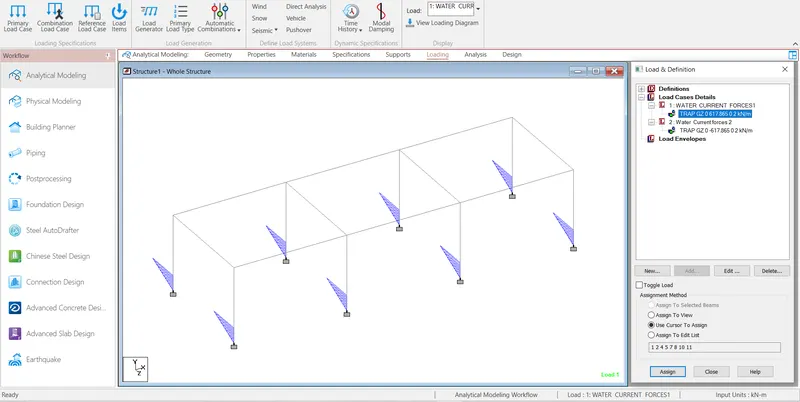
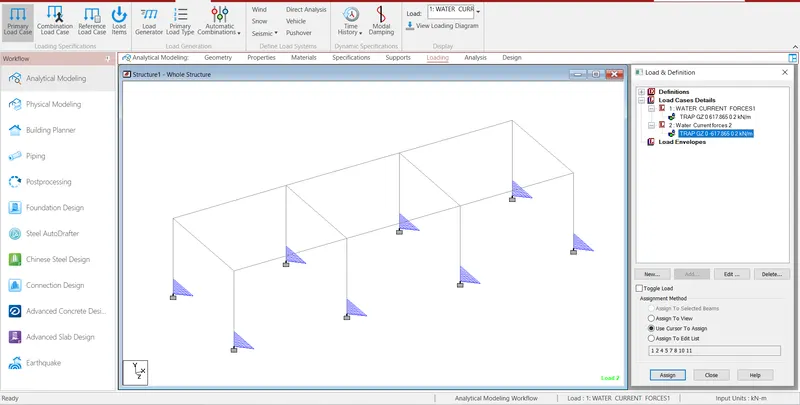
Step7:- Then slave the file and assign run analysis.
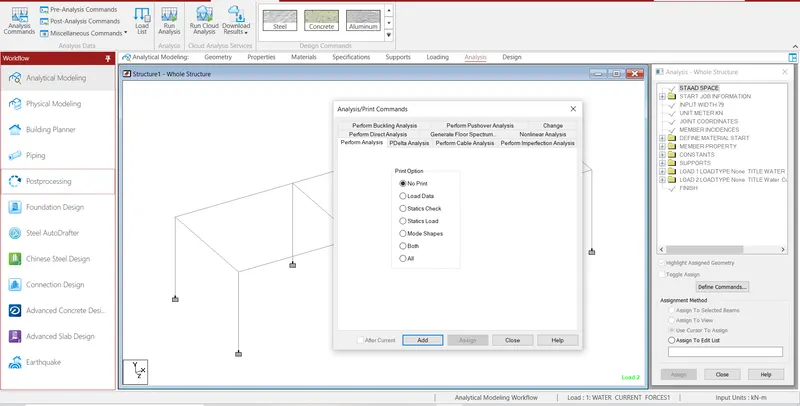
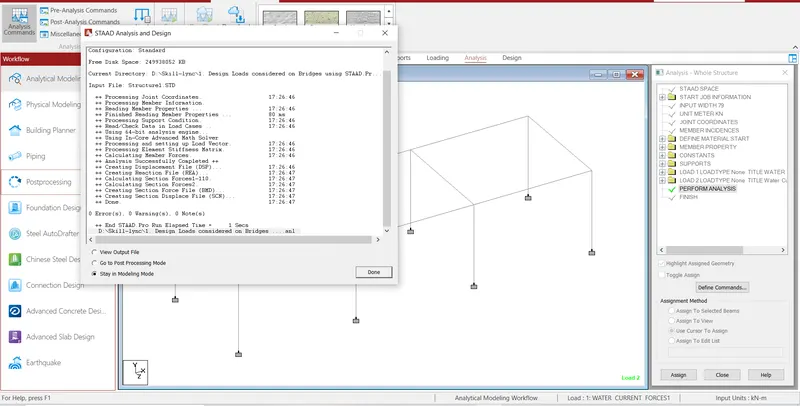
Step8:- Then Check the Deflection, displacement and all deformation on the structural element
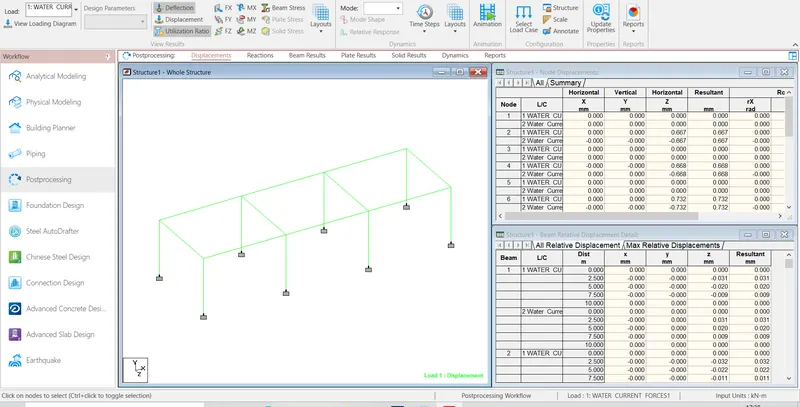
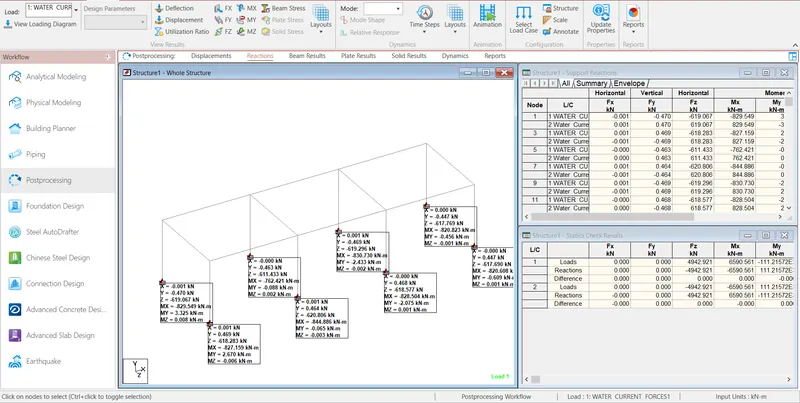
RESULT:- 617.8646 kN/m2 The water current forces is acting on the bridge
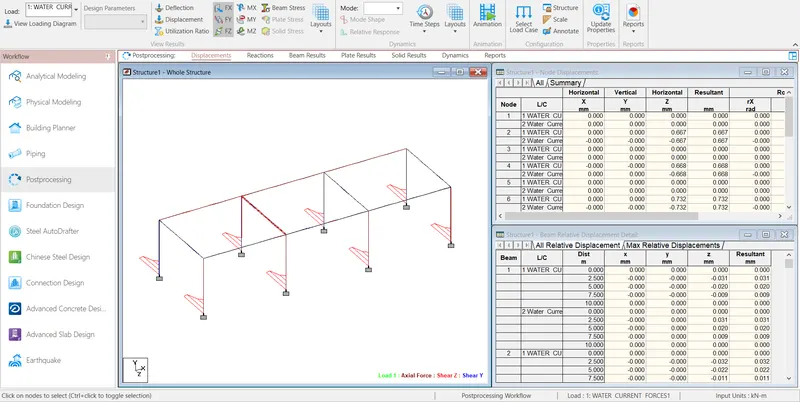
Axial force, Shear Z, Shear Y for Load 1
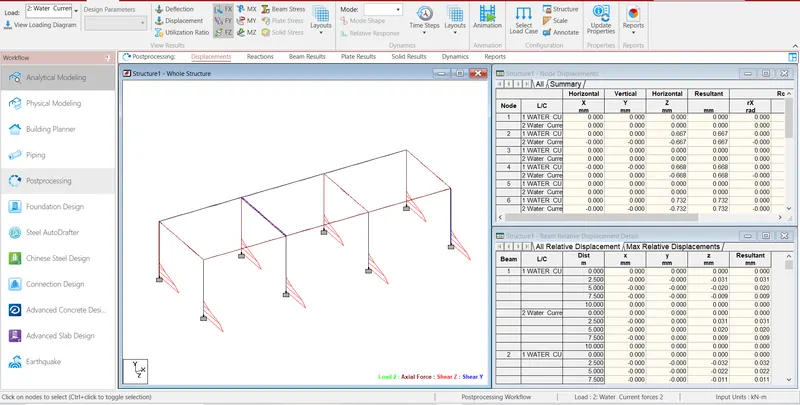
Axial force, Shear Z, Shear Y for Load 2
Torsion, Bending Z, Bending Y
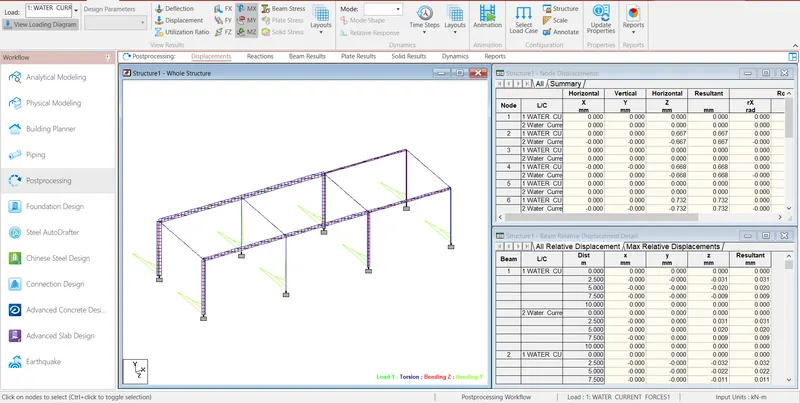
Reactions of Model