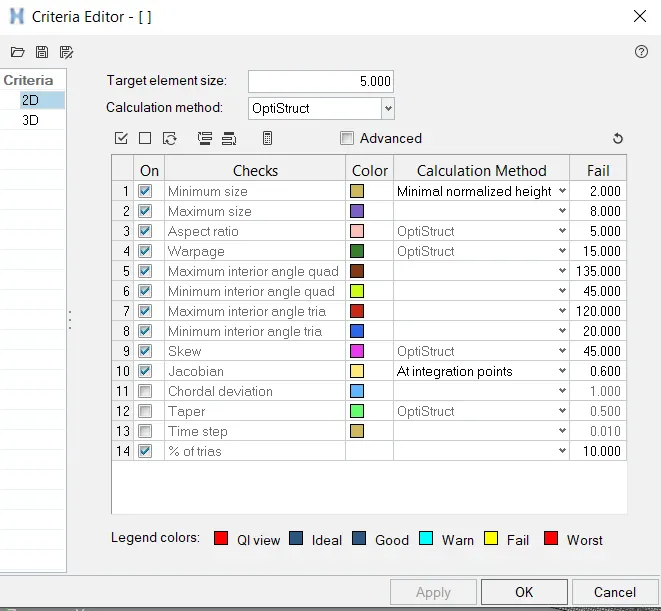
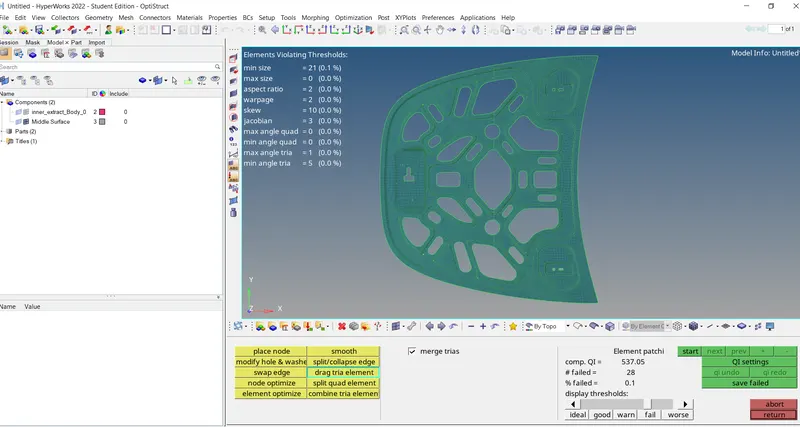
Week 6-Meshing of Hood Challenge
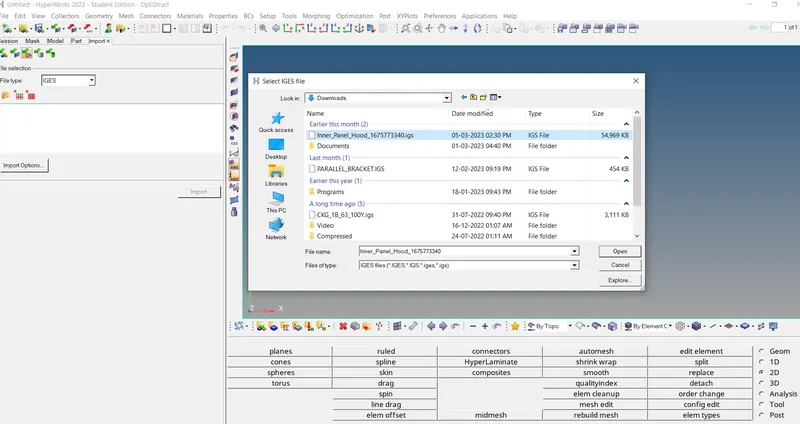
First import the geometry using import geometry option and select the IGES file,
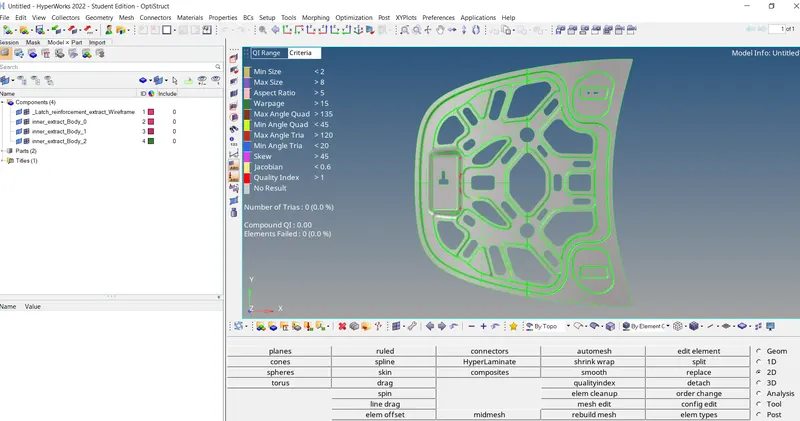
First we need to delete the solid body, go to Delete -> select solids ->left click on the selection and choose all -> delete entity
In order to check the geometrical errors ,
switch Geometry visualization type to By Topo
all free edges are displayed in red colour and shared edges in green, T- junction edges in yellow and suppressed edges in blue.
extract mid-surface