Week 6-Meshing of Hood Challenge
OBJECTIVE: The midsurface extraction and meshing is to be done using the HYPERMESH and assign the elemental thickness to all the four components.
PROCEDURE:
- The hood is imported into the HYPERMESH using import module.
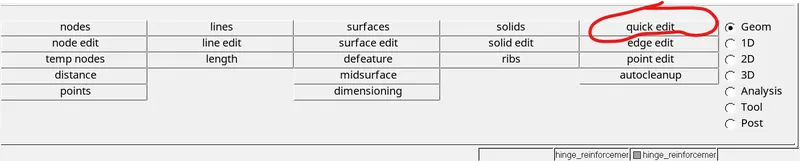
- Then the geometry cleanup has to be done by removing the unwanted lines by using the toggle command in the quick edit option.

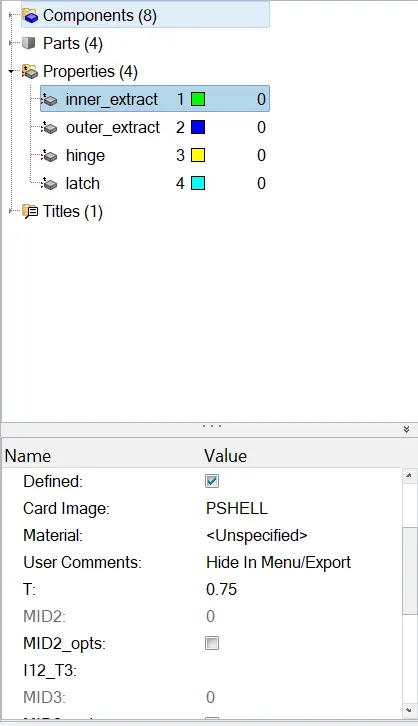
- For every component the thickness should be assigned by creating the property and assigning it to the particular component's midsurface.
- After cleaning the geometry the midsurface is extracted by using the skin offset option in the midsurface option. which is in geometry module.

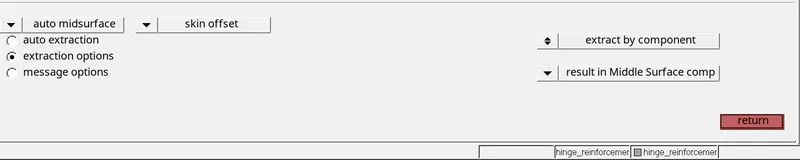
- The midsurface is extracted for all the components, then check for any geometry clean up is required or not.
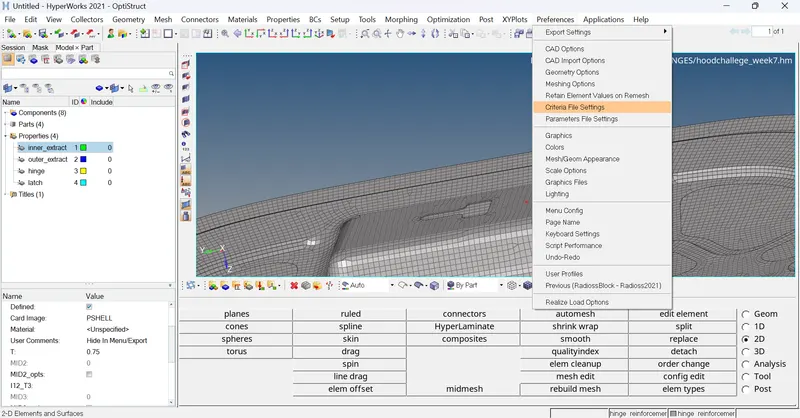
- Based on the quality parameters given in the challenge, the quality criteria has to be created in the preferences and criteria file settings
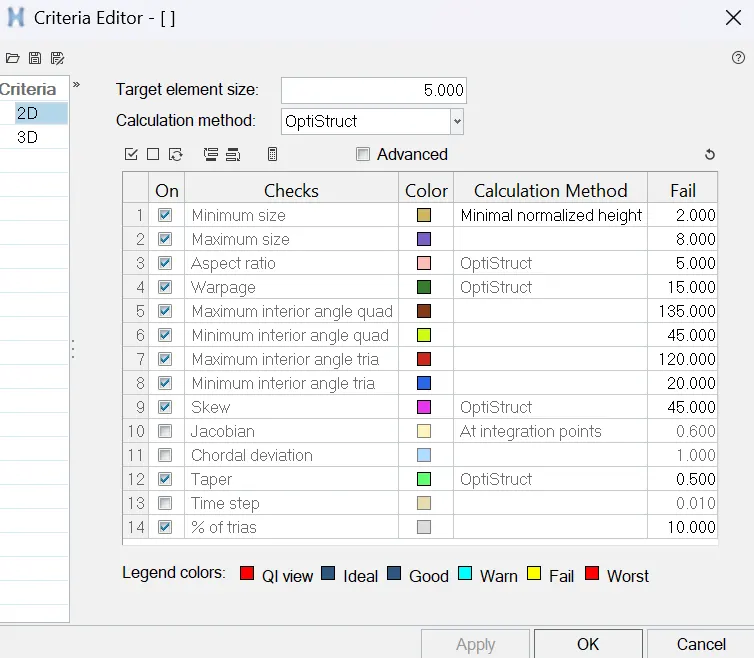
- After creating the midsurface the meshing has to be done using 2D panel and automesh option.

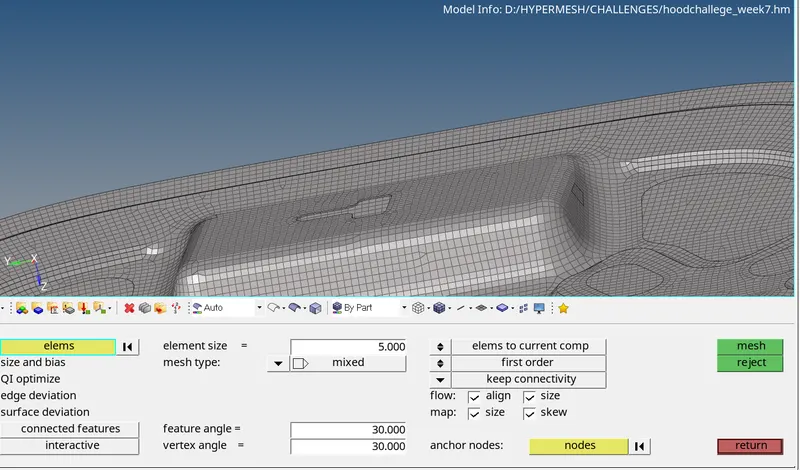
- If there are any failed elements which can be checked through element criteria mode, those failed elements needs to be fixed by using the split in edit element option.


- For the inner extract the half model is meshed first and then the tool-reflect option is used to do the whole model and use the tool-edges-equialence to join.


LEARNING OUTCOMES: I have learned how to extract the midsurface and different geometry cleanup techniques, i also learned how to mesh symmetry components.
CONCLUSIONS: The midsurface for the components of the hood are extracted and the meshing is done for all the components without any element failures.