Week 6-Meshing of Hood Challenge
AIM :
to mesh the given hood model with target element length as 5.also clear all the quality criterias given and mesh hood model by using mixed [not quad ] option.
OBJECTIVES :
1. to generating Midsurface and geometry clean up on the given hood model.
2. mesh the component given and assign thickness.
Element Length = 5 Units
3. clear the given quality criterias.
| S.N | Quality Criteria | Value |
| 1 | Aspect Ratio | 5 |
| 2 | Skewness | 45 |
| 3 | Warping | 15 |
| 4 | Taper | 0.5 |
| 5 | Min. Length | 2 Units |
| 6 | Max. Length | 8 Units |
| 7 | Min angle Quad | 45 |
| 8 | Max angle Quad | 135 |
| 9 | Min angle Tria | 20 |
| 10 | Max angle Tria | 120 |
| 10 | Tria % | 10 |
4. Use the 'Mixed' (Not Quad) option to generate the mesh for the given model.
PROCEDURE :
1. import the model in to the hypermesh through the option, import model - import geometry - file type - STEP - select file - import.
2. visualy inspect the hood model for any missing surfaces,free edges and non manifold lines.
3. make the model in to the wire frame mode and enable suitable visualization options and find out all the free edges and missed surfaces.
4. fill all the missing surfaces and free edges by using filler surfs option and ruled option.
5. for filling free edges by filler surface option,go to quick edit - filler surfs - select the free edges.
6. for filling edges by ruled option , go to surfaces - ruled - select line.
7. also use the toggle edge option by going through, quick edit - toggle edge - apply tolerence - select free edges and clear it.
8. go to edge edit and replace unwanted free edges.
9. after geometric clean up create the mid surface of the component by going through, midsurfaces - auto midsurface - extraction options - skin offset - auto extraction - select surfaces - extract.
10. after taking midsurface then go to meshing.before meshing toggle the ines that are fail to the minimum length.toggle all the unwanted lines and prepare a neat geometry to mesh.
11.after that apply the given quality criterias like aspect ratio,warpage,tria percentage..etc.for that go to, preference - criteria file settings - 2D - apply quality - ok.
12.then select the surfaces and mesh by going through 2D - automesh - srfaces - mixed - mesh.
13.mesh all the component and clear all the quality errors.rebuild the mesh for getting etter mesh flow and cear quality.for that go to, 2D - rebuild mesh - slect elements/surfs - edit parameters - rebuild.
14.by going through quaity index - clean up tools - smooth/place node/swap edge/node optimize/element optimize..etc clear all the quality criterias and improve the mesh.
15.for symmetrical components,meshed the half of the symmetry by deleting other half and reflect it in to other half.
16.for reflecting the mesh and surfs go to , tools - reflect - select N1 N2 N3 B - surfs/elements - dublicate - reflect.
17.also use replace node,combine,align options to improve the quality of the mesh.
18.dissassosiate the model by going through preference - topology revision options - dissassosiate for making changes in the mesh.
19.remove unwanted trias and improve the mesh.
20.clear all the quality criterias given and finish the work.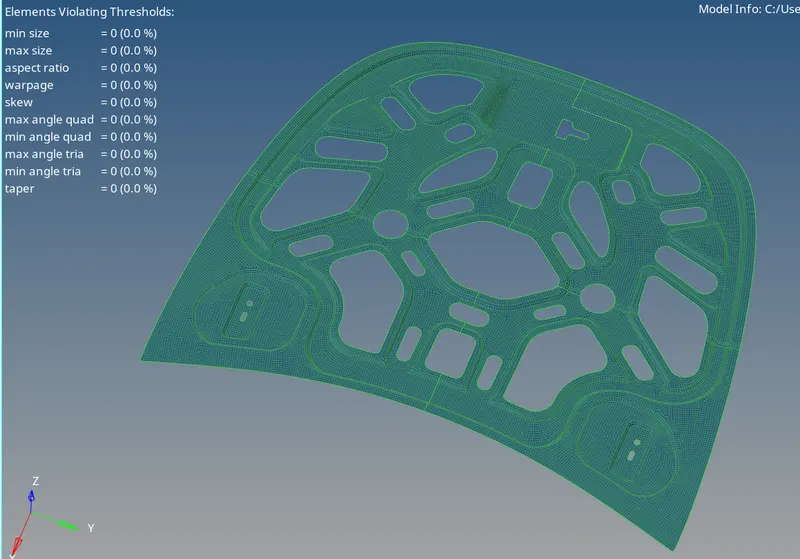
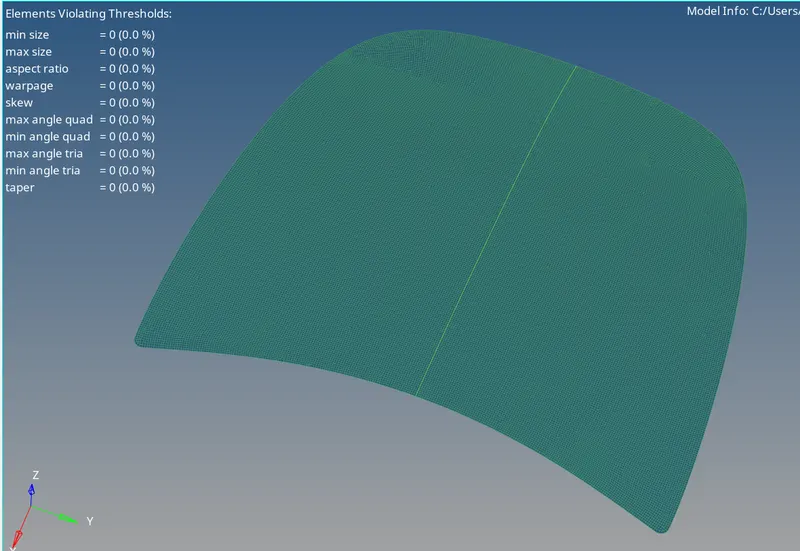
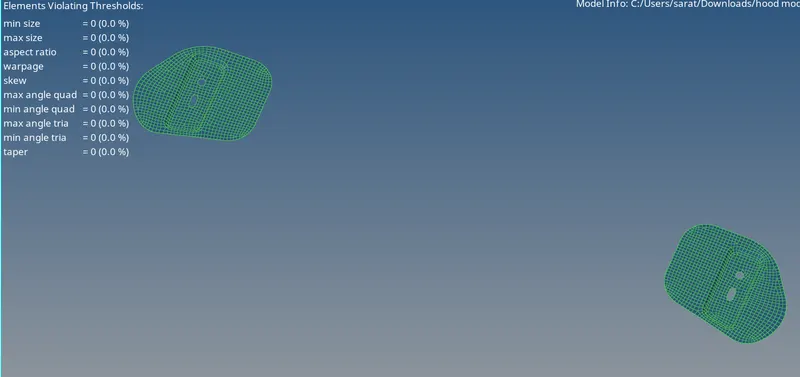
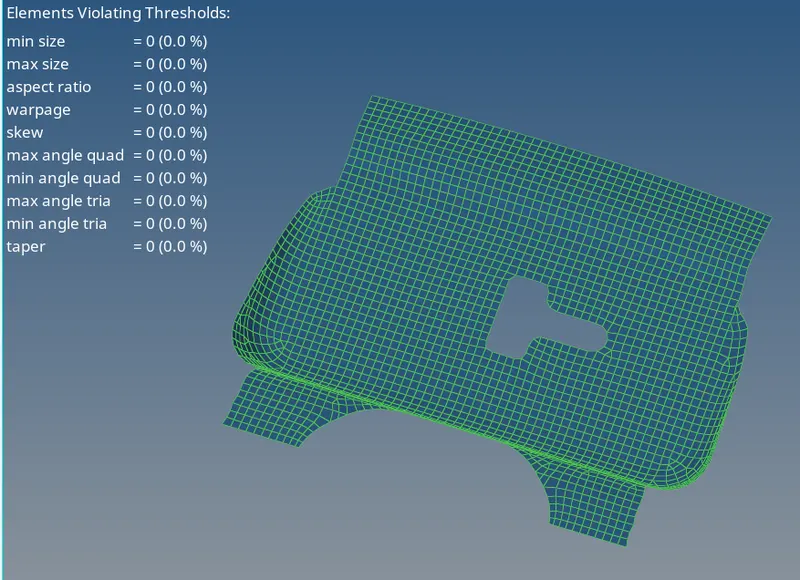
RESULT :
successfuly done the meshing of the given hoodmodel with mixed option.also cleared all the quaity criterias given.