Week - 4 - 2D meshing for Plastic components
Aim : For the given Plastic Bottle Cap model, check for the geometrical errors and take the mid surface by suitable mid surfacing techniques. PID and Thickness assignment has to be done for all the mid surfaces. Mesh the same with given element Quality criteria.
Procedure :
1.open the ansa preprocessor software and then open the given plastic bottle cap model by going through,file-open-select bottle cap and open.
2.after opening the bottle cap check for any geometry errors like tripple cons,needle faces,unchecked macros..etc by using the tool check geometry-geometry.after checking fix the errors by manualy or using fix option in check geometry and excecute errors.
3.after checking geometry we have to perform midsurfacing for geometries.for that select the geometry and measure the thickness,select topo-faces-offset.then select the face that we need to midsurface by using mouse left click,middle click for confirmation and give proper offset value that is positive or negative.
4.do midsurfacing my using appropriate options like faces-offset or faces-middle..etc
5.after doing mid surfacing then select NOT option and make PID reagion and then select parent geometry then midle click the mouse for visibling the mid surface.
6.giving proper quality criteria by using the command quality.applying the qualities like aspect,warpage,jacobian,tria percentage,minimum and maximum lenght..etc as per required.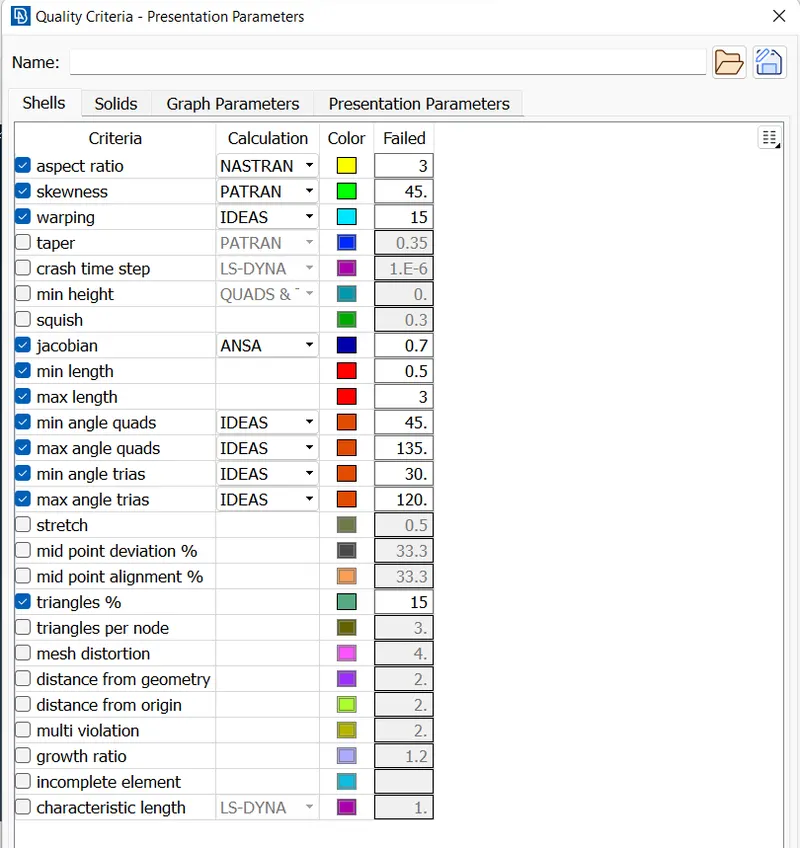
7.after appling quality parameters then we need to do meshing.for meshing give proper mesh parameters through the tool mesh parameters.give average,minimum and maximum length in mesh parameters.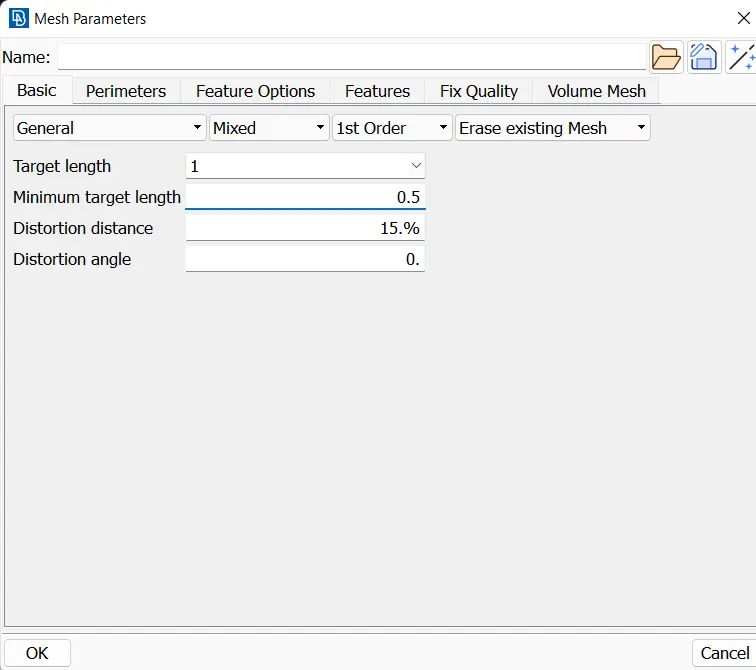
8.give proper topo for our geometry by using the tool [topo-faces-topo].then average the length using perimeters-length in classicmesh option.then do proper fine by using fine command.
9.remove unwanted hotpoints in the geometry by using delete or insert option in hot point option command in topo.
10.check for minimum lengths and remove unwanted lines by suppressing using the cut option.
11.for meshing select classic mesh and then select best mesh in mesh generation,then select the face that we want to mesh.then do the mesh correctly through all faces that we need.
12.reconstruct or improve the mesh flow as required.use split and insert option for removing unwanted trias.make a proper mesh.
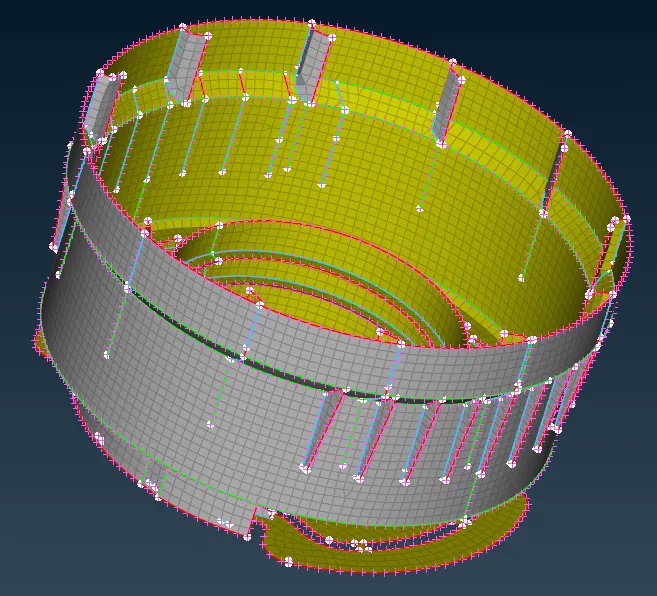
13.perform proper mesh in al geometry.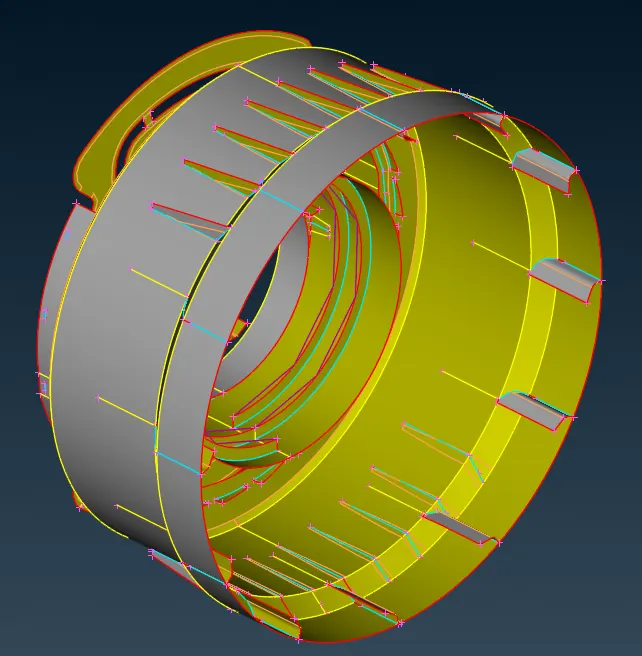
Learning outcomes :
for geometry check=check geometry-geometry-excecute-manualfix or autofix
for midsurface=topo-faces-offset or midsurface or middle
for extracting=!not-pid-midsurface plane-ok
for neighbouring face visible=AND-scroll select-visible
for viewing all part=select All command
for visible selected entities=command-or
for deleting hotpoint=hotpoint-insert/delete
for cutting unwanted lines=faces-cut
for making fine edges=topo-auxillaries-fine
for removing tripple cons=topo-cons-release
for reconstructing the mesh=classicmesh-shellmesh-smooth/reconstruct
for changing trias in mesh=classicmesh-elements-split
for making weld spot=hot points-weld spot
for extending the surface=faces extend
Conclusion :
successfully completed the geometry cleanup,midsurfacing and classic meshing by using ansa preprocessor[CAE]with the given element criteria for the given plastic bottle cap.