Week 6-Meshing of Hood Challenge
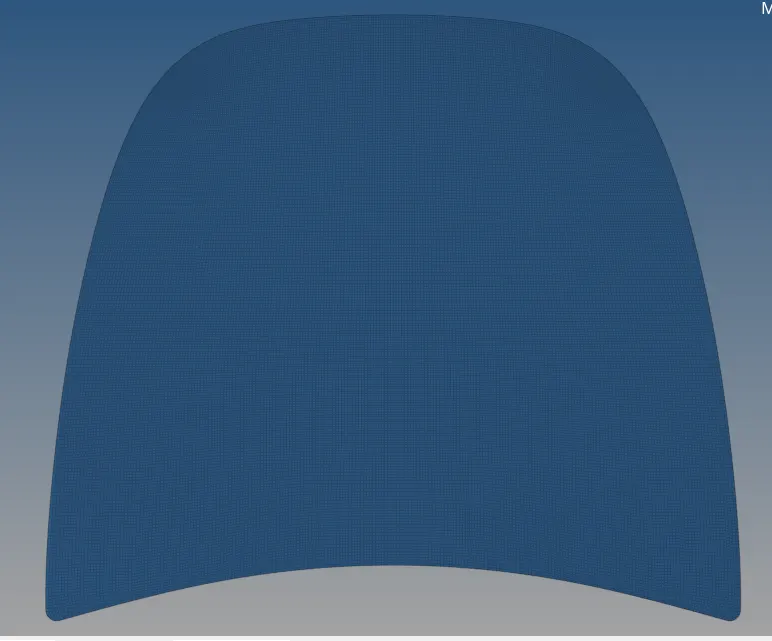
AIM:-To crraied out the mid surface and 2d mesh for the given component
Procedure:-
- First step is to import the model into the hypermesh.
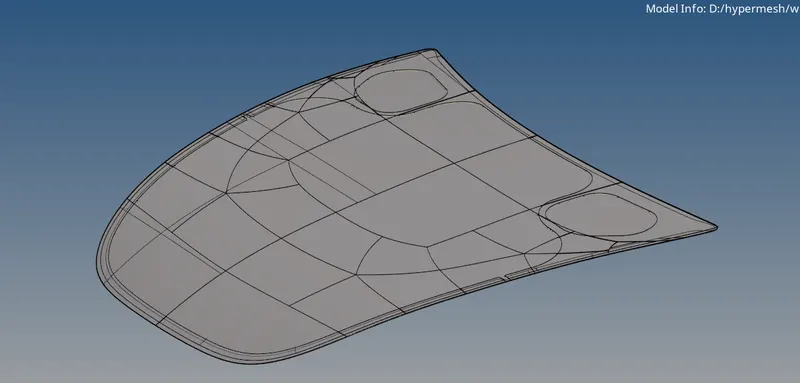
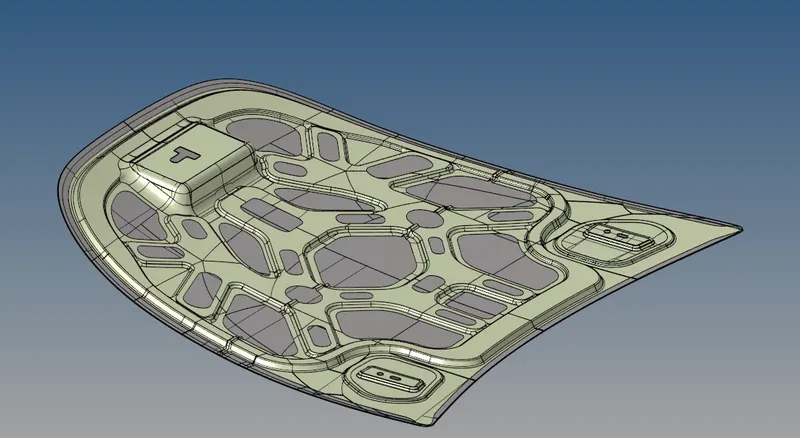
- Arrange the component into collector using organize tool.
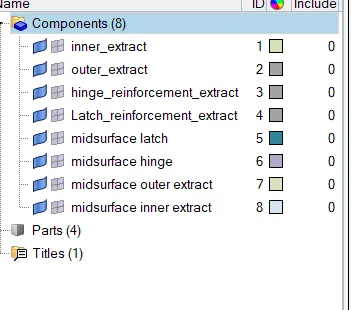
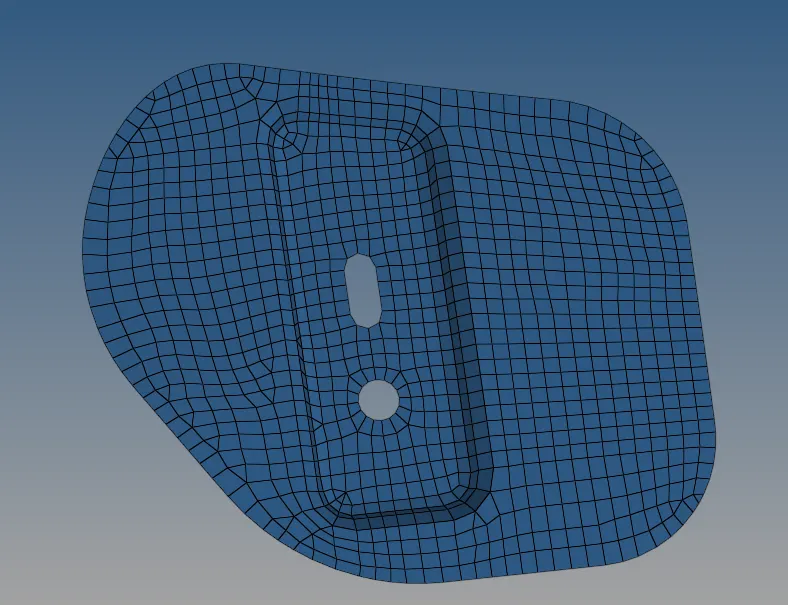
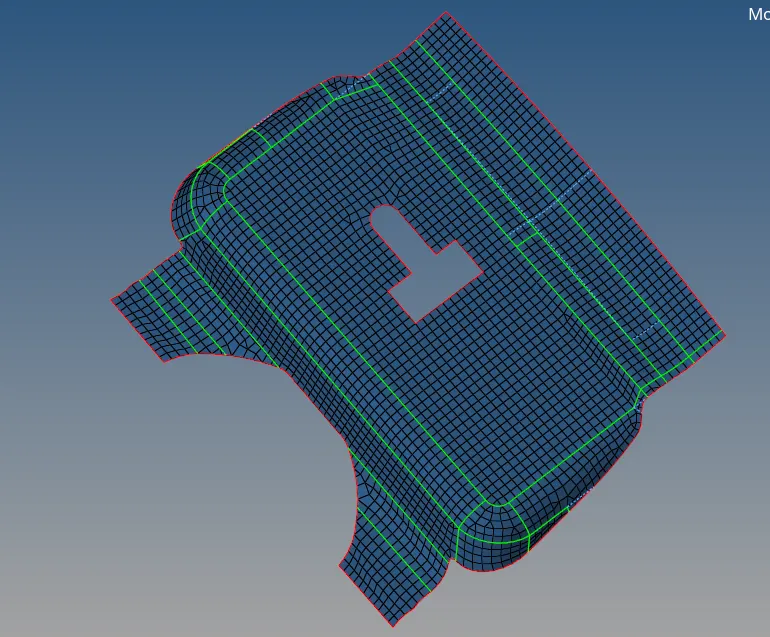
- Extract the mid surface for latch component as shown below and do geometry clean up.
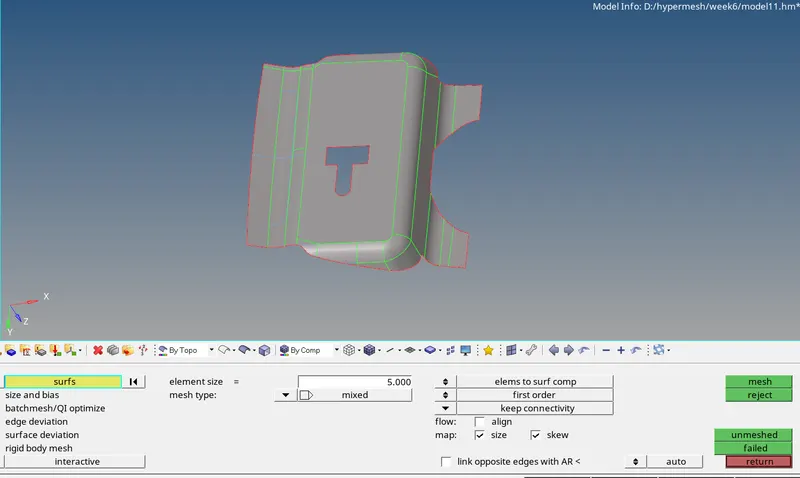
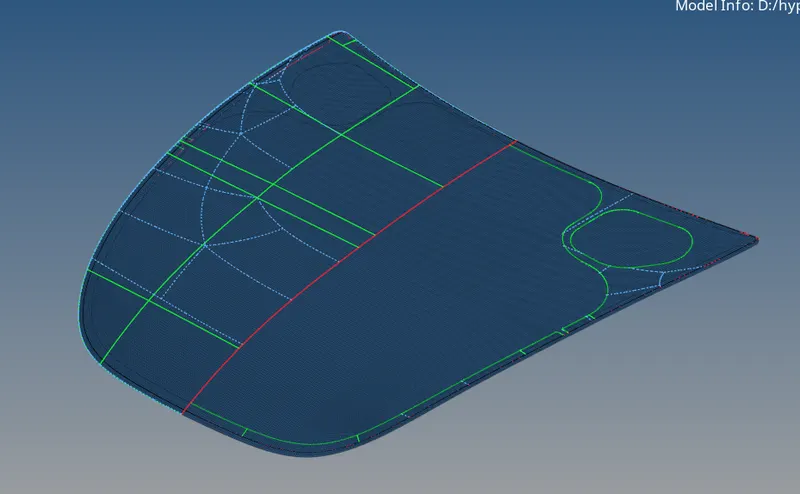
- After importing and repairing the CAD geometry, we will be extracting the mid surface to generate the mesh out of it. Looking into the construction lines and rearranging them effectively is very important as it helps in achieving a good mesh flow with better quality. With the help quick edit steup one can easily do geometry clean up. Also need to find out the free edges and missing surface.

- Rearrarnge the featrure line in order to get better mesh flow as shown below
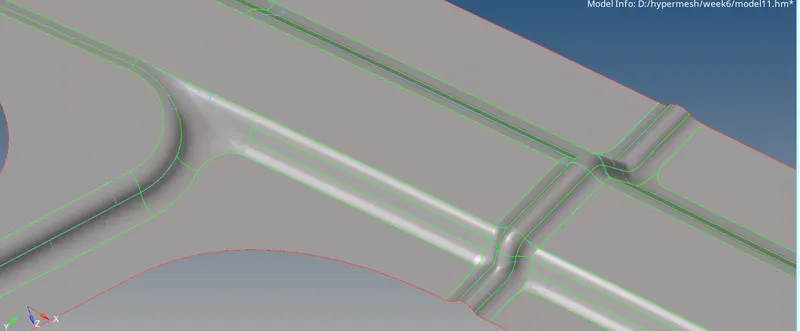
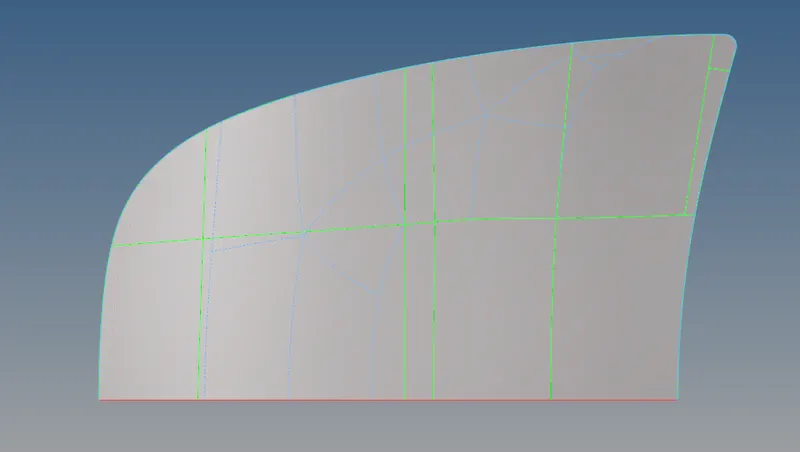
- After completing the geometry cleanup we can move towards inputting the mesh cretria.
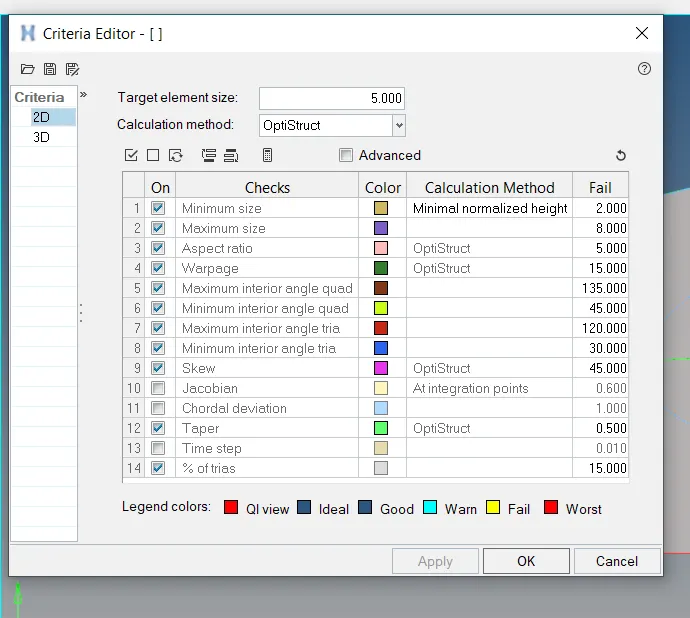
Some are the rules need to flow during meshing
- The Tria elements should never be opposite to each other
-
No Tria elements should be connected back to back
-
No Tria elements should be on the edge of the geometry
-
No Tria elements should be near the holes
-
No Tria elements should be on the feature and the fillets.
-
There should be less Tria concentration, i.e., there should be a considerable distance between Tria elements.
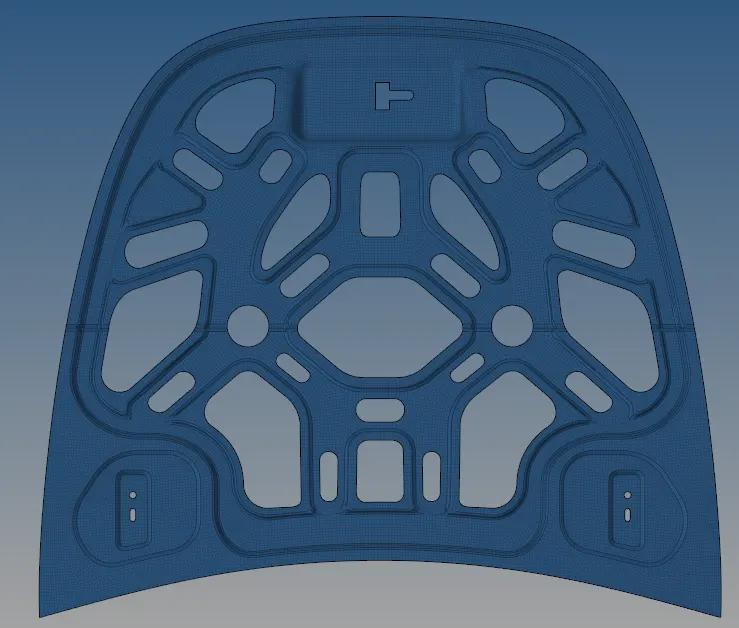
Learnings:-
- Learn the hypermesh userinterface.
- learnec the fundamentals of good meshing.
- Learned Extracting the midsurface and doing the geometry cleanup for better mesh flow.