Week - 4 - 2D meshing for Plastic components
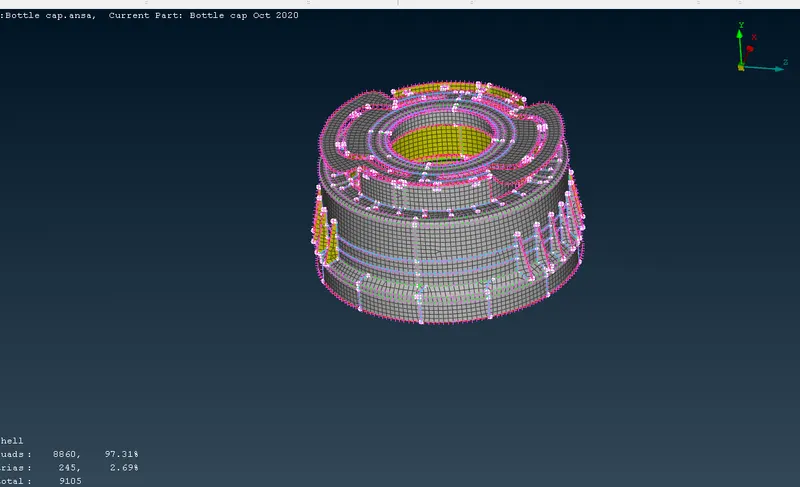
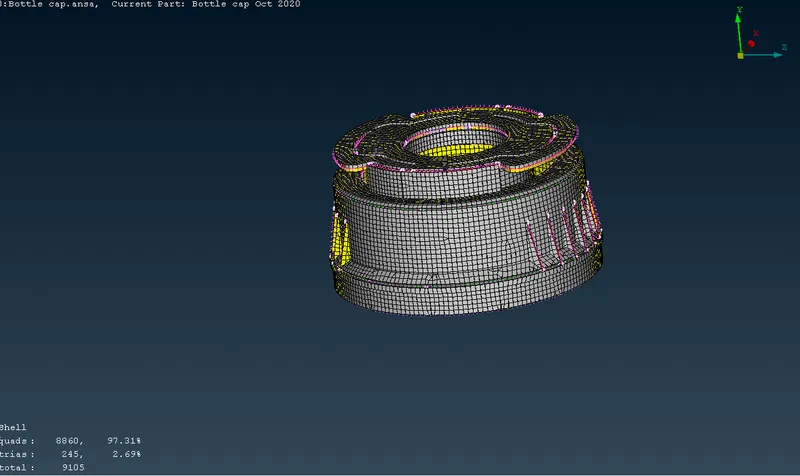
Aim:- In week 4 challenge 2d meshing of plastic component is to be carried out, also extracting the midsurface of the varying thickness model and assigning the thickness to the midsurface.
Procedure:-
- First step is to import the model into the ansa by clicking tothe open command in the file option.
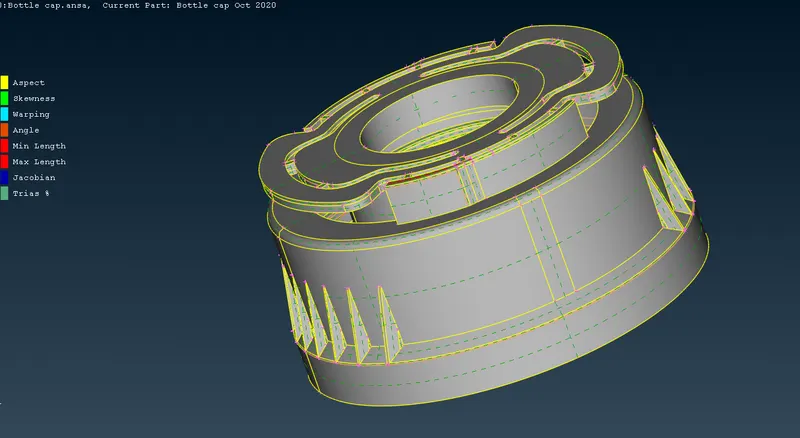
- onces the model is imported into the software next steps comes is tocheck the geometrical errors present in the model.
- This geometry error can be checked by the help of the user define template present in geometry check.
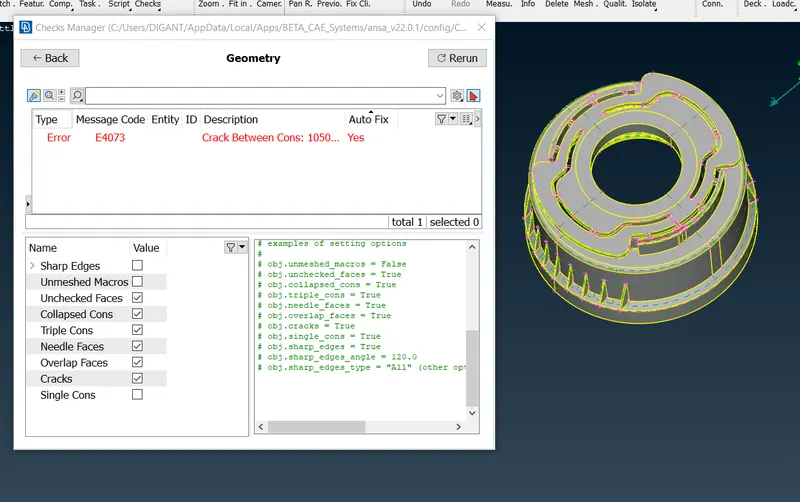
- When the algorithm was run software found the geometrical error as shown in the figure which can be auto fix.
- After that we can move towards manaul mid surfacing of the model, as it is a plastic component it is having the varying cross section over the length
- Manaul offset command can be used for the simple cross sectional faces having the constant or linear change.
- Critical region are those region where the cross section are not constant nor linear some of the region are shown below.
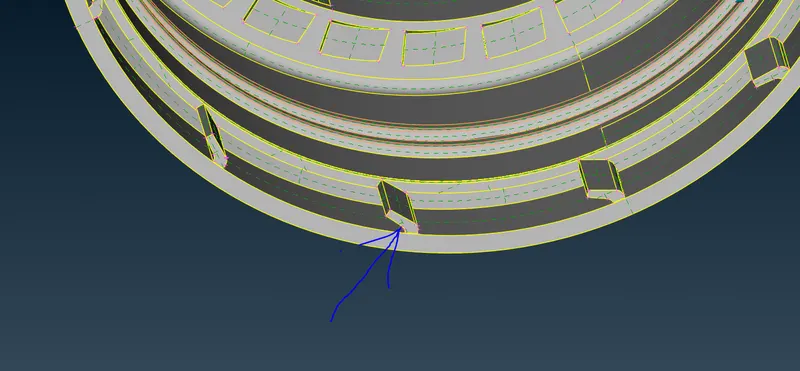
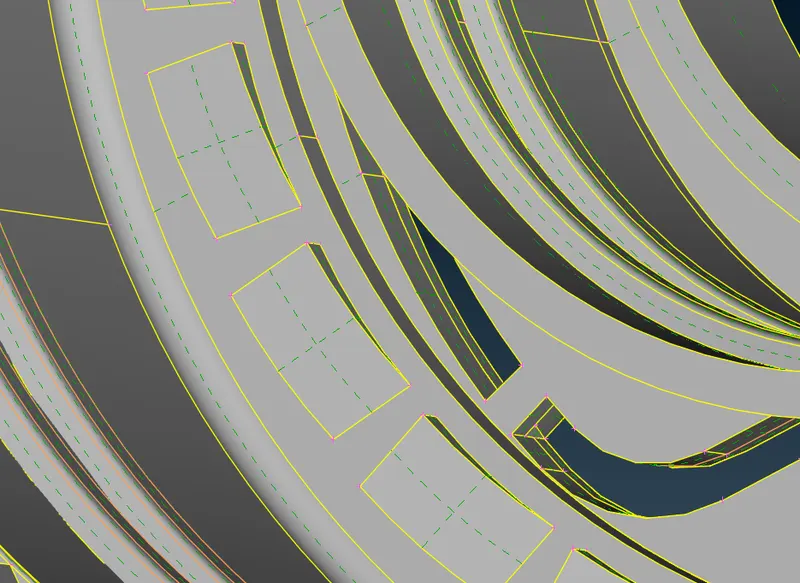
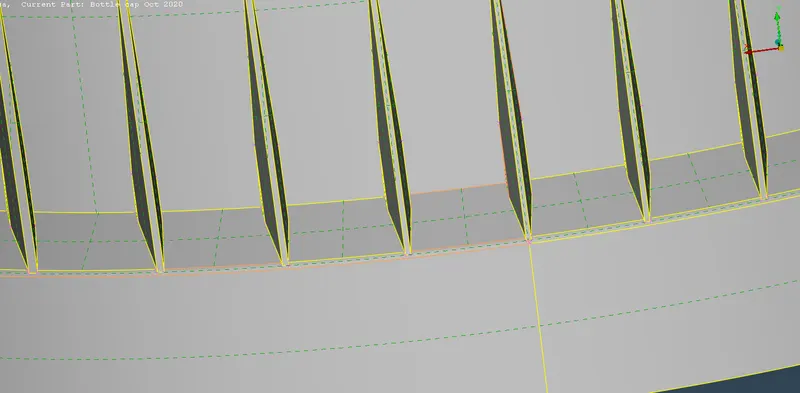
- Mid surface of this type of region can be taken out by the help of middle curve command in curves section
- Middle curves is taken out between the two construction line which is further used to carried out the mid surface some of the steps are shown below
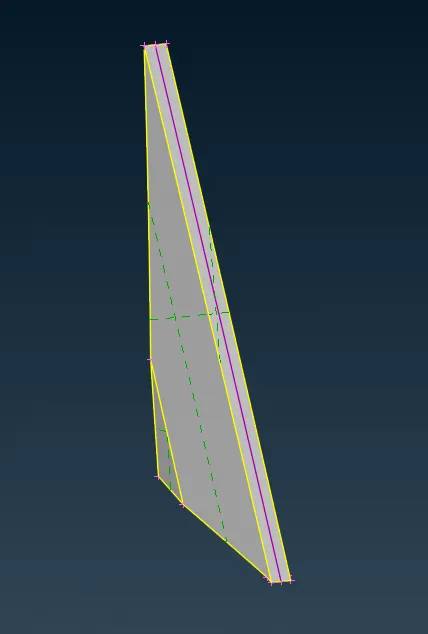
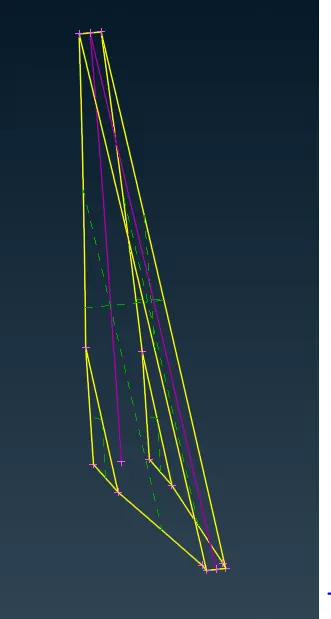
- As shown in above image the midsurface was extracted by the help of curves, in the similar way we can extract the mid surfacing of various non linear cross section object.
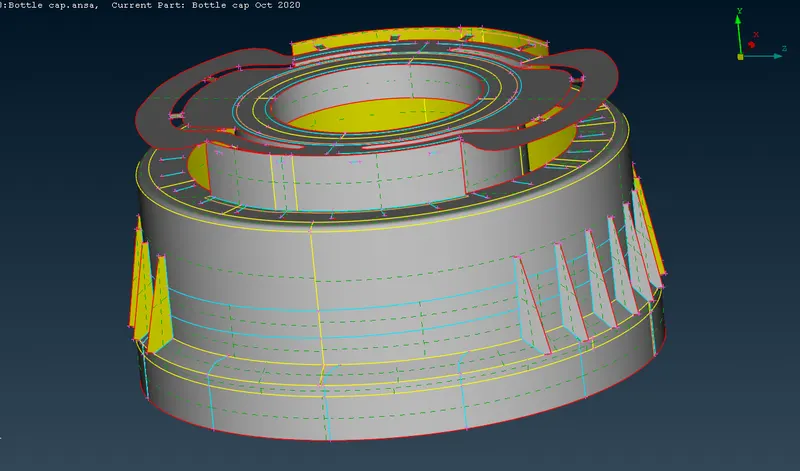
- After completing the mid surfacing of the model next step comes meshing, Quality parameter is needed to input, mesh parameter is to be assigned.
- There after once again the geometric error need to check wether any error is present in the mid surface. critical region has to check for minimum element quality criteria.
- if it is falling below the minimum quality criteria the some of the defeaturing is to be done where it is requried .
- After completing those above steps we can go for meshing the component
Learnings:-
- Learned about the curve function to genrate the various curves in the model for the mid surface extraction
- Learned how to manage the surface and make it clean so as to obtain the good mesh flow
- learned about skin command for auto mid surfacing the component
- learned how to handle geometry having varying thickness as specially for plastic component.
- learned some new defeaturing techniques in order to get good mesh flow
- difficulties faced near the region where lots of mid surface intersect and share there edges
- learned about rotate command which saves lot of time in replicating the same geometry else in the component
Conclusion:-
In this week 4 challenge i would like to conclude that from the given model i have learned to handle the mid surface which are having the uniform and non uniform thickness over the region specially in the plastic component where there is lots small feature having non uniform thickness, providing the average thickness to that mid surface, overall handling and assigning the thickness to the mid surface was the challenging job.