Week 6-Meshing of Hood Challenge
AIM: To create the Mid-Surface and generate a mesh on the given Hood panel.
Procedure:
- The model is imported using the import option and need to keep the file type STEP as per given model file type.
- Check the geometry if required cleanup the geometry errors it results quality mesh.
- By using different options, we can clean up the geometry errors like auto cleanup, Quick edit.
- After geometry cleanup create a Mid-Surface using auto mid surface option.
- In mid surface keep extracting option as Skin Offset according to close/accurate mid surface creation need to do changes in extracting options.
- By keeping Skin Offset option in Extracting options extract the mid surface.
- After extracting the mid-surface to the given model then delete the solid body.
- The construction lines are arranged in such a way to achieve better mesh flow.
- The given quality criteria are entered in the element cleanup in the edit criteria option.
- After entering the quality criteria, the mesh is generated.
- Created mesh can be optimized using the tools like split, element optimize, drag tria, etc.,
- The mesh can be generated by using rebuild mesh in order to create a better mesh.
- After meshing one half of the model, the elements are selected and it can be reflected using reflected using reflect option in the tool option.
- After reflecting the elements to the other side, the free edges are to be checked and it can be fixed using equivalence option in the edges option under tool option.
- Given Quality criteria values entered in Preference-Criteria file settings and then apply ok.
- After completing the meshing go to Tool option select check elements option to check element Wrap, Skew, Length, Jacobian, Tapers, Tria and Quad angles, etc.,
- .Latch Reinforcement Midmesh:
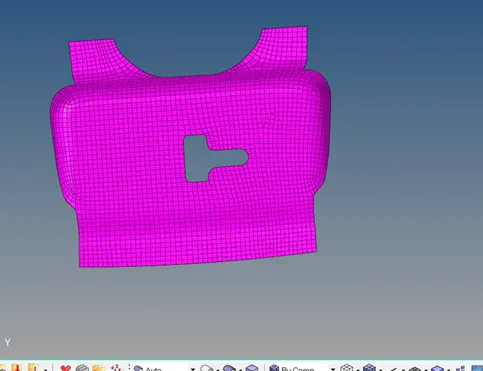
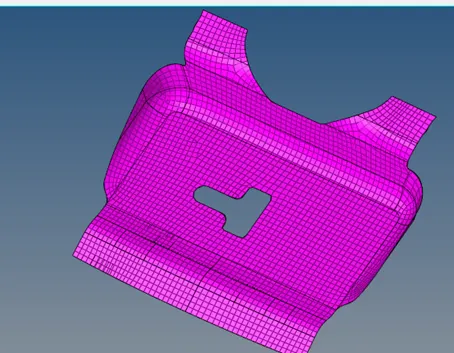
2.Hinge Reinforcement 1 Midmesh:
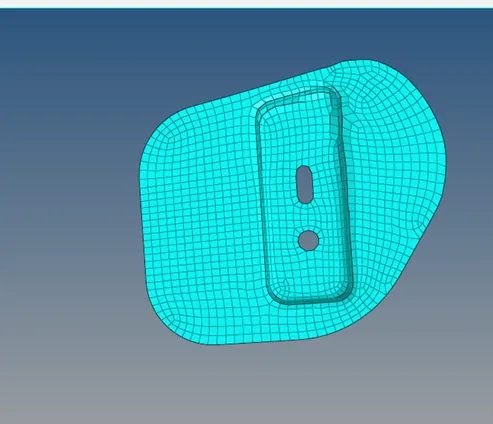
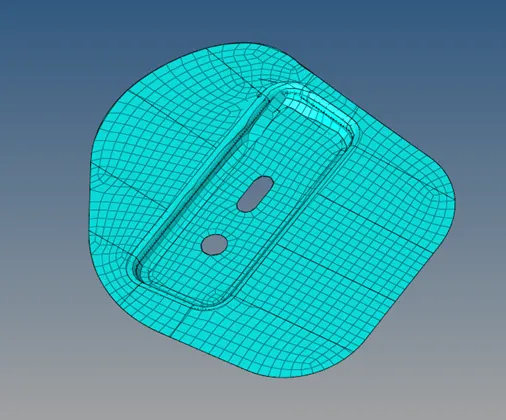
3. Hinge Reinforcement 2 Midmesh:
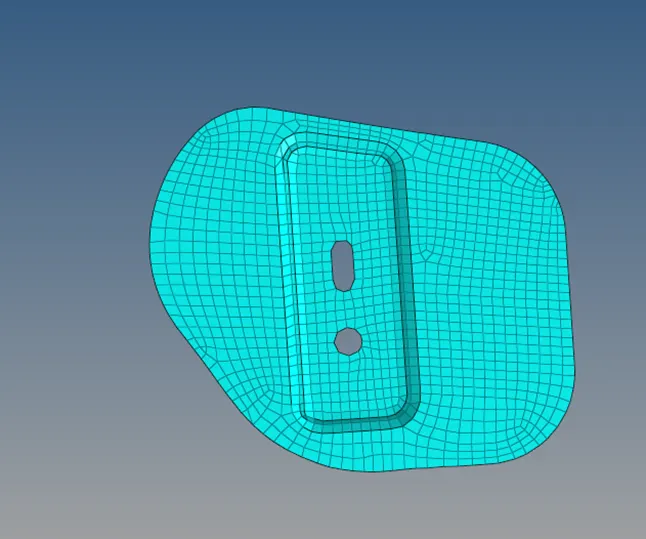
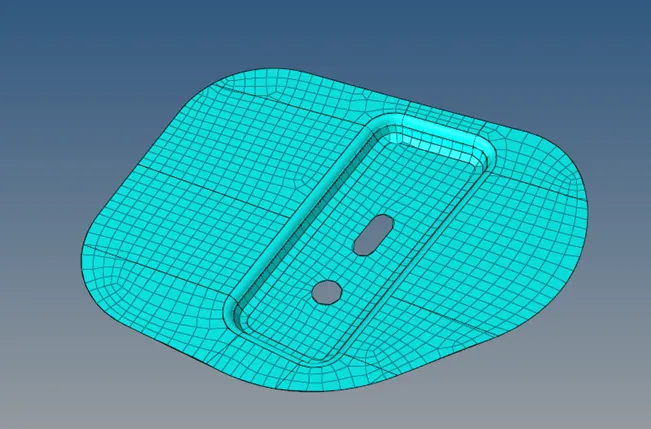
- Outer Body Midmesh:
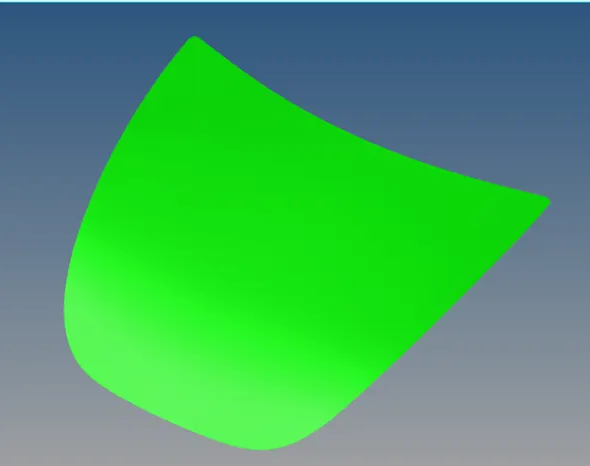
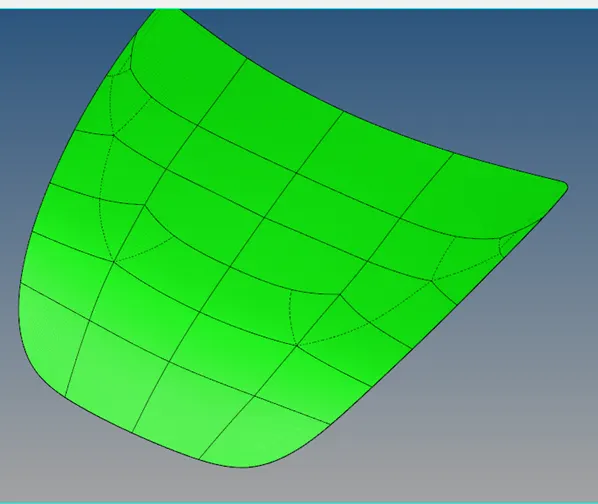
- Inner Body Midmesh:
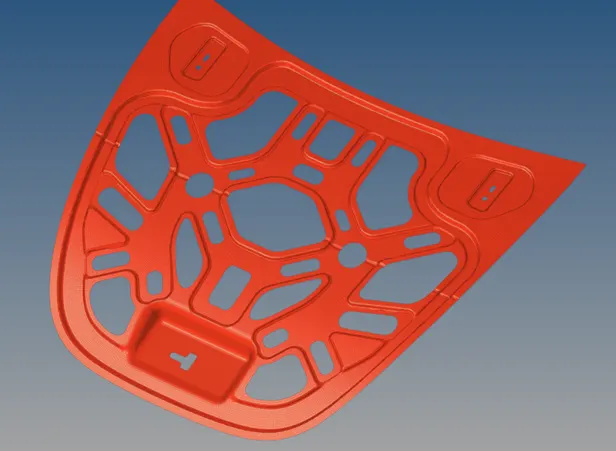
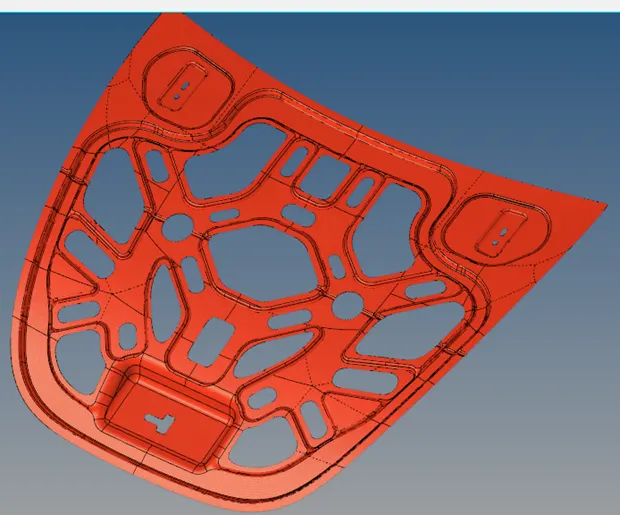
Conclusion: Meshing will be done by creating a Mid-surface to the Hood with the given quality criteria values optimize the mesh flow in the Hyper mesh.