Meshing of Hood
Objective: To extract the midsurface for each component and mesh the given hood component with the given target element size of 5mm and with mentioned quality criteria.
| S.N | Quality Criteria | Value |
| 1 | Aspect Ratio | 5 |
| 2 | Skewness | 45 |
| 3 | Warping | 15 |
| 4 | Taper | 0.5 |
| 5 | Min. Length | 2 Units |
| 6 | Max. Length | 8 Units |
| 7 | Min angle Quad | 45 |
| 8 | Max angle Quad | 135 |
| 9 | Min angle Tria | 20 |
| 10 | Max angle Tria | 120 |
| 10 | Tria % | 10 |
Procedure:
Import: Import the cad geometry or model by clicking on the import option.
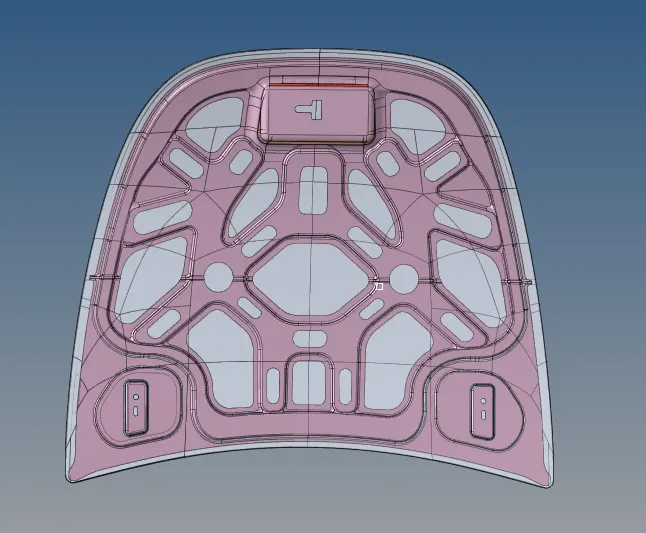
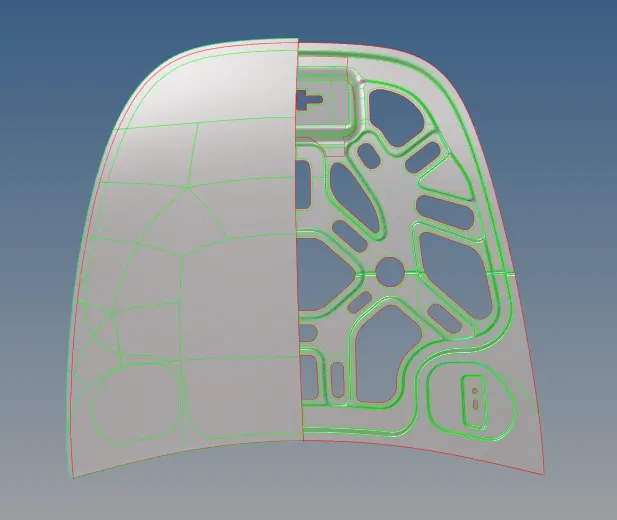
Midsurface: As the model consists of the various components, we should extract midsurface for each every component using the tool called midsuface and do topology cleanup for the generated midsurface.
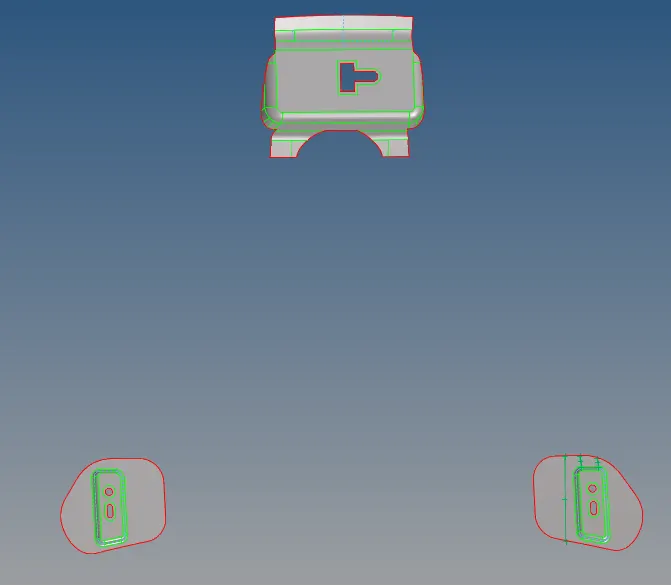
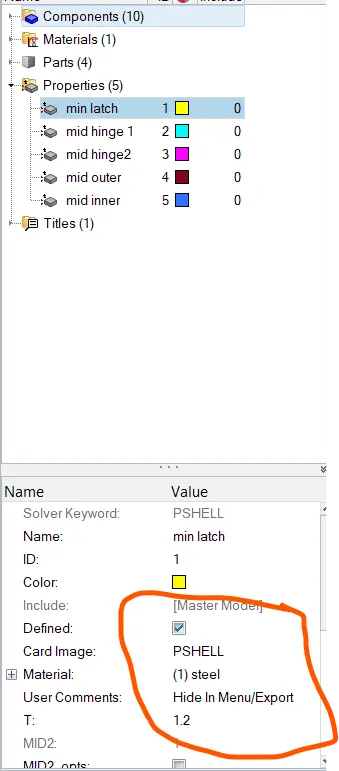
create a property for each midsurface component, check the thickness of each component the give value in the property and assign the property for individual midsurface component and also by creating the material followed by assigning the material for each property.
Cleanup has to be perpormed for every midsurface component by the geometry to 2D topology mode, and remove the defects.
MESH:
Goto quick edit and by using toggle option remove unnecessary lines, add/remove nodes, create extra lines by using split surface options, so that one can generate a better mesh flow reducing the trias percentage.
To perform mesh goto 2D menu>automesh option to generate mesh for the selected midsurface.change the element size to 5 and edit the node number for better mesh and click ok.
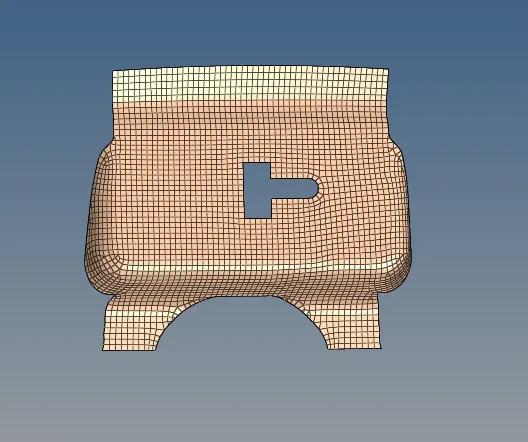
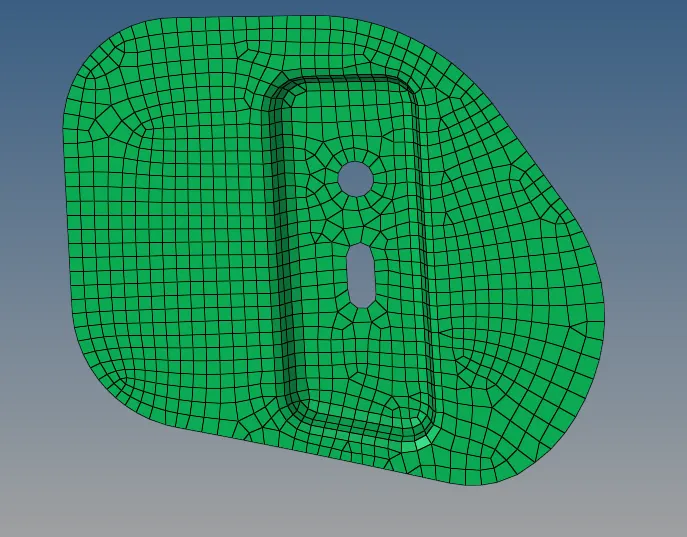
Symmetric components:
After generating the mesh goto qualityindex and give criteria values in edit criteria and click cleanup tools then edit the failed mesh areas and thereby reduce the tias number with the aid of options.
change the mode to "By element check" to view the failed element numbers on Graphics window.
perform the same procedure to all the midsurface components.
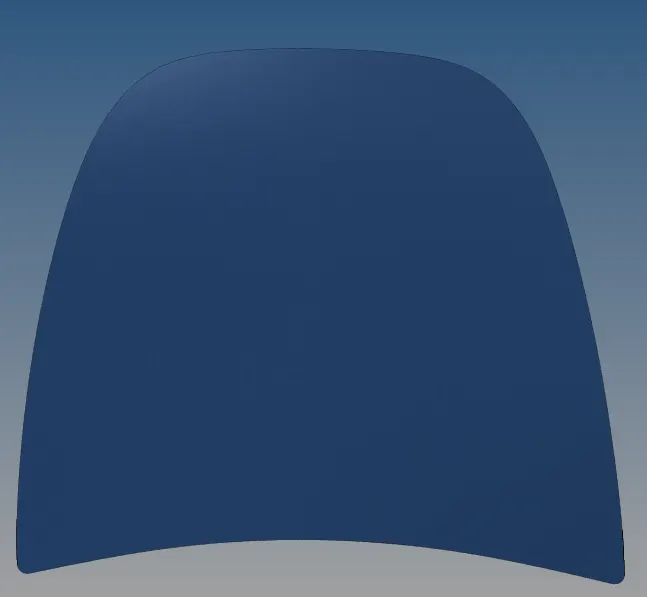
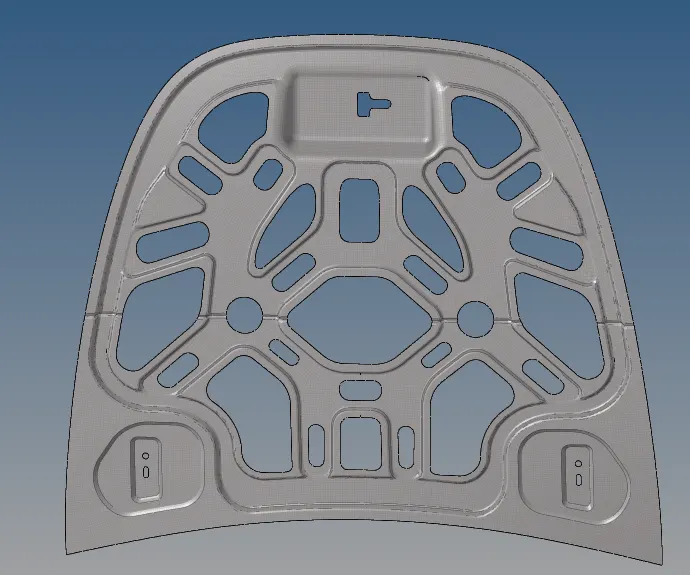
For the inner extract body mesh need not be done for the whole component, so first mask the half midsurface and perform mesh for only half part the goto Tool>Reflect> select elements and duplicate the original component by clicking on elements> select direction and base node at the edge of cutted portion and perform reflection.
However the edges of element at half portion is not connected. So goto edges> select elements>preview equivalance( can see the edges with highlight)> click on equivalance to attach.
similarlly perform the same operation for outer extract body and hinges.
Result: The given hood assembly is successfully meshed according to the mesh quality provided and quality checked.
Conclusion: In this challenge, we learnt how to mesh the Hood component with different options for good mesh flow.