Week 6-Meshing of Hood Challenge
AIM: Meshing of Hood
Follow the below-mentioned quality criteria, mesh the component given below and assign thickness:
Target Element Length = 5 Units
| S.N | Quality Criteria | Value |
| 1 | Aspect Ratio | 5 |
| 2 | Skewness | 45 |
| 3 | Warping | 15 |
| 4 | Taper | 0.5 |
| 5 | Min. Length | 2 Units |
| 6 | Max. Length | 8 Units |
| 7 | Min angle Quad | 45 |
| 8 | Max angle Quad | 135 |
| 9 | Min angle Tria | 20 |
| 10 | Max angle Tria | 120 |
| 10 | Tria % | 10 |
(Note: Make sure that all the mid-surface is done separately for each component and then meshed. Attach the hypermesh model files (.hm) with the challenge)
You will have to submit a detailed report describing whatever you have performed in the challenge. You will be graded for the report as well
Things to Remember while Meshing
- Use the 'Mixed' (Not Quad) option to generate the mesh for this challenge because we are preparing the model for crash & safety simulations. The quad-only mesh is preferred for durability and structural simulations.
- The minimum length errors in the Hemming regions are acceptable because the hemming region has a very small cross-section when compared to our minimum length. If you want to avoid the minimum length error in the hemming, follow the below procedure
- Toggle all the split lines which are all less than the minimum length.
- Go to midline option (Geom → lines → Midline)
- Select the two fillet edges on the hemming portion and create a mid-line.
OBJECTIVE:
- Clean the geometric error from the hood
- Extracting the mid surface of hood model
- Mesh the model with meshing algorithm command and assigning the givem quality criteria to it.
IMPORTING :
Import the model .STP file as geometry
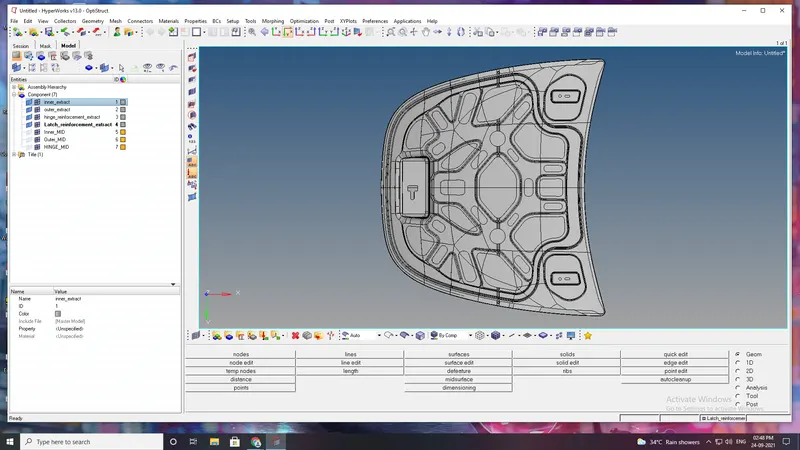
4 component
- inner extract
- outer extract
- hinge reinforcement extract
- latch reinforcement extract
DELETE THE SOLID
After importing , we change the geometry color mode to BY TOPO, we find that the model consist of solids, Which is not required for our further process.
So we delete the solid from the model which alos benefits in less time consumption for computing in hypermesh
After deleting the solid create a mid surface individually
We extract the mid surface using auto mid surface option.
1stly gonna create a mid surface for inner extract,
for that, right clicking on the inner extract part in the part list and selecting to make current and invisible all the other components.
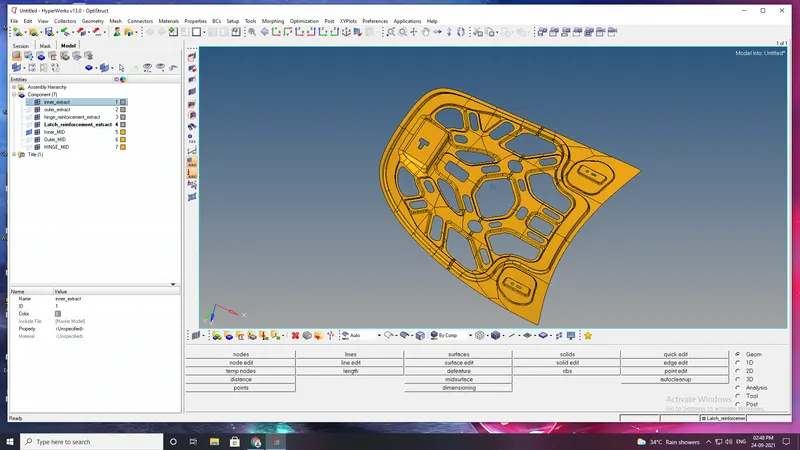
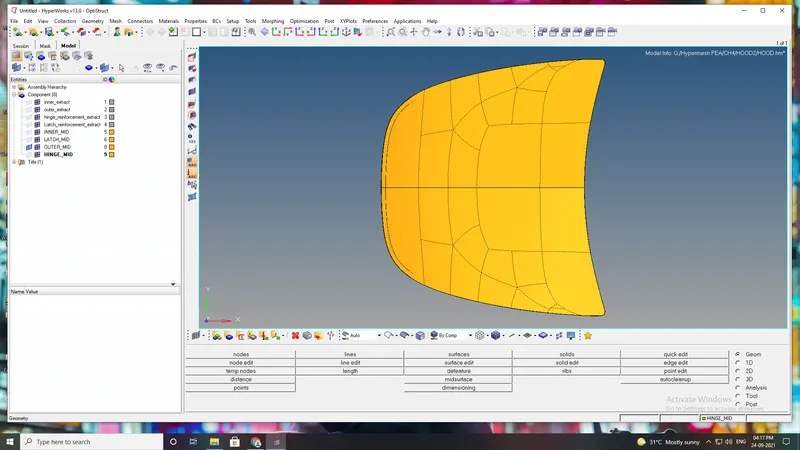
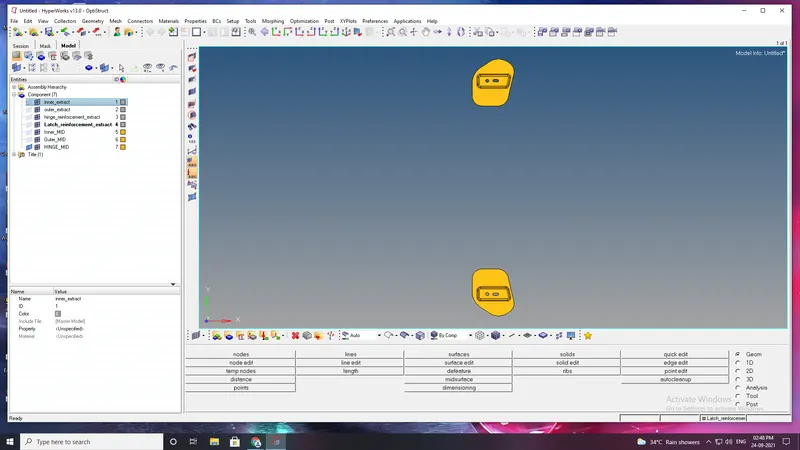
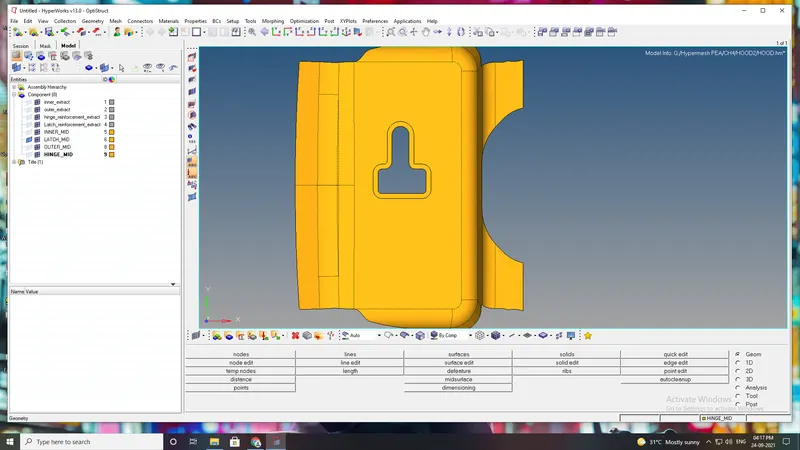
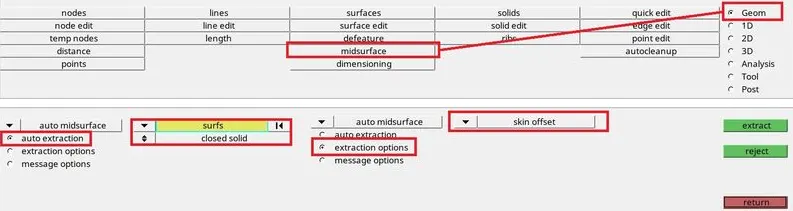
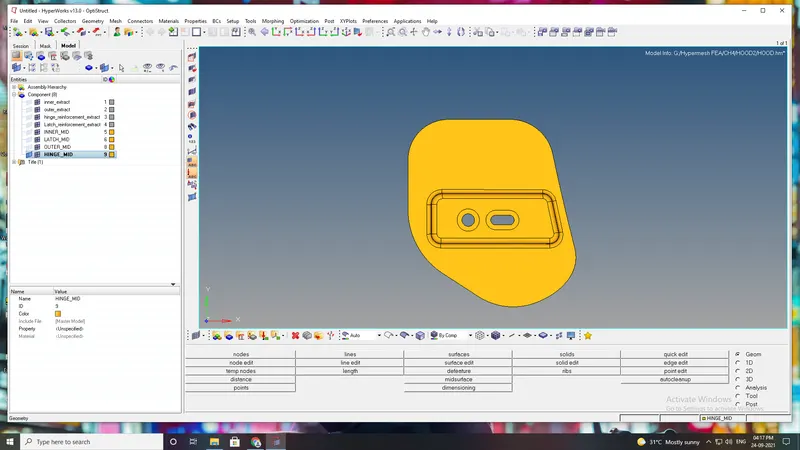
After extracting the mid surafce for all the component for hood we need to rearrange/toggle the construction lines so that we get good mesh flow.
Some of the regions in the face of inner panel , outer panel, latch and hinge will be distorted exp. misaligned lines , unchecked faces, damagedface, non-washer face, etc.
we also create a washer split at the holes, so can obtain a proper mesh flow.
Distorted region will be removed by following the process (GEMETRY---QUICKEDIT---TOGGLE LINES) to hide the lines to avoid mesh error and process (Geometry-----quickedit---washer split).
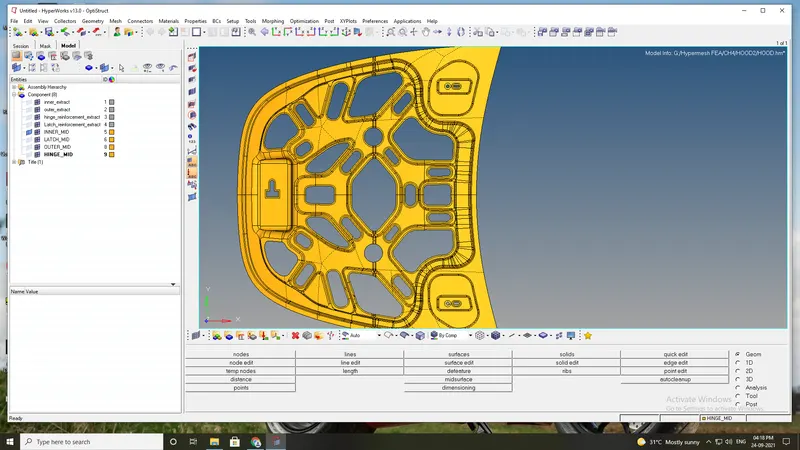
Before meshing we need to set up given quality criteria as per the specified to create quality mesh and also about meshing parameter for every particular hood model parts.
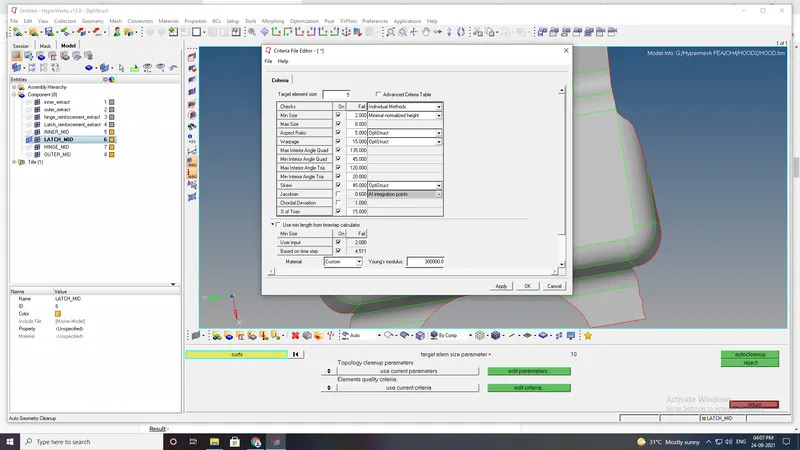
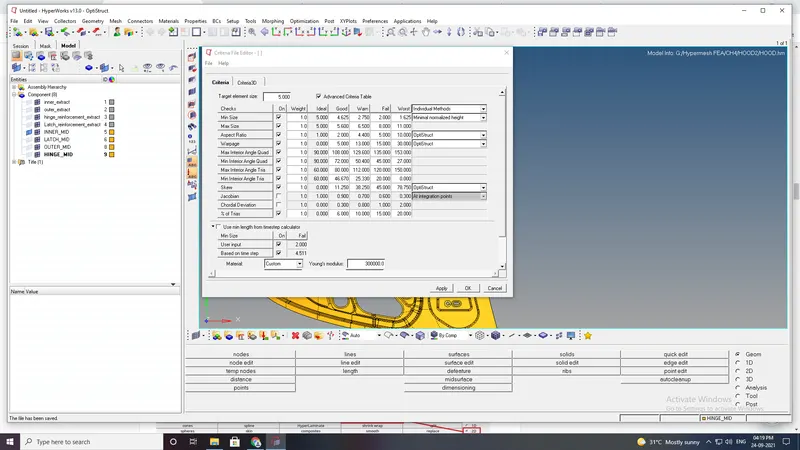
meshing process is done, The element size tobe 5 and mesh type mixed in auto mesh option.
Now after meshing there are so many back to back trias and quad elements that will formed so, wee need to optimized the quality of the element.
To optimize the element we can use the rebuilt option abd also remesh the elementof the particular.
This will remove all the element failure from mesh the mesh , as it is necessary to have proper mesh for analyasis.
As meshing is applied irregular elements will forms in some region of latch and hinge like triangular elements,rotating quadrialateral elements
To achieve that (2D---edit--element---split)command applied to convert triangular and quadrialateral element into smaller into small one.
command to pull triangular elements backward in oder to present elements as minimum a possible in faces of every part of hood model.
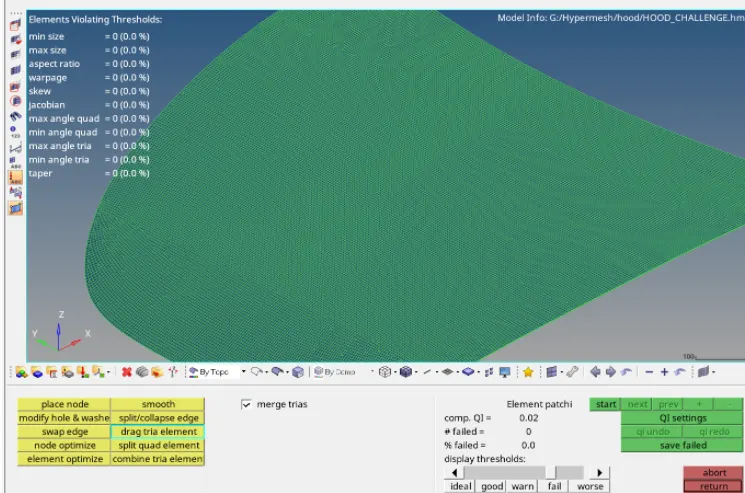
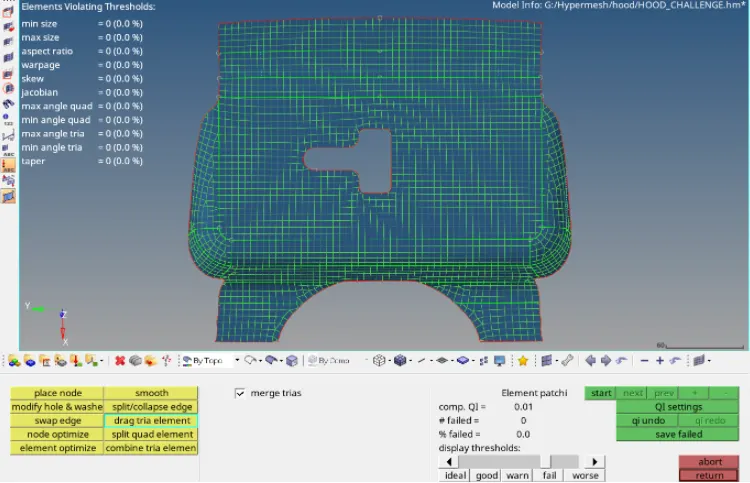
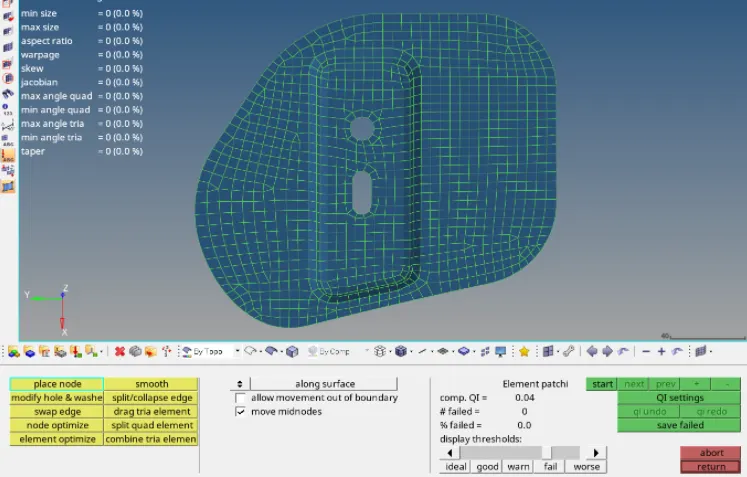
ALL mentioned quality criteria, mesh the component has followed and mesh is applied.