Week 6-Meshing of Hood Challenge
AIM
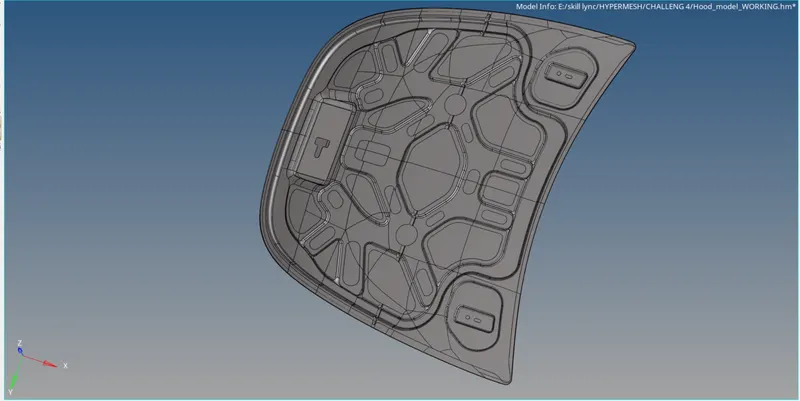
To create midsurface and generate mesh on the given hood model
PROCEDURE
MIDSURFACING
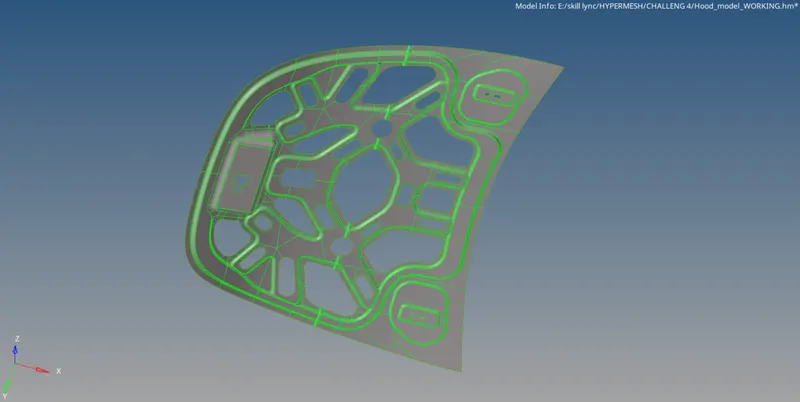
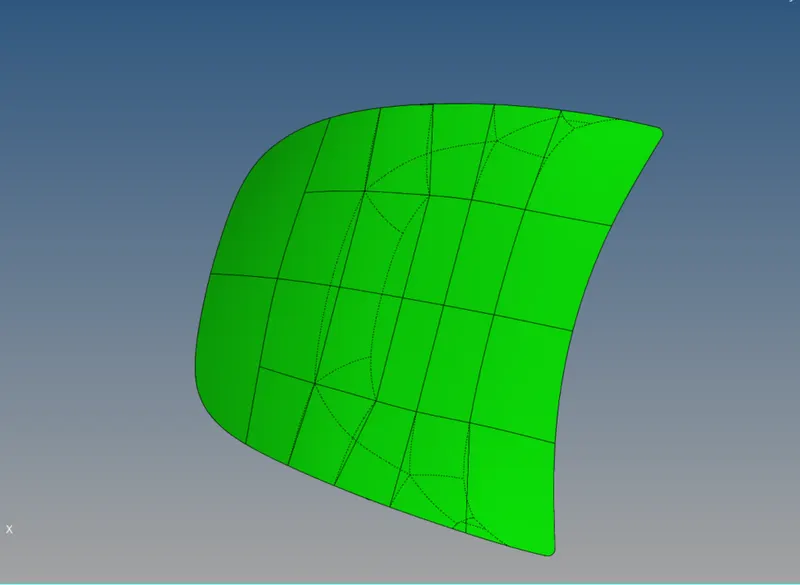
Extract the mid-surfaces for all interior and exterior parts of the Hood model
I used auto mid surfacing tool present in geometry module in hypermesh
I created different components to the extracted midsurfaces using model tree
GEOM-->MIDSURFACE-->AUTO MIDSURFACE(SKINN OFFSET)-->SURFACES-->EXTRACT
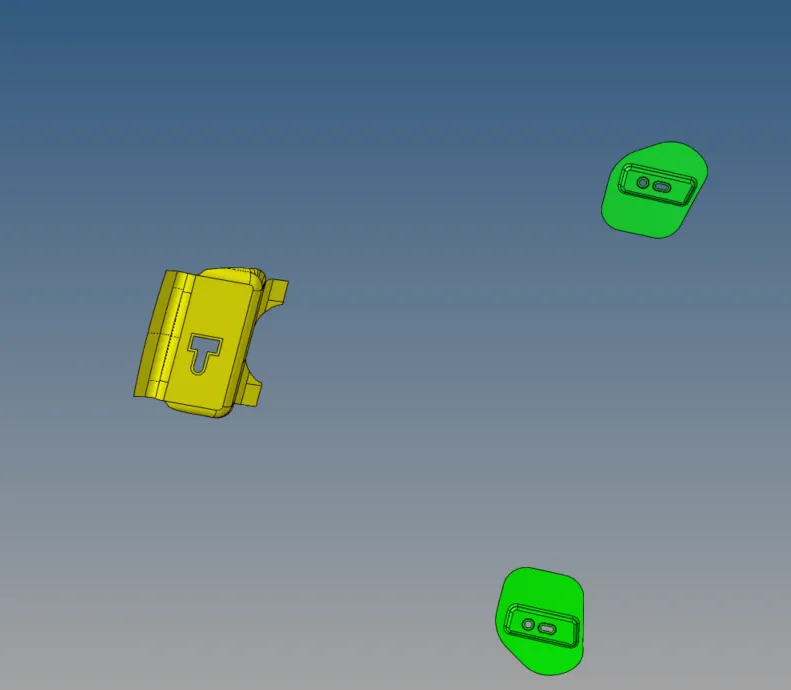
By using auto cleanup tool in geom module i cleaned up the geometry of models and this cleanup creates necessary cuts and toggle the lines
which will cause elemental failure in the components
GEOM-->AUTOCLEANUP-->SURFACES-->AUTOCLEANUP
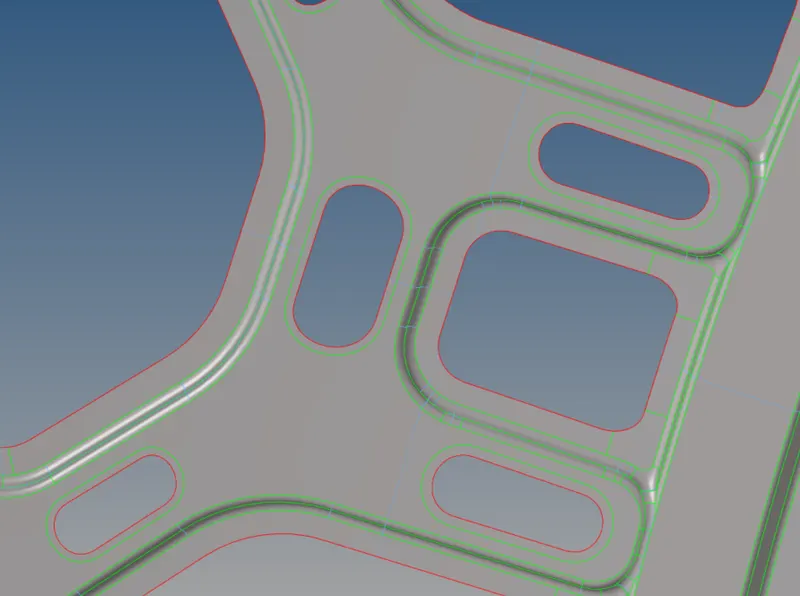
To avoid elementel failure at the edges of the holes i created washer splits off 5mm as my target element length is 5mm
GEOM-->QUICK EDIT-->WASHER SPLIT-->OFFSET VALUE-->EDGES
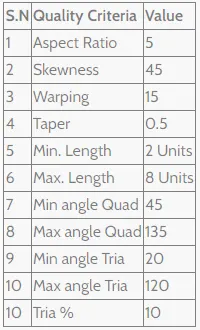
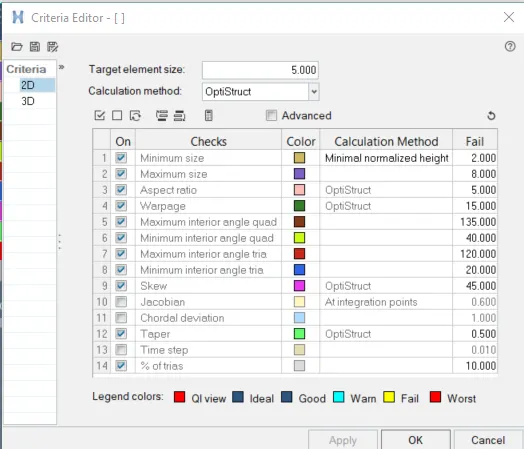
QUALITY CRITERIA
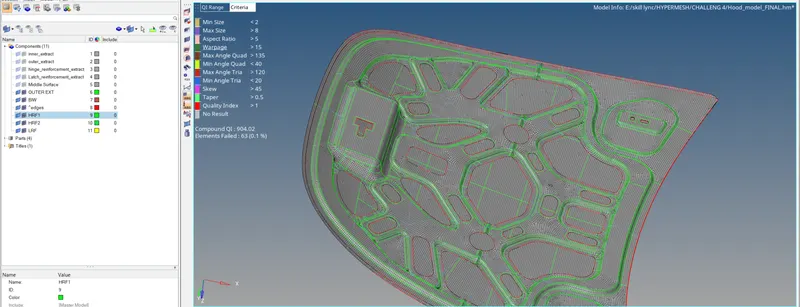
I gave the values for the quality of the elements as mentioned
HYPERMESH-->PREFERENCES-->CRITERIA FILE SETTINGS
MESHING
I moved to 2D module present in hypermesh to generate mesh on the components
2D-->AUTOMESH-->MESH TYPE(MIXED)-->MESH SIZE-->MESH
Rebuild the mesh whre the mesh flow is not proper where tria concentration is more by using rebuild tool present in 2D module
2D-->REBUILD-->ELEMENTS-->REBUILD MESH
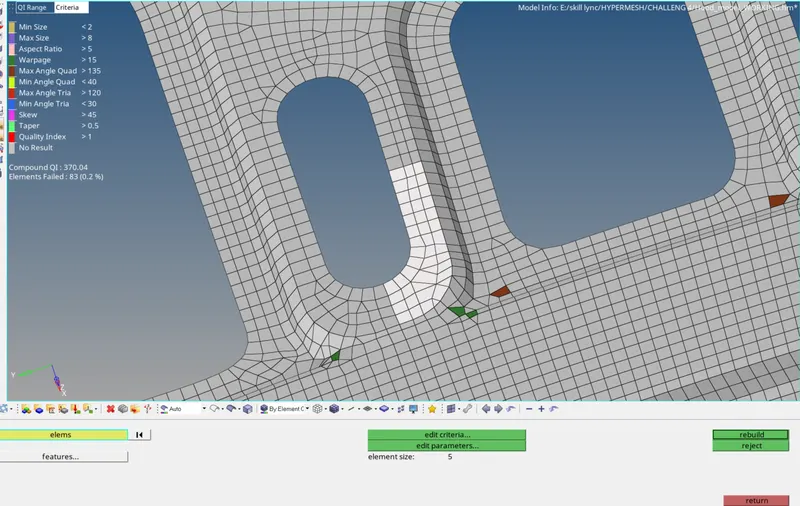
Elements can be updated by many options available in hypermesh, there is element edit tool where we can create,combine and split the elements
and cleanup tools in quality index
I drag the tria elements using drag tria option present in quality index cleanup tool
2D-->QUALITYINDEX-->CLEANUP TOOLS-->DRAG TRIA
For optimisizing elemental failures and flow of quads i used optimizing elements in qualityindex
2D-->QUALITYINDEX-->CLEANUP TOOLS-->ELEMENT OPTIMIZATION
Two opposite tria elements are combined by draging the tria element to the opposite tria element and combined them
2D-->EDIT ELEMENTS-->COMBINE-->ELEMENTS TO COMBINE-->COMBINE
By using split option in edit element pannel some of the opposite trias are eleminated by spliting the adjacent quads and combine the elements
2D-->EDIT ELEMENTS-->SPLIT-->ELEMENTS TO SPLIT-->COMBINE-->ELEMENTS TO COMBINE-->COMBINE
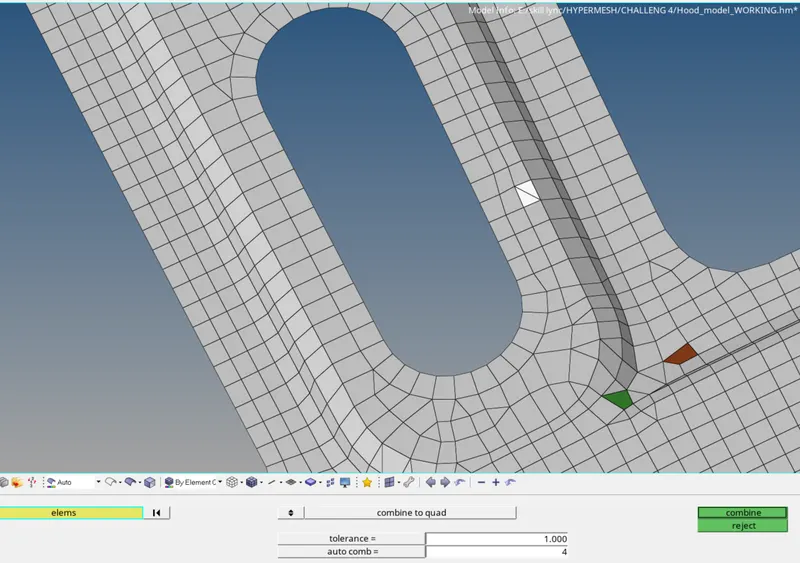
Failed elements are optimized by using different tools in hypermesh
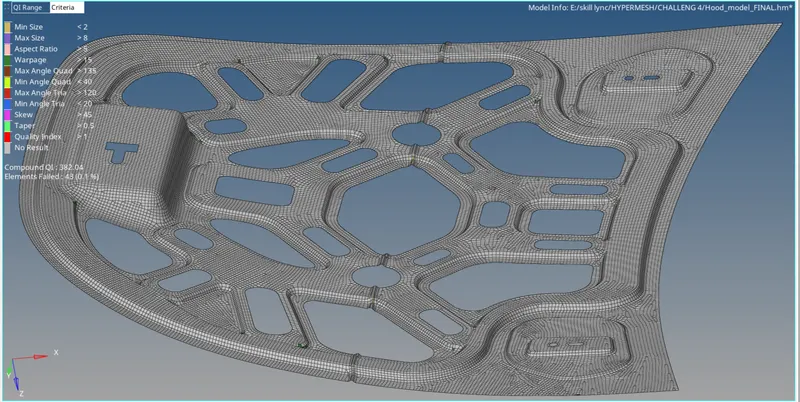
Mesh on reinforcements
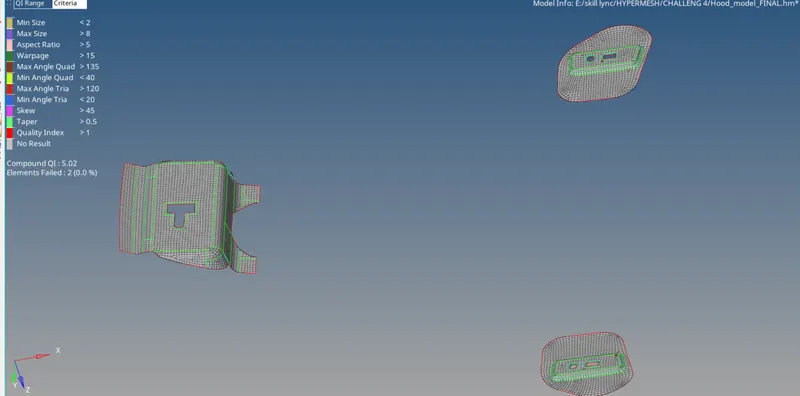
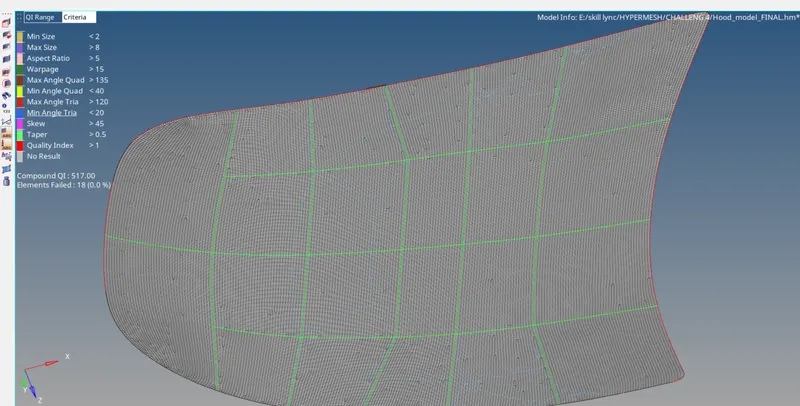
RESULT