Week 6-Meshing of Hood Challenge
Aim : To extract the middle surface and to mesh the given component.
Objective: To extract the middle surface and to mesh with mixed and the mesh elements are of 5 for given component.
Given Component :
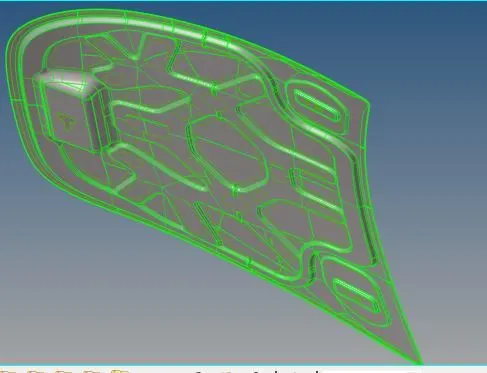
* The above shown are the given component.
*Importing the geometry file
* Go to menu bar and click import geometry as shown below :

* Autoclean up process:
* go to geometry and click autoclean up
*select the geometry to be clened up and select auto cleanup as shown below:

* Extracting the middle surface
* Go to Geometry and click middle surface
* Select the surface which need to be extracted and then to extract by keeping skinoffset as shown below:


* Geometry after the process of middle surface ;
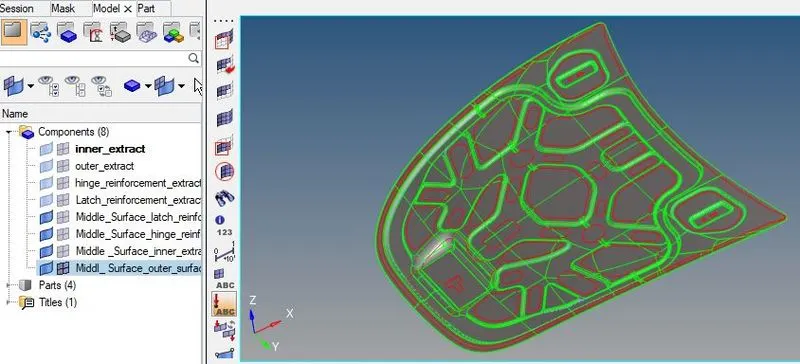
* Meshing
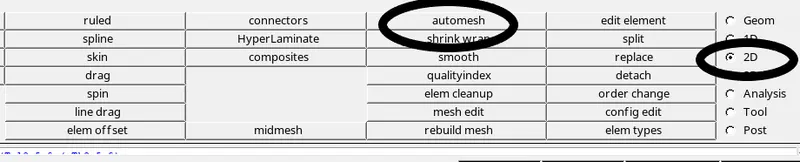
* clicking to 2D and then to automesh
* Select the required surface to be meshed and give the units to 5 furthermore click mesh as shown below:
* Using the above process meshing the goemetry cam be done one by one, the meshed goemetry are shown below:
* After meshing the goemetry and correcting the failing elements the goemetry are shown below :
* The extraction part are of Middle_Surface_Inner_extract is given below :
* As Shown above the middle surface extraction and meshing for each goemetry can done.
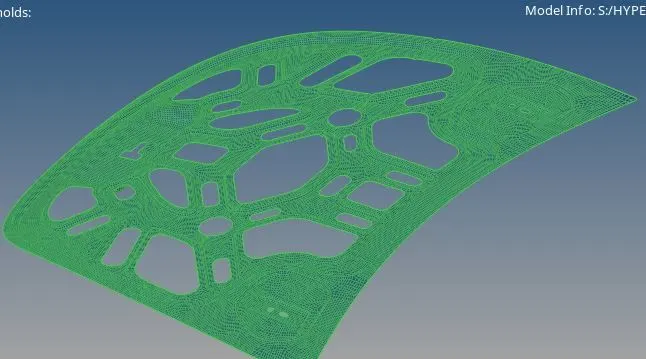
* The goemetry shown above extracted part are of Inner_extract as given file .
* The extracted part are of Middle_Surface outer _extract as given file .
* As Shown above the middle surface extraction and meshing for each goemetry can be done.
* The extracted and meshed goemetry are shown below:
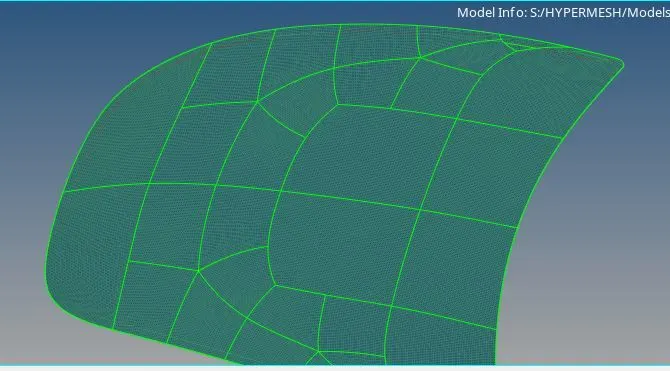
* The extracted part are of Middle_Surface_hinge_reinforcement_extract as given file .
* As Shown above ,the middle surface extraction and meshing for each goemetry can be done.
* The extracted and meshed goemetry are shown below:
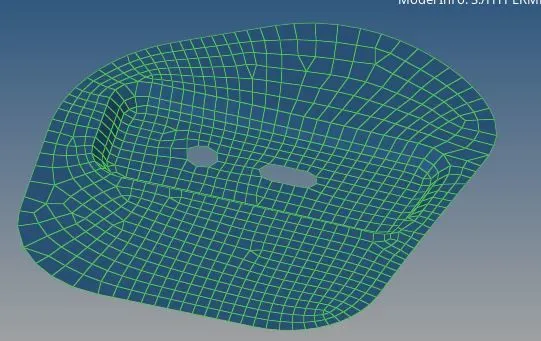
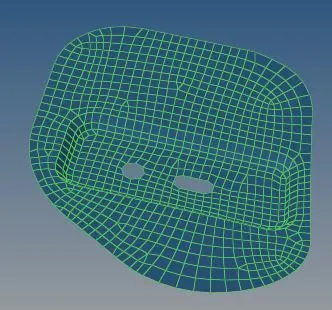
* The extracted part are of Middle_Surface_latch_reinforceme as given file .
* As Shown above ,the middle surface extraction and meshing for each goemetry can be done.
* The extracted and meshed goemetry are shown below:
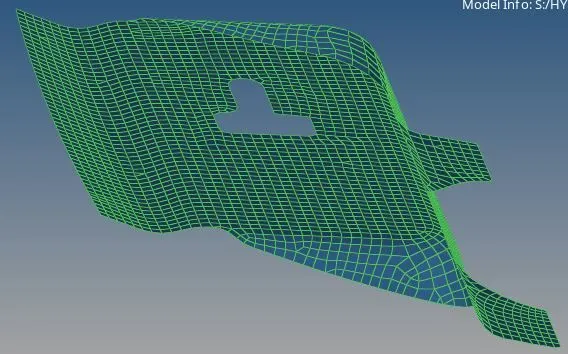
*Mesh correction:
* To check Mesh error go preference in menubar as shown below:
* By opening the preference in menubar click criteria file settings and enter values as required.

*Click 2d and then to quality Index thier the mesh errors are shown ,the fg is shown below:

* The below shown are the errors which need to be cleaned and to provide a proper mesh flow.
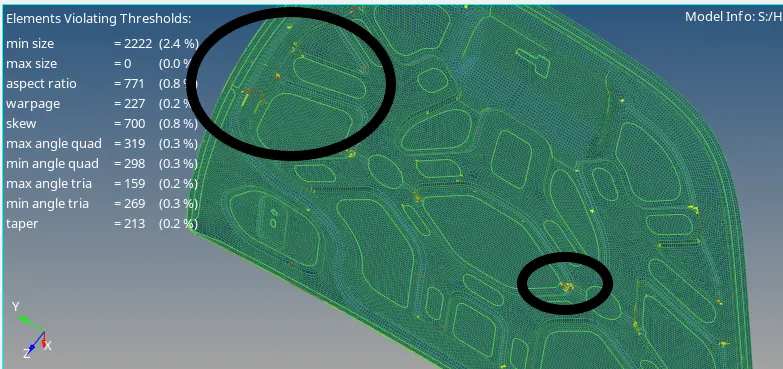
* To clear the above mesh error ,click qaulity index
* In quality index we have tools are shown below:

* Click cleanuptools further tools are shown below:

* The above are tools for mesh cleaning.
* The mesh cleared part are shown below:
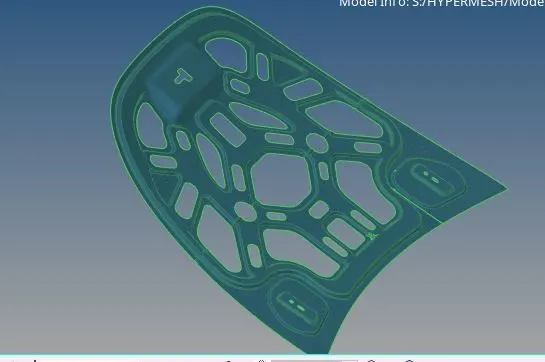
Result : The give model are extracted and mesh without any failing error .The file are attached below.