Week 6-Meshing of Hood Challenge
Aim
To extract mid surface and mesh with given Quality criteria of the given Hood model.
Procedure
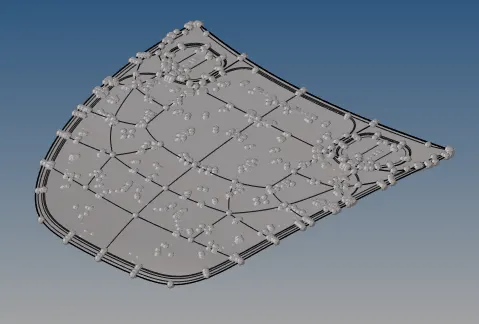
Step1: Import
Open Hyperwork, go to file -> import-> select the geometry
Step2: Geometry clean up
Do geometry clean by removing construction line, edge free and
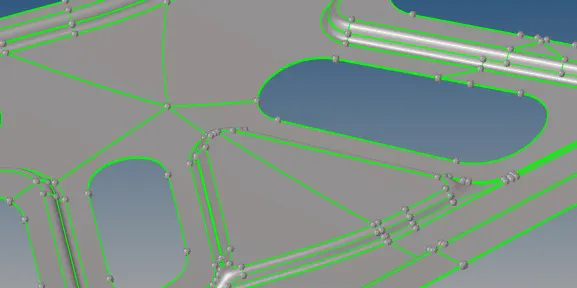
fig: Before geometry clean up
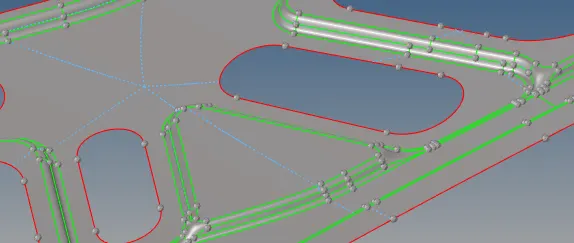
fig: After geometry clean up
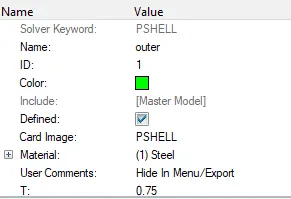
Step3: Assigning materials, property and thickness
Step4: Mid surface
Go to Geometry-> midsurface->Automid-> select the surface -> extract
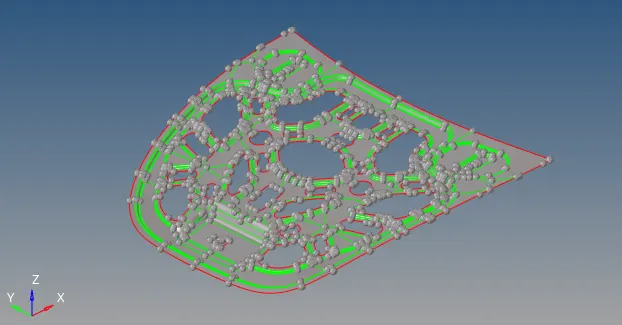
Fig: Inner hood
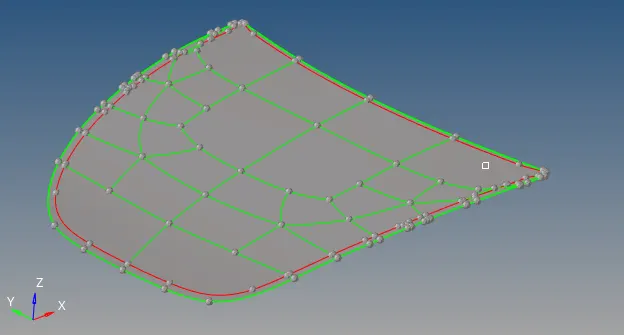
Fig: Outer hood
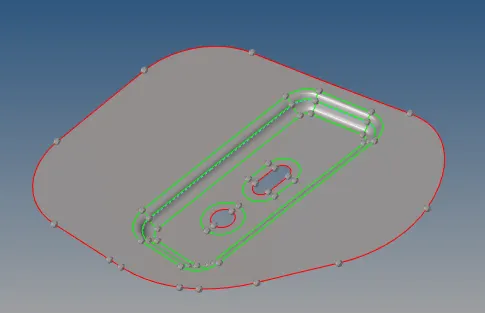
fig: Hinge
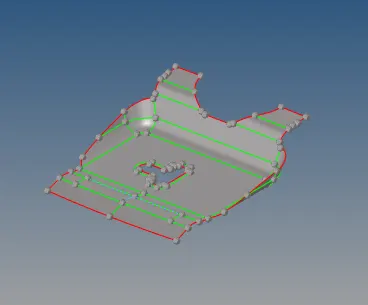
Fig: latch
Step 5: Meshing
Assign quality parameter as per given criteria
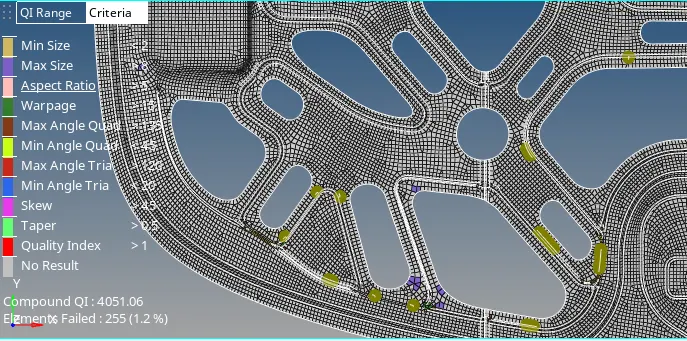
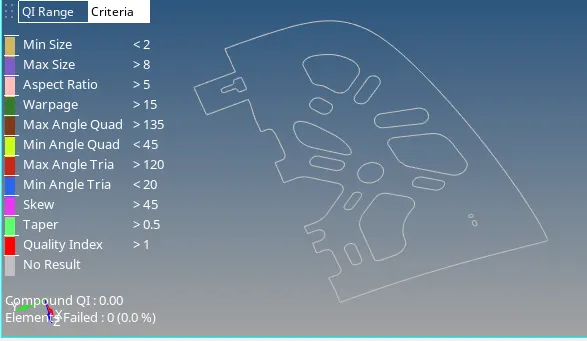
Go to Preferences-> Criteria file setting-> assign the Quality criteria as below
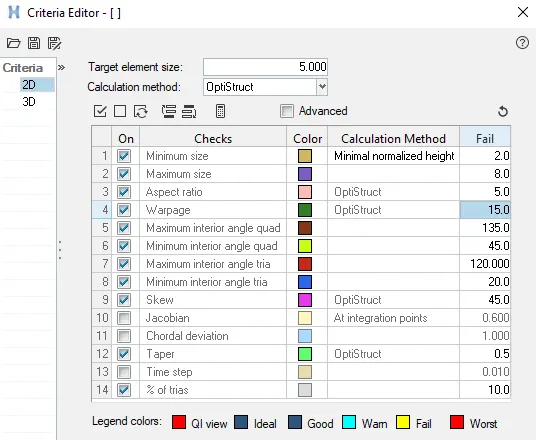
- Go to 2D->Automesh->Assign target element size as 5 -> select the surface then click on mesh
- go to 2D -> rebuild mesh-> select the elements -> click on rebuild

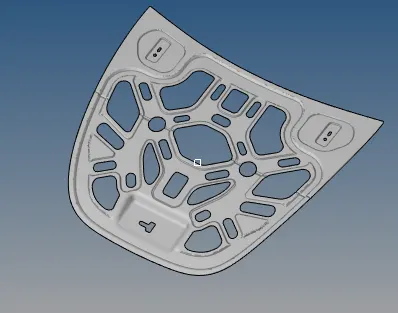
Step6: Quality check
After meshing all the different parts its time to check elements
- Edge check
Edge check is performed to verified connectivity between elements edges.
Go to tool-> edges-> select the component -> enter the tolerance value-> click on find edge-> edge id will be added in component trees-> click on preview equiv ->hide the all the elements you can see the red colour line or point as shown below -> then click on equivalence now elements will be connected.
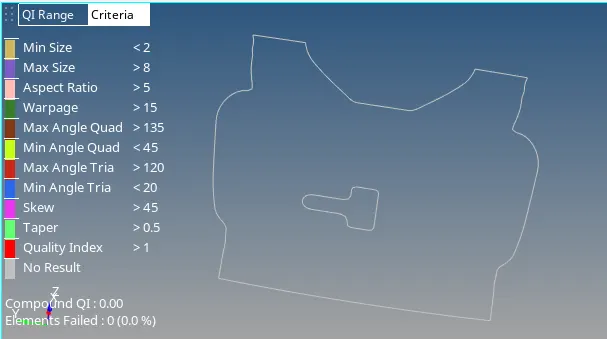
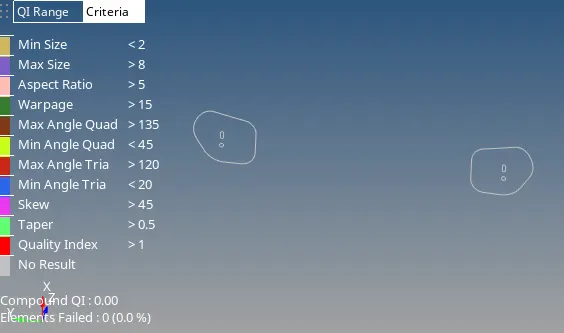
- Normal check
Normal check is performance to check the direction of vector or consistency of the Geometry/ elements, which direct affect the calculation of physical quantity.
Go to Tool-> Normal->elements -> select the elements-> click on display as shown below

Normal check for outer hood is done, similar way for other components are check
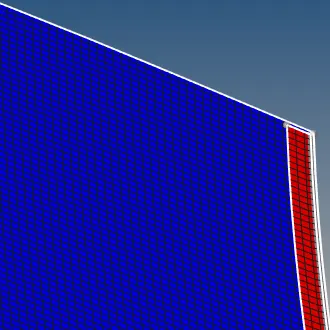
- Element to surface check
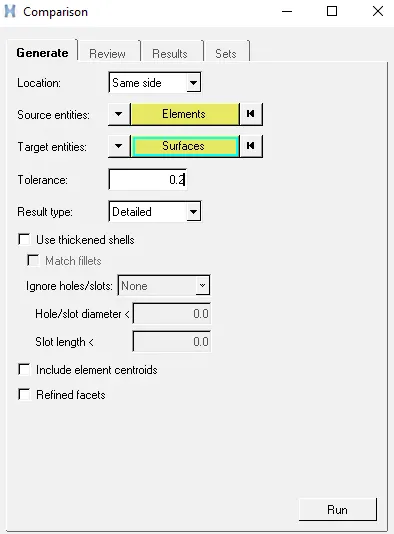
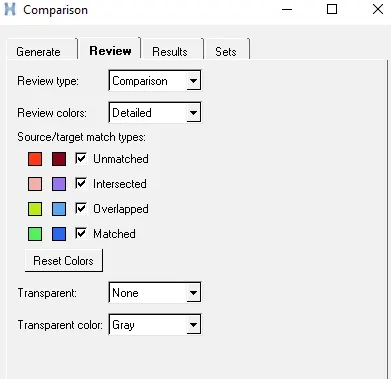
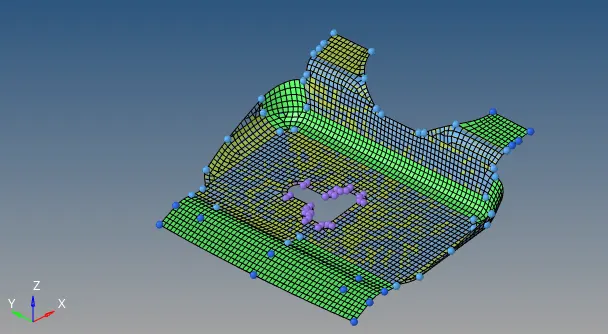
Element to surface check is done to ckeck how close FE model is capture from Geometry.
Go to Mesh title bar ->check-> elements -> Comparision-> select the elements and surface as shown below
Element ckeck
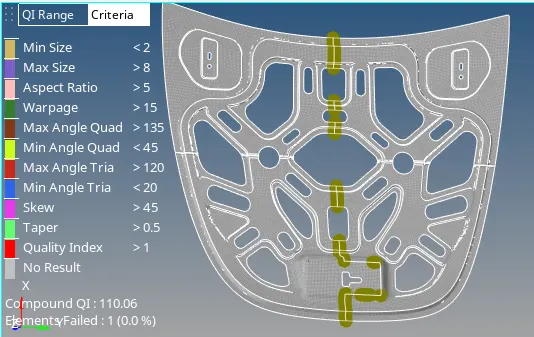
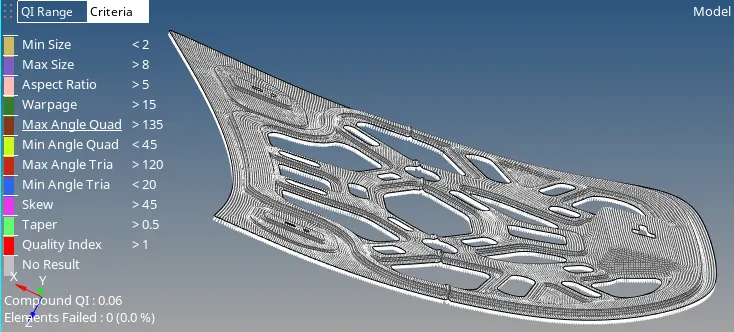
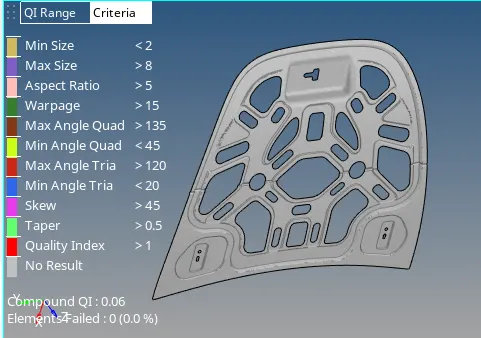
Elements check is done to check all the elements meet the quality criteria.
Mesh flow is done by removing tria and
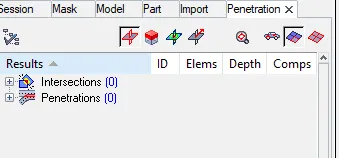
- Penetraction check
To check penetraction Go to tool-> penetraction select the elements and click on check

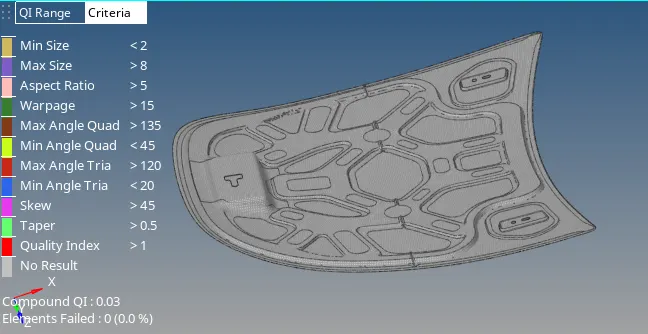
Final mode with thickness assigned
Learning outcome
- Geometry clean up
- Mid surface
- Meshing & mesh flow
- Quality check like Duplicate elements, penetration check, normals check, Elements to surface check and Edges check
- Assigning material, property and thickness
Conclusion
The mid surface is extracted & mesh as per given quality criteria and elements check is performed.