Week 6 - Creating connection for Rear door
Aim :- To make the connection of rear door FE model using different types of connections.
Procedure :-
- At first we have to go through basic procedure like geometric clean-up. After that we have to extract mid-surface from whole part following by meshing process.
- Main purpose of this challenge is to make connection, so for connection we have go on NAST. Deck. In the rear door mainly used connections are as follows:-
1) Bolt connection
2)Spot weld connection
3) RBE2 CONNECTION
4) C-BUSH etc.
- Firstly we have to deploy RBE2 for all the holes on the door by using (NAST. - Element - RBE2 - Many.). Before going for RBE2. We have to make ZONE CUT for proper connection within washer by using (Mesh - Shell mesh - Zone cut).
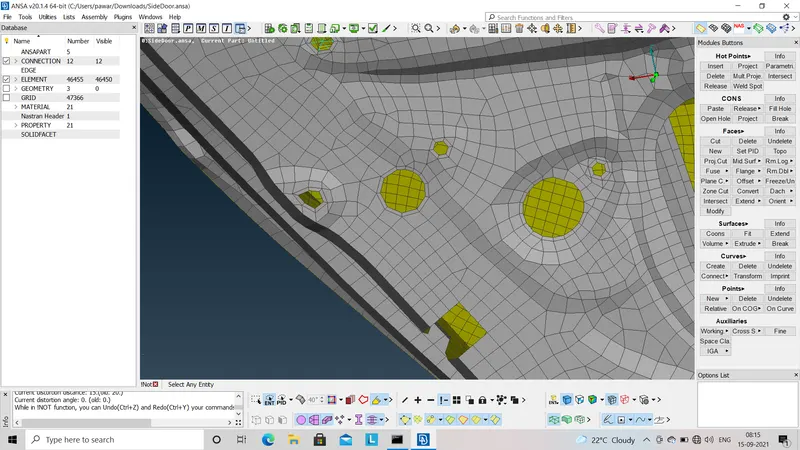
fig.1- Zone-cut option
- There are two types of nodes namely- Slave node and Master node.To make bolt connection between near holes we have connect master node of both the holes. By using (NAST. - Element - RBE2 - Two). Also we can use another method for bolt connection as bellow:
First we willmake COG point for nearby holes within which we have to make bolt connection, After that We have to go for Convert option to convert COG POINT into bolt. After that we have to go for Connection option in that we have fill whole information as per requirment. also assign P1, P2 after go for Apply and then go for Realise option.
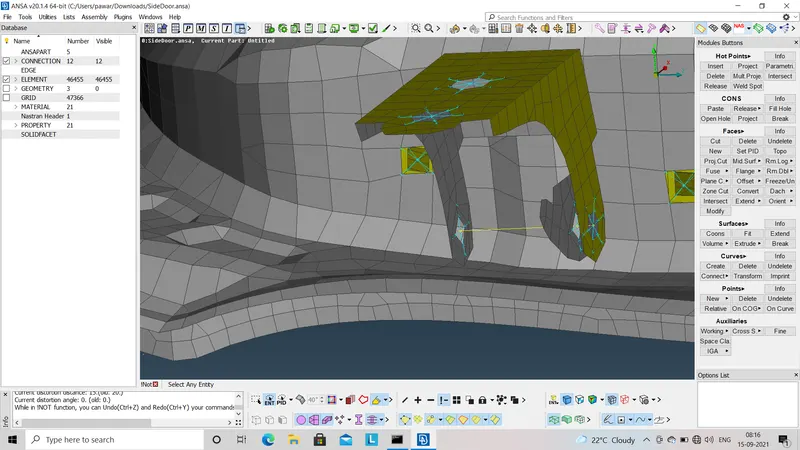
fig.2- Bolt connection
- In whole door connection for handle part is critical. In this we first go for RBE2 - Many for both the holes after that connect master nodes of both holes by using RBE2 - MANY. By assigning this it gives mid-piont on connection i.e. master node of connection. We can assign mass of handle to that point by using required calculation and conversion. By using (NAST. - Element - COMNI - COM2).
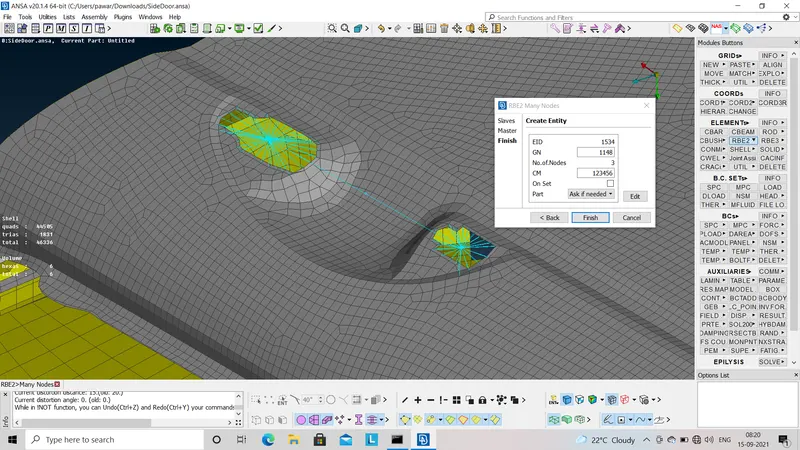
fig.3- RBE2 connection ofr door handle.
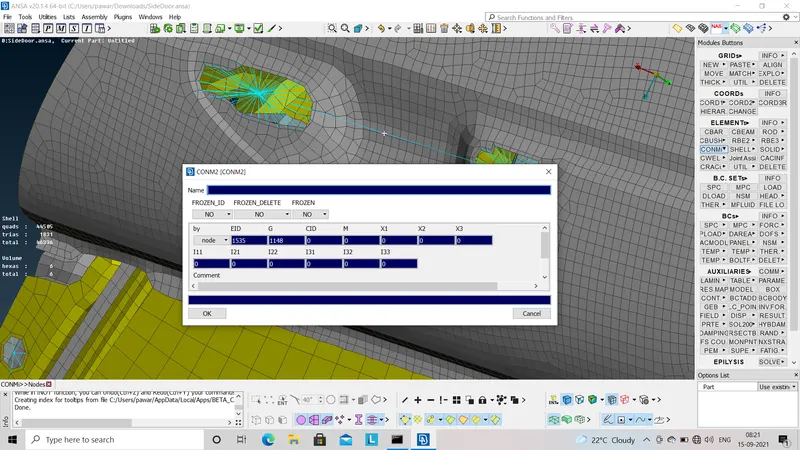
fig.4- Mass assignment to door connection
- For some parts we have to deploy spot weld connection. For spot weld also we to make COG point,after that we have convert it into spot weld. After that we have to go for Connection option in that we have fill whole information as per requirment. also assign P1, P2 after go for Apply and then go for Realise option.
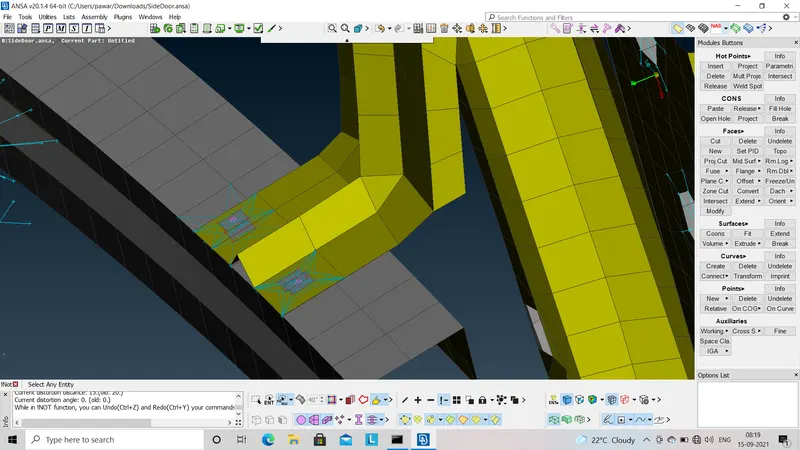
fig.5- Spot weld connection
- Now one of the critical connection which is to connect glass of door. For that first we have to convert whole glass perifery to curve by using (Mesh - Perimeter - Feat to curve) After that we have convert this curve into CBUSH by using (Convert - curve - Spoted weld - C-BUSH). After that assign P1,P2 and fill all the required information.
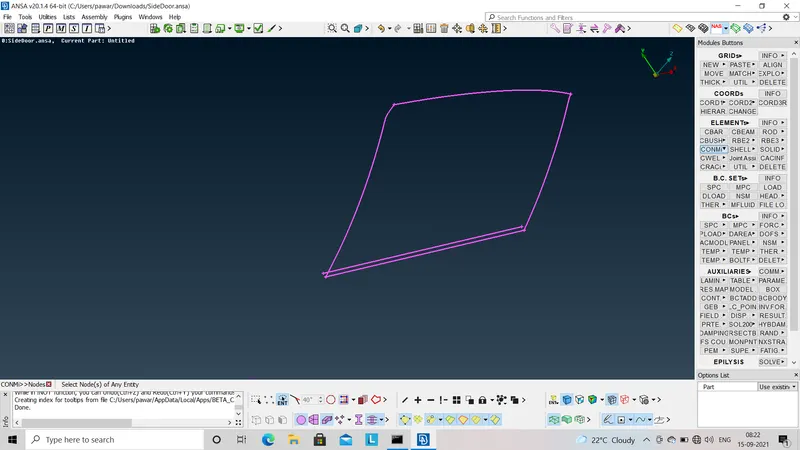
fig.6- Convert corn into curve
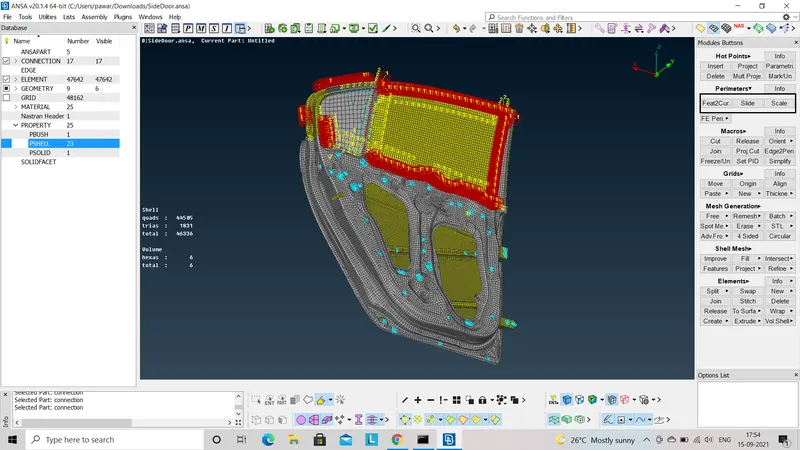
Fig.7 - C-BUSH assignment
Lastly we can go for co-ordinate orientation. C-BUSH vector are orient with respect to chord according to latest co- ordinate model.
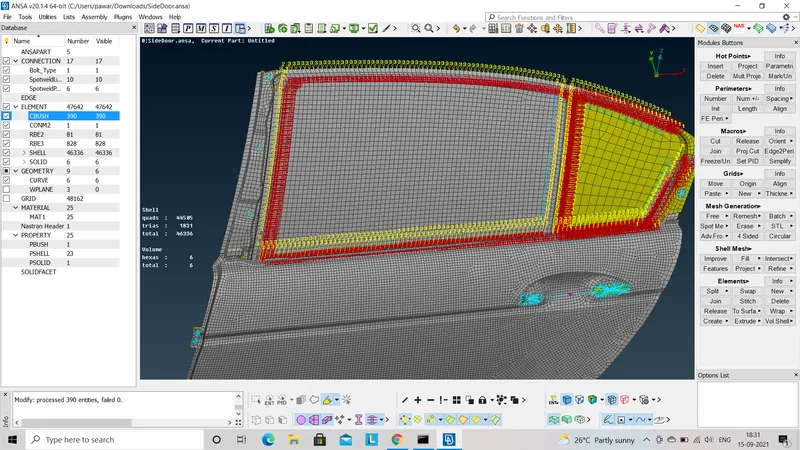
fig.8- co-ordinate orientation
learning outcome :-
To know different type of connection like bolt, spot weld C-BUSH etc.
Connection for door handle.
Connection for door glass.
Conclusion :-
To make different types of connection on rear door of car.