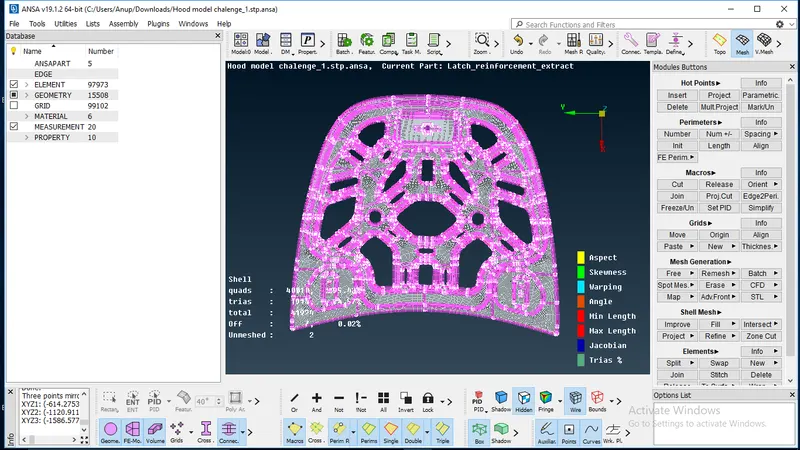
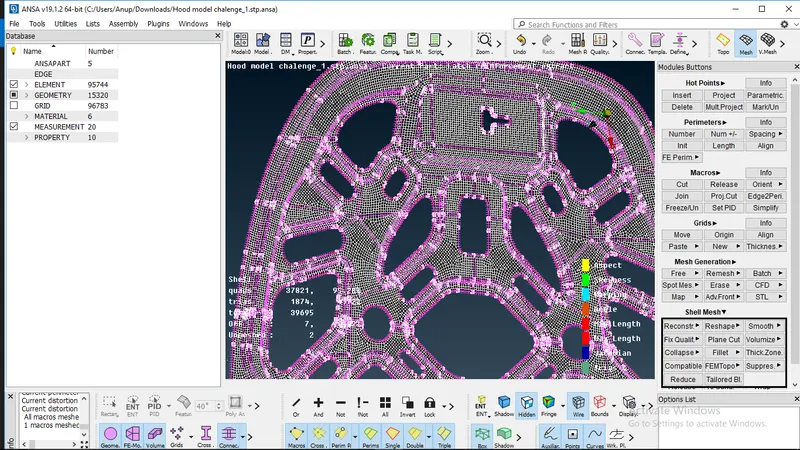
Week 3 - 2D meshing for sheet metal
Aim :-
To make geometric clean-up followed by proper mid-sufacing method and meshing with given quality criteria.
Procedure :-
- Once the model open on ANSA software first thing to do is geometrical clean-up.
- After that we have to check whether geometry is clean or not, if there is error then we have to surpass that error and then check the geometry upto which it shows geometry is clean.
- After geometry check, we have to identify the number of parts involve in given model and midsurface that each part seperately with proper midsurfacing method like (Auto mid-surface, manual mid-surface).
- when midsurface is extracted geometry length (5mm) is assigned for the model using [meshing-perimeter-length] command.
- After that whole model is reviewed according to length assigned to model. wherever required Defeaturing (change geometry to achieve given geometry length) is done.
- Also check all the hole in the model are properly alligned or not, if not then use command [Perimeter-Slide-Mark/Un]. also edges of holes should be in even number.
- After defeaturing check the geometry again [Check manager-Geometry-Run].
- Now, model is open in mesh mode and mesh quality criteria is assigned to model. In Presentation Parameter of quality criteria Element % option should click on and pointer on extreme bottom should be on All details option.
- Meshing is done using a best mesh with a mixed element type for the good mesh flow.
- Once the mesh is generated check mesh error in Hidden option and according to which reconstruct the mesh. [Shell mesh-Reconstruct-Select]
- The componend is reviewed area by area for proper mesh flow and to check for rotating quads and opposite triangular elements.
- This errors are removed by using Split, Swap and Smooth option.
- At last whole model is reviewed area by area and check for no error and then saved the file.
Quality criteria :-
| Sr.No. | Quality criteria | Value |
| 1 | min. length | 2 |
| 2 | max. length | 7 |
| 3 | jacobian | 0.7 |
| 4 | warpage | 15 |
| 5 | skewness | 45 |
| 6 | tria. % | 15 |
| 7 | min. quad angle | 450 |
| 8 | max. quadangle | 135 |
| 9 | min. tria angle | 30 |
| 10 | max. tia angle | 120 |
Learning Outcomes :-
- Main part is to do Pre-processing on model given by using following steps:
- CAD geometry
- Geometry clean-up
- Meshing
- Also, now I able to do geometry clean- up, midsurfacing,meshing.
- Also , due to this challenge I am familiar to ANSA software.
Conclusion :-
In this challenge I am introduced pre-processing and its importance.also get information about midsurfacing defeaturing which is not familiar to me before. also how to apply quality to the geometry, how to make good mesh flow, also how to mesh symmetric parts. Also I am able to write Report on my work.
Midsurface of ID 572
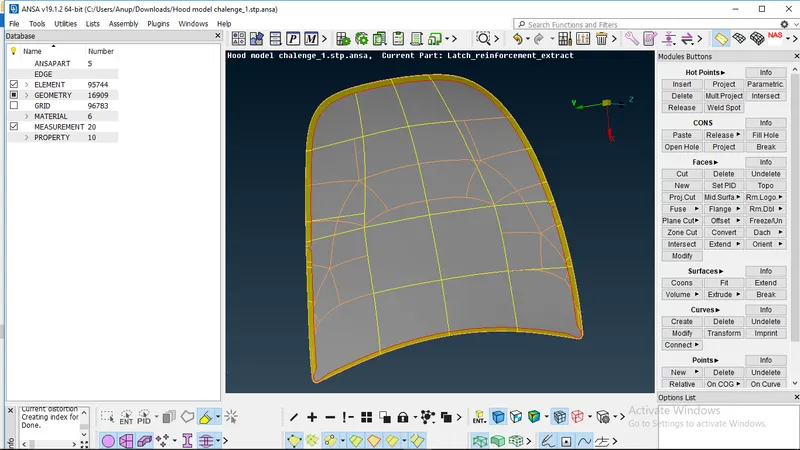
Midsurface of ID 576
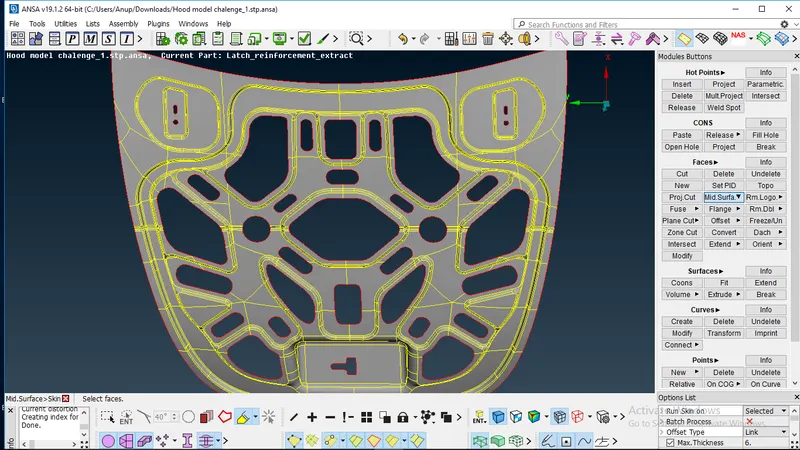
Midsurface of ID 579,580,581
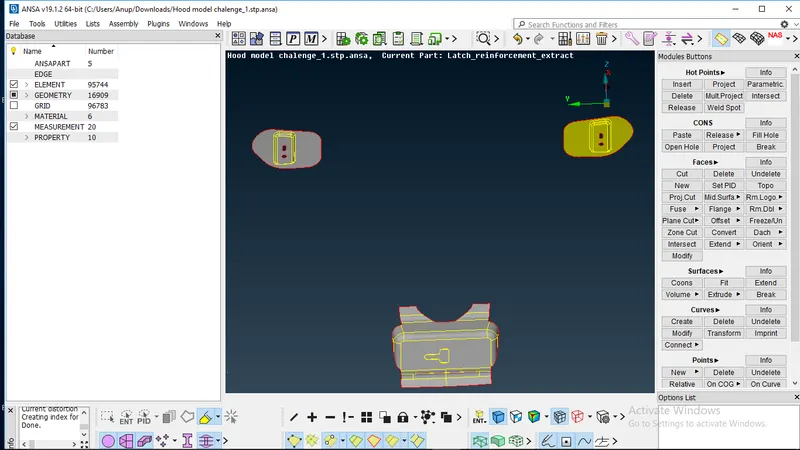
Defeaturing required in geometry
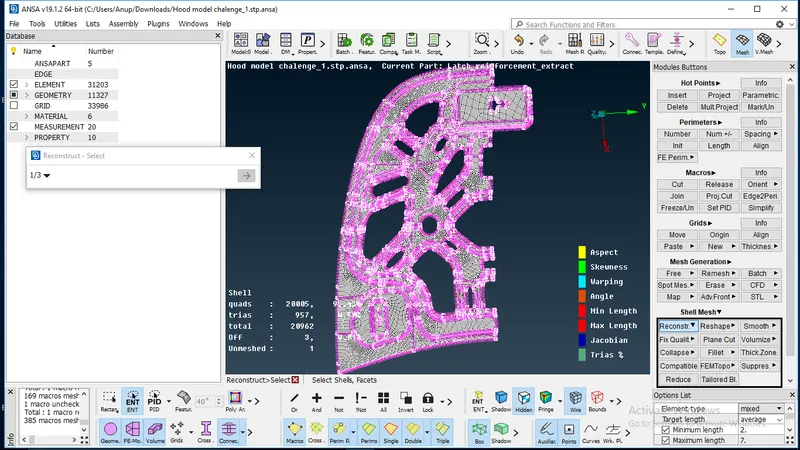
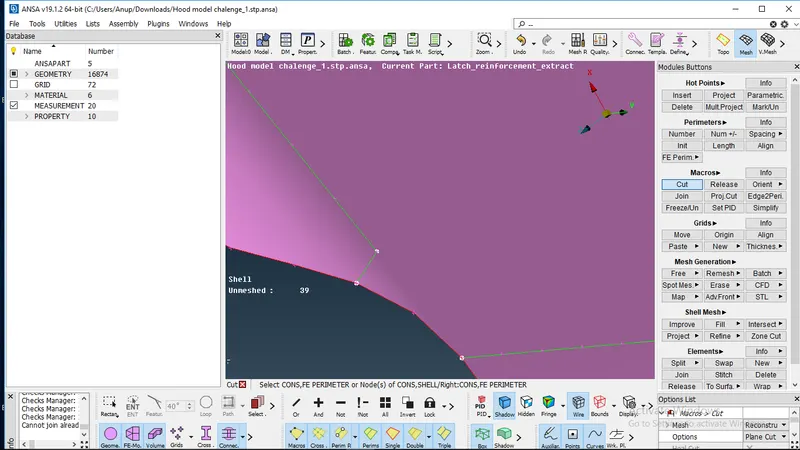
Meshed parts